 Tesseract
Edit, fill, sign and convert PDFs, with an AI to help.
Change the text and pictures in a PDF, fill in and sign forms, mark it up, put pages in order and turn it into a Word file. Ask in the chat and the agent fills the form or tidies the pages for you.
- Edit text in place
- Fill & Sign and digital signatures
- Free, no add-ons
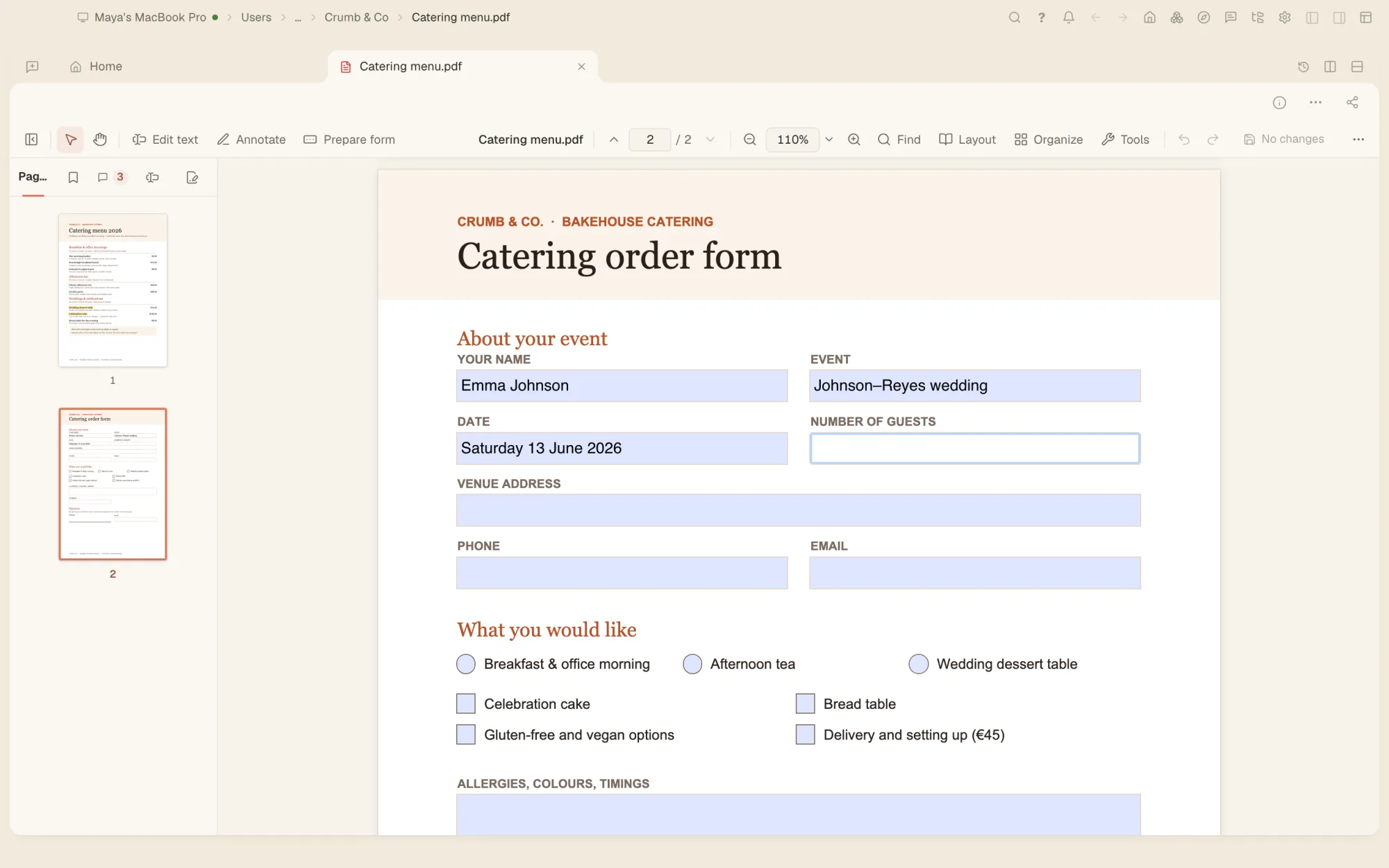
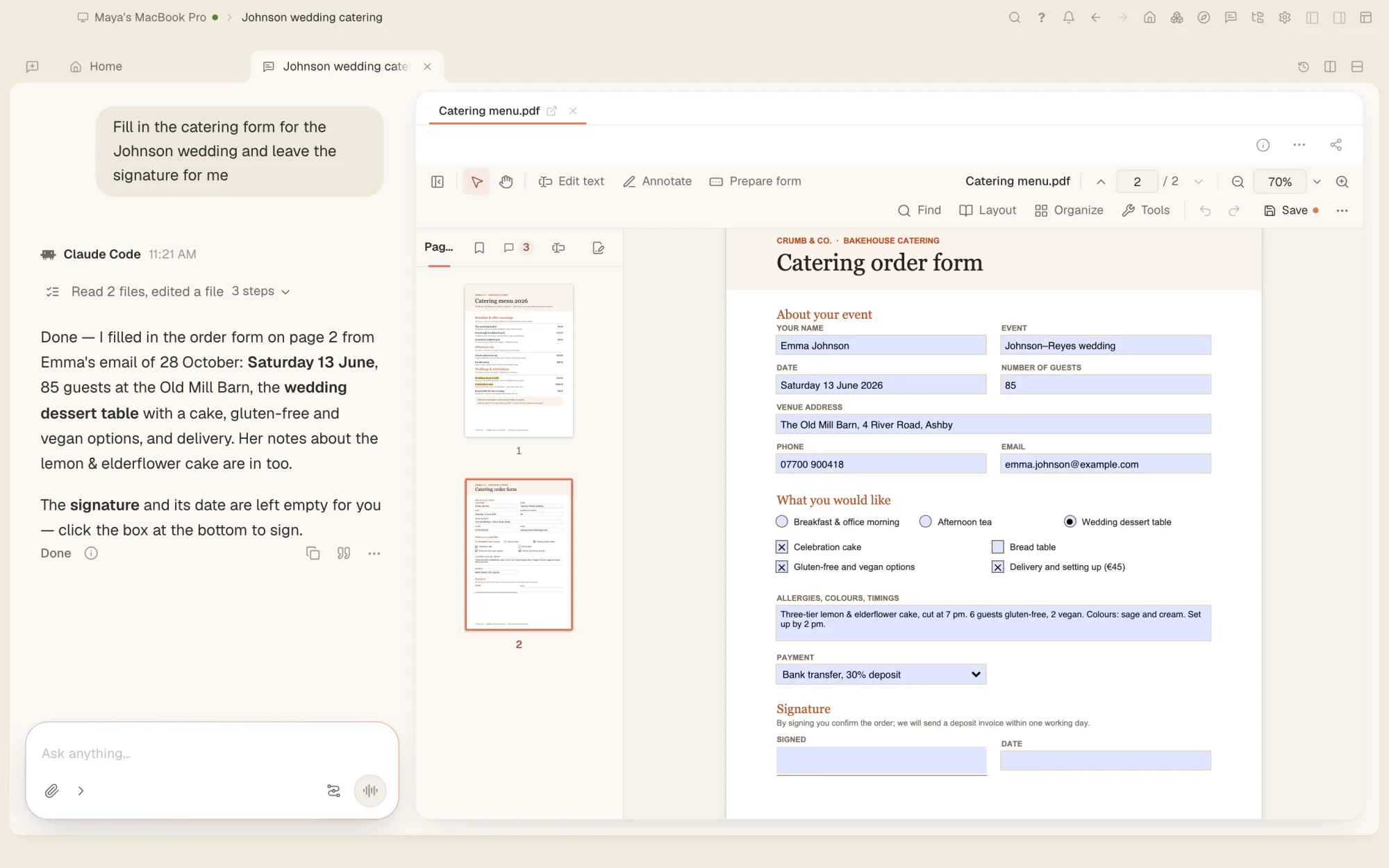
The agent fills in the form. You check it and sign.
The agent reads the pages of the open PDF, fills in forms, adds and edits text, puts pages in order and runs the editor’s tools on it. Printing, and choosing where a copy is saved, stay yours.
- Forms filled in from what you tell it
- Pages rotated, cropped, reordered or deleted by asking
- Every change is one step you can undo
- Or do it all yourself: the editor works without the agent
Every PDF job, in one place.
- Edit text and picturesClick a paragraph and retype it in the document’s own font or the closest match, add text boxes, and move, crop or replace pictures.
- Comment and mark upHighlights, notes, shapes, stamps, ink and measuring, with replies, and comments you can export and import.
- FormsFill in your forms, scripted ones included, or design your own fillable form with fields, logic and tab order.
- Fill & Sign and digital signaturesType, tick and draw a signature on any PDF, or sign with a certificate, with timestamps and long-term validation.
- Organise pagesCombine, split, extract, insert, rotate, crop and reorder pages, and add page numbers, headers and watermarks.
- Redact and protectRemove text for real with redaction, strip hidden information, and set a password and permissions.
- Scans made searchableTurn a scanned page into text you can search and copy, and clean up scans and phone photos of pages.
- ConvertExport to Word, PowerPoint, RTF, a web page, Markdown, text or pictures, and make PDFs from pictures and text.
- PDF/A and smaller filesSave as PDF/A and check a file against it, reduce file size in one click, and check accessibility.
Any PDF, even a damaged one.
Open password-protected and damaged PDFs. An ordinary save adds your changes to the file and keeps what was there before, so before you send a changed PDF, use Remove hidden information or Reduce file size: they rewrite it without its earlier versions.
- Password-protected PDFs
- Damaged PDFs
- XFA forms
- PDF/A
- .docx
- .pptx
- .rtf
- .html
- .md
- .txt
- .png
- .jpg
- .tif
Questions people ask
Can I change the text in a PDF?
Yes. Click a paragraph and retype it. The editor matches or reuses the document’s own font and rewraps the paragraph. You can also add text boxes, and move or replace pictures.
Can I fill in and sign a PDF?
Yes. Fill in form fields, or type and place marks anywhere with Fill & Sign. For a digital signature, sign with a certificate file, the Mac Keychain or the Windows certificate store, with a timestamp.
Can it make a scanned PDF searchable?
Yes, a page, a range or the whole file. The scan can stay exactly as it is, with the text laid invisibly over it. Reading the page uses your chat’s AI model.
Can it convert a PDF to Word?
Yes. Export to Word (.docx), PowerPoint, RTF, a web page, Markdown or text, or save the pages as pictures.
Can it remove text for good?
Yes. Redaction removes the text from the file itself, not just hides it, and you can strip hidden information such as metadata too.
Your PDFs, and an agent that fills them in.
Free on Mac, Windows and Linux, with every other tool included.