 Tesseract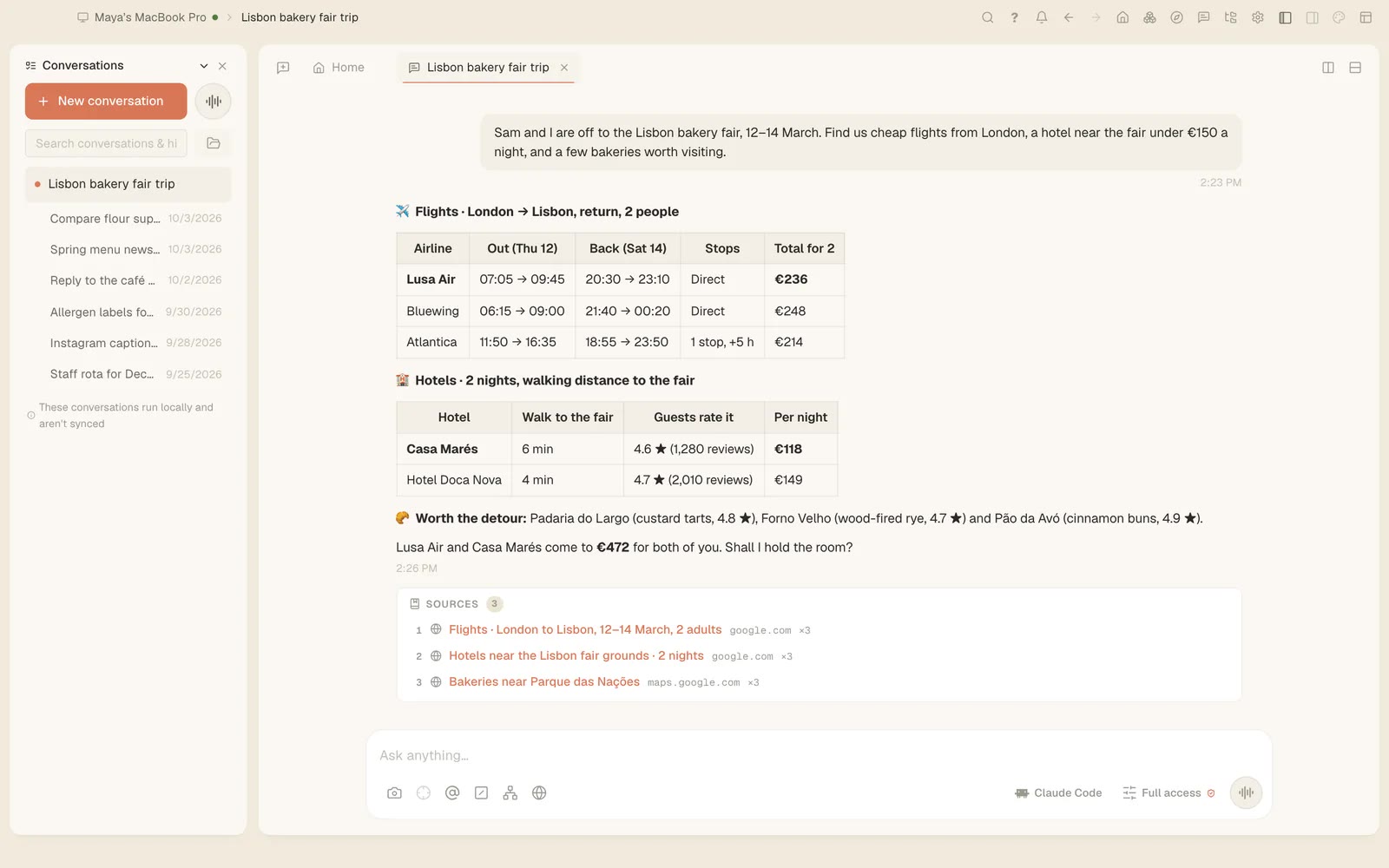
Find homes, jobs and the best-rated places by asking
Since 0.11.37 Tesseract's agent searches Zillow, Google Jobs, Yelp, the app stores, Google Lens and more from one question, in any language.
Guides, new features and how-tos — agents, the agentic IDE, and the things Tesseract makes for you.
Since 0.11.37 Tesseract's agent searches Zillow, Google Jobs, Yelp, the app stores, Google Lens and more from one question, in any language.
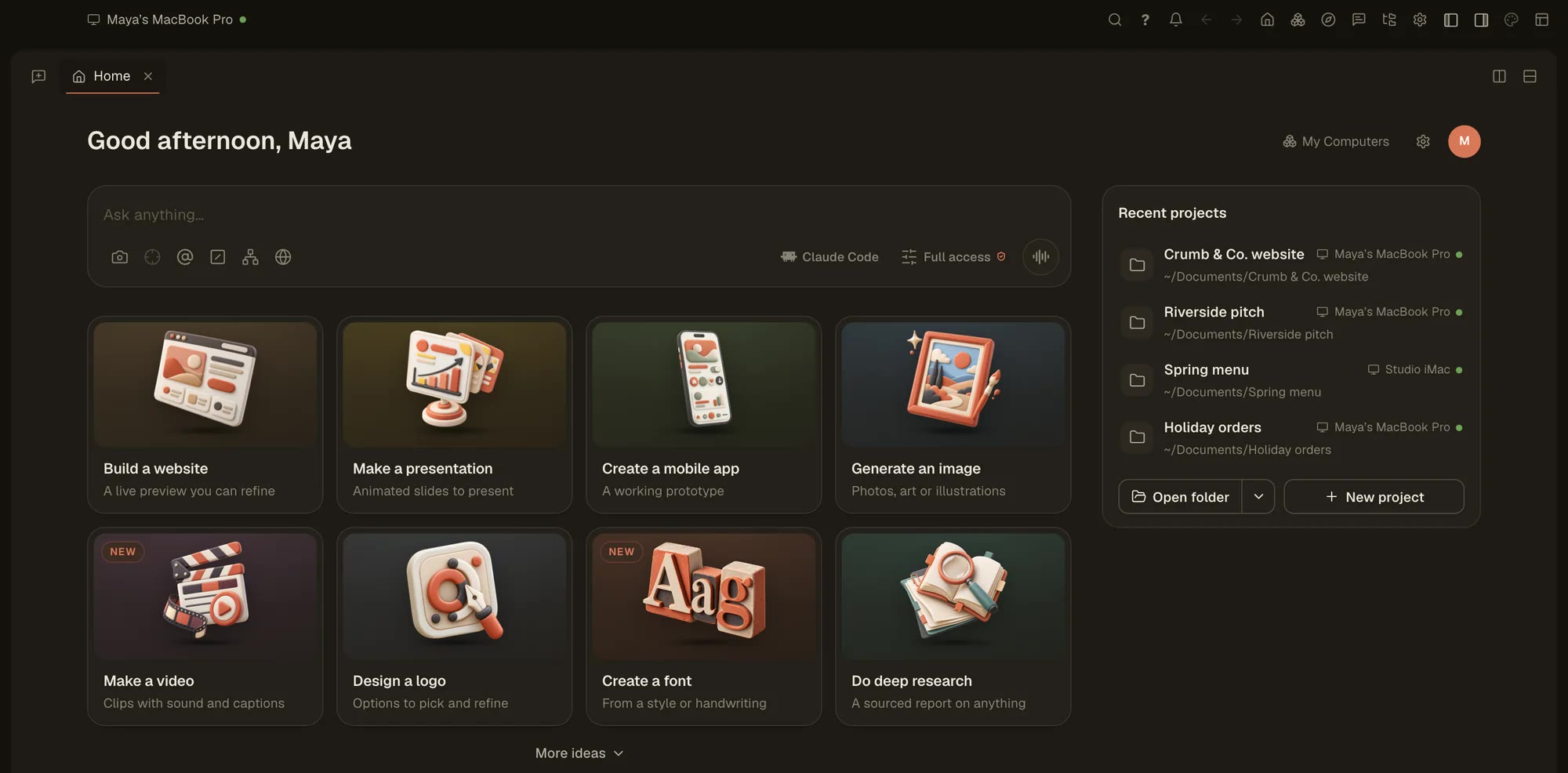
In Tesseract the agent deletes a file only by its full path, and only one that exists. A blind rm -f * is refused in every mode, Full access included.
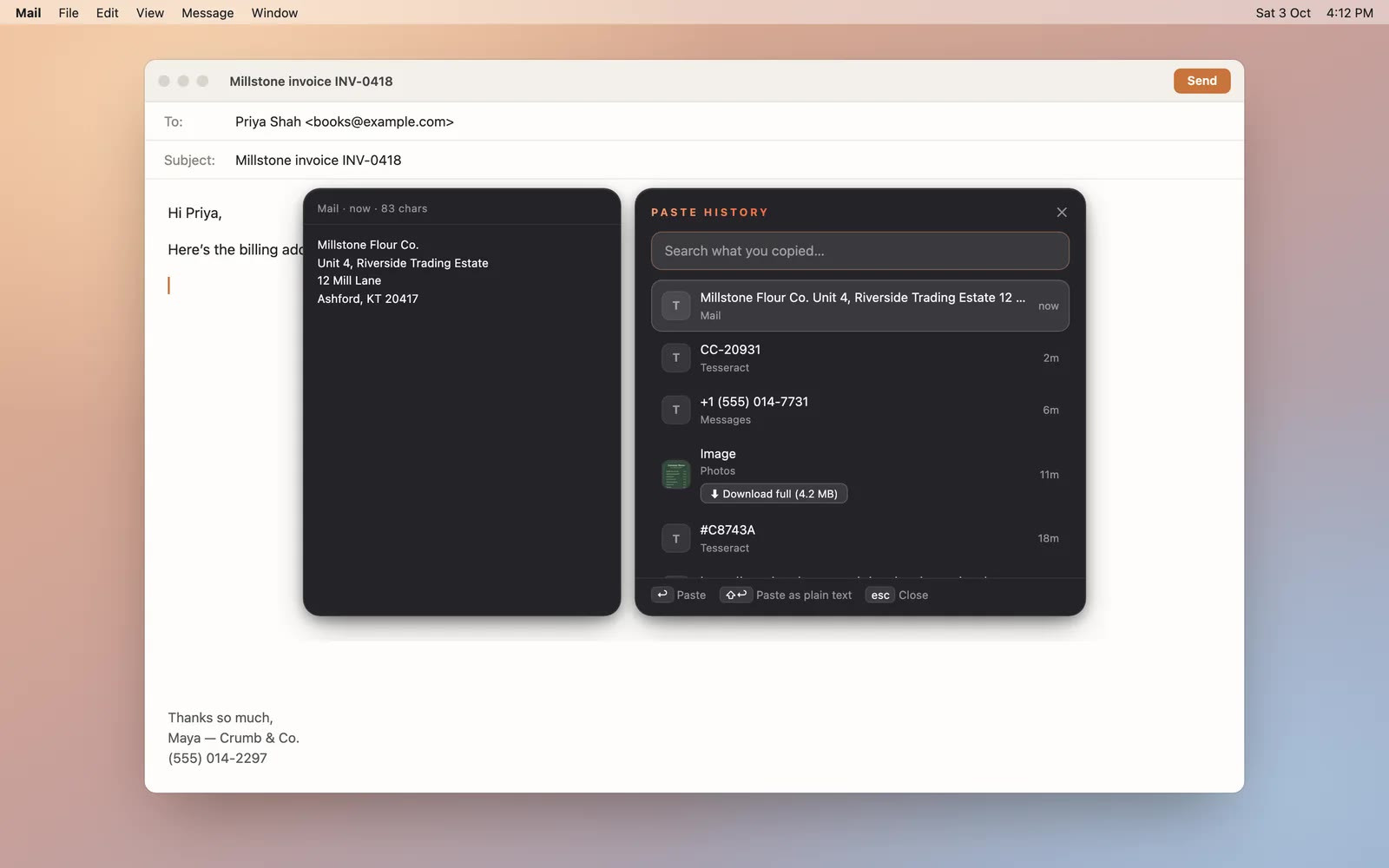
Tesseract shares your clipboard across your computers, keeps a searchable history of what you copied and sends files up to 2 GB to your other machines.
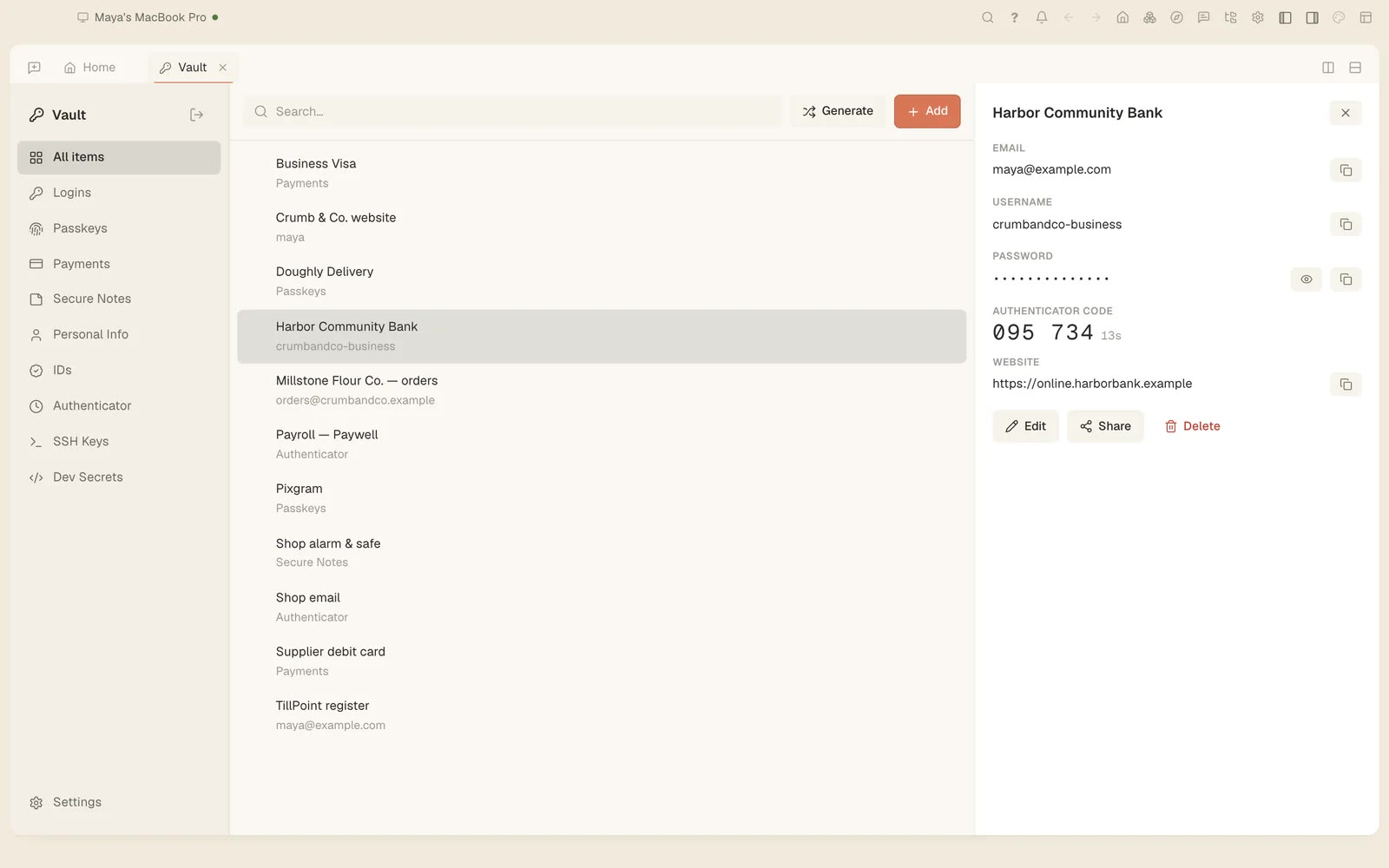
Tesseract's agent can sign in to a site with a password from your vault or the browser. It types it into the page itself and never sees it. Here is how.
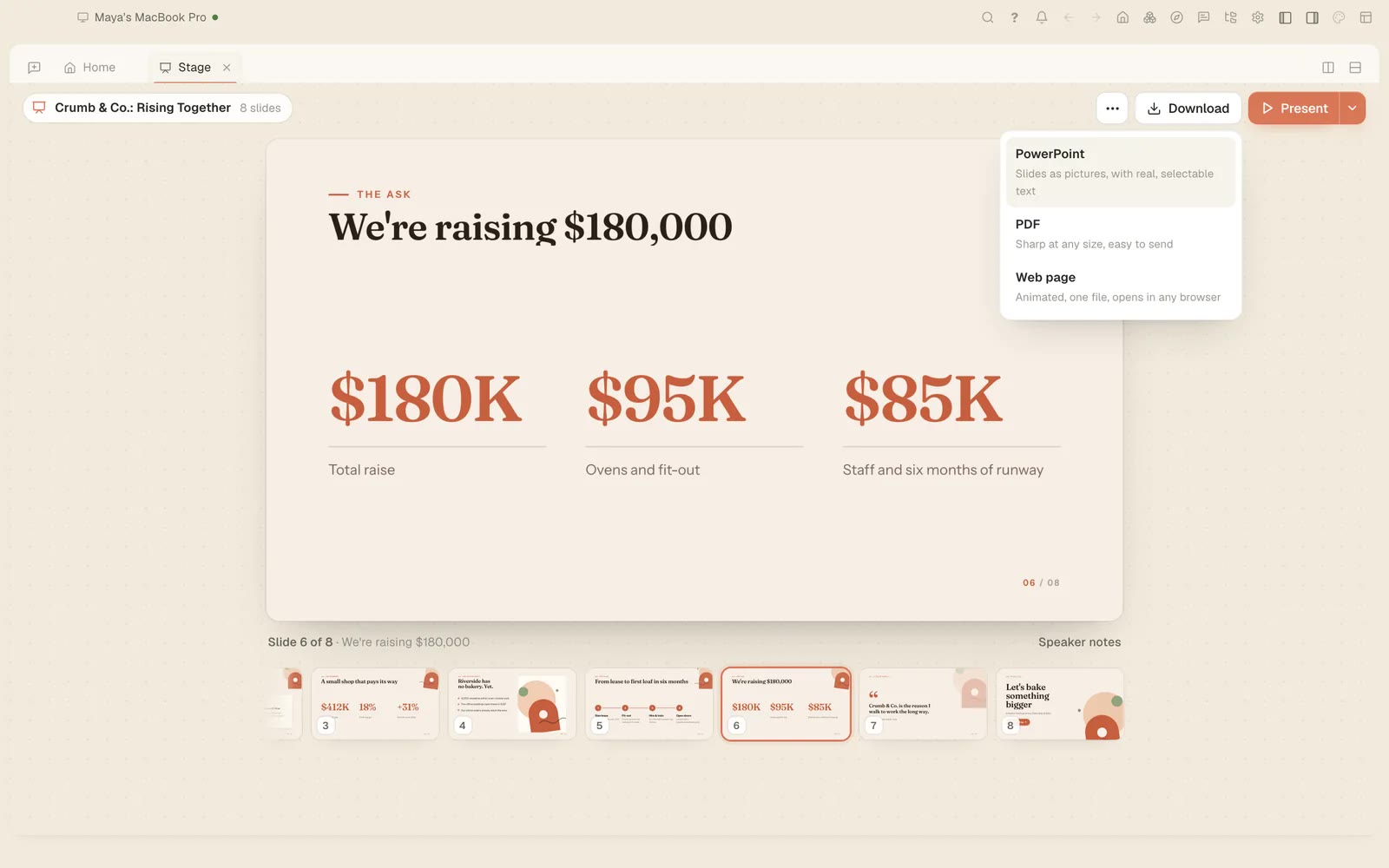
Since 0.11.37 you can ask where the logo you made yesterday is, how much a conversation has cost and what Tesseract can do, and get a straight answer.
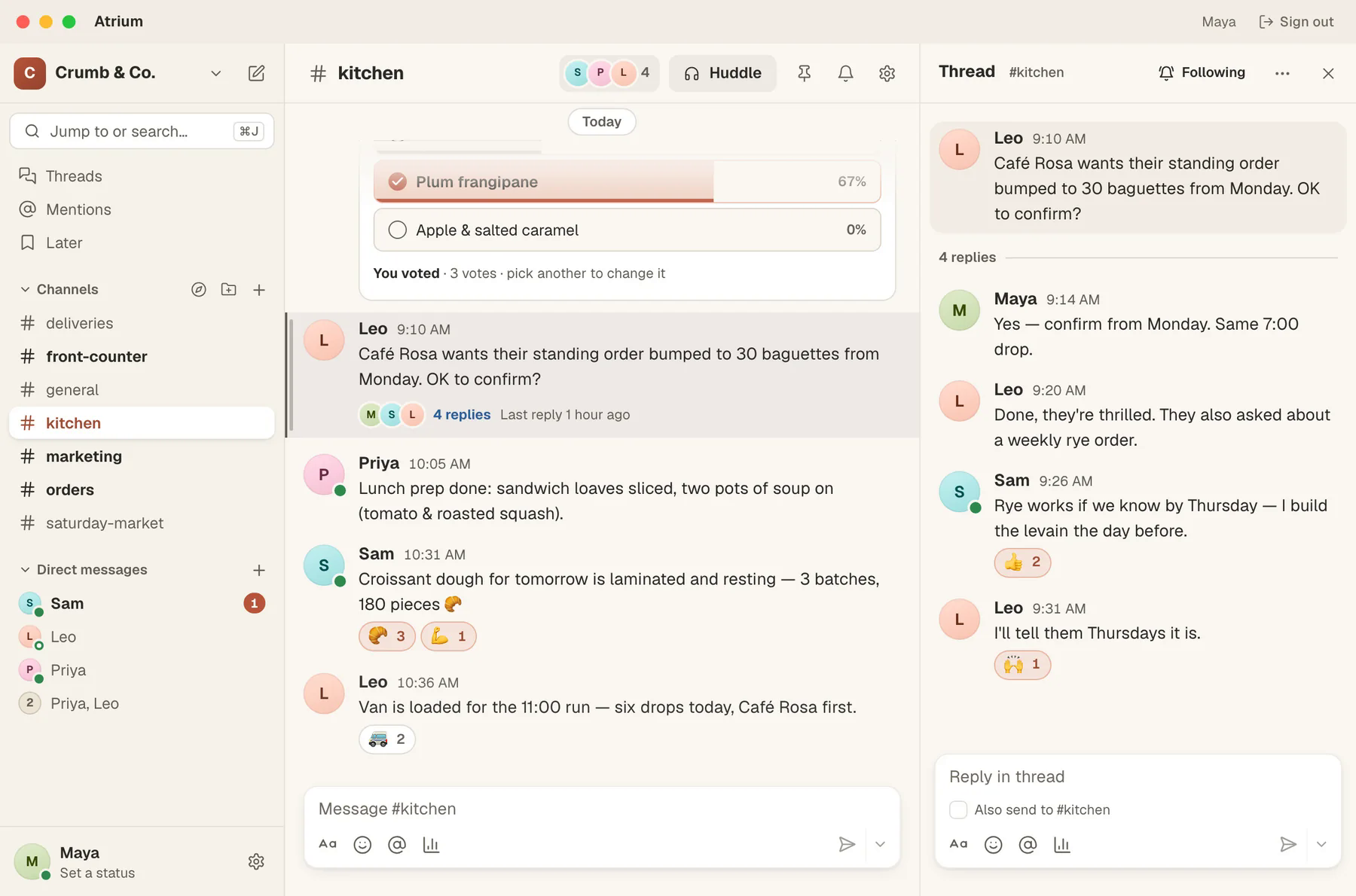
Back from a day off? Ask Tesseract what you missed in Atrium. It reads your channels without marking them read and drafts replies for you to send.
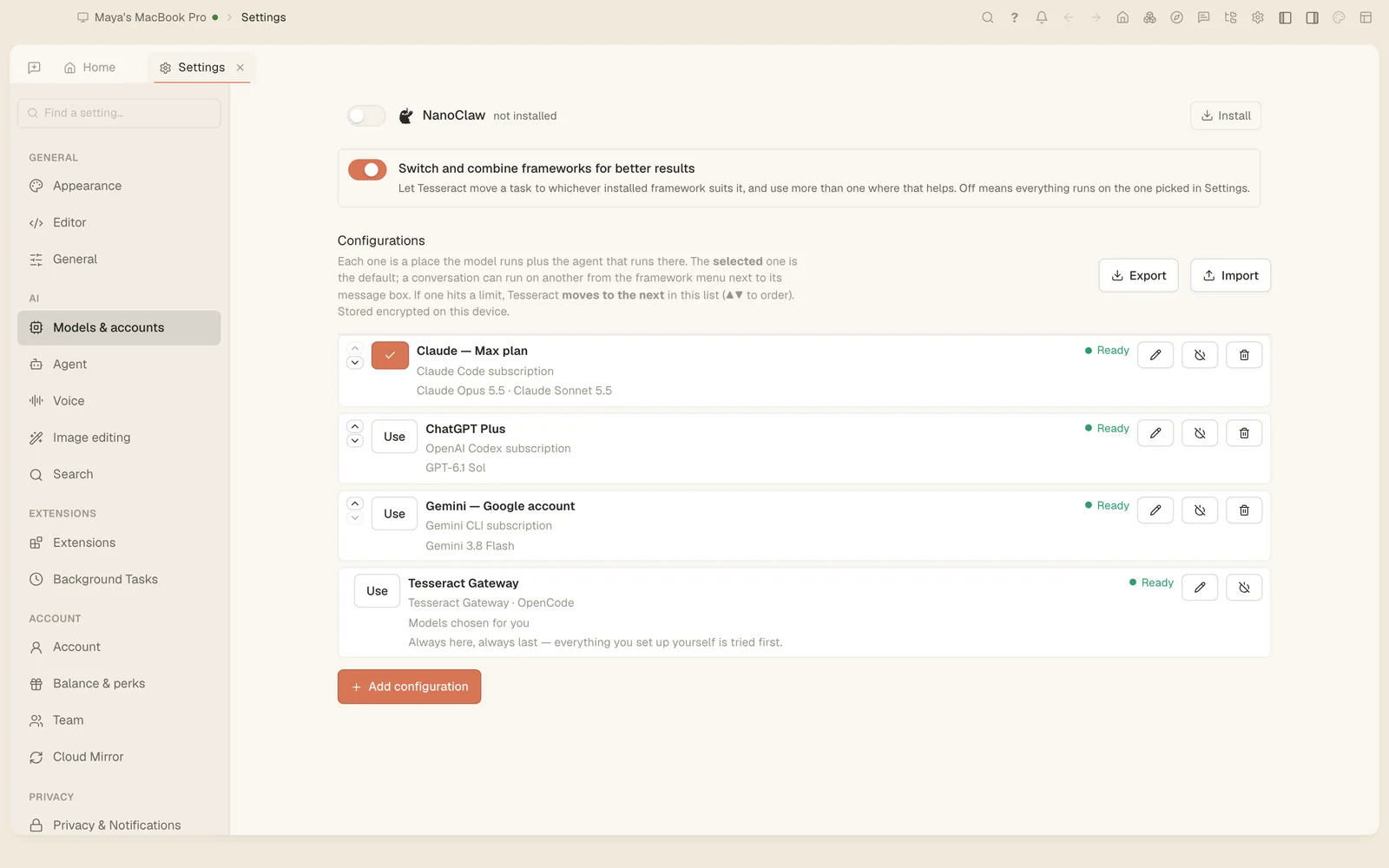
Tesseract 0.11.38 fixes frameworks on Debian 11/12 and Ubuntu 22.04, installs updates on a locked screen, and lets you delete a message on every framework.
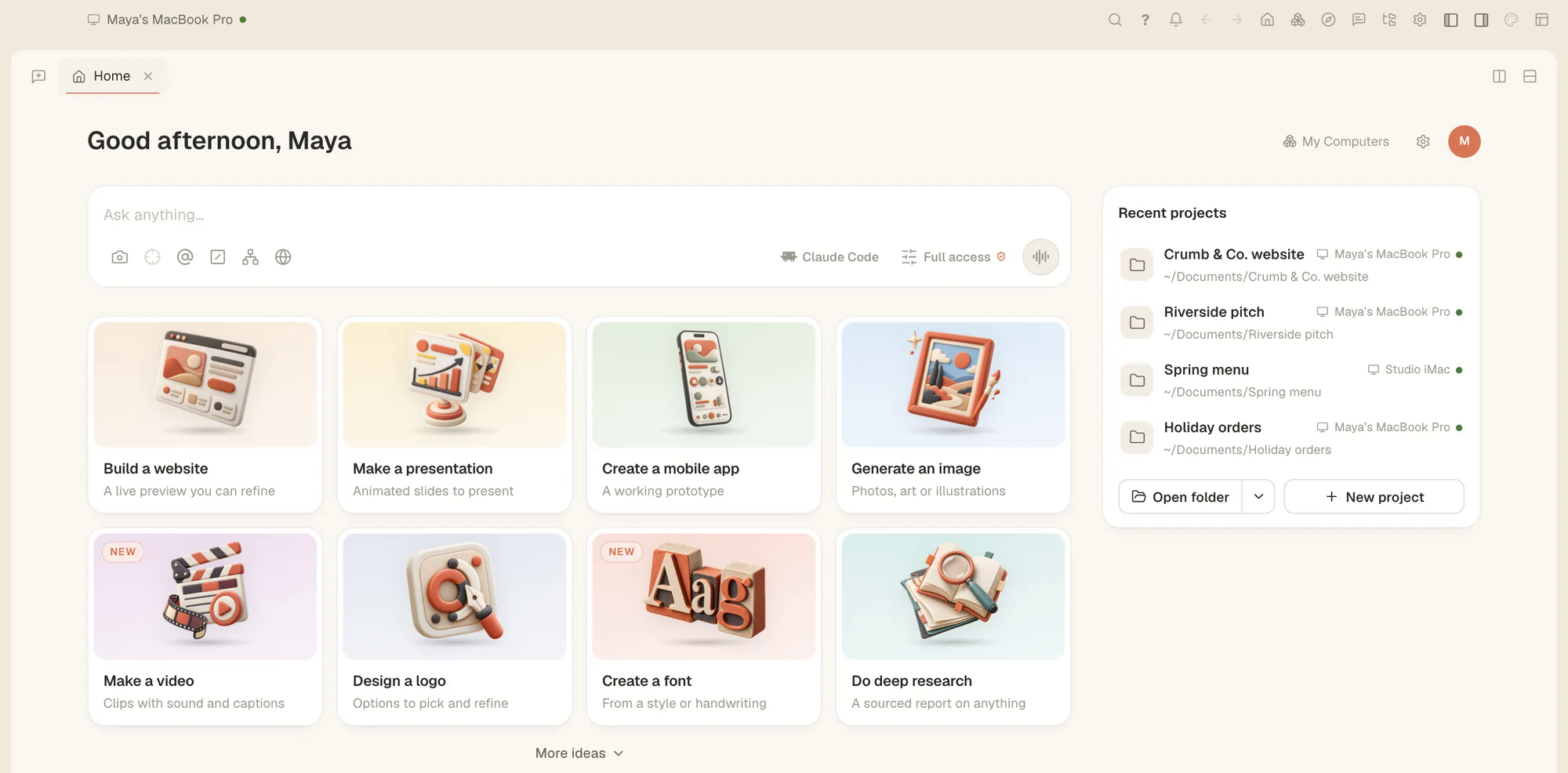
Since Tesseract 0.11.37 a conversation can open files and Settings, split the view, and start, rename, fork or move your other conversations.
Since Tesseract 0.11.37, Google's Antigravity CLI runs in its own conversations, beside Claude Code, Codex and the rest, with an editor, a terminal and a plan.
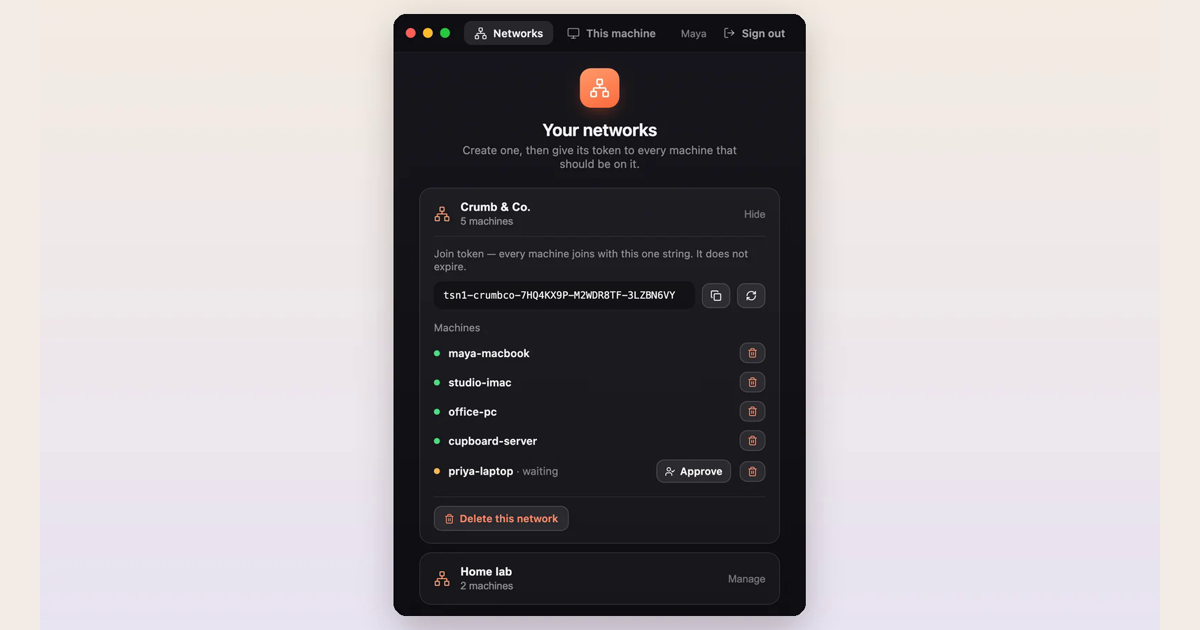
Put your laptop, desktop and server on one free private network with Tesseract Mesh, then open studio-imac:3000 or ssh cupboard-server from wherever you are.

Anyone can now create a Tesseract account. The free AI agent app for Mac, Windows and Linux runs Claude Code, Codex and 11 more agents in one window.
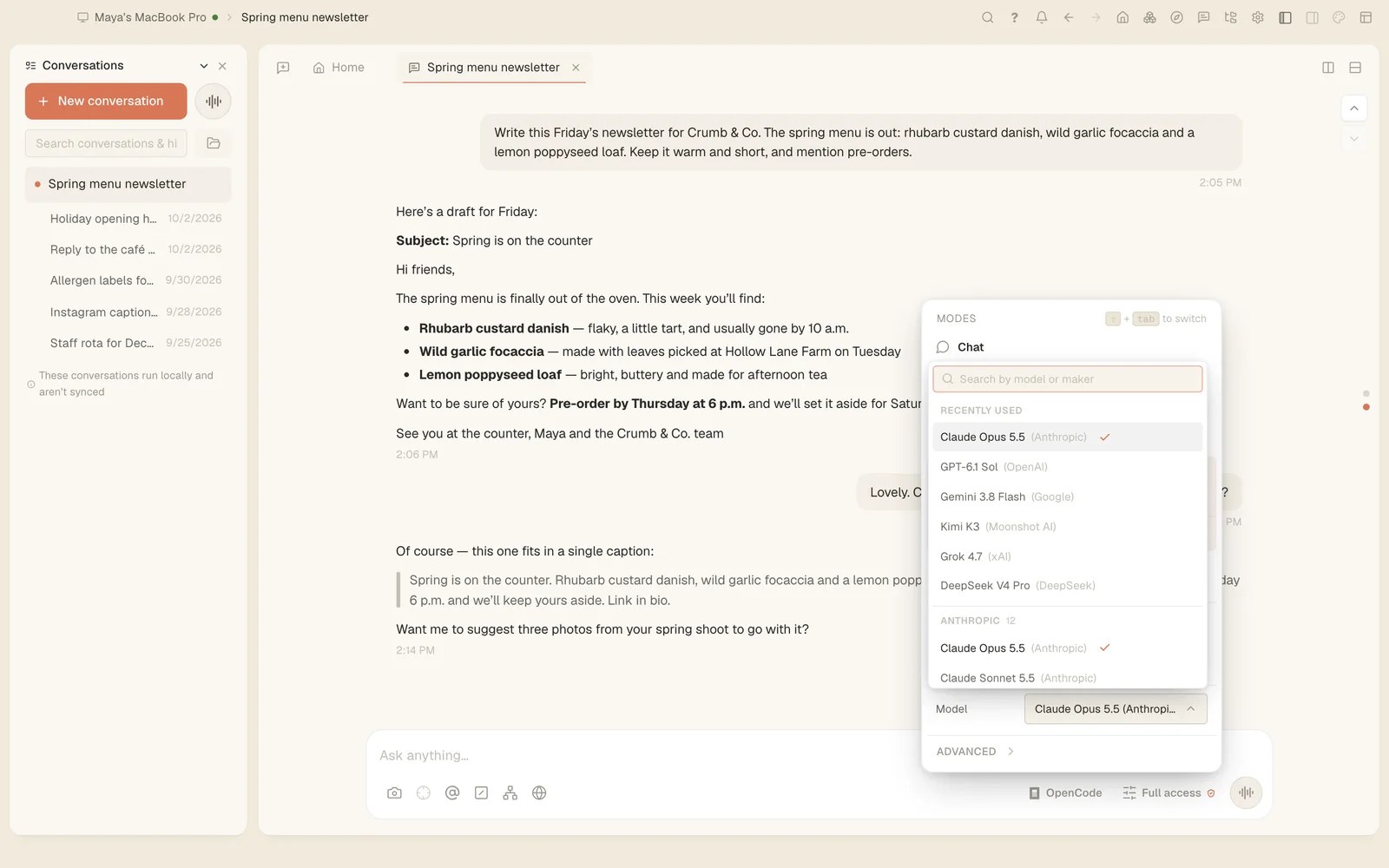
Tesseract 0.11.35 puts conversations, files, your computers, Settings pages, makers and every action in one ⌘P menu. A conversation moved to another framework now brings its earlier tool calls as tool calls, so the new agent can rely on them.
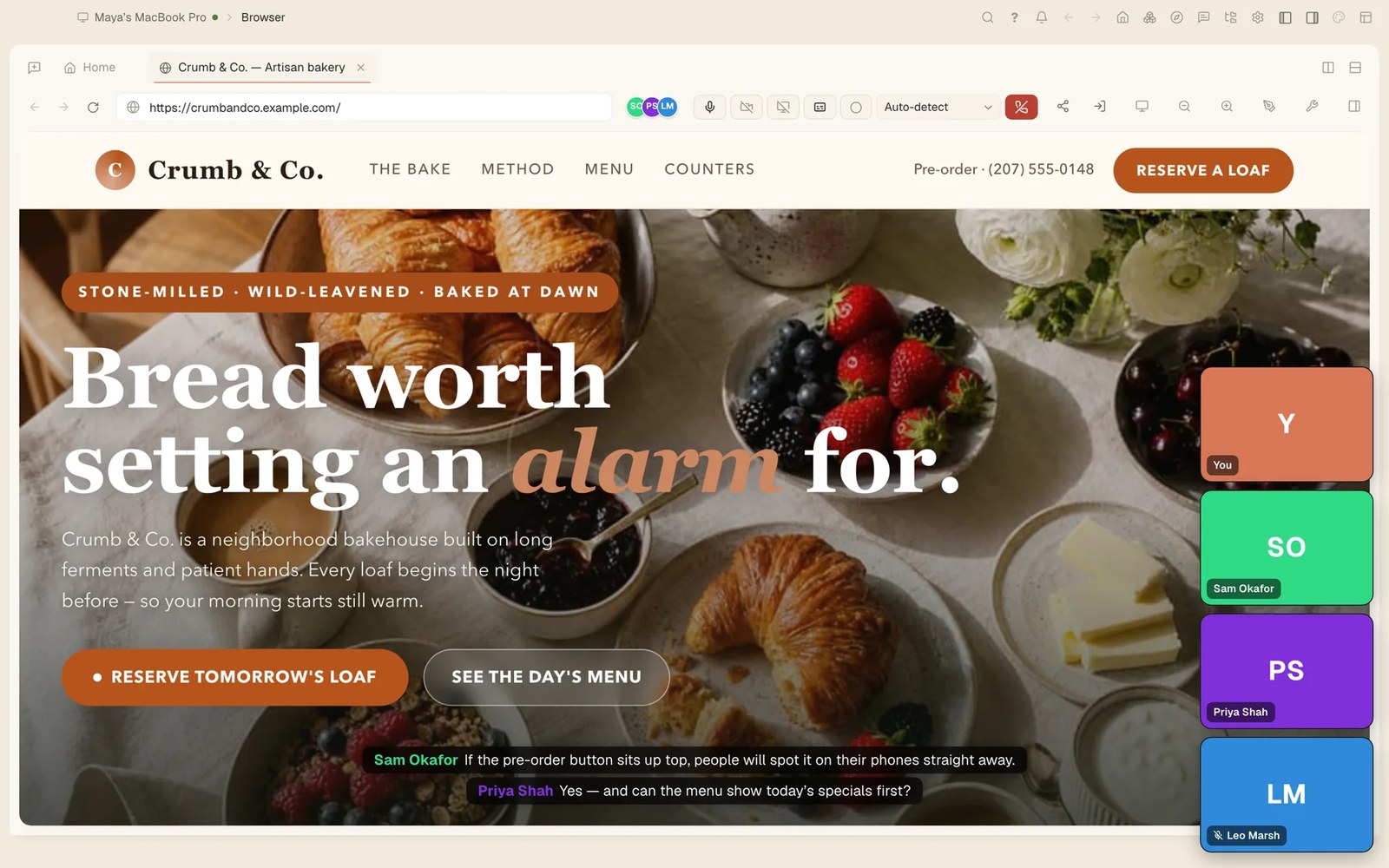
Tesseract 0.11.34 adds Call and Video call to team conversations, ringing every device the other person is signed in on. Home now shows every assistant, presentation, website and app you made, with how it stands and a menu to open, present or rename it.
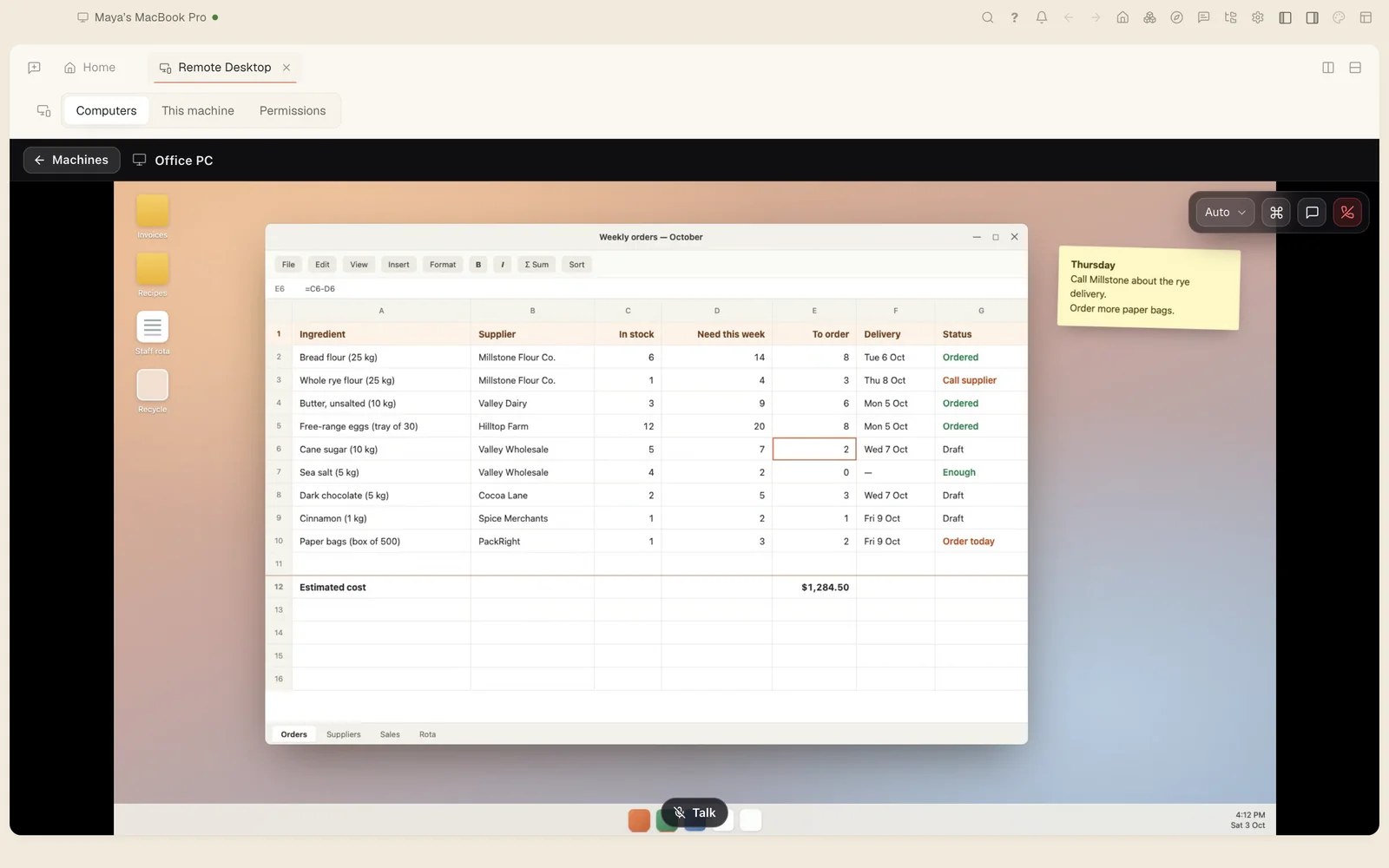
Tesseract 0.11.33 lets you share a computer with your organization, transfer it to someone by email and add a new one with a one-time code. Settings went from 22 pages to 14, keeping only the options that work on every framework.
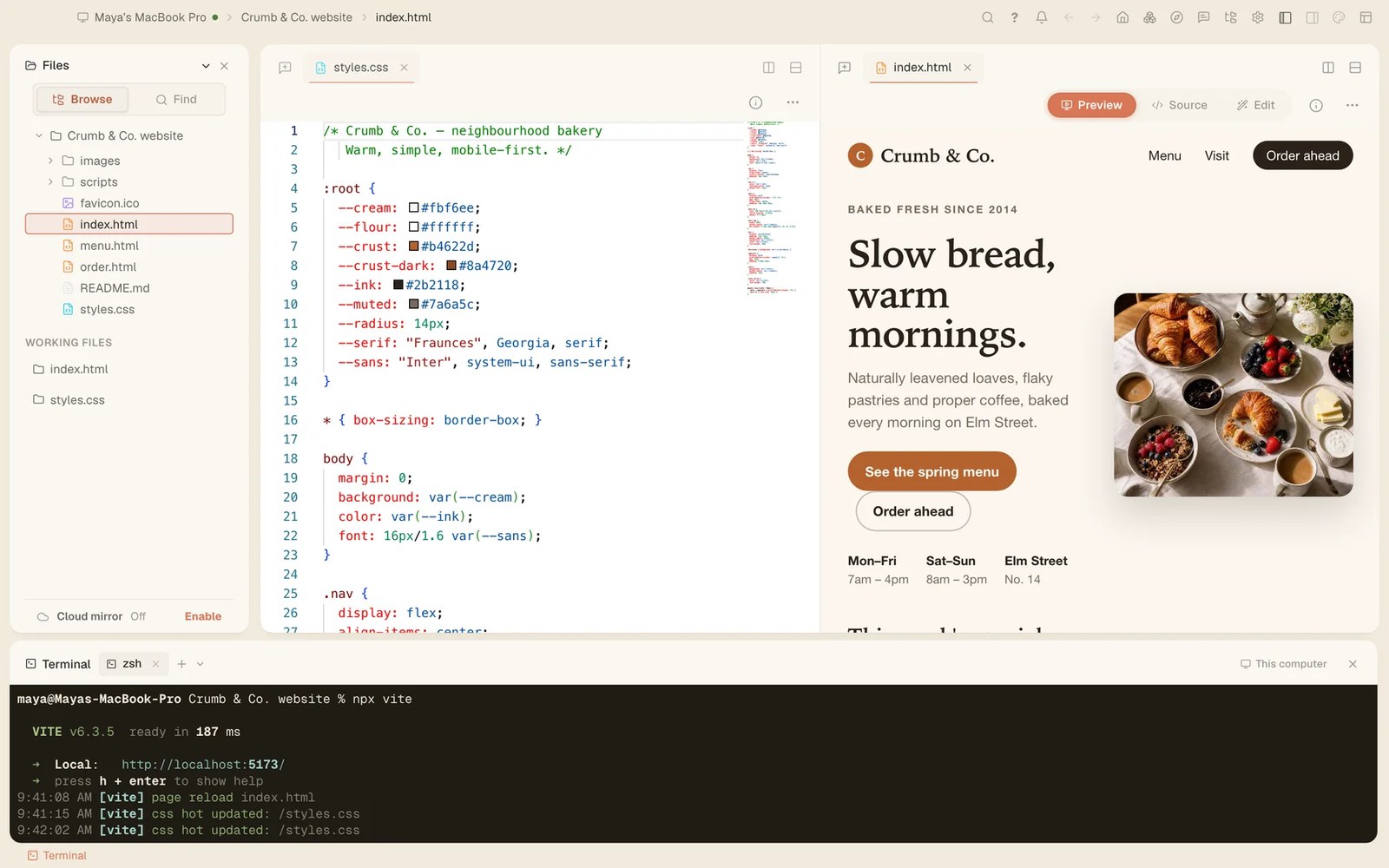
Tesseract 0.11.31 and 0.11.32: “Make it a real app” can build your app in SwiftUI and open it on the iPhone simulator, and the sessions working in one project now see each other, claim the files they change and can run a team.
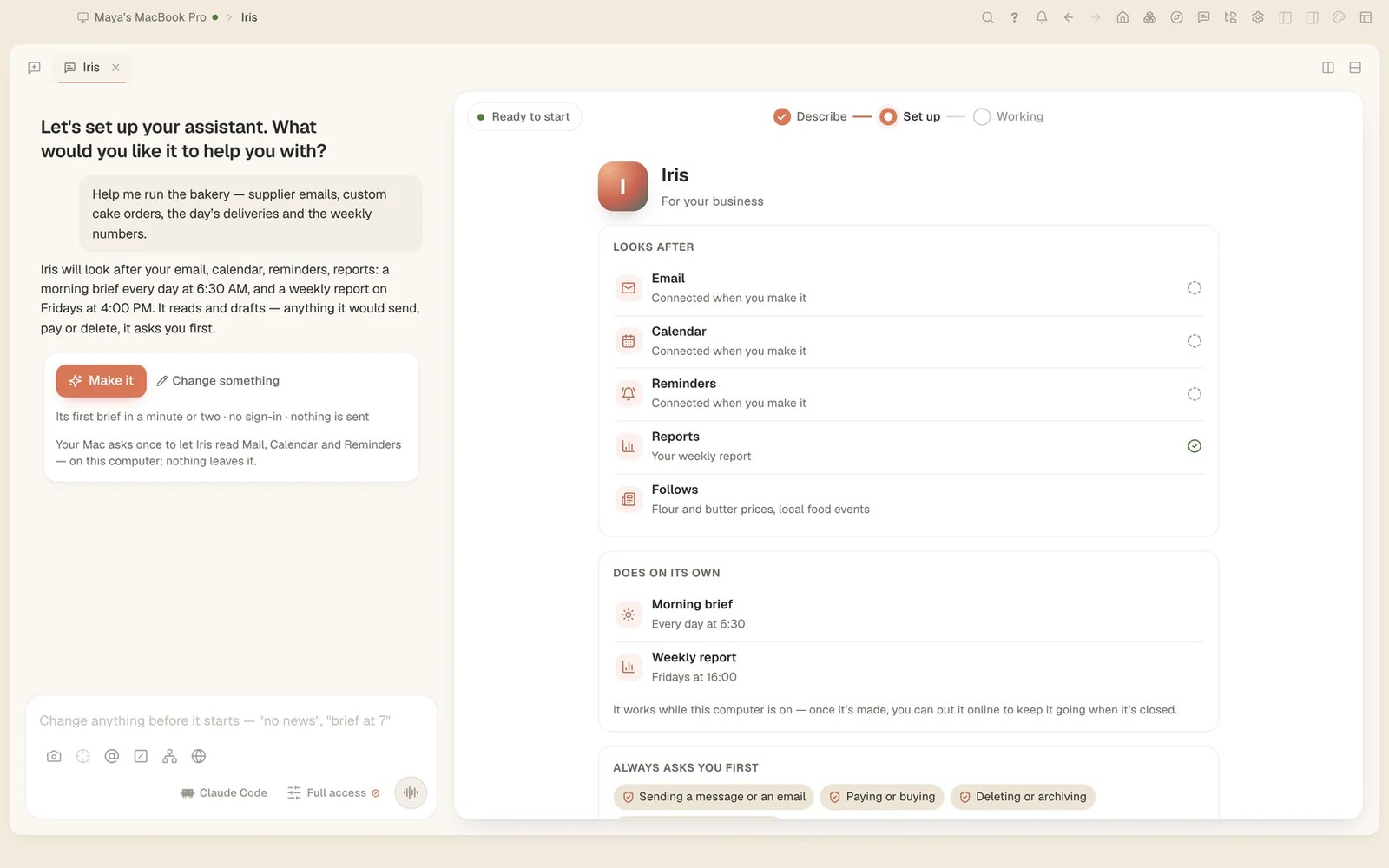
Tesseract 0.11.30 makes a personal assistant from one sentence. On a Mac it reads Mail, Calendar and Reminders and writes you a brief each morning. Talk to it in Atrium, Telegram, WhatsApp, Slack and more; it asks you before it acts for anyone else.
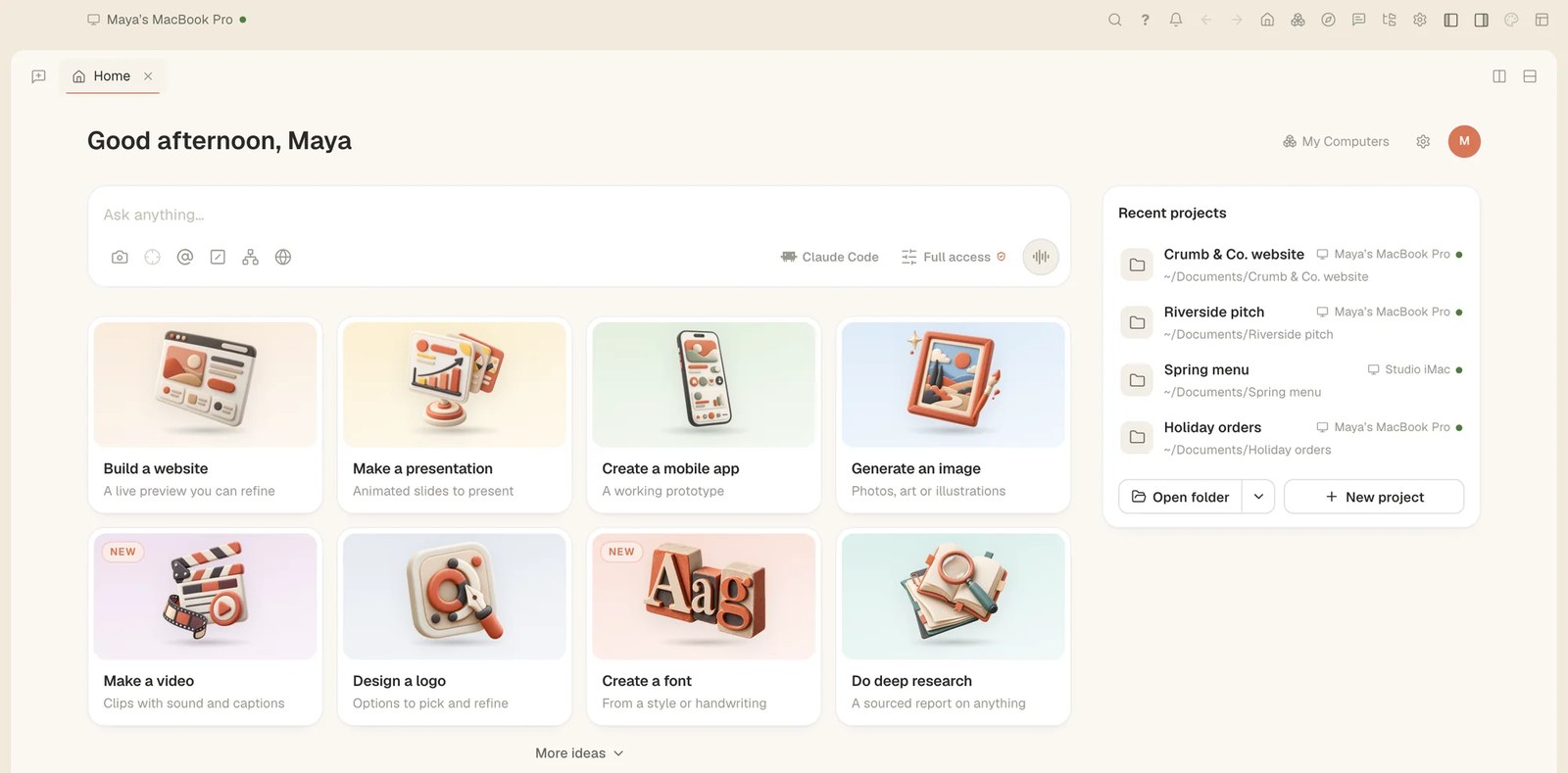
In Tesseract 0.11.30, every starter card on Home opens a maker of its own. The chat asks only what it still needs while pictures, video, a brand, research, data analysis, writing, a mobile app, a game, a custom project or your own skin take shape beside it.
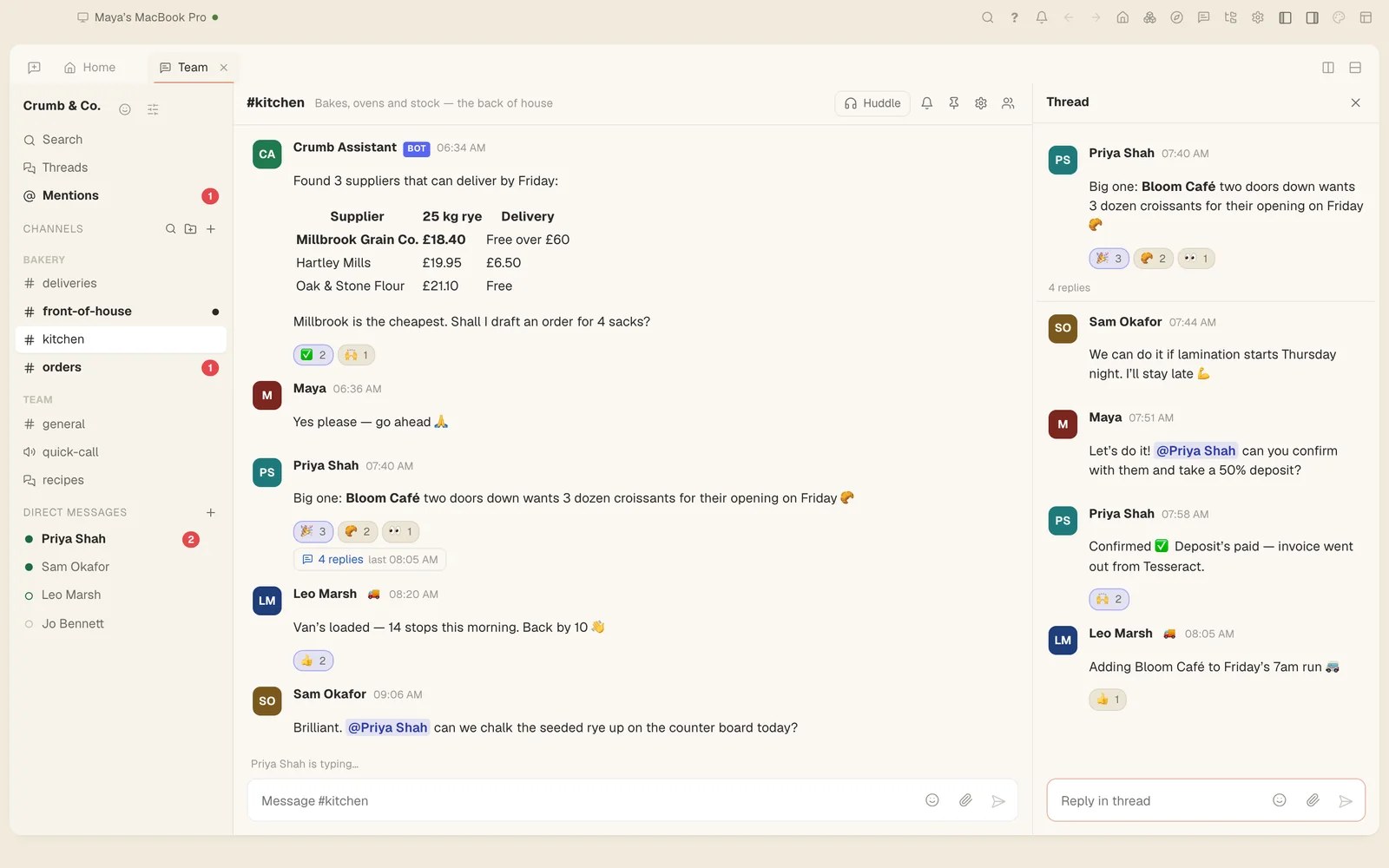
Tesseract 0.11.28 gives team chat Catch me up, Translate and Ask, voice messages written down on your own computer, voice rooms, guests, scheduled messages, saved-for-later reminders, polls and a redesign.
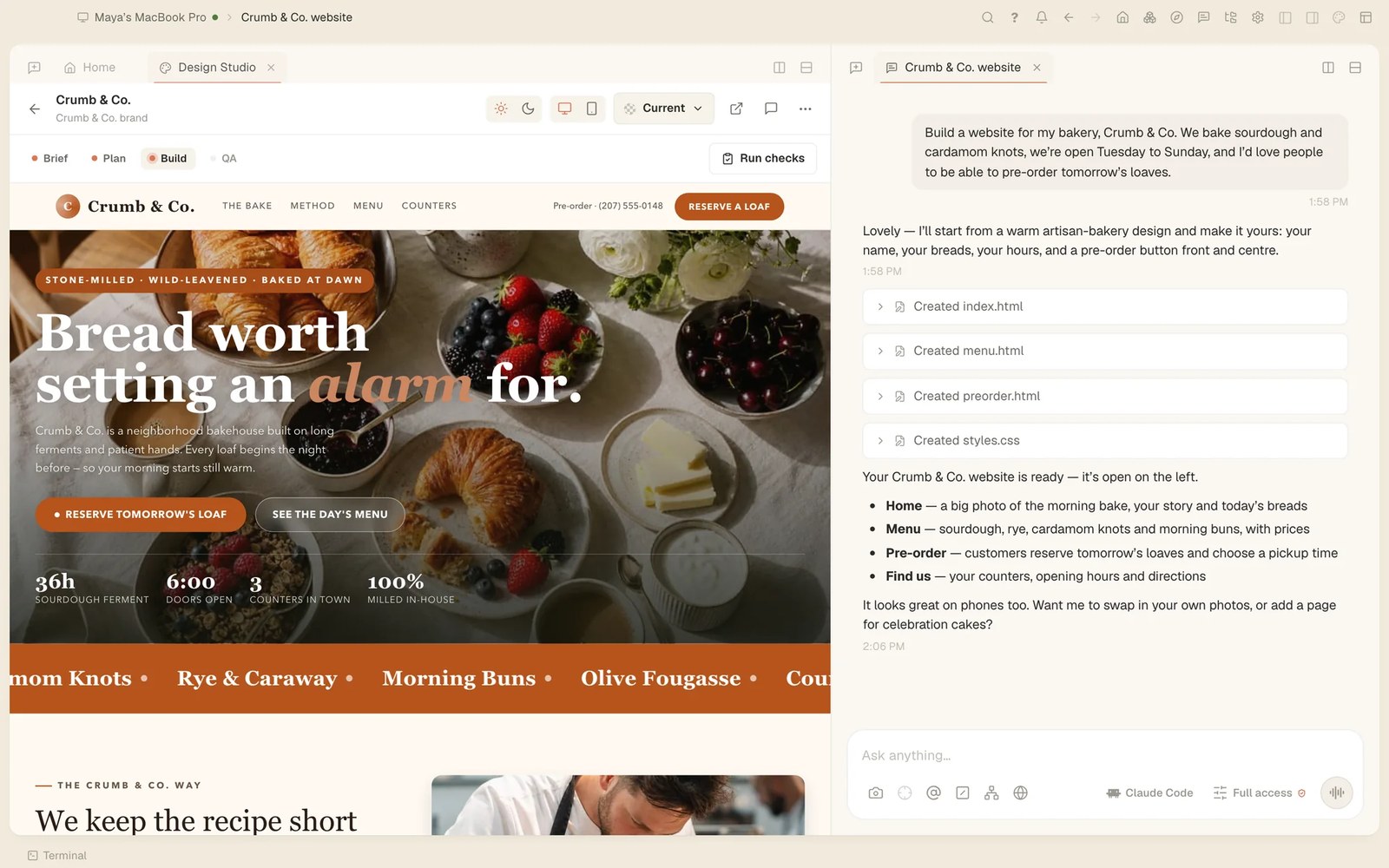
Tesseract 0.11.28 adds a guided website maker. It asks about your business in the chat while the site takes shape beside it, writes each section and page, lets you change words and photos by double-clicking them, and can turn the site into a Next.js, Astro, SvelteKit, Nuxt or Django project.
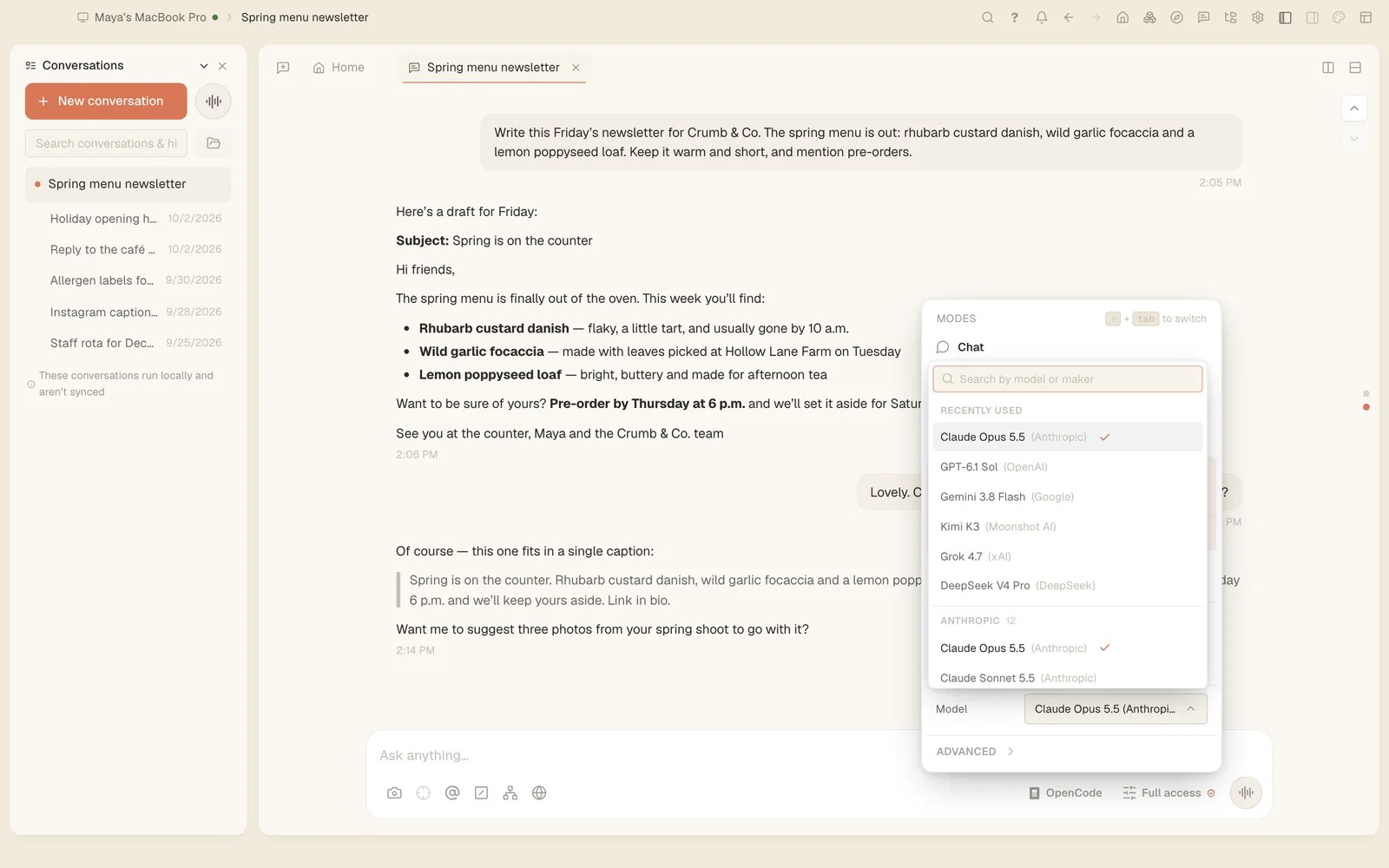
In Tesseract 0.11.27, Codex, OpenCode, Gemini CLI and the other frameworks can make images and videos, draw charts, write reports, find earlier conversations, take an API key on a masked card, publish a page, set a goal and use your skills.
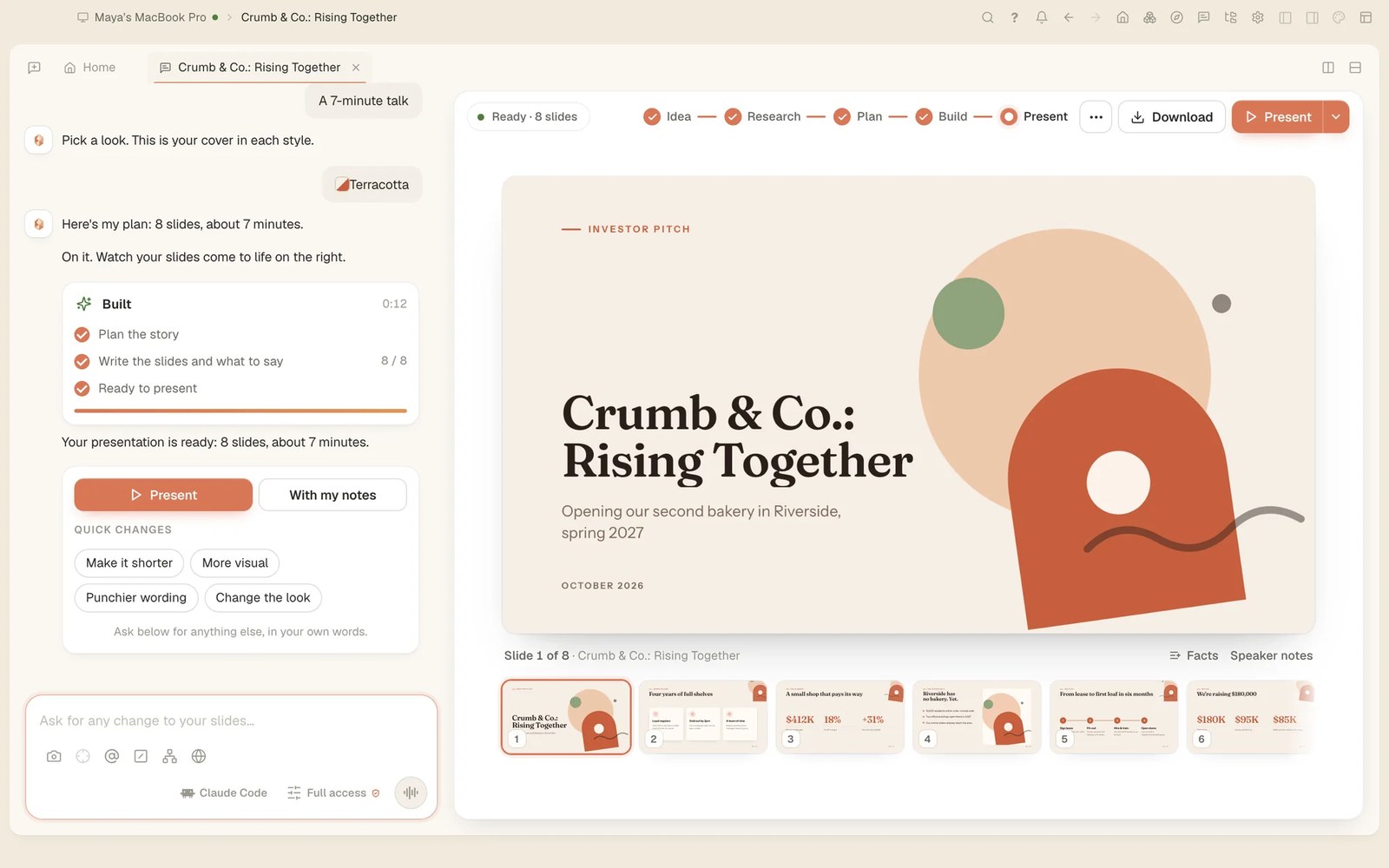
Since Tesseract 0.11.27, a presentation starts with research. Sourced notes are saved inside it, the plan is built on that evidence, each slide gets a chart or diagram that fits its point, and the speaker notes are written to be spoken.
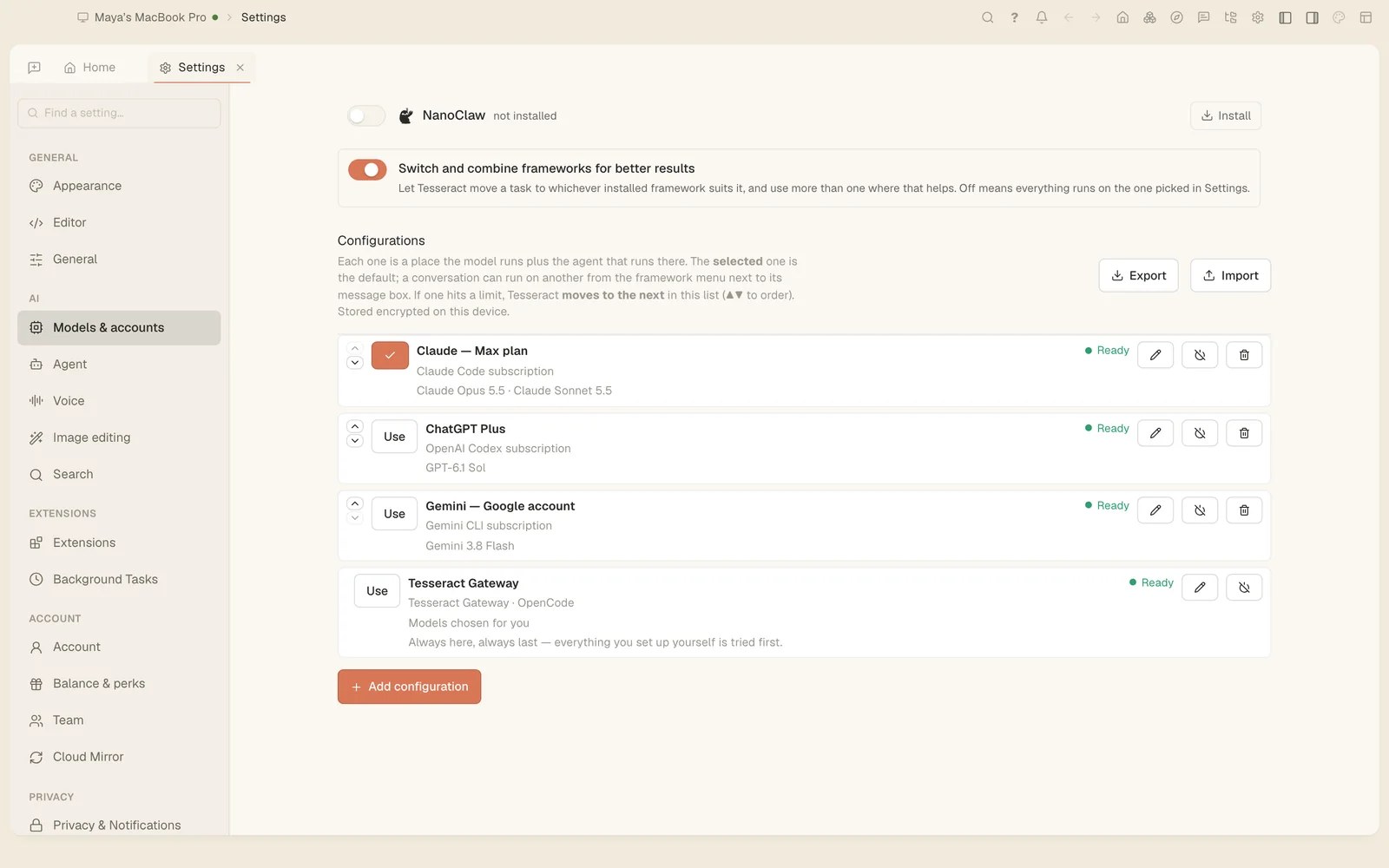
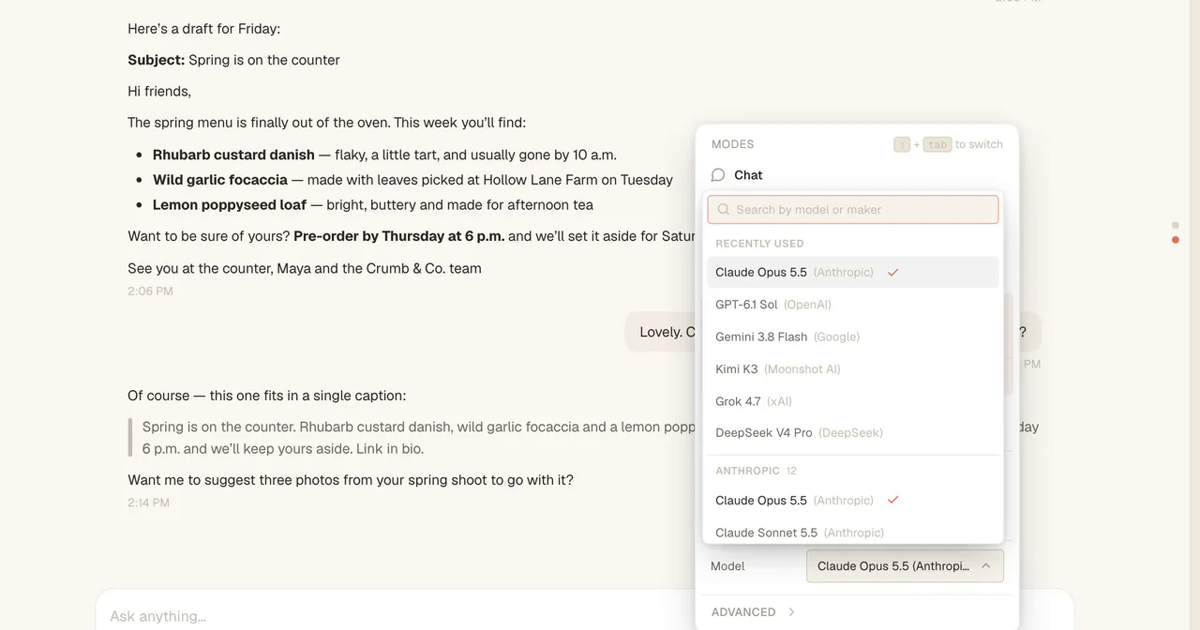
Since Tesseract 0.11.26, each conversation runs on its own framework. Run Claude Code in one and Codex in another at the same time, move a conversation to another framework with everything said so far, and choose models from one menu.

In Tesseract 0.11.26, the Make a presentation card starts a short conversation: what it is about, who will watch, how long it runs and which look you like. You get a plan to change, then slides built beside the chat, ready to present or download.
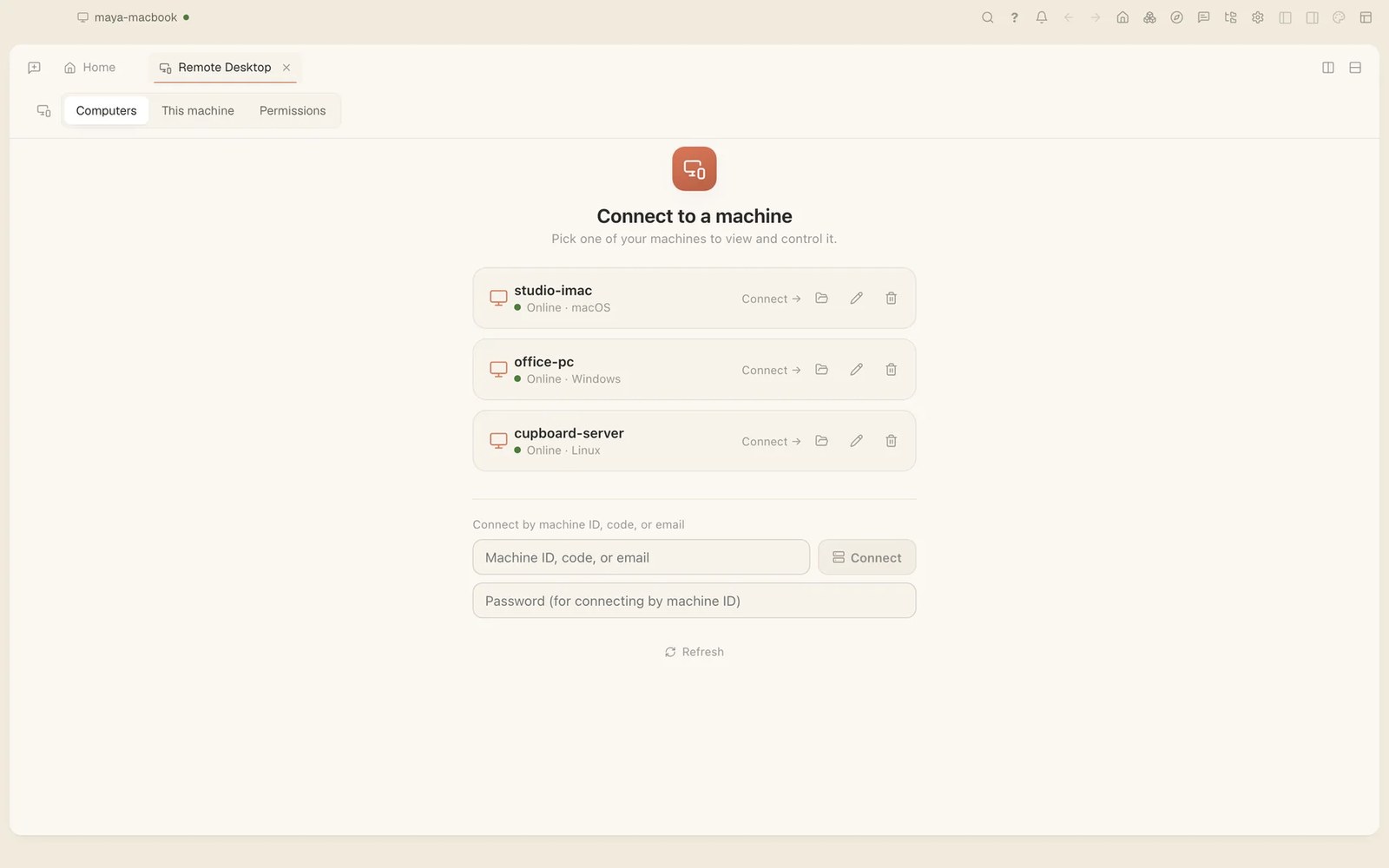
How to see and control your other computers with Tesseract's Remote Desktop: one click from your own list, or a machine ID, code or email. Since 0.11.25, dragging, right-clicks, modifier keys and typing in any language work as if you were there.
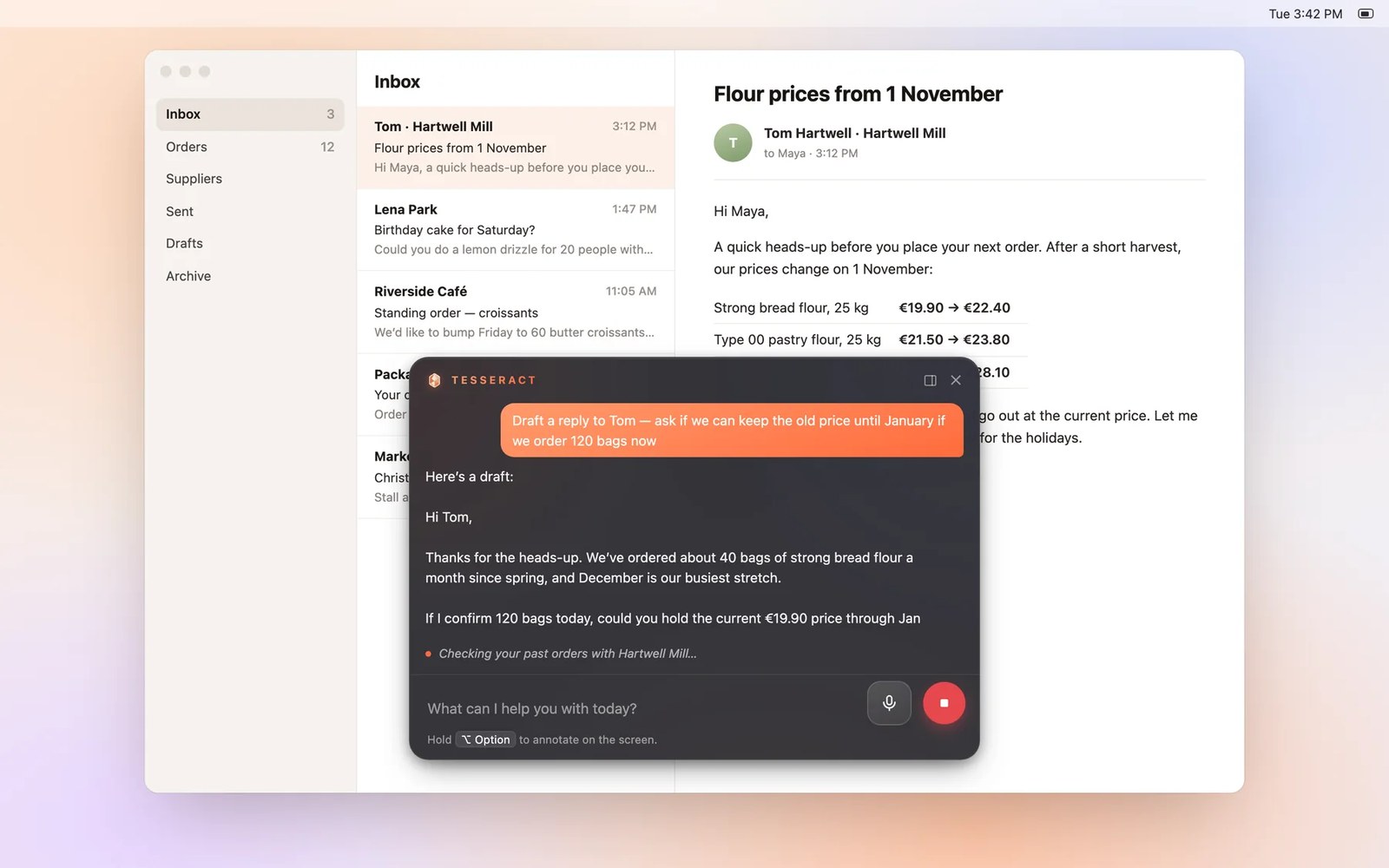
Tesseract 0.11.25 lets Codex, OpenCode, Gemini, Kimi, Grok and Hermes operate your computer the way Claude Code does, with one switch for all of them. It also adds Chat mode, which answers and searches but never changes anything.
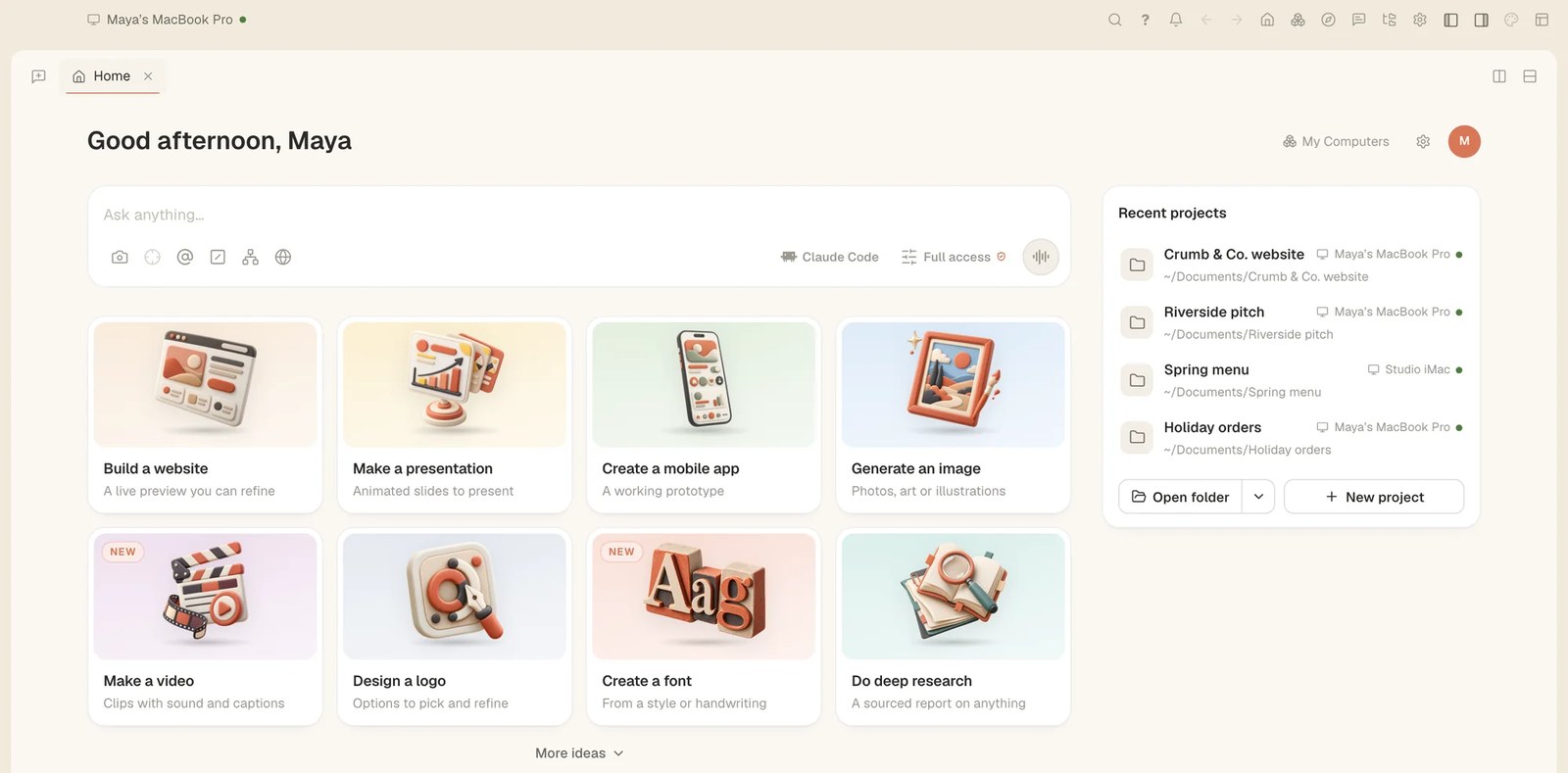
A walk through a fresh install of Tesseract 0.11.22: a first run that sets you up on OpenCode with no API key of your own, the new Home, the three ways to let the agent run, and signing in from Home or any Settings page.