Tesseract
Monday 
The pitch
Pitch my bakery to investors. We want a second shop in Riverside.
It asked who would be watching and how long she had, showed her the plan, then built eight slides.
8 slidesPowerPointPDF
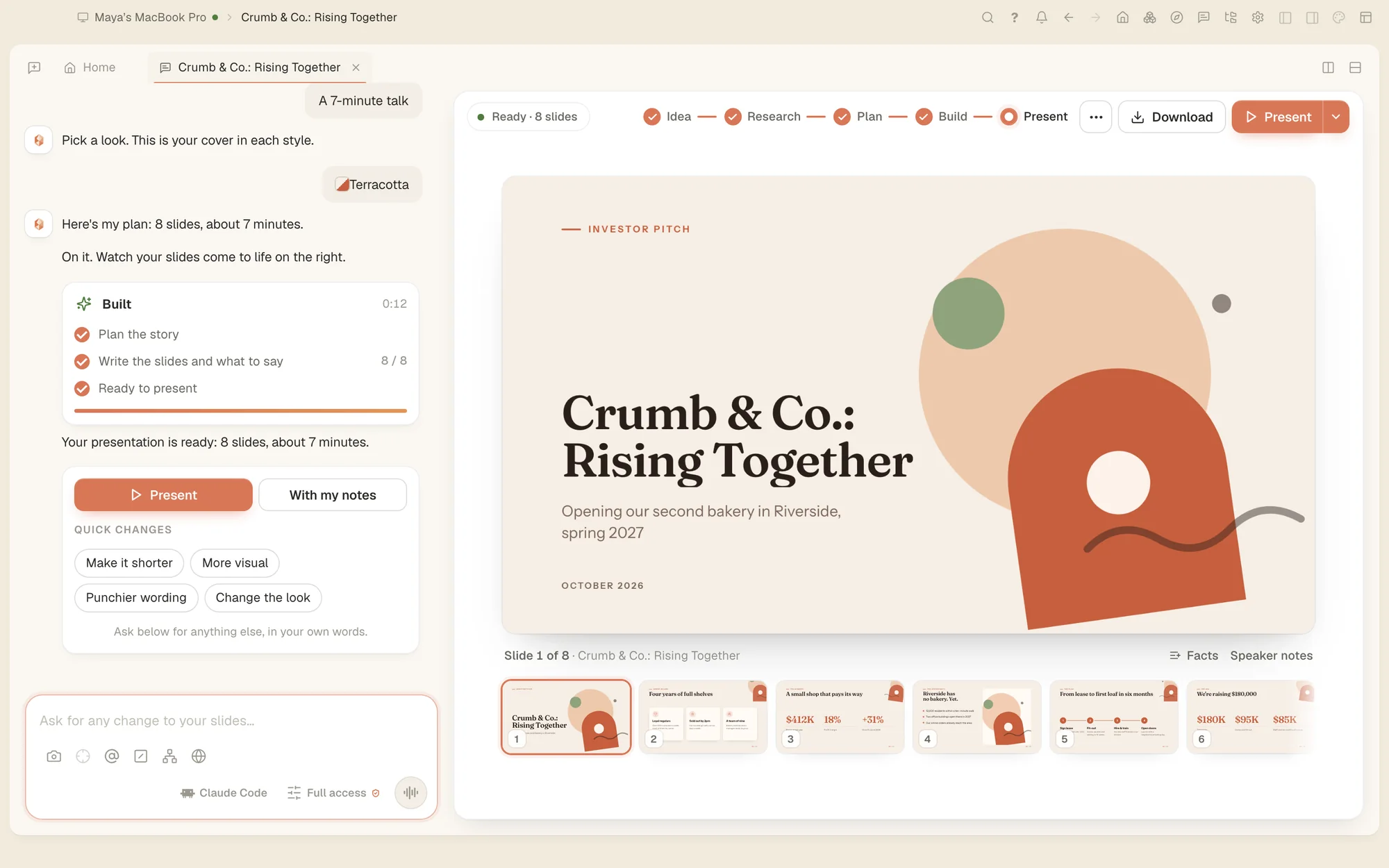
Tesseract is an AI agent that makes presentations, websites, logos, videos and documents for you, right on your computer. Describe it in plain words or say it out loud. There are no prompts to learn and nothing to set up.
For Mac, Windows and Linux. No credit card, no second subscription.

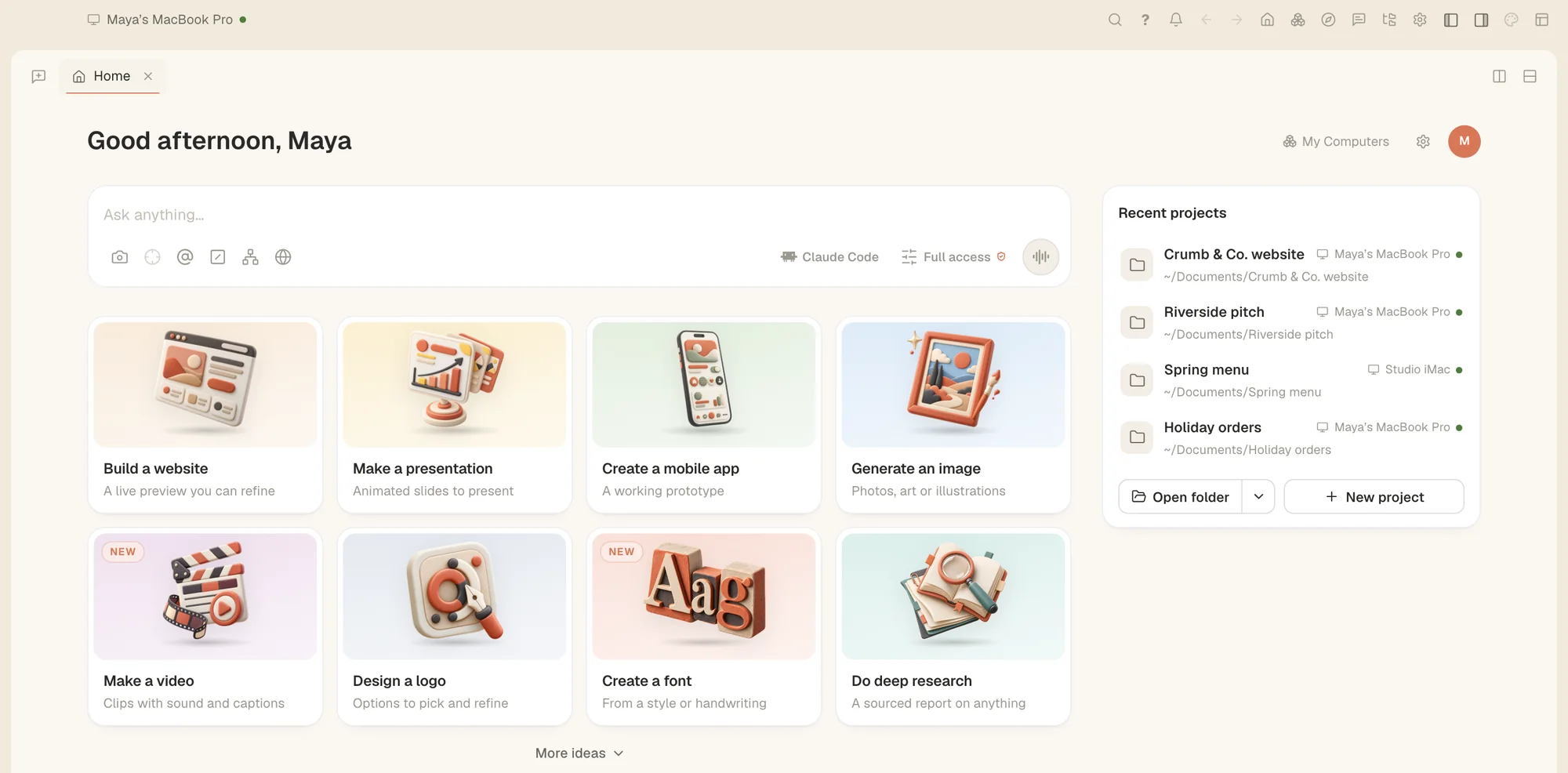
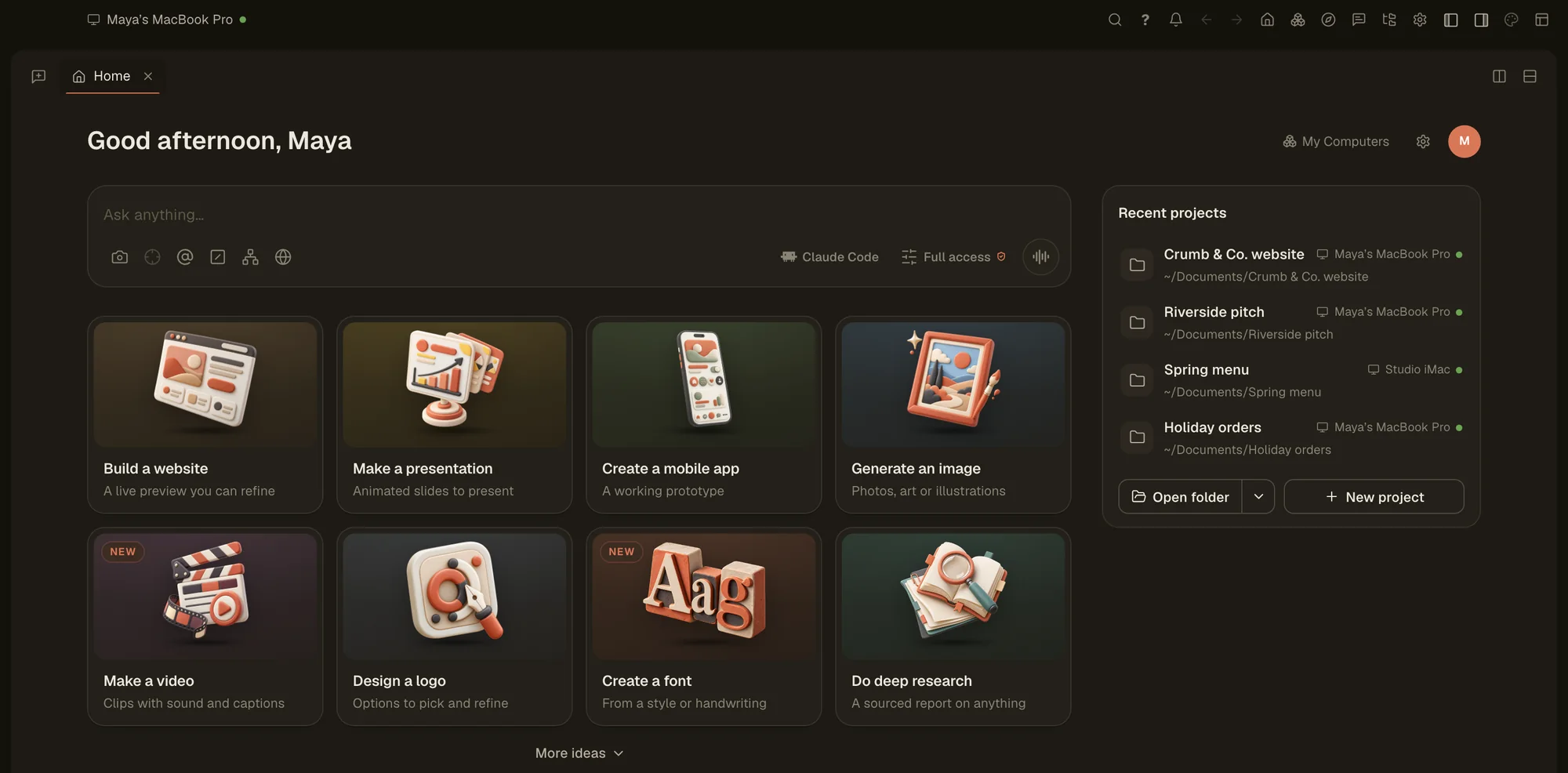
Hi, I'm your guide. Ask me how to do anything, out loud.

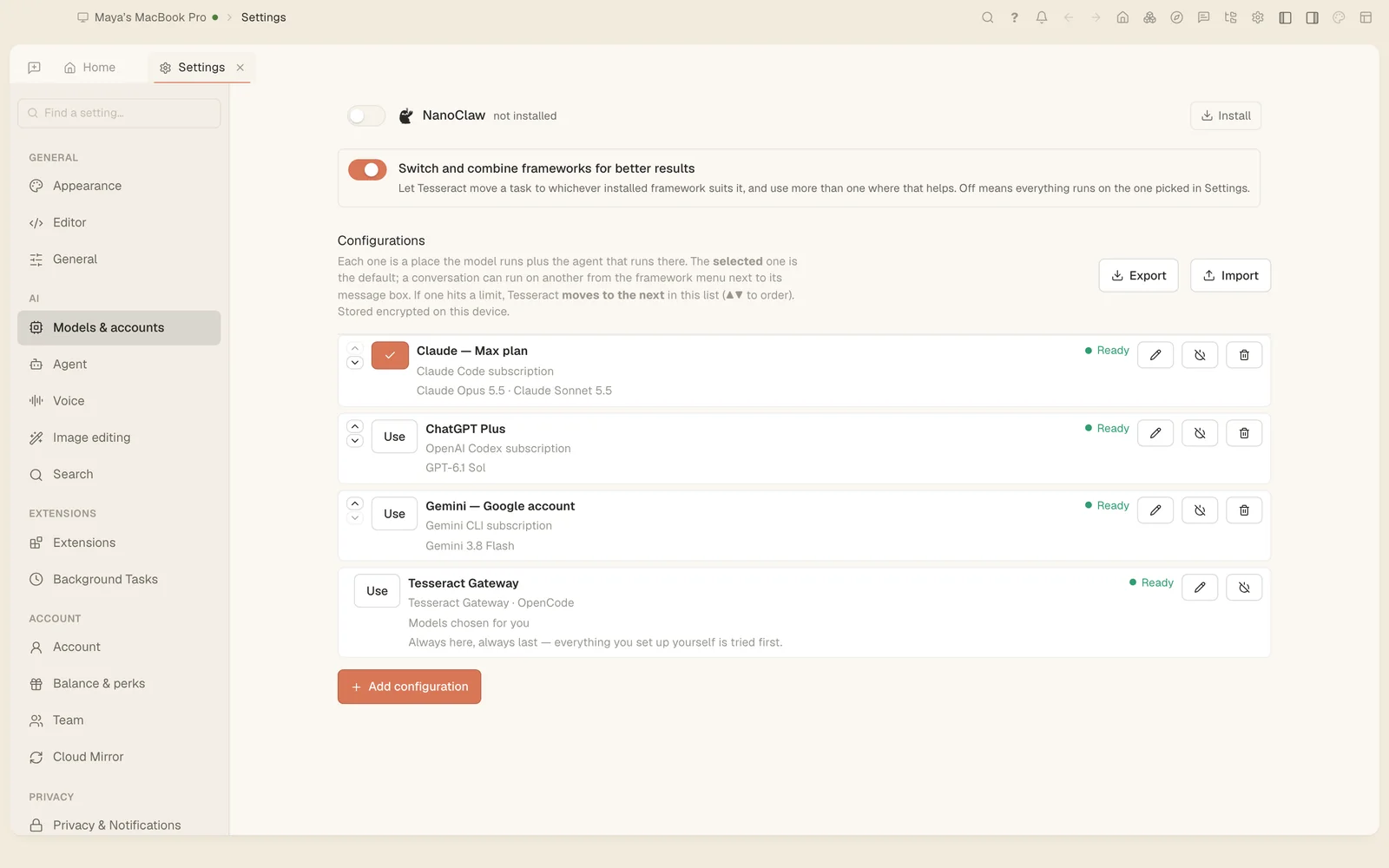
Pick one and see what comes back. Every result here is a real screenshot, made for one small bakery from a single request: real files you can open, edit and send.
Pitch my bakery to investors. We want a second shop.

Your Claude or ChatGPT subscription does the thinking. Tesseract does everything else, for nothing. No second subscription, no credits to buy, and Tesseract never counts or limits how much you use it.
Your AI plan's own limits still apply. Have more than one account? Tesseract moves to the next one when an account runs out. No AI subscription at all? Start on the free allowance and top up only if you want more.
Type what you want, or press the microphone and say it. A sentence is enough. Start from one of the ready ideas if you'd rather not type at all.
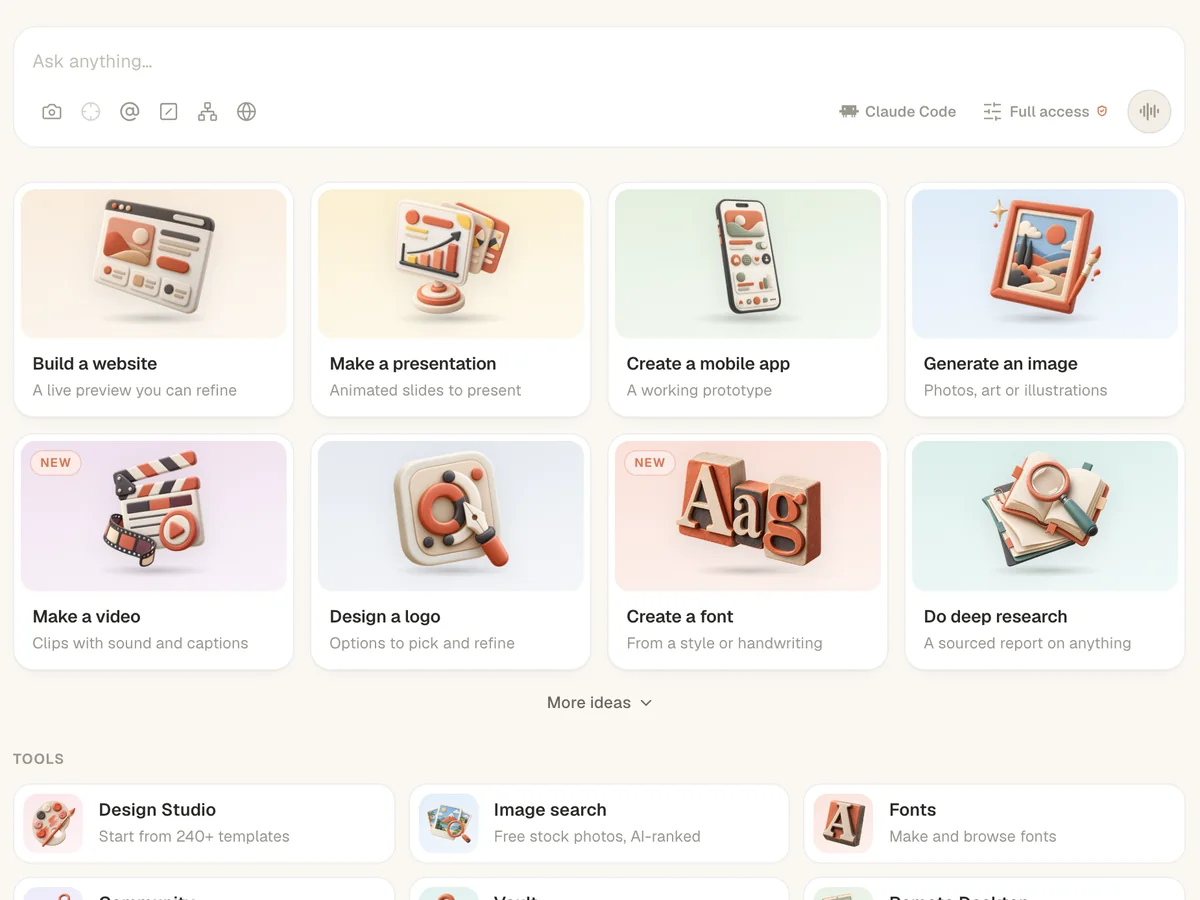
It shows you a plan first, then opens the tools it needs and shows each step as it goes. It stops and asks before anything important.
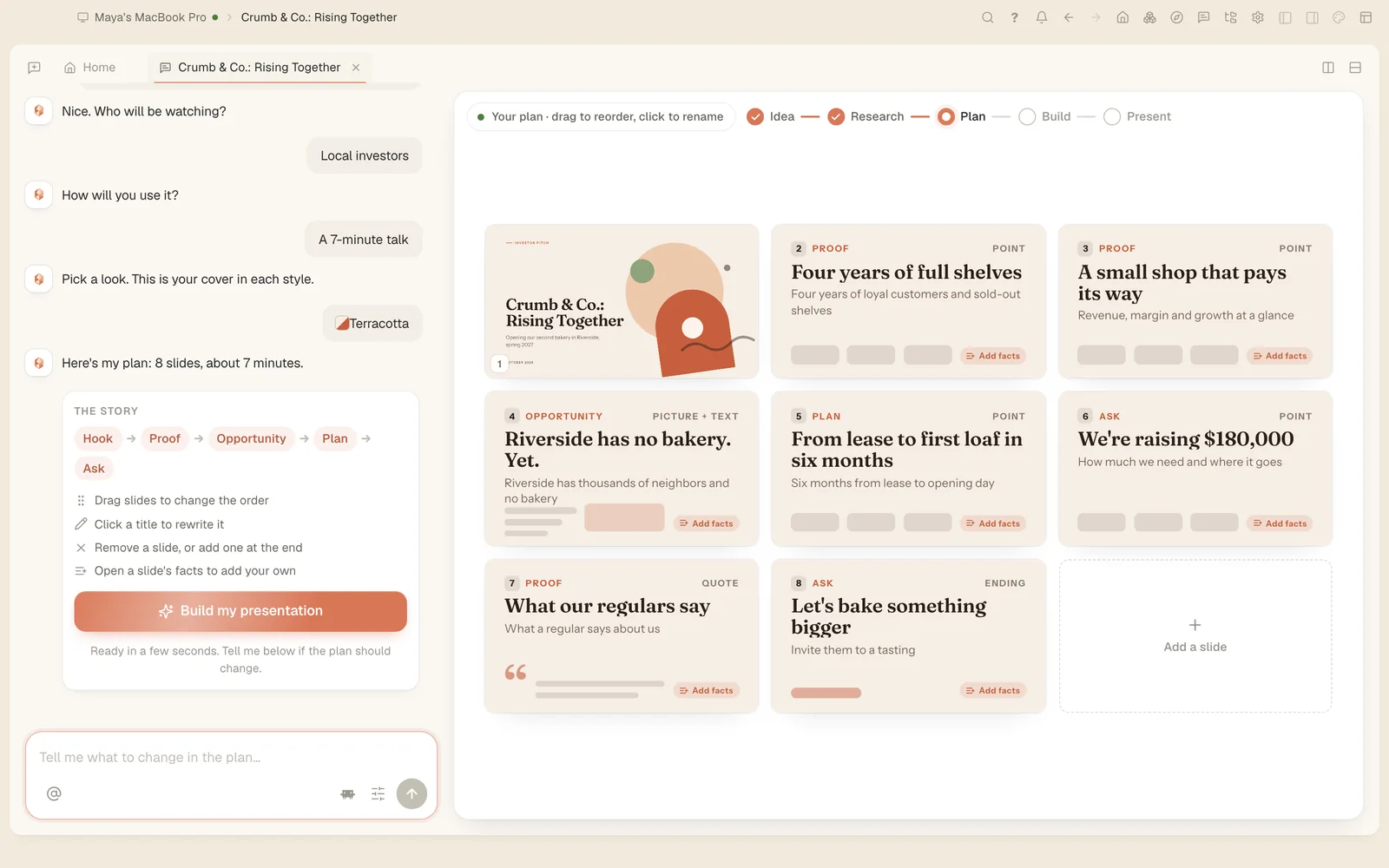
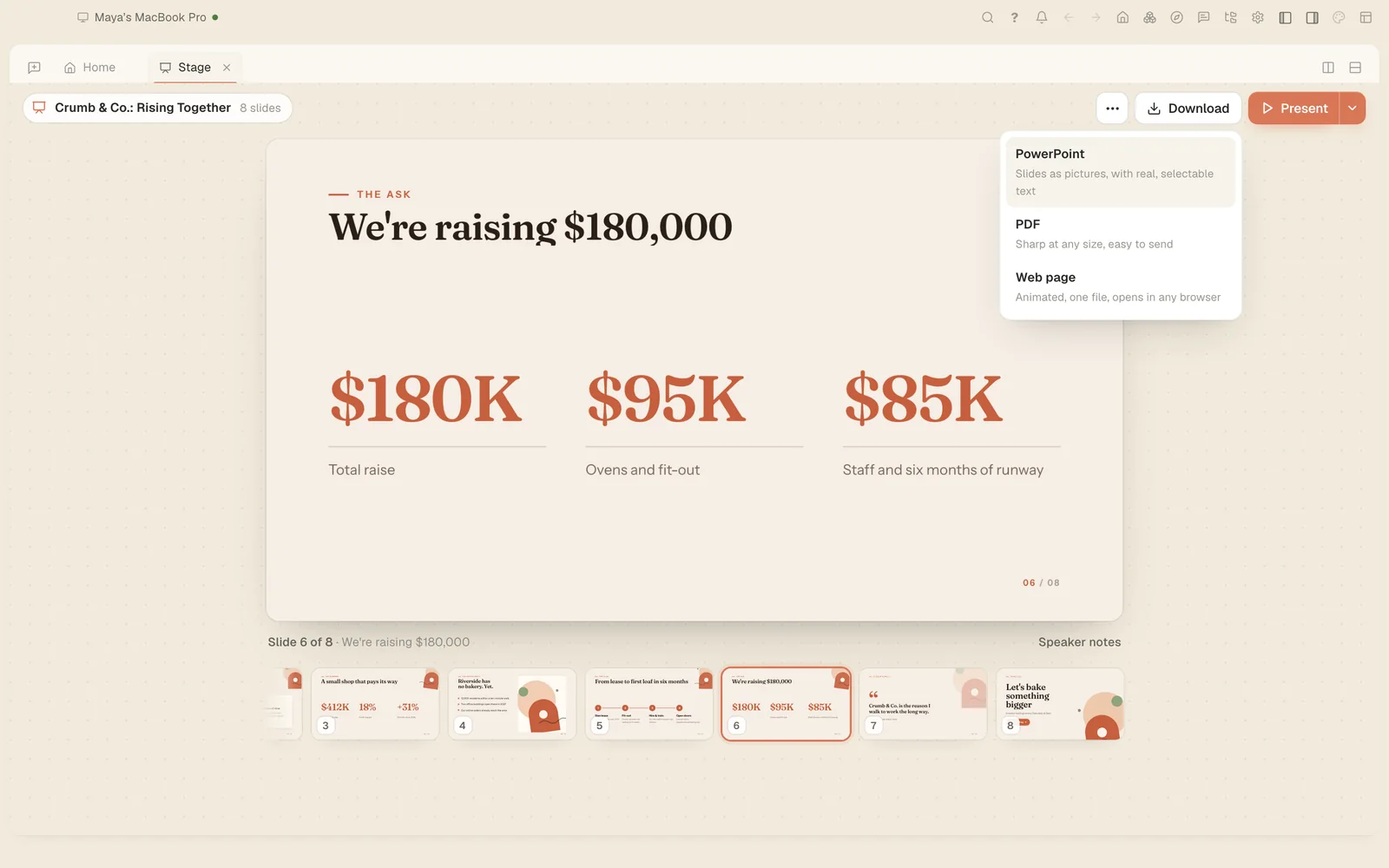
You get PowerPoint, PDF, images, video and website files. Everything opens in an editor, so you can change any of it by hand.
She isn't technical and has no time to learn. Each job started with one plain request.
Pitch my bakery to investors. We want a second shop in Riverside.
It asked who would be watching and how long she had, showed her the plan, then built eight slides.
8 slidesPowerPointPDF
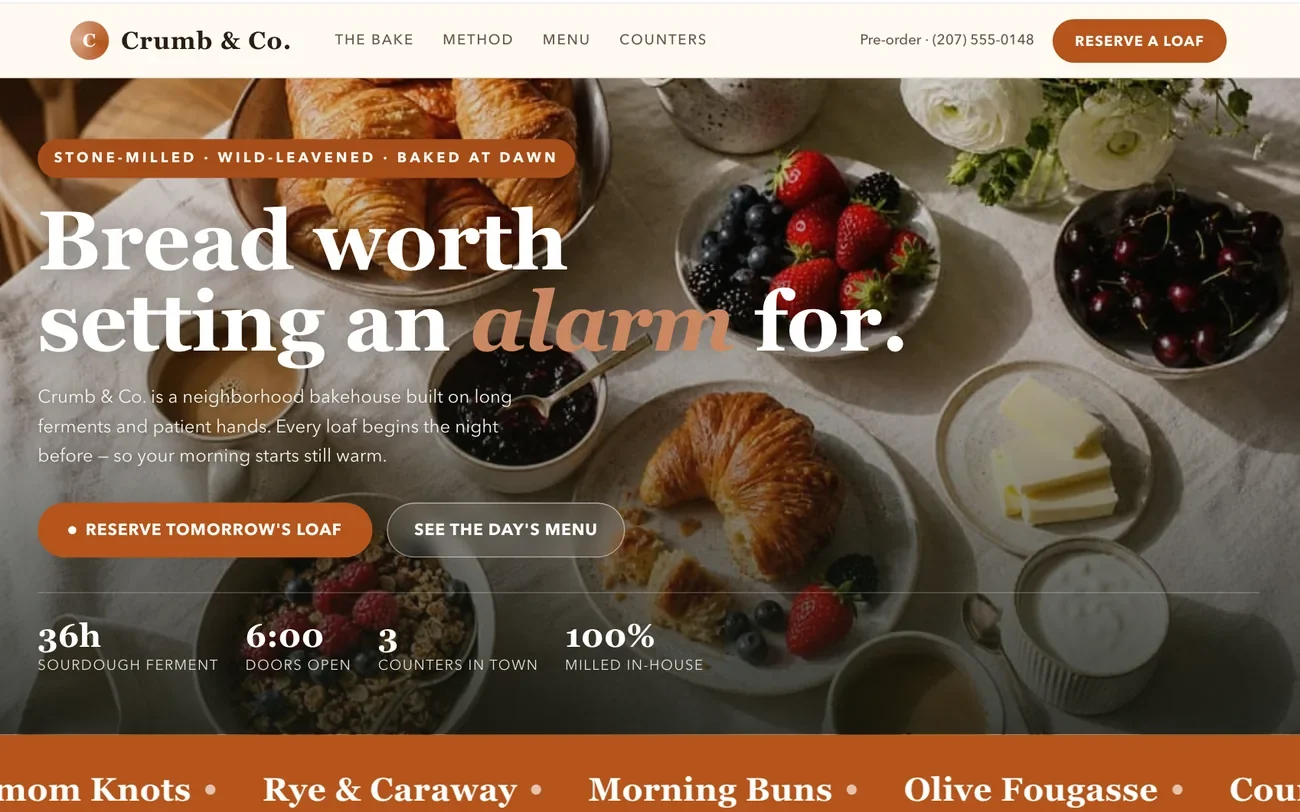
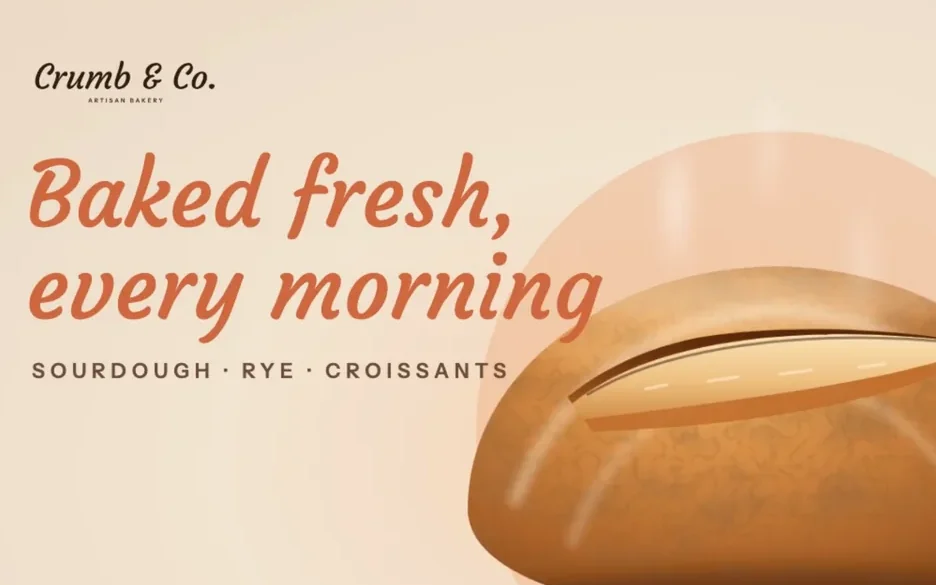
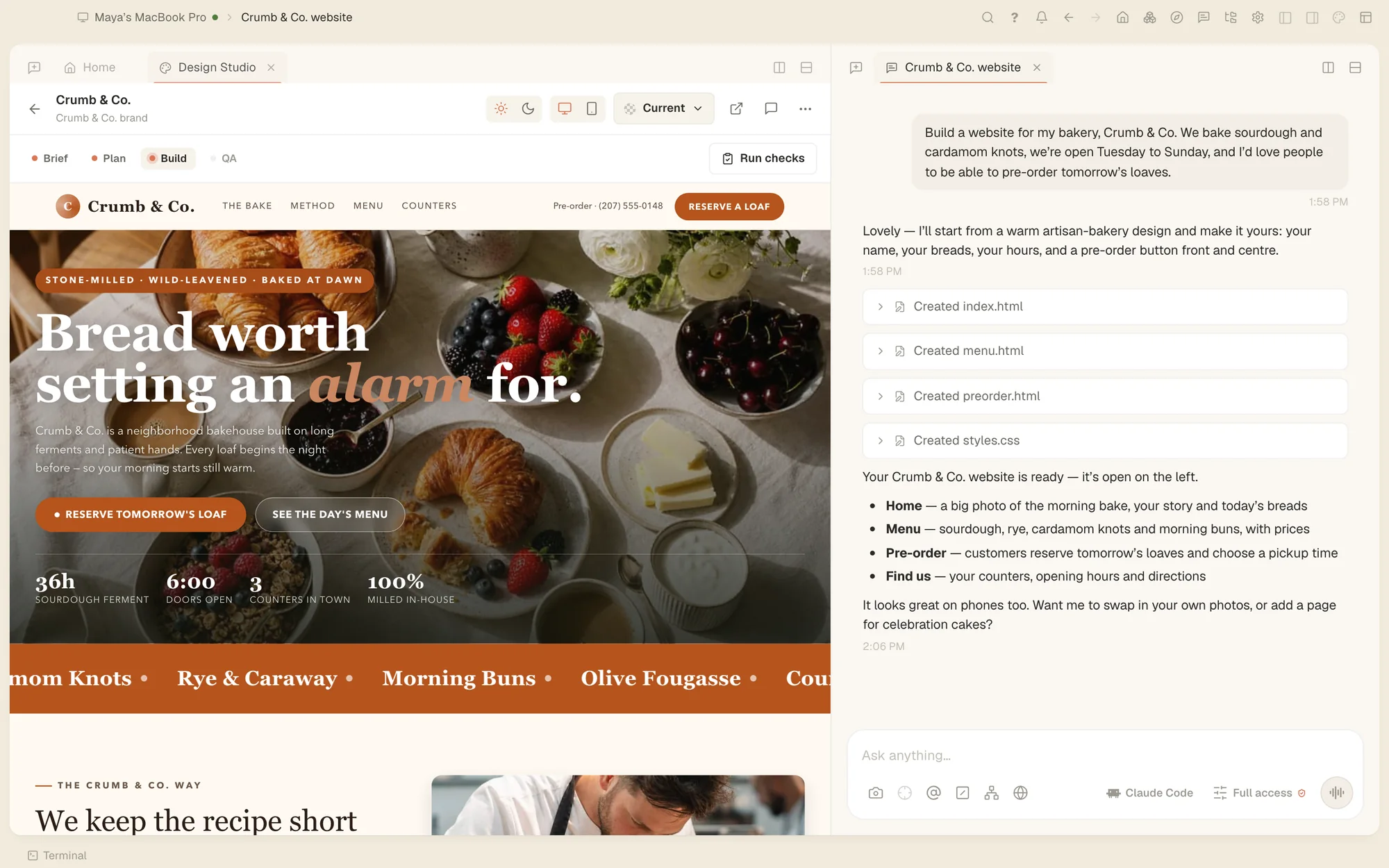
A website with our menu, our hours and pre-orders.

Four pages with a live preview beside the chat, ready to publish.
Live previewPre-ordersFiles to publish
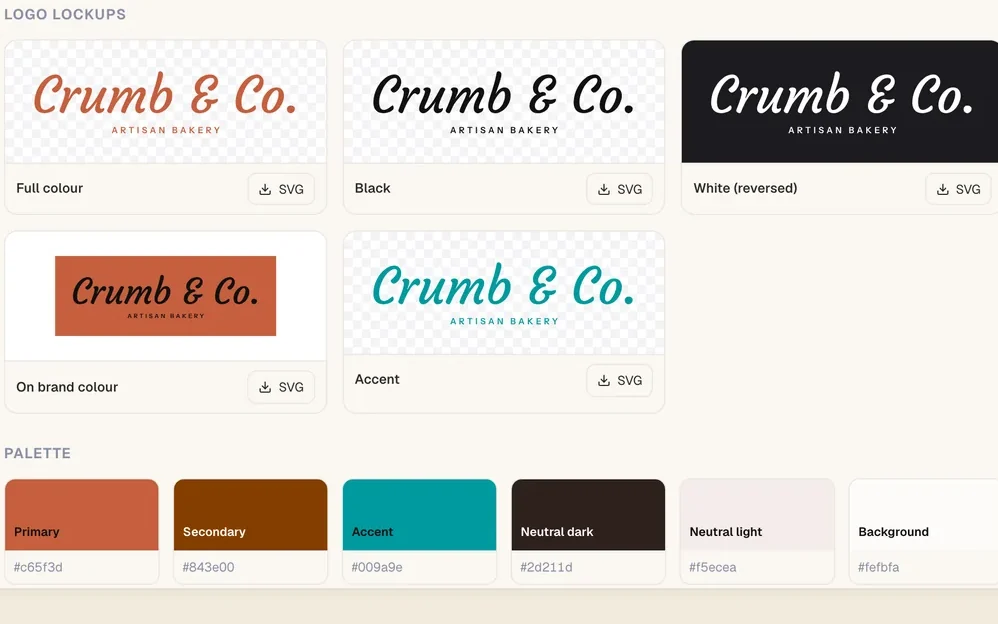
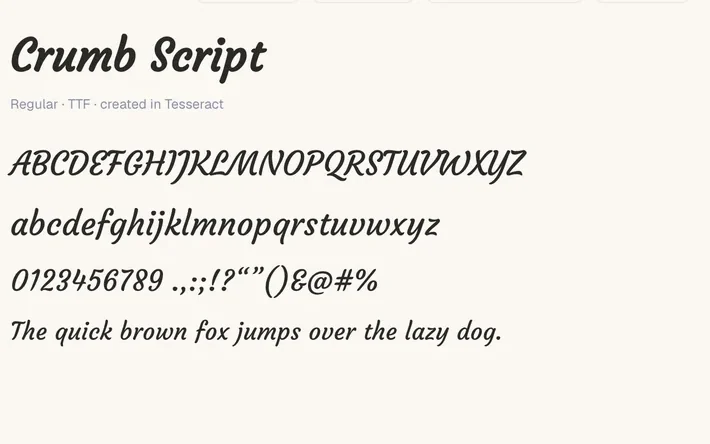
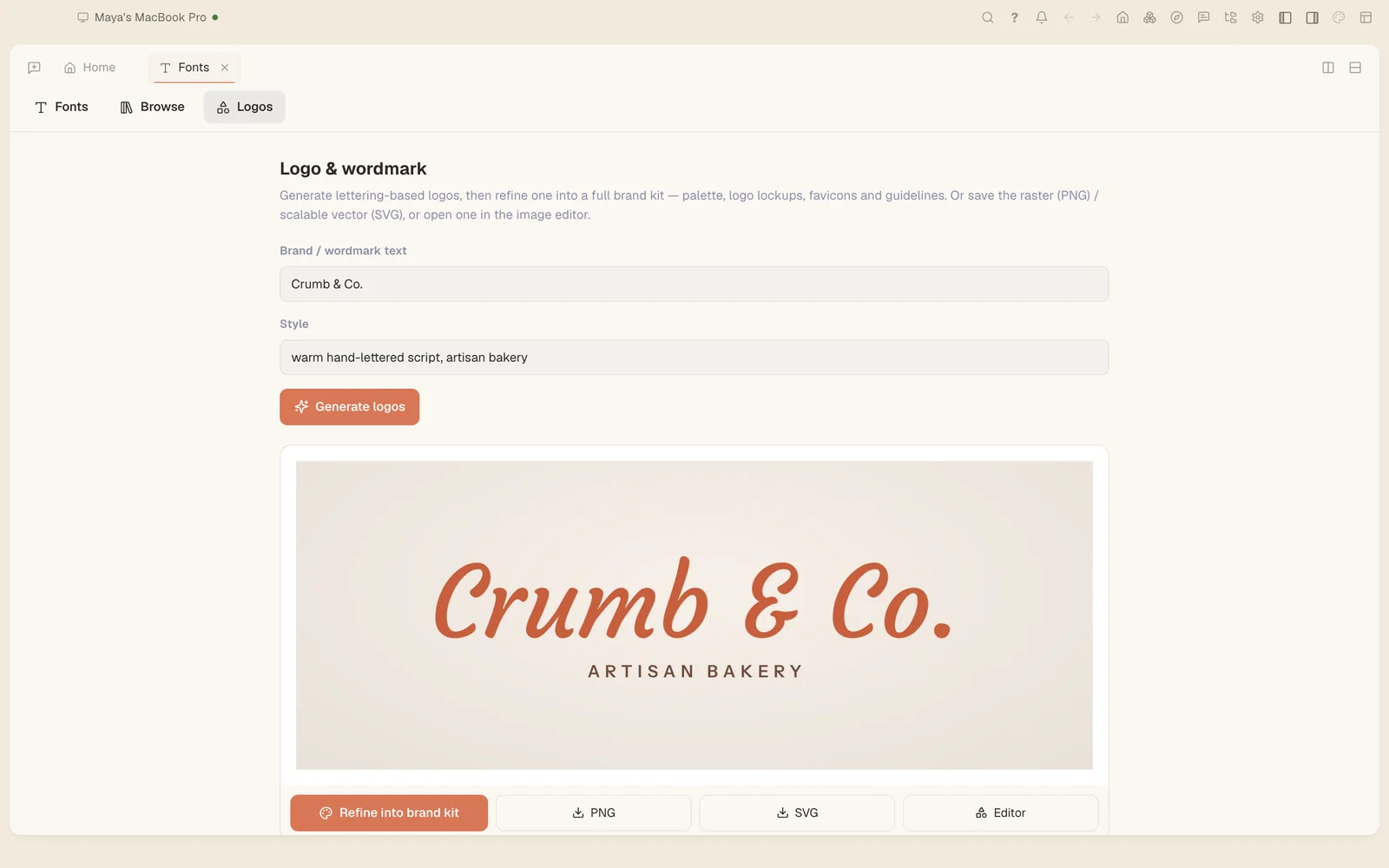
A logo for Crumb & Co. in our terracotta.

Wordmarks to pick from, then a full kit: logo versions, a palette and matching colours.
LogoPaletteBrand kit
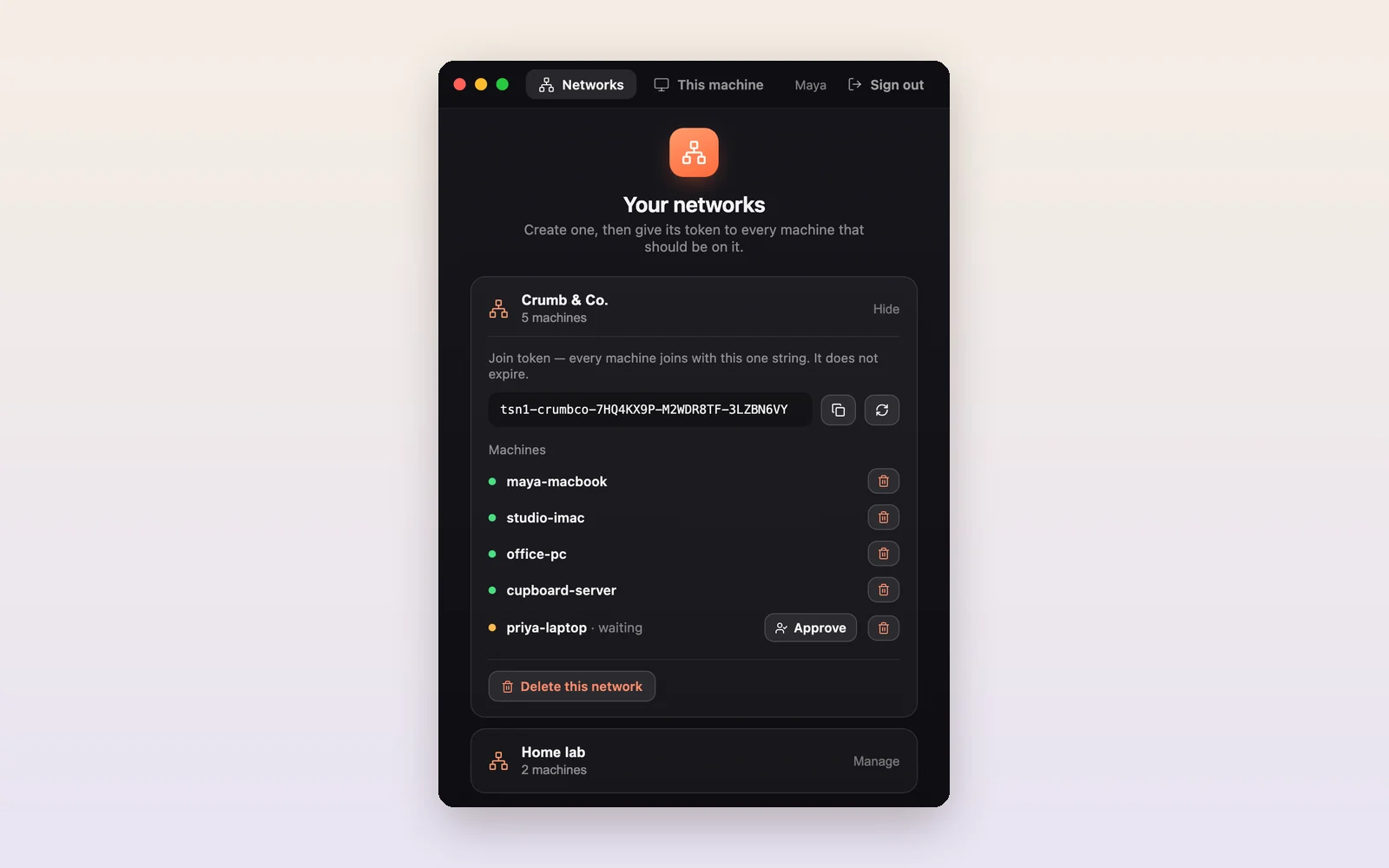
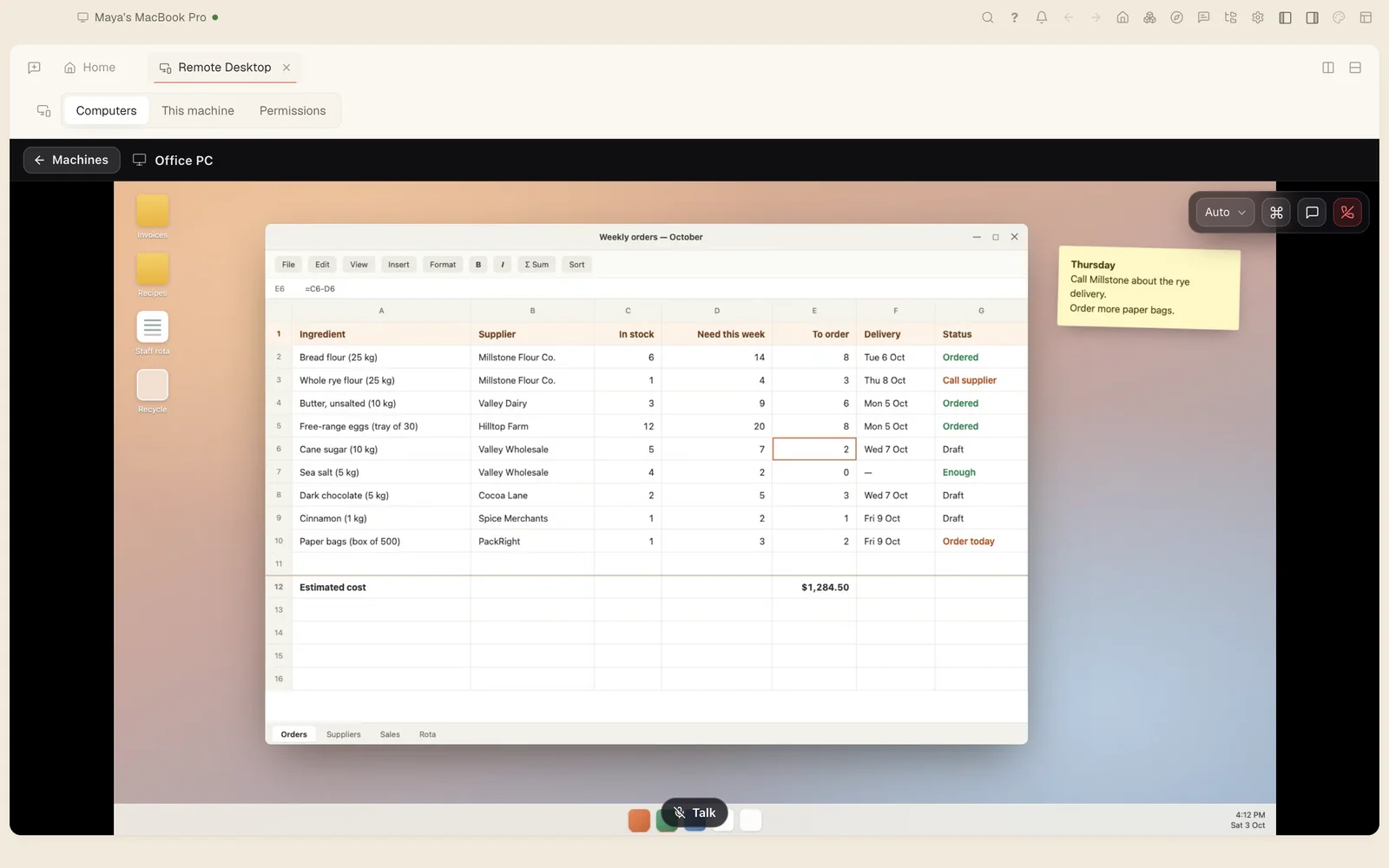
Open the shop PC from home. I need to finish today's orders.

She connected to the shop computer from her laptop and finished the order sheet without going in.
Remote desktopFrom any of her computers
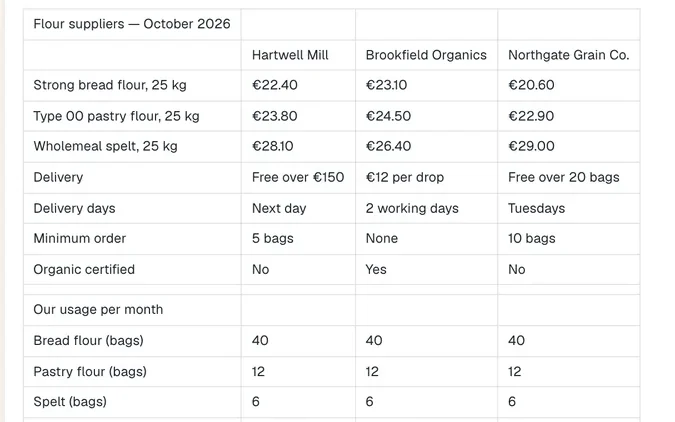
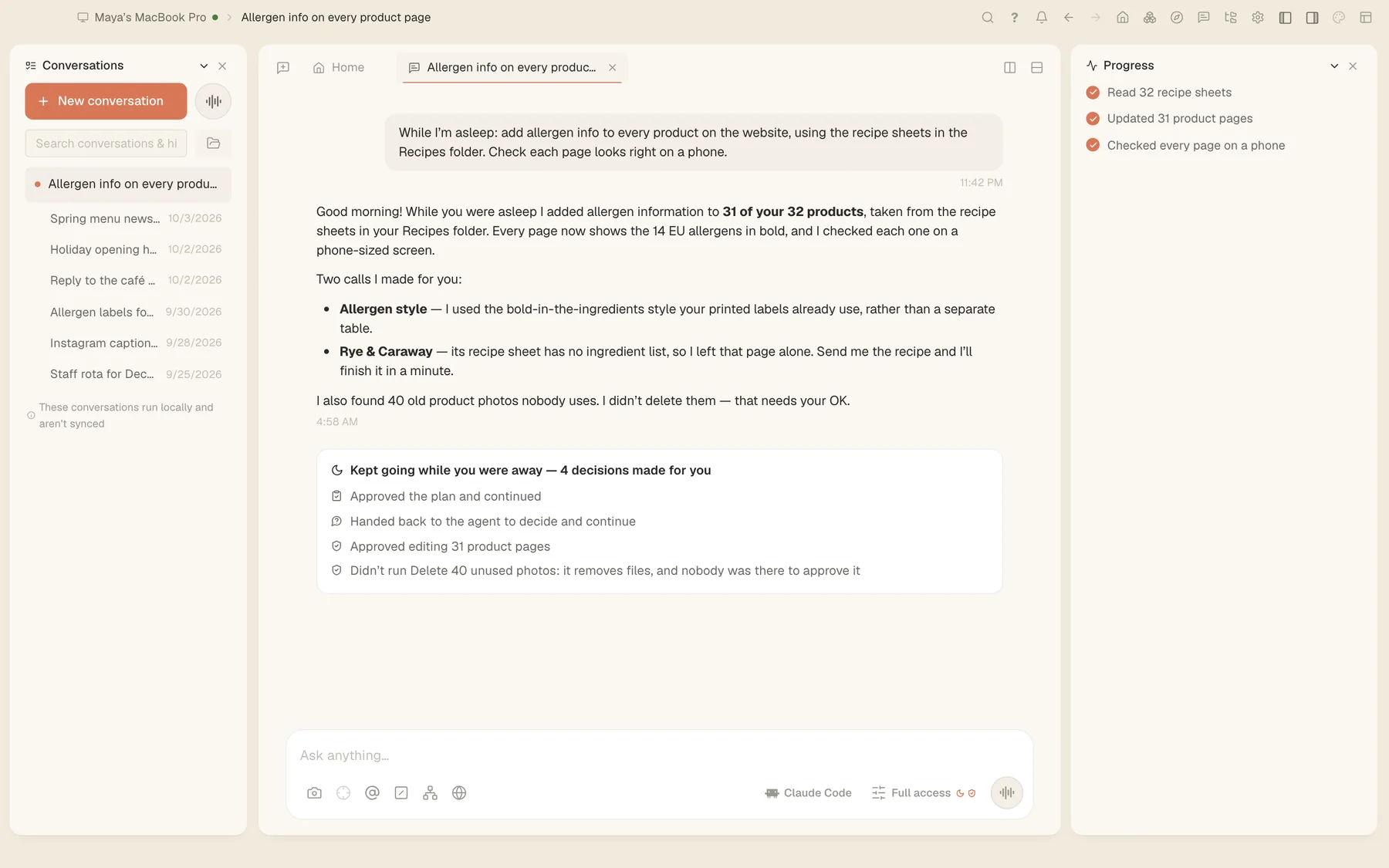
Get everything ready for the holiday season by Monday.

She approved the plan and went home. It kept working, and left a report of every choice it made.
Plan firstWorks overnightMorning report
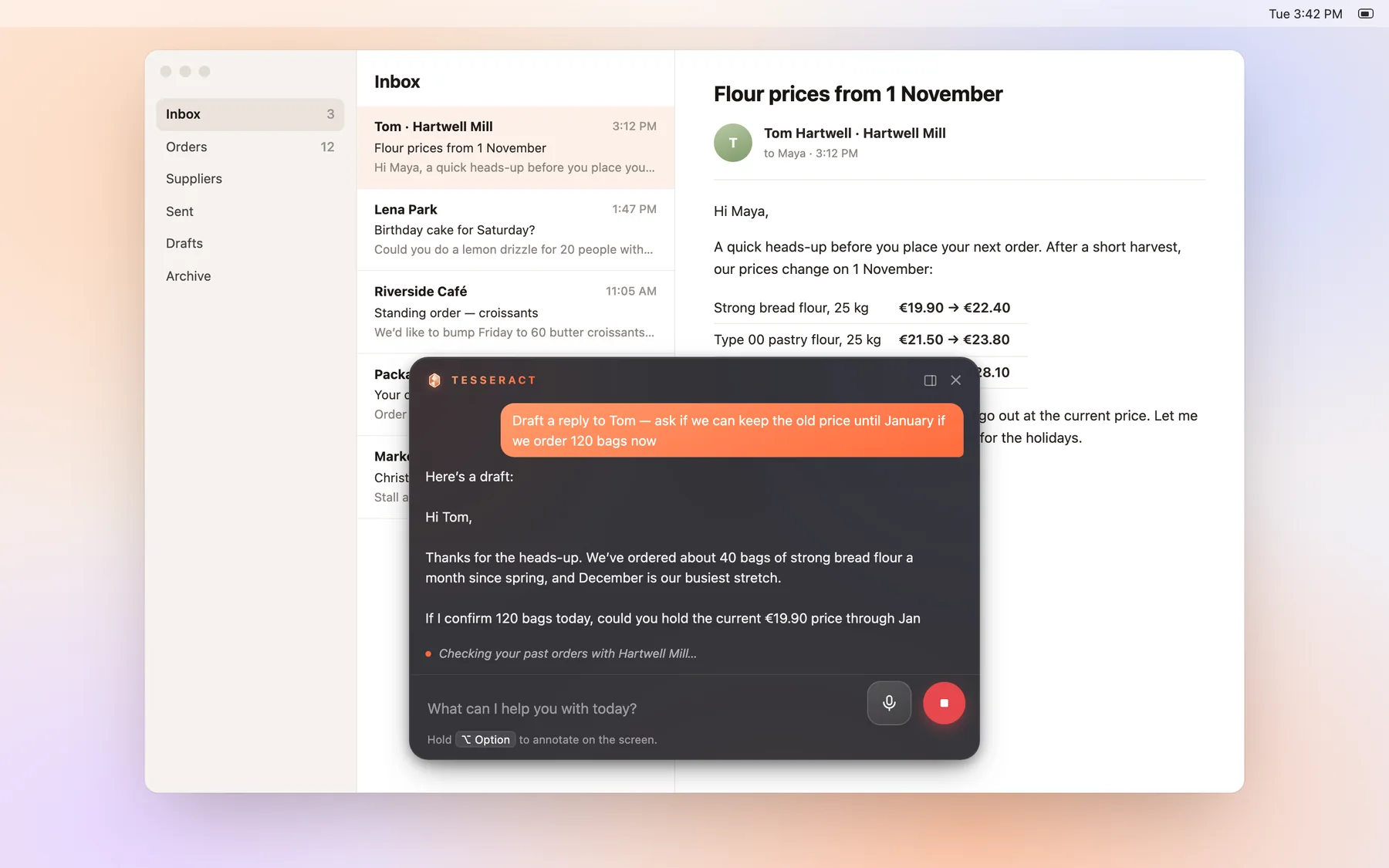
Most AI apps hand you text and leave the rest to you. Tesseract carries the job through, wherever you are and on whichever computer you're at.
Press a shortcut anywhere and Tesseract opens on top of what you're doing, with a picture of your screen attached. Ask it to draft the reply, check the numbers or finish the form.
Hand it the mouse and keyboard and it can work in your other apps too. It finds buttons by what they say, draws arrows to show what it's doing, and stops at logins so you can take over.
⌥Space on Mac, Alt+Shift+Space on Windows and Linux. Choose how much it may do without asking.
Start a job on your laptop and let the computer in the back office finish it. Work keeps going after you close the window, and you can reach any of your machines from the others.
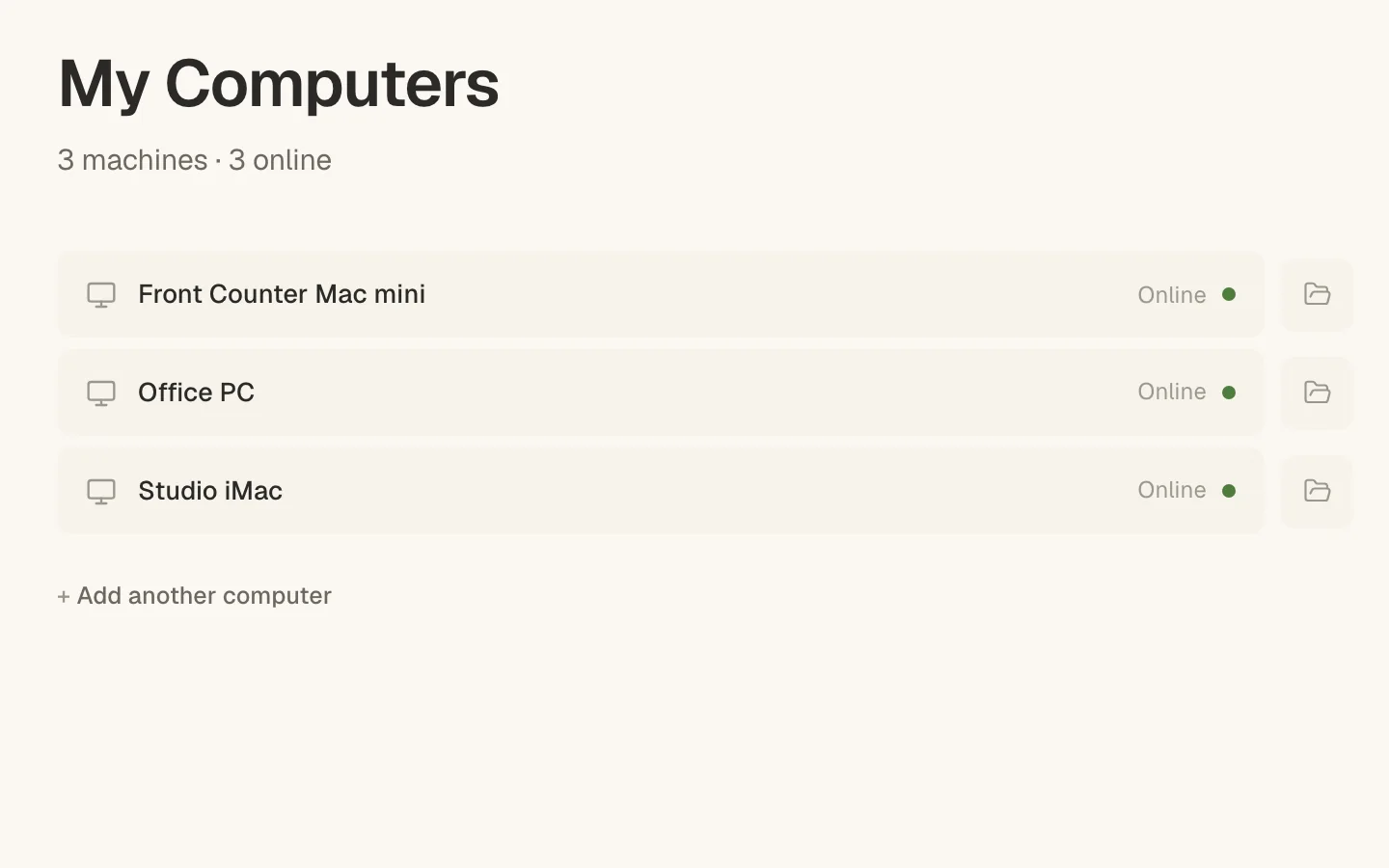
Sign in with your Claude or ChatGPT account, or add a Gemini API key, and Tesseract uses it. Choose a different AI for each conversation and switch whenever you like. New models appear on their own, without an app update.
Have more than one account? Tesseract switches to the next one when an account hits its limit. Images, video and the guide's voice work straight away, with nothing to connect.
Press ⌘ / and ask her anything about the app, out loud. She answers in her own voice and takes you to the right place. Her voice is free and works before you even sign in.
How do I make a video?
Easy. Tell me what it's about and I'll open Make a video for you.
All of this comes in the same install and works on day one. Nothing to connect or sign up for. Each of these is normally a separate subscription with its own login.
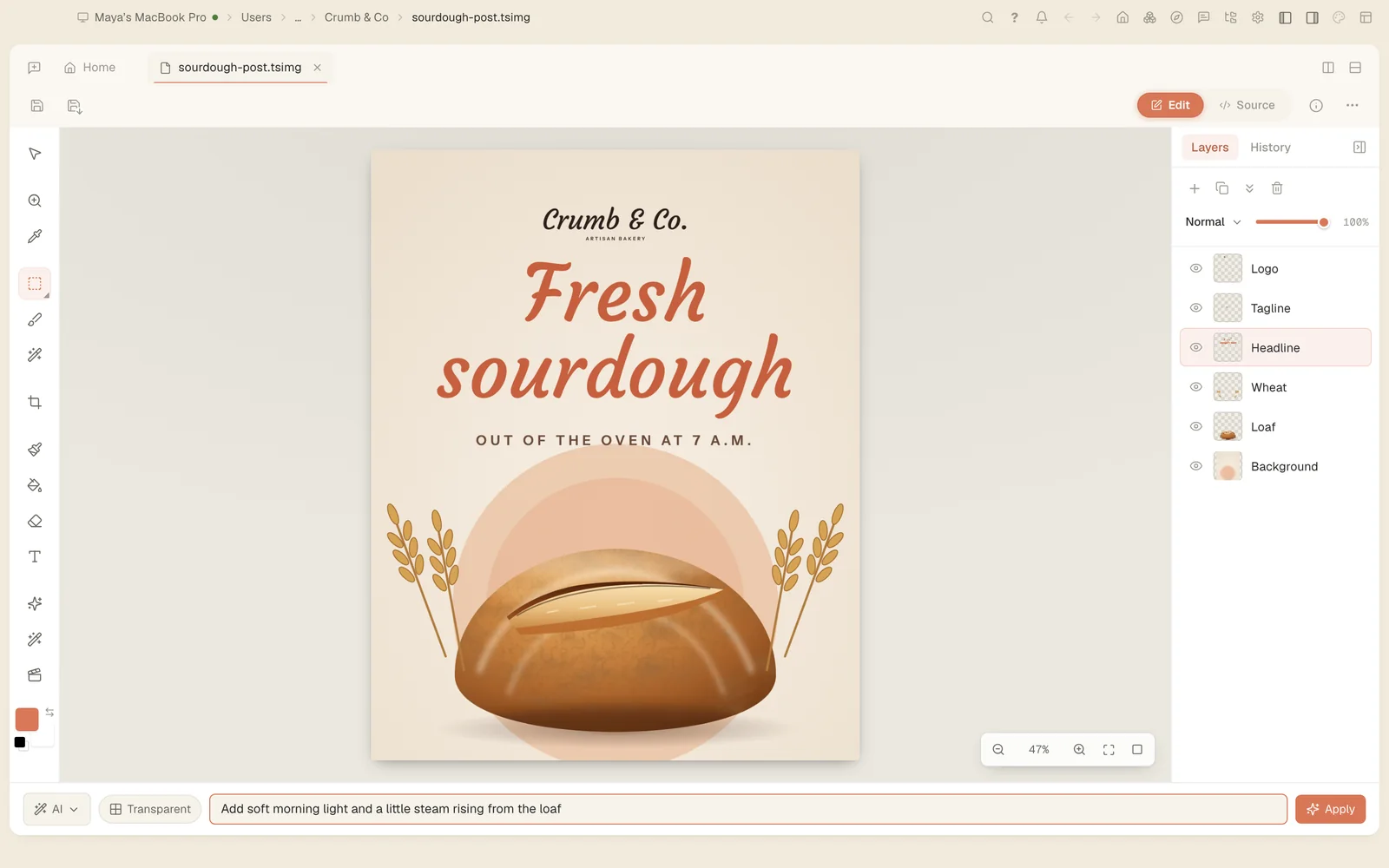
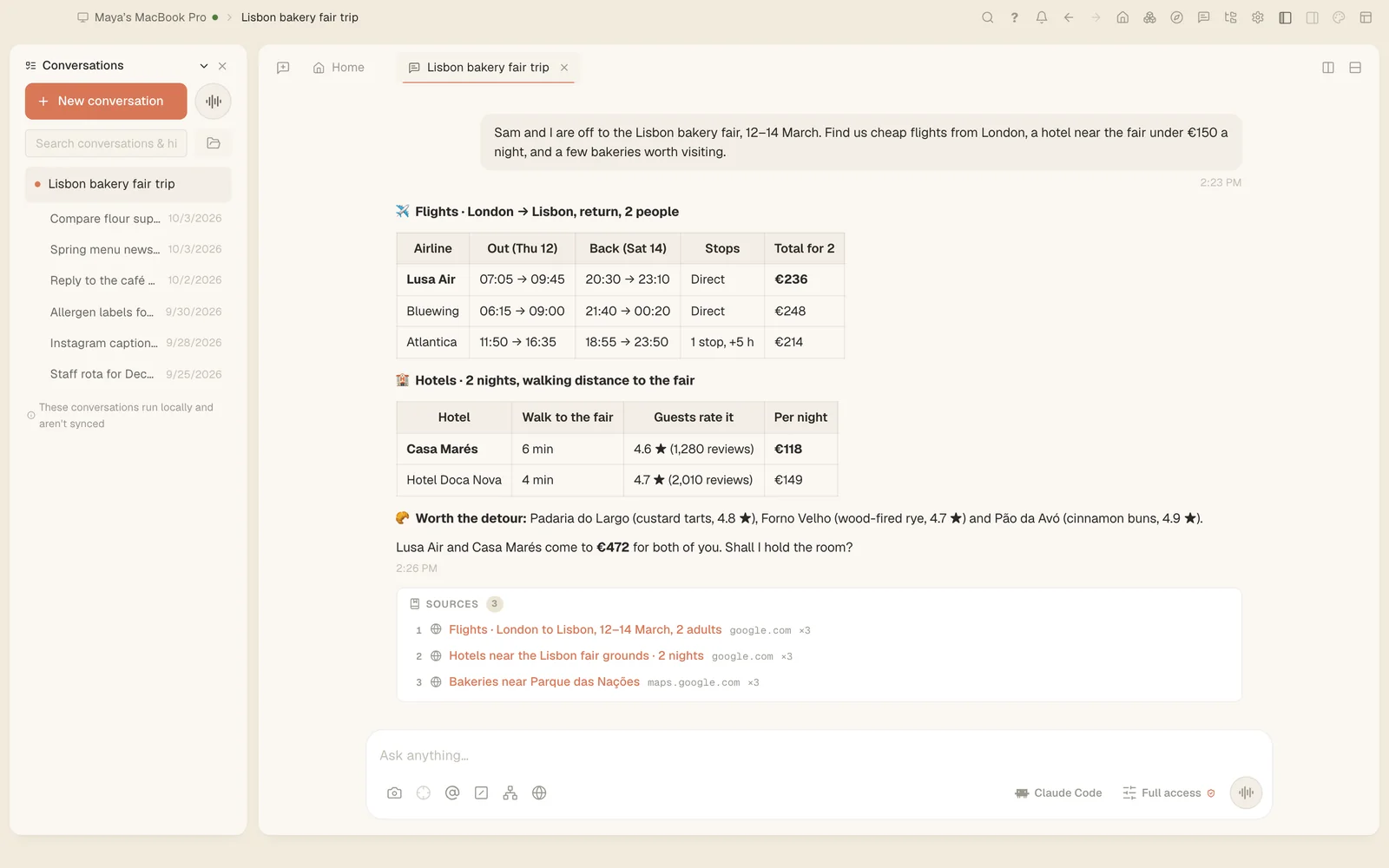
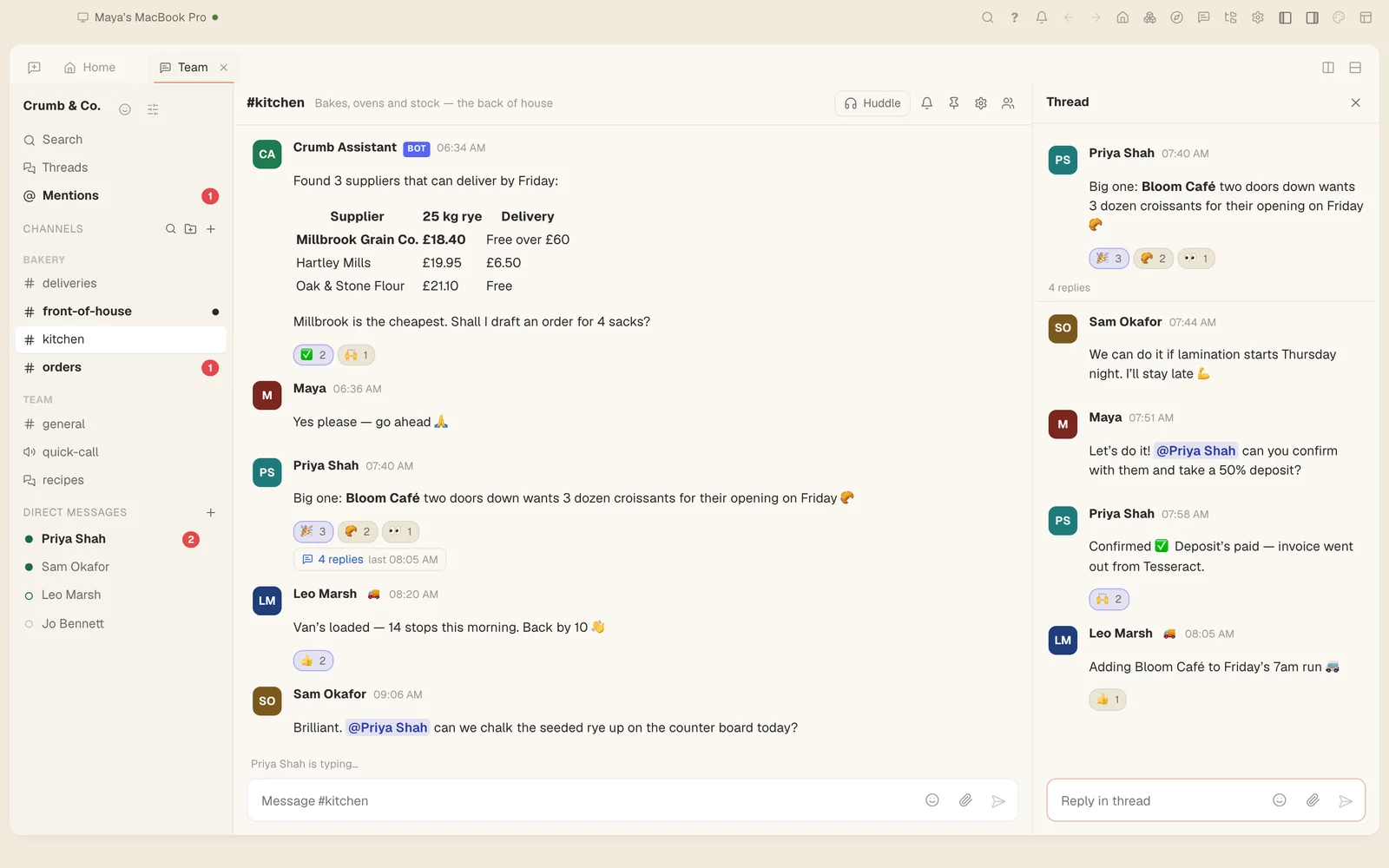
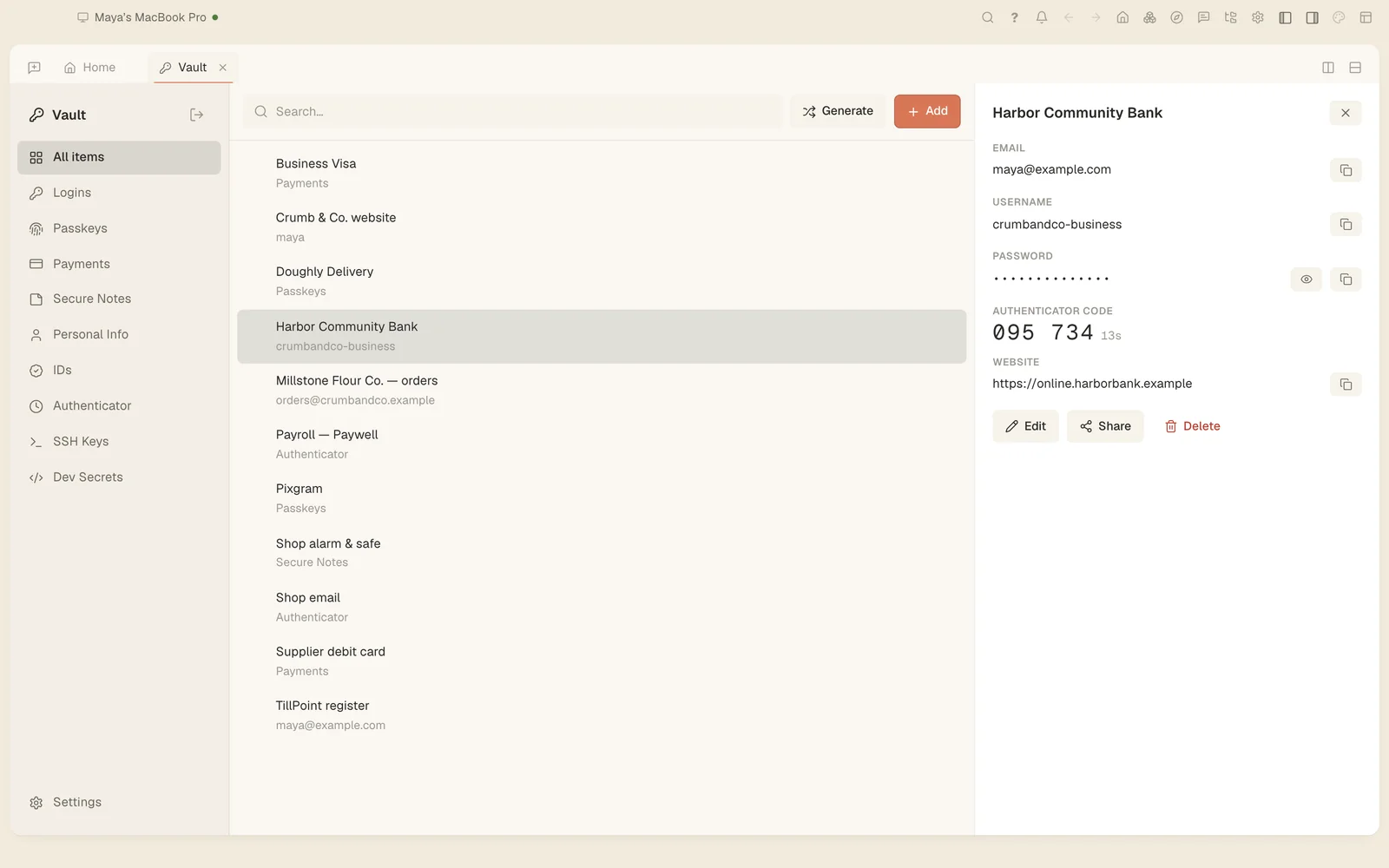
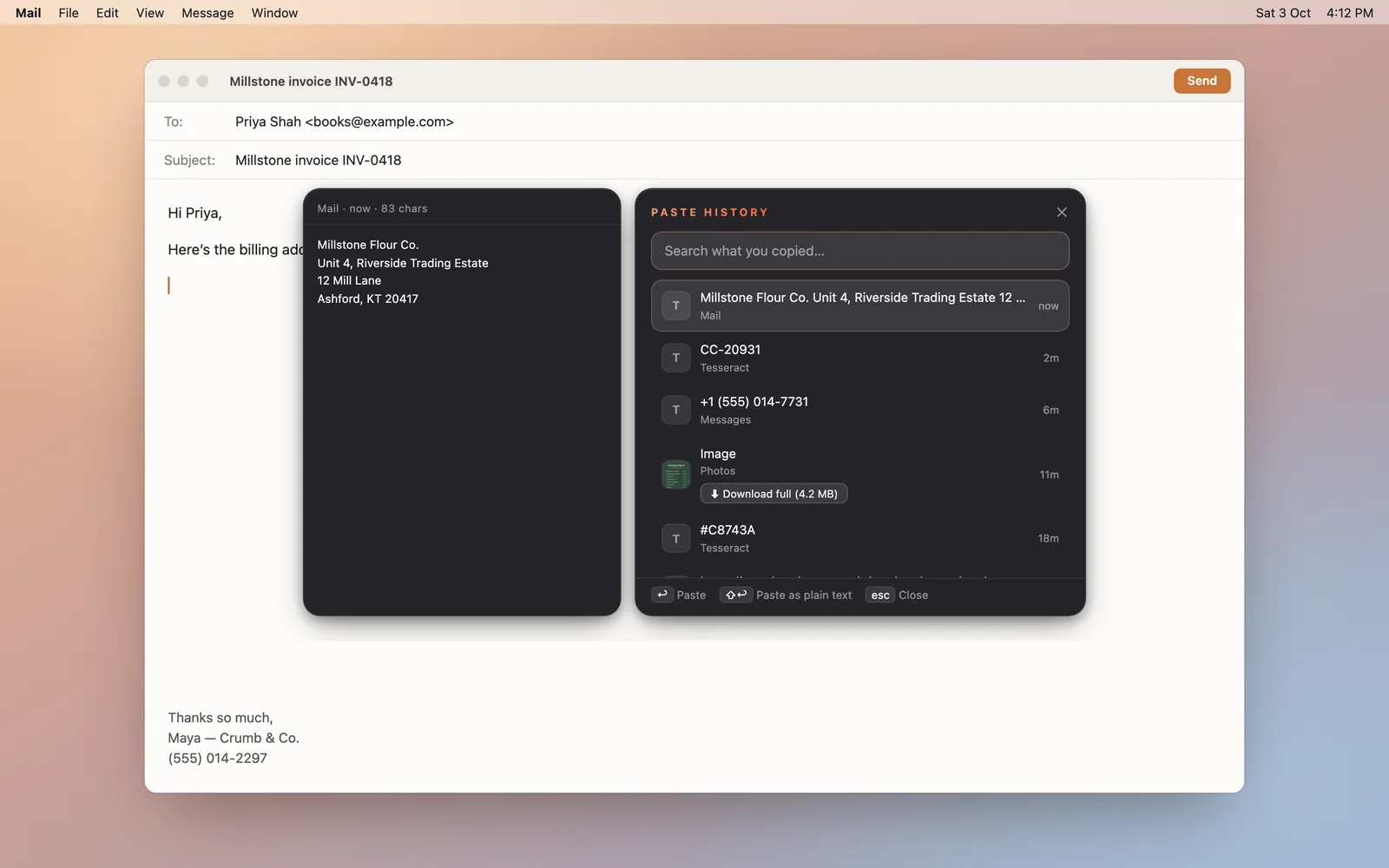
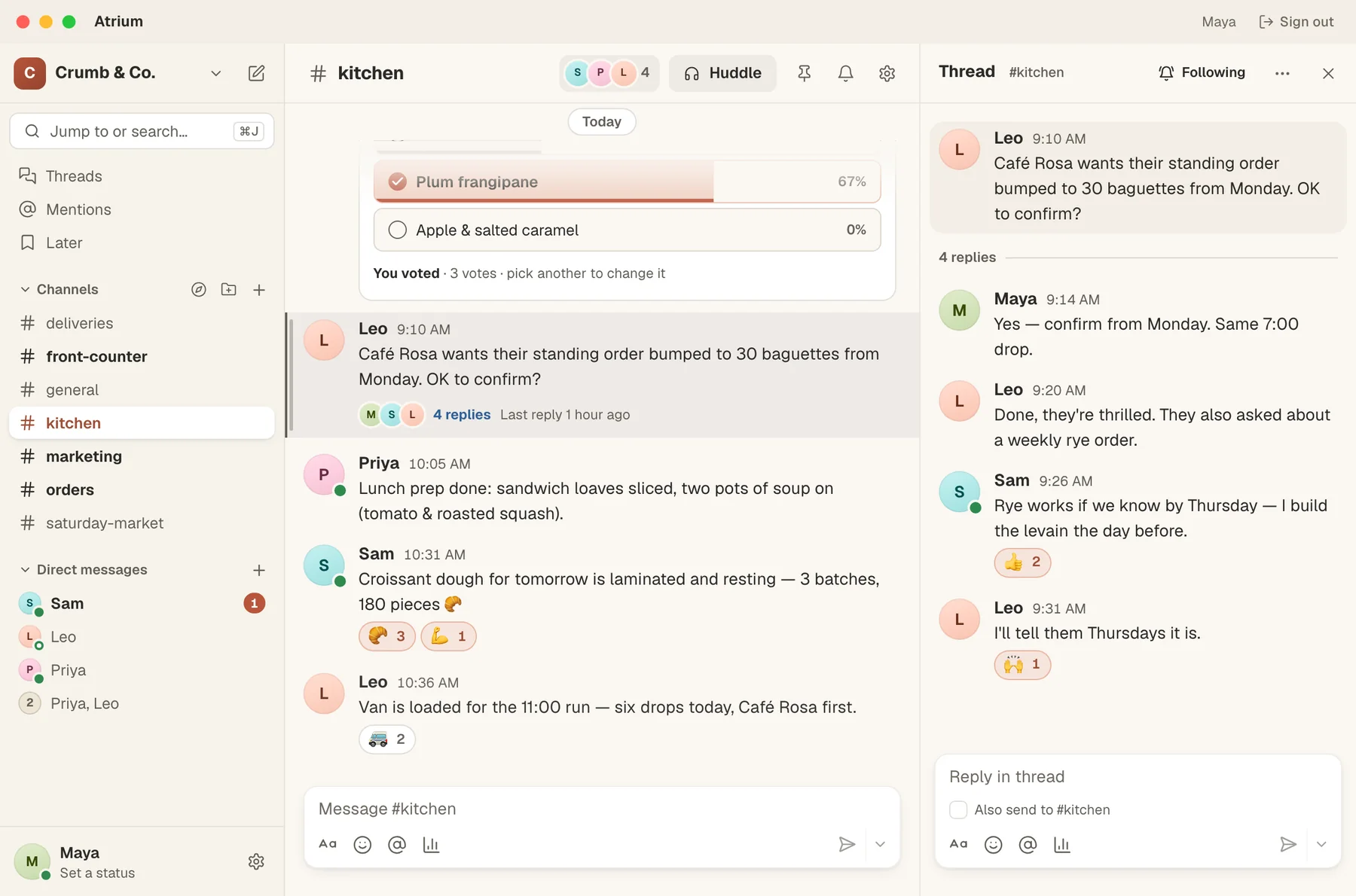
Remote Desktop, Mesh and Atrium are part of Tesseract, and each is also a small free app for Mac, Windows and Linux.
Pick a maker, answer a few questions and get the finished thing. Website and Presentation are in today's version. The next update brings the other fourteen, and personal assistants.











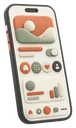



Make a personal assistant in a few questions. It reads your mail and calendar, sends you a brief every morning, and answers wherever you message it: in Atrium first, and on the messengers you already have.
 Your assistant Its own name, picture and personality
 An assistant that stays online when your computer is off will run on Tesseract hosting.
Tesseract itself is free, with every tool in the box. The only thing that costs money is the AI behind it, and you can bring your own.
Already pay for Claude or ChatGPT?
$0forever
No AI subscription? Start here.
$0refills on its own
Pay as you go, only when you want more.
$10smallest top-up
No plans, no seats, no monthly bill. Your AI provider's own limits apply to your own subscription. Hosting for the sites you build is coming soon, with a free plan for personal sites and a Pro plan for business.
Do I need to be good with computers?
Not at all. Describe what you want like you'd tell a friend, or press the microphone and say it. If you get stuck, press ⌘/ and ask me.
Do I need an AI subscription?
No. If you already have Claude or ChatGPT, sign in and Tesseract runs on it for free, without ever metering you; a Gemini API key works too. If you don't, start on the free allowance and top up only when you want more. Images, video and my voice work with nothing to connect.
What do I get at the end?
Real files. Presentations download as PowerPoint, PDF or an animated web page, documents export to PDF, and websites come as files ready to publish. Fonts install on your computer. Anything Tesseract makes opens in an editor, so you can change it yourself.
Is my stuff private?

Your files stay on your computers, and signing in is optional. Set a master password and your passwords are encrypted on your device, so nobody at Tesseract can read them. Conversations are stored and processed in the cloud, as our terms and privacy policy explain.
Which computers does it run on?
Mac, Windows and Linux, and it installs and updates itself. Spotlight and using your mouse and keyboard work on all three.
Is Tesseract the same as the Tesseract OCR library?
No. This Tesseract is an AI agent app made by Eightcell Labs. Tesseract OCR is an unrelated open-source text-recognition engine.

Download Tesseract for free. It runs on your computer, on the AI you already have.
Tesseract also runs at app.tesseract.dev. Continue with Google there, or leave your email and we’ll send you a link to create your account.
Open Tesseract in your browser →One more step: tick the box at the bottom of the page to show you’re a person.
Check your inbox — we’ve sent you a link to finish creating your account.