 Tesseract
See and control your other computers.
Reach the shop PC from home, or help a relative from your laptop. Free, as its own small app or built into Tesseract.
- Free, no subscription
- No account needed to start
Already using Tesseract? It's built in. Get Tesseract
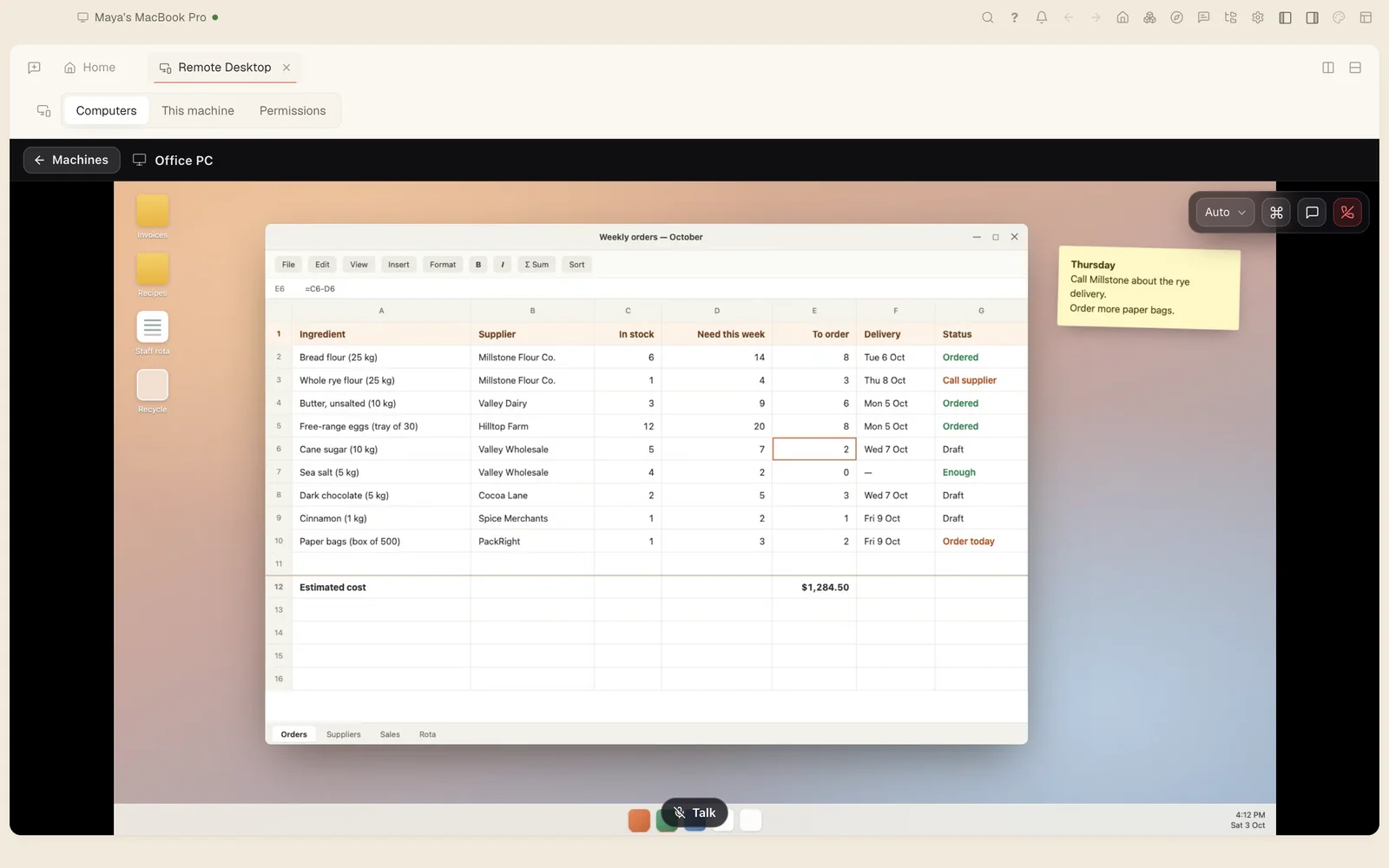
Connected in three steps.
Install it on both
Download the app on the computer you want to reach and on the one you are using. Both are free.
Share or sign in
On the computer you want to reach, open This machine for its ID and password or a one-time code. Signed in, there is nothing to share.
Connect
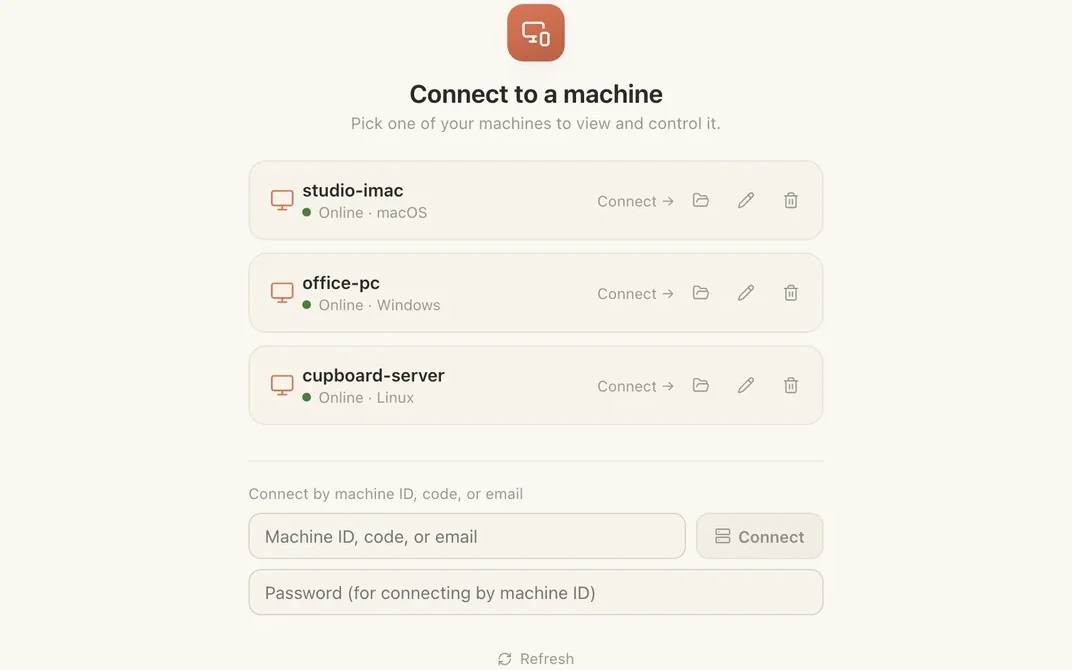
On your computer, open Connect, enter the code or pick the machine from your list, and you are looking at its screen.
Connect the way that suits the moment.
- Your own computersSigned in, your machines are listed and connect in one click, with no password to type.
- An ID and a passwordFor machines nobody is sitting at. Sharing is on by default and the password is made for you; change it any time.
- A one-time codeRead a code out to someone you are helping. It lasts 30 minutes, or up to a day if you choose.
- Ask by emailSend a request; they approve it in their own app. Each person decides who may ask: people they know, anyone, or no one.
Every way in needs your say: your own account, a password, a code that expires, or a request you approve.
Without an account you can still connect by ID and password and share your own machine. Signing in adds your machine list and email requests.
Everything you need once you're in.
- View only, or full control of mouse and keyboard
- Quality presets for fast or slow connections
- Sound from the other computer
- A chat beside the session
- Ctrl+Alt+Del, and a choice of which display to show
- Up to three people watching the same screen
On Windows, the lock screen and admin prompts stay with the person at the machine.
Part of something bigger.
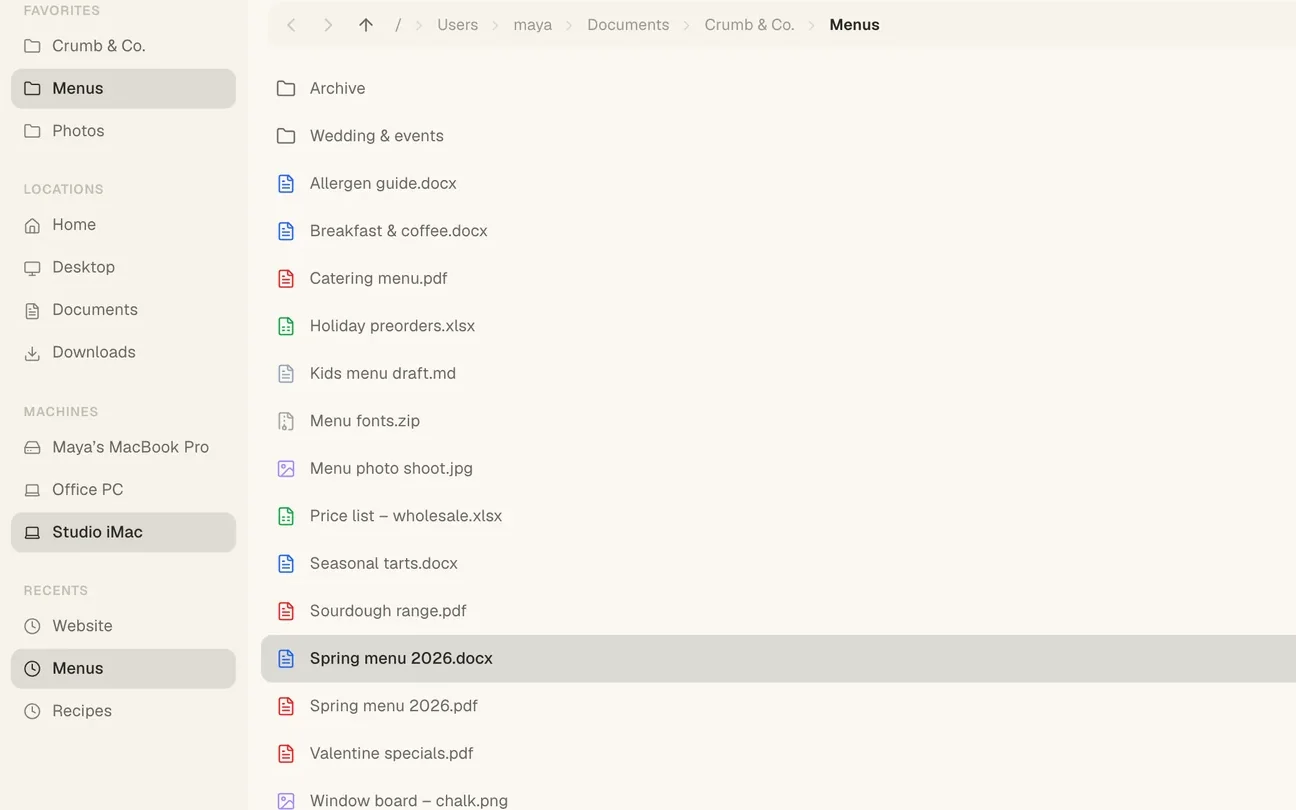
In Tesseract, Remote Desktop sits on the Home screen next to everything else. The same machines open in Files like folders of your own, run AI agents for you, and join your private network.
Download Tesseract Remote Desktop
Free, with no account needed to start. Version 0.11.28. It is also built into Tesseract.
Not sure which one? Macs from 2020 on are Apple silicon; most Windows and Linux PCs are x64.
- MacApple silicon (M1 and later)
- MacIntel
- Windowsx64, portable app
- WindowsARM, portable app
- Linuxx86-64 AppImage
- LinuxARM AppImage
All files and release notes: remote-desktop-v0.11.28. Windows builds are portable apps: download and run them. New versions are posted on this page.