 Tesseract
A real spreadsheet, and an AI that works in the same sheet.
Formulas, charts, pivot tables and every tab of your workbook, in Excel, Numbers, OpenDocument or CSV files. Ask in the chat for a total, a chart or a cleanup, and the agent does it in the open workbook.
- About 520 functions
- Opens .xlsx, .xls, .numbers and .csv
- Free, no add-ons
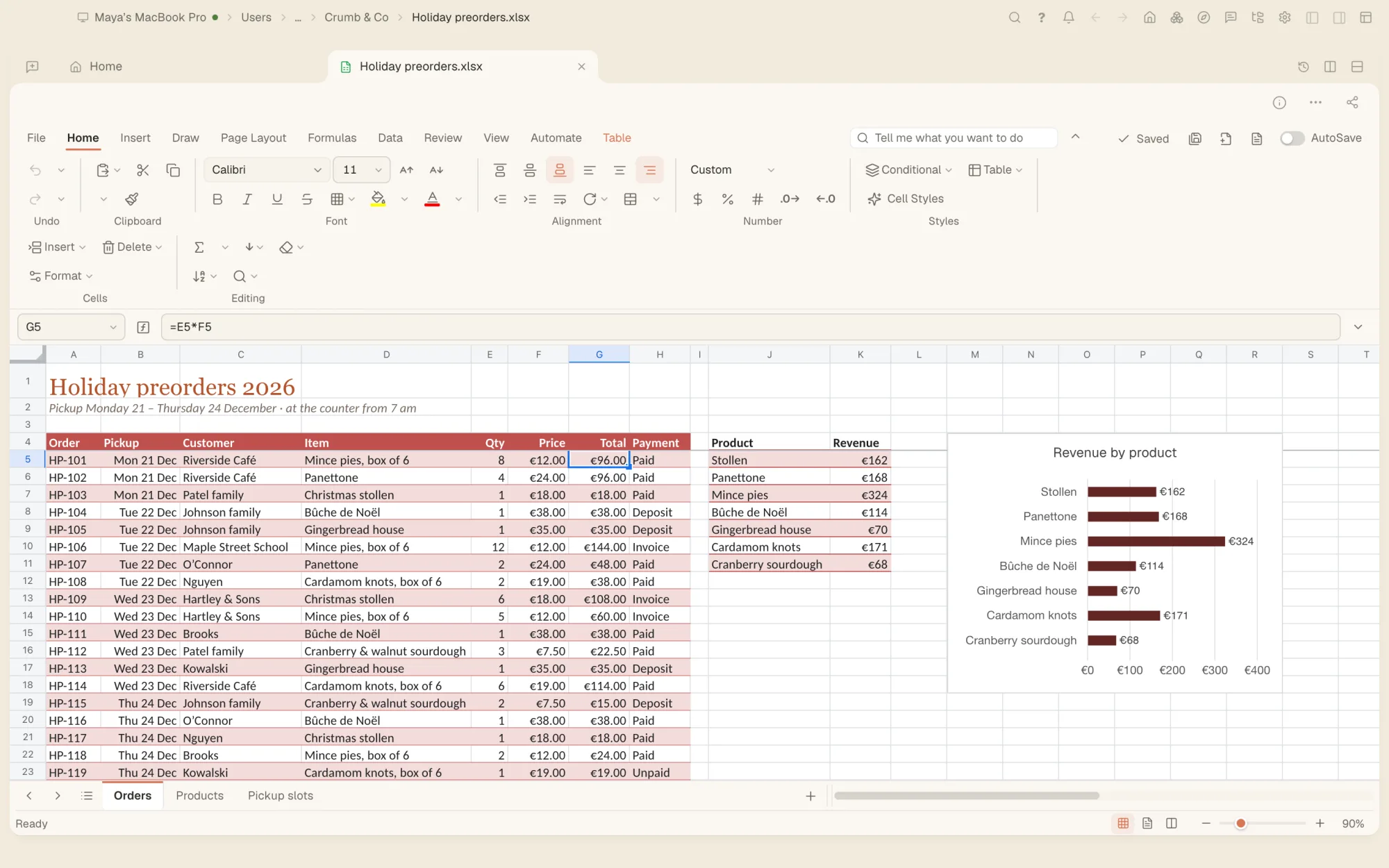
Ask for the total, the chart or the fix. It happens in your sheet.
The agent reads each cell as it is shown, with its formula, then selects ranges, types values and formulas, and runs the same commands as the ribbon: sorting, pivot tables, charts, conditional formatting, goal seek and more.
- Formulas written as formulas, so the sheet keeps working
- Pivot tables, charts and slicers made and changed by asking
- Every change is one step you can undo
- Or work by hand: the editor works without the agent
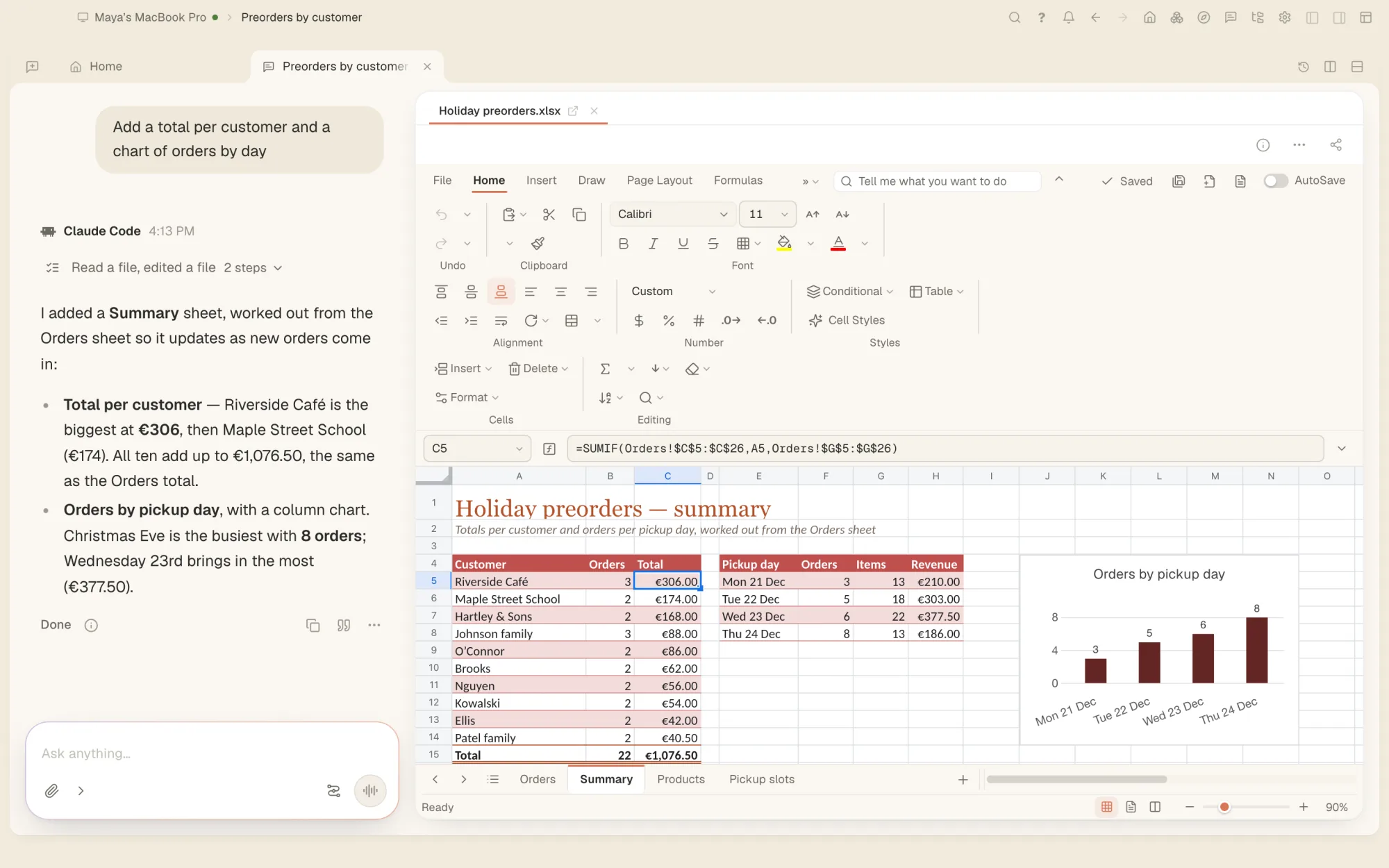
Built for real workbooks.
- About 520 functionsXLOOKUP, FILTER, SORT, UNIQUE, LET and LAMBDA among them, with spilling arrays, and function names in 16 languages.
- A full-size grid1,048,576 rows by 16,384 columns, with frozen panes, grouping, merged cells and as many tabs as you need.
- Charts and sparklinesColumn, line, pie, scatter, waterfall, funnel, treemap, box and whisker, combo charts and more, and sparklines in cells.
- Pivot tables and slicersSummarise thousands of rows in a few clicks, with pivot charts and slicers to filter them.
- Data toolsSort and filter, tables, remove duplicates, split text into columns, fill a pattern from an example, dropdown lists and importing data.
- FormattingNumber formats, cell styles, conditional formatting with data bars and icons, and checkboxes in cells.
- What-if analysisGoal seek, a solver, scenarios, data tables, statistical analysis tools and a forecast sheet.
- Review and protectComments and notes, spelling, formula auditing, and sheets or the whole workbook protected.
- Scripts, kept safeRecord and run scripts on a workbook. They run sealed off, with no network and no storage of their own.
Excel, Numbers, OpenDocument and CSV.
Open the workbooks you already have. Formulas are saved as formulas, and in .xlsx and .xlsm files the parts the editor does not use are kept as they were.
- .xlsx
- .xlsm
- .xls
- .xlsb
- .ods
- .numbers
- .csv
- .tsv
- .json
- .xlsx
- .xlsm
- .xls
- .xlsb
- .ods
- .csv
- .tsv
- .html
Questions people ask
Does it open Excel and Numbers files?
Yes: .xlsx, .xlsm, .xls, .xlsb, OpenDocument, Numbers, CSV and more, password-protected workbooks included. A Numbers file is saved as another format, such as .xlsx.
Do my formulas keep working?
Yes. The spreadsheet has its own calculation engine with about 520 functions, including XLOOKUP, FILTER, LET and LAMBDA, and formulas are saved as formulas.
Can the AI build a spreadsheet for me?
Yes. In any open workbook, ask in the chat for a pivot table, a chart, a sort or a fix, and the agent does it with the same commands you would use, one step you can undo at a time.
Is my data uploaded?
The spreadsheet works on your computer and sends your data nowhere; pictures from the web in an IMAGE formula load only if you allow them. When you ask the agent for help, the AI model of your chat reads what it needs to answer, as with any request.
Does it have pivot tables?
Yes, with pivot charts and slicers, and the agent can create, change and refresh them for you.
Your workbooks, and an agent that works in them.
Free on Mac, Windows and Linux, with every other tool included.