 Tesseract
One app. Every tool included.
Documents, spreadsheets and PDFs. Video, audio and pictures. Websites, apps and assistants. Tesseract has real editors for your documents, video, audio and pictures, and an agent that can do the work in them for you — free with the Claude or ChatGPT subscription you already have.
60 tools · Mac, Windows and Linux · no add-ons to buy
Documents & office
Real editors for the files you already use, and makers that write them for you.
12 tools
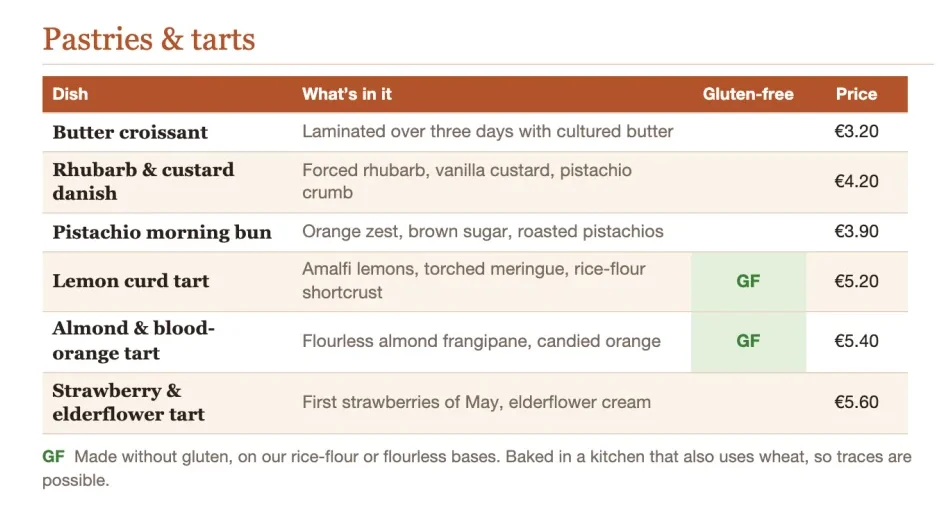
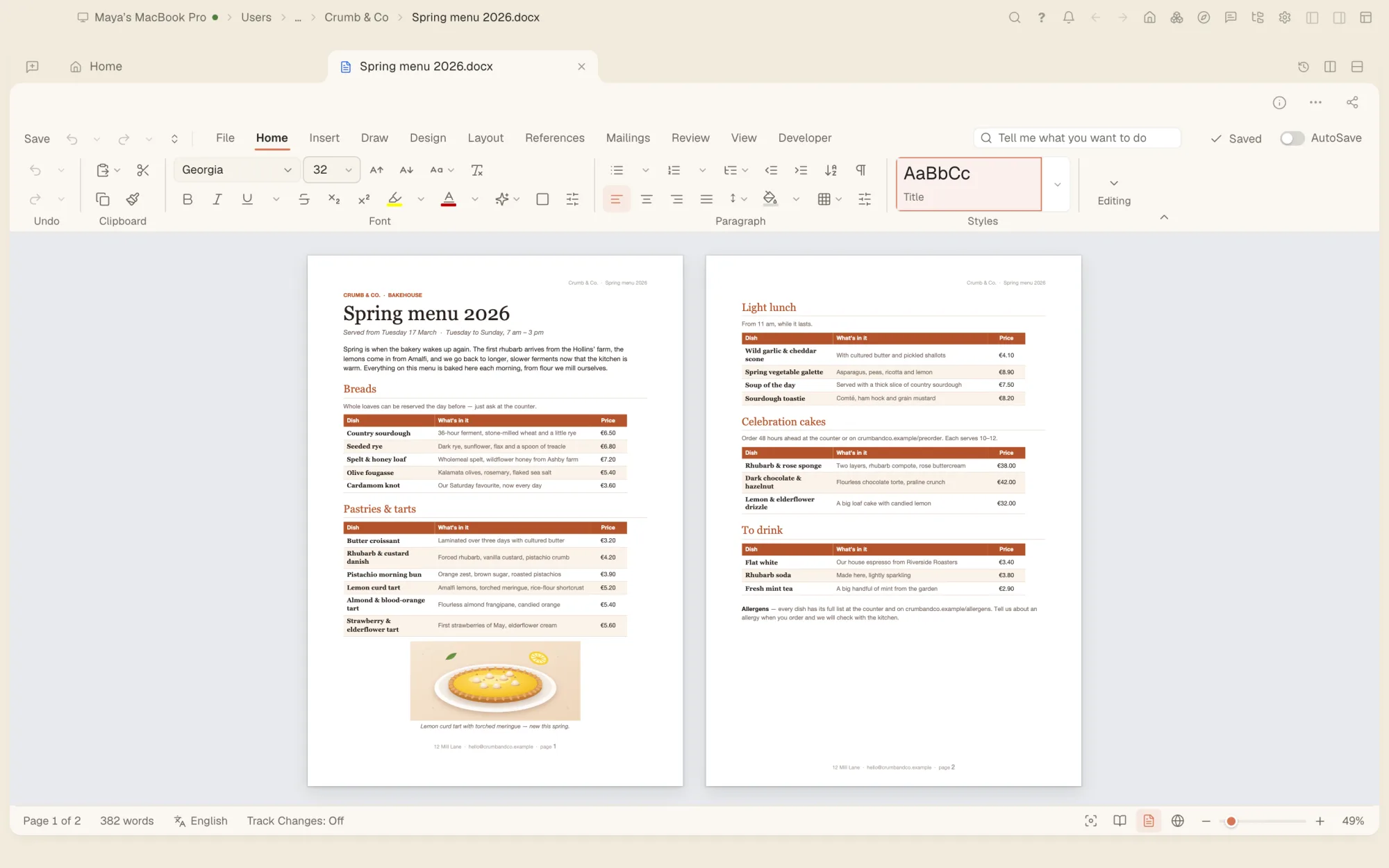
- Word documents A full word processor for .docx files, with pages, styles, tables and review.
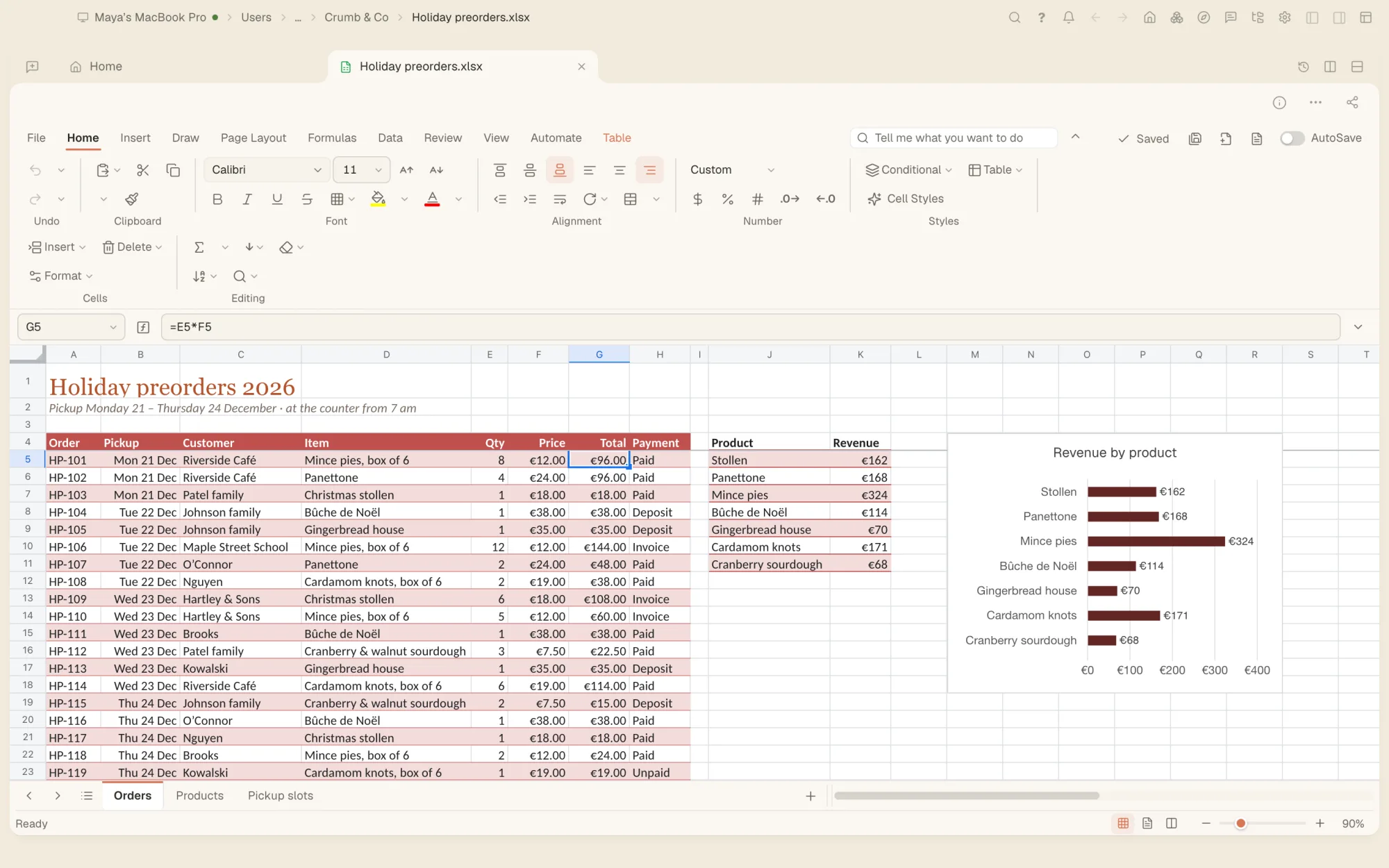
- Spreadsheets Formulas, charts and tabs in .xlsx files, and the agent working in the same sheet.
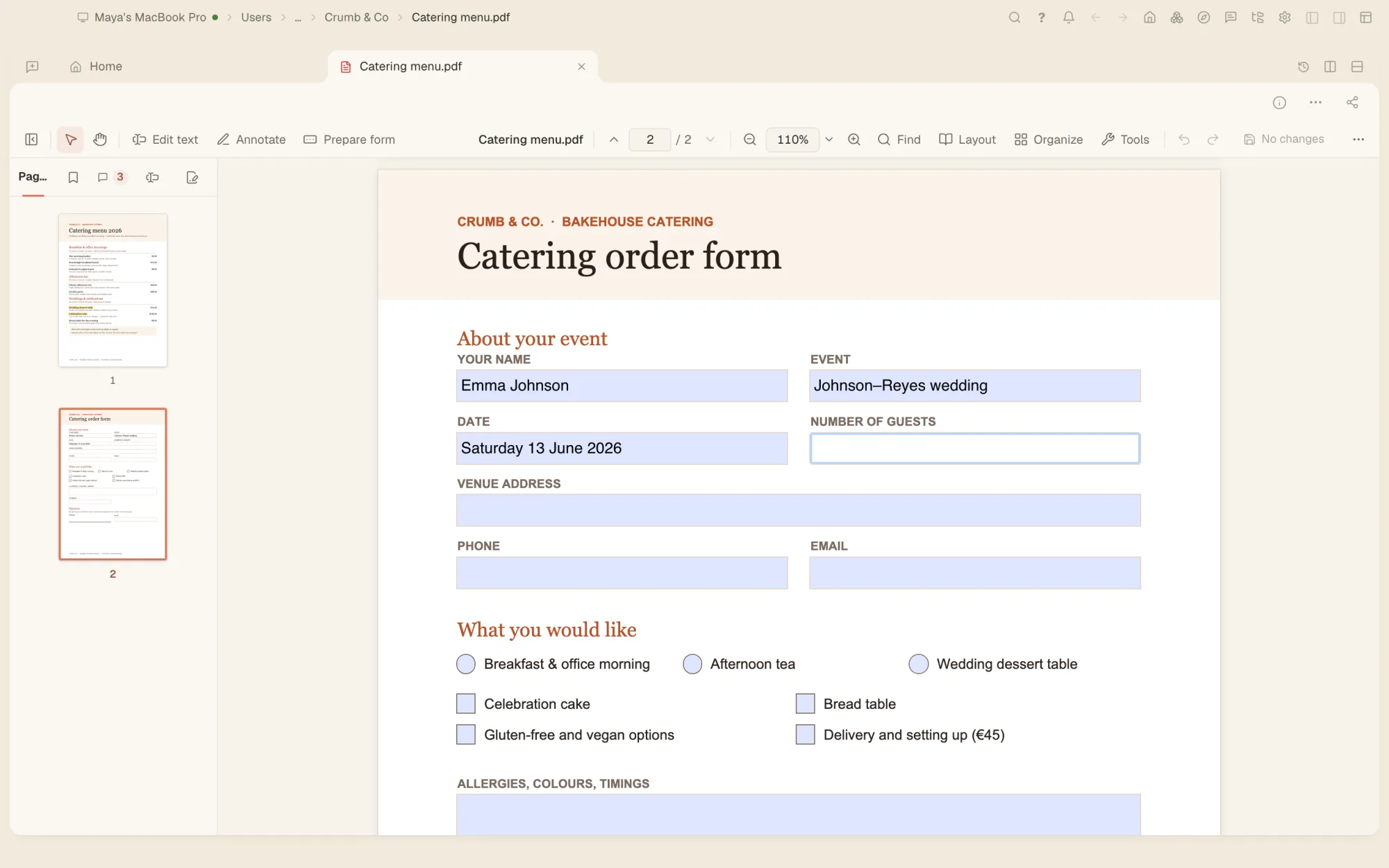
- PDF editor Read, mark up, fill in and sign PDFs, and turn them into other files.
- Presentations Researched slides you present full screen, or download as PowerPoint, PDF or a web page.
- Writing Emails, letters, CVs, speeches and blog posts, outlined first, then drafted in a document you edit.
- Research reports Deep research with every source linked, as a document and a PDF.
- Data analysis Your data read, charted and summed up, in a spreadsheet you can keep working in.
- Invoices Numbered on from your last one, as a Word document and a PDF.
- Newsletters A web page and an email-safe copy, with a picture where one fits.
- Forms and surveys A fillable PDF, and a web page that collects the answers.
- Translate documents A whole document or just a selection, into another language. New
- Your files open in Tesseract Tesseract is in Open With for every kind of file its editors open, and you choose which other kinds open here. A folder opens as a project, and Tesseract’s own drawings, pictures, videos, comics and presentations show a picture of themselves in Windows Explorer and Linux file managers. New
Video & motion
From one sentence to a finished clip, and a full editor when you want to cut it yourself.
9 tools

- Video maker Describe a video and it is directed for you: a genre and pacing, one colour look across every clip, the light, the emotion, a lens and a camera move for each shot, at any length.
- Video editor A full timeline: multicam, colour grading, scopes, a transcript to cut by, a mixer, and an AI transition of 46 kinds at any cut.
- Media board Pictures, clips and steps as boxes you connect and run again, each with its price shown, and you and the assistant work on the same board. New
- Motion graphics Animate text, shapes and pictures with keyframes on a timeline.
- AI video edits Restyle or swap what is in a clip, or relight it.
- Ads for your own products Give it your product, or a link to your own site for your brand, and get a finished short ad in every platform’s shape. Then turn one ad into many variants, priced before anything is made.
- Ideas gallery Hundreds of ready ideas for ads and short videos: search them in your own words and start one from two or three answers. New
- Reflections The people, products, places and styles you keep the same in every picture and clip now have a screen of their own: see, add, change and remove them and their series. New
- Short videos and music videos Vertical shorts, promo videos and music videos, with hundreds of effects and seasonal looks.
Audio & voice
Record and edit sound, and give anything a voice.
4 tools
- Audio editor Waveforms, lanes and an effects rack to cut and clean up sound.
- Voice Text read aloud in natural voices, or in a copy of your own voice with a voice key of your own.
- Audio maker A recording finished in the editor, or a voiced script with music.
- Song maker A song from a topic or your own lyrics: change the plan by talking, hear two drafts and keep one in the audio editor. New
Pictures & design
Make pictures, fix your photos and design a brand, with editors that keep every layer.
13 tools
- Image generator Photos, art, illustrations and posters from a description.
- Photo editor Layers, masks and selections, with a full set of tools, and AI that splits a picture into layers or turns the view.
- Photo developing and library Light, colour, curves and masks for your photos, and a library to sort them.
- Photo enhancer Light and colour, sharpening, a cut-out or a bigger copy, and restoring old photos.
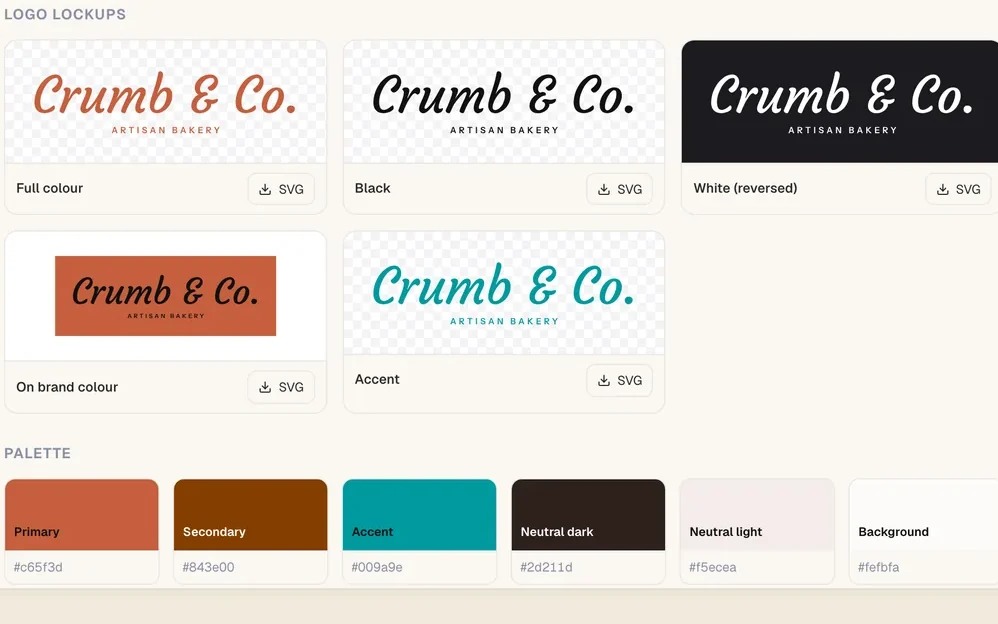
- Logo and brand A logo with the name in real type, a colour palette, and every layout of it as SVG and PNG.
- Postcards and social posts A postcard ready to print, or a plan of posts with a caption for every platform.
- Pixel art Sprites, icons and scenes in the colours of old consoles, or a photo turned into pixel art.
- Skins for the app Your own colours, typefaces, wallpaper and sounds for Tesseract itself.
- Drawings and diagrams Vector drawings made part by part, and diagrams you can edit as a drawing.
- Fonts Make a font, then edit its letters, spacing and kerning.
- Comics and manga Pages and panels with the lines in real balloons, as a PDF or a vertical strip.
- Wireframes Grey screens linked into a clickable flow, then handed to the website or app maker.
- Thumbnails and product shots Thumbnails that stand out, and 3D shots of your product.
Build
Websites, apps and games you can see working, and your code with the agents you already use.
5 tools

- Websites A site previewed live as it is built, in a folder of its own.
- Mobile apps A demo you tap through on a phone-sized screen first, then the app.
- Games A browser game that plays beside the chat, or a Unity, Unreal or Godot project.
- API keys and AI assistants Keys for the Tesseract API, and AI assistants connected over MCP, each with its own monthly spending limit. New
- Coding projects An agentic IDE for Claude Code, Codex and 12 other agents.
Assistants & automation
Assistants that look after things for you, and the agent working on your computer.
7 tools
- A tour of the app Eight stops on Home that show what Tesseract is for, with the tour’s words and voice in your language. New
- A plainer message box One + for everything you can add, the model named in words, and Talk, Stop and Send written out. New
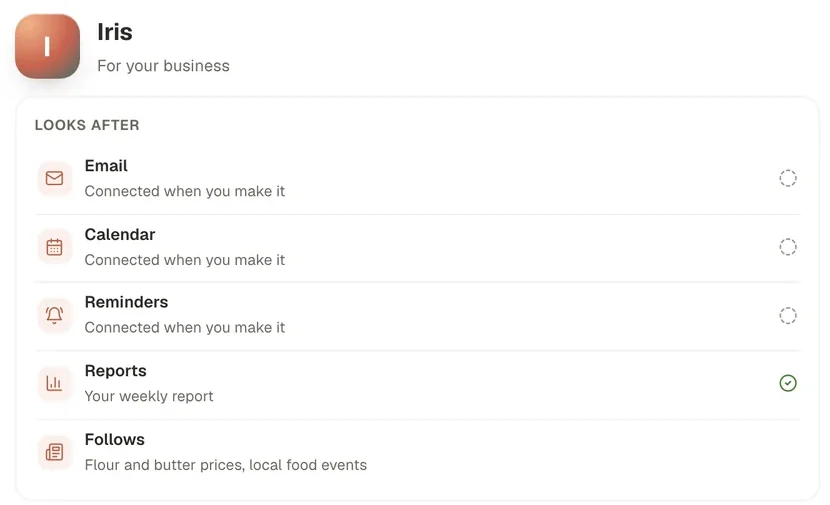
- Personal assistant Mail, calendar and reminders looked after, or a specialist for research, sales, your inbox or travel.
- Routines Work that runs on a schedule, or wakes up when something changes: a site goes down, a new order arrives.
- Teams of agents A lead agent that hands parts of a job to others, and checks their work.
- Computer and browser control The agent uses your apps and your browser the way you would.
- In your chat apps Talk to your assistant from WhatsApp, Telegram, Slack, email and more.
Connect & utilities
Your computers and your team, in the same installation.
10 tools
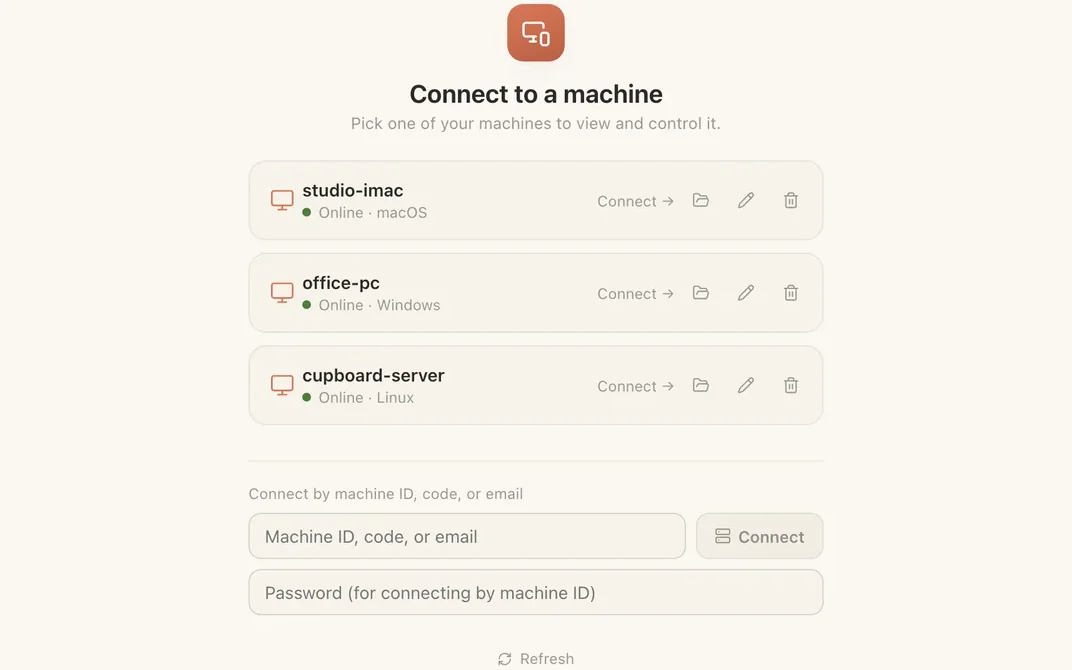
- Remote Desktop See and use your computers from anywhere.
- Mesh A private network for your own devices.
- Atrium Team chat with spaces, channels, threads and direct messages.
- Companion A free password manager for your browser, with two-factor codes and passkeys.
- Files from every machine Each of your computers as a folder you can open.
- Shared clipboard Copy on one device and paste on another, with a history you can search.
- File drops Send files between your devices, and to other people.
- Videos in the community gallery Videos that play in place, with remix, and contests: a theme and dates, entries by publishing, votes by likes. New
- Archives Open zip, 7z, tar, rar and iso files like ordinary folders.
- Video calls Group calls with screen sharing, and a written summary posted when you hang up.
Every tool, in one free download.
Use the Claude or ChatGPT subscription you already have, or start on the free allowance.
Tools marked “New” came with version 0.12.3, out now.