 Tesseract
The AI-powered vault that knows what to save, and when.
Your passwords, two-factor codes, passkeys, cards and addresses, filled where you need them. It notices new ones as you type and asks before it keeps anything. Every feature, on every device, free.
- Unlimited items
- Unlimited devices
- No trial, no paid plan
For Chrome, Edge, Brave, Arc and Vivaldi. Install help
What others sell as premium is free here.
No trial, no paid plan, no limit on items or devices. Companion is part of Tesseract, and it stays free.
- Unlimited itemsKeep every login, note, card and code you have. There is no cap.Free
- Every deviceOne vault in all your browsers, on your computers and on your phone.Free
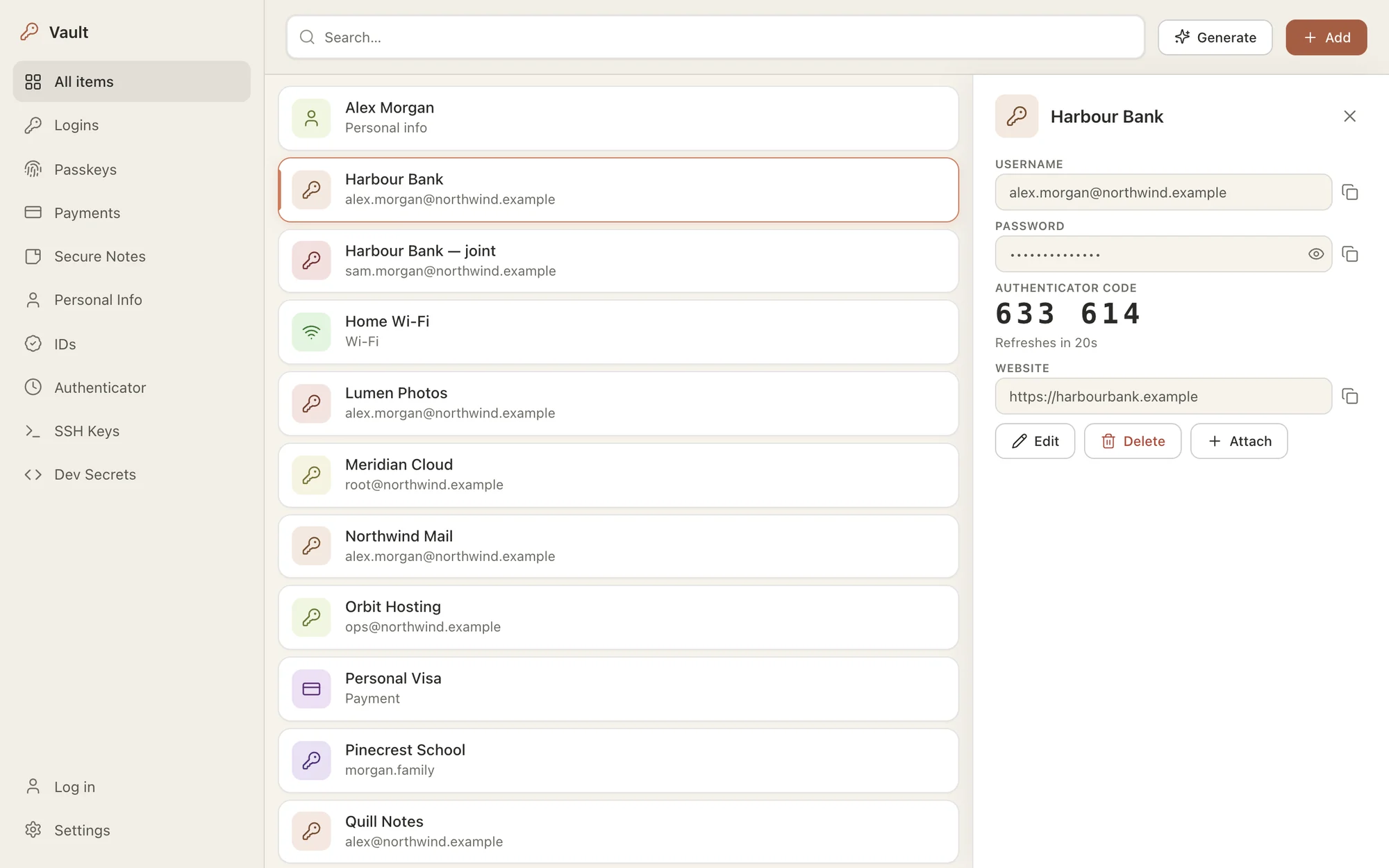
- Two-factor codesAn authenticator built in, with each code beside its login.Free
- PasskeysCreate passkeys on sites and sign in with them from your vault.Free
- Cards, addresses and IDsFilled in at checkout and on any form that asks.Free
- SharingShare a login with family or your team from the Tesseract app.Free
- One-time transferHand a login to someone with a QR code that works once.Free
- Moving inBring everything over from Dashlane, 1Password, Bitwarden or Chrome.Free
It notices what is worth keeping.
Companion reads each form the way you do. It tells a sign-up from a newsletter box and a delivery address from a search field, and it asks only when there is something worth keeping.
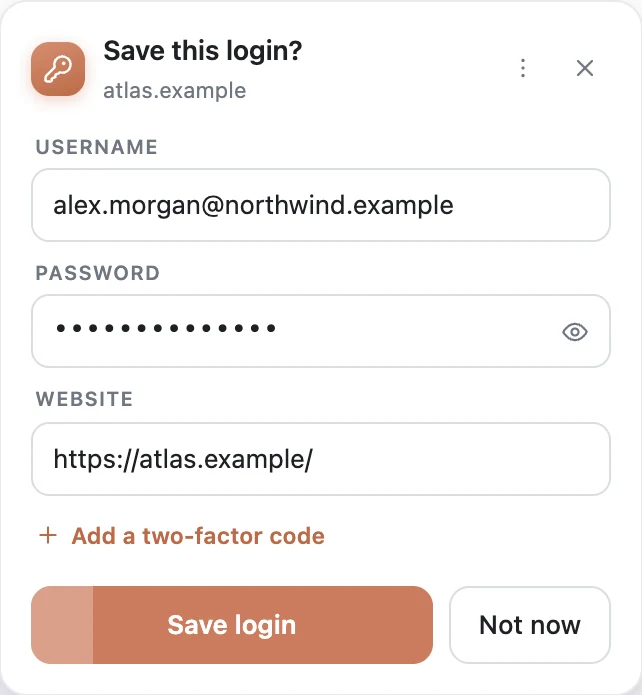
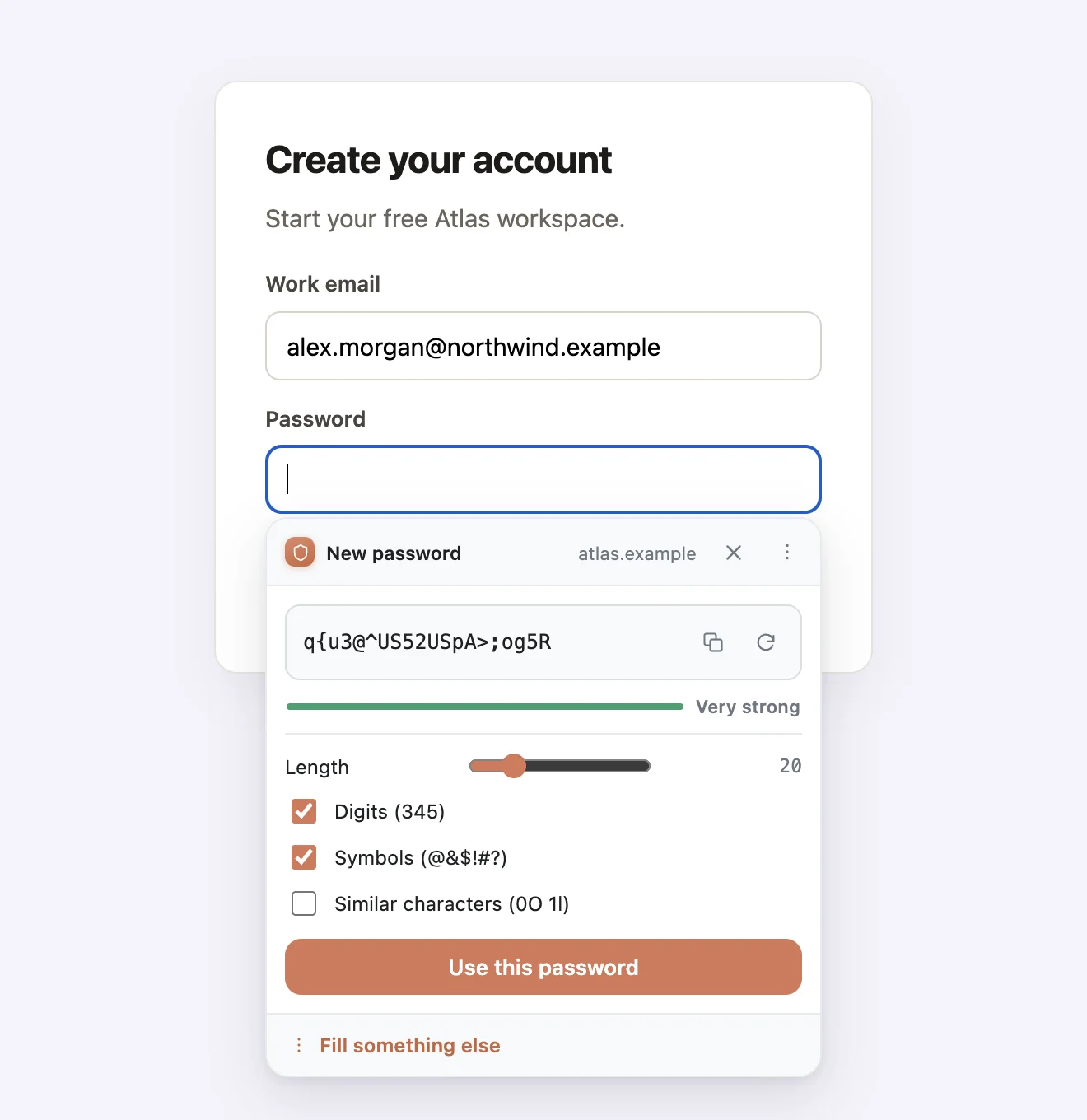
A new account, saved as you make it.
Create an account and Companion offers to keep it, with the email you typed and the password it made for you.
- Mailing-list boxes are left alone, so your vault stays clean
- Sign-ins split over two screens are saved whole
- A changed password updates the login you already have
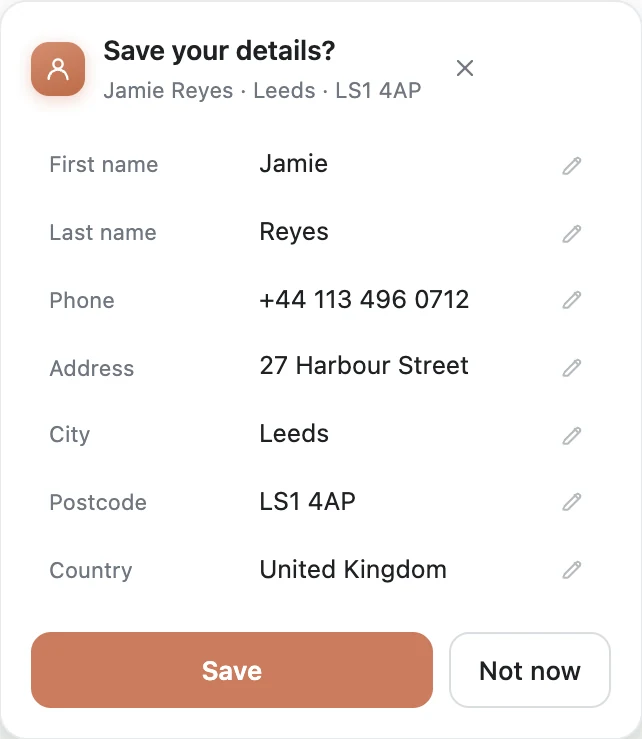
Typed your address once? That is enough.
After a checkout, Companion offers to keep your name, address and phone together, ready for the next shop. It asks only when three or more details belong together, so it never nags.
Filled when you ask, never behind your back.
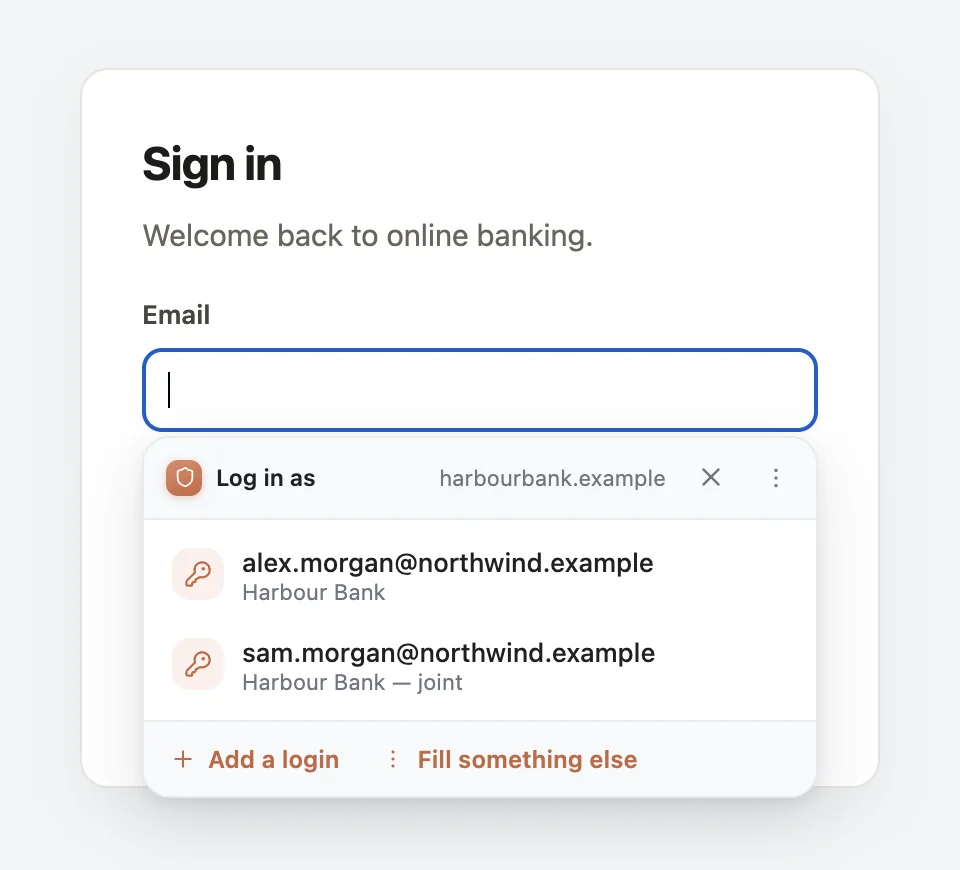
Click a sign-in box and your logins for that site are right there. Nothing is typed until you pick one.
- The one you used here last comes first
- Type in the box to narrow the list
- Correct a box once and it remembers
- When you’re signed in, boxes with no label are read by AI, in any language
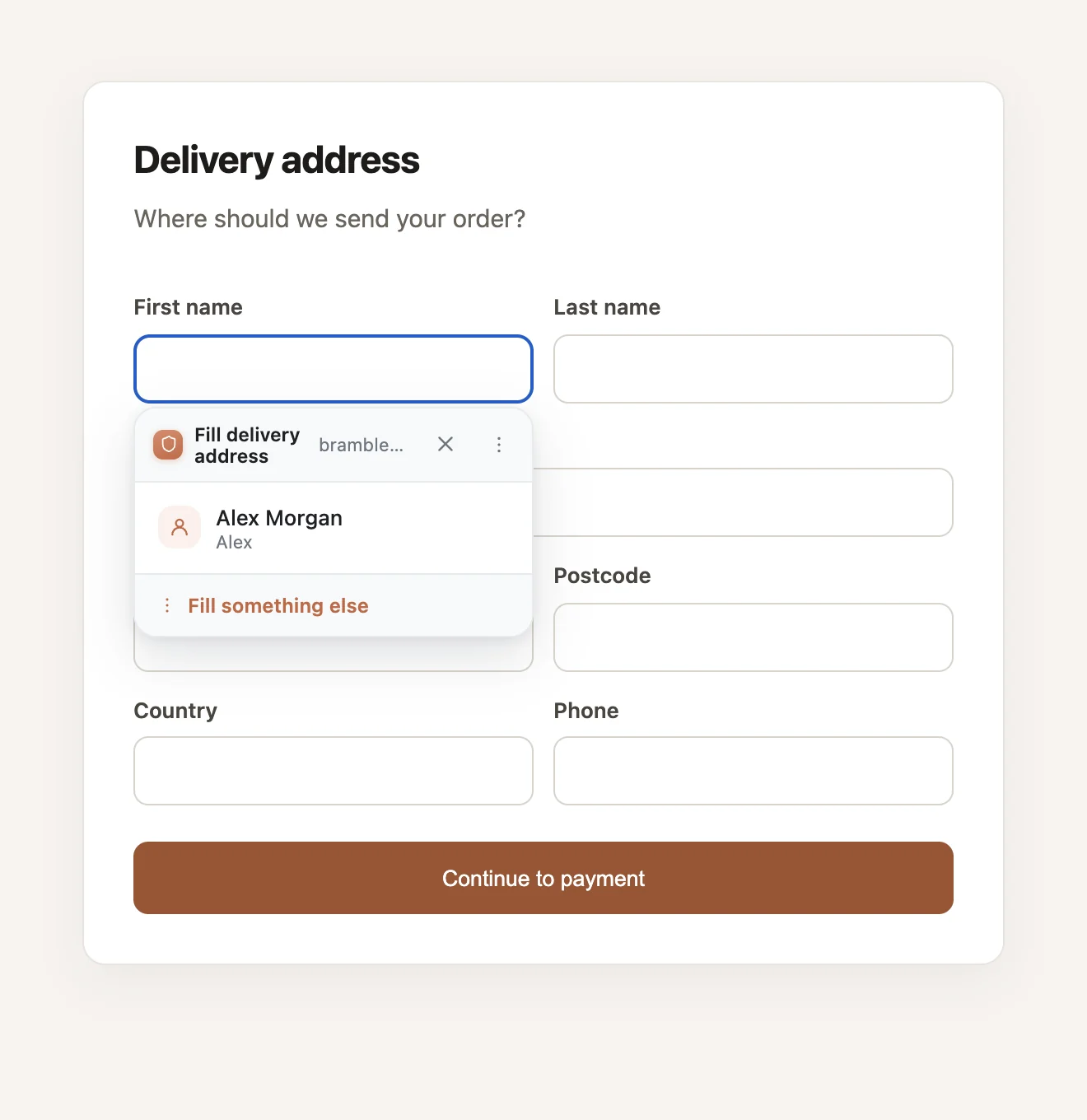
The AI reads the form’s labels, and plain words you typed, such as a name or a city. It never sees your passwords, any card, bank or ID numbers, or the page’s address.
Fills more than passwords.
No second app to reach for.
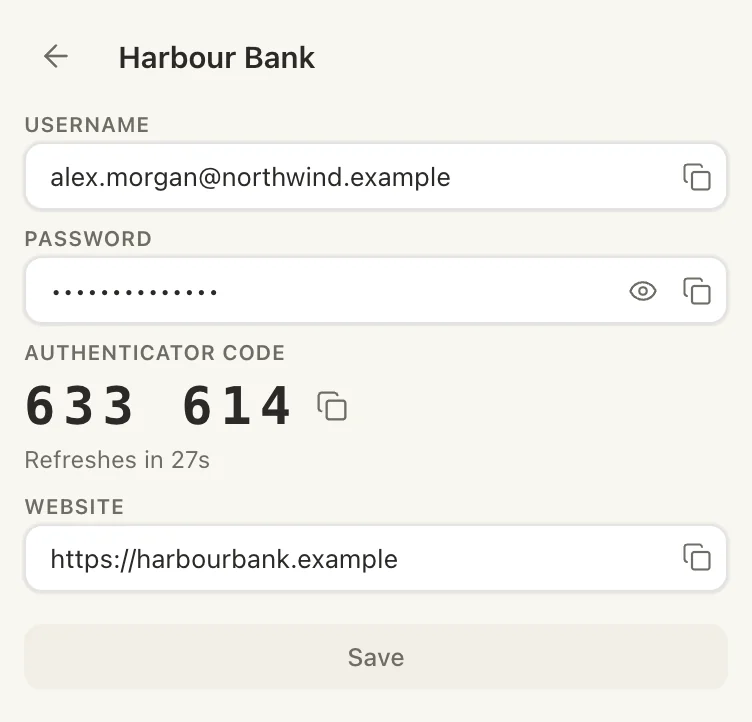
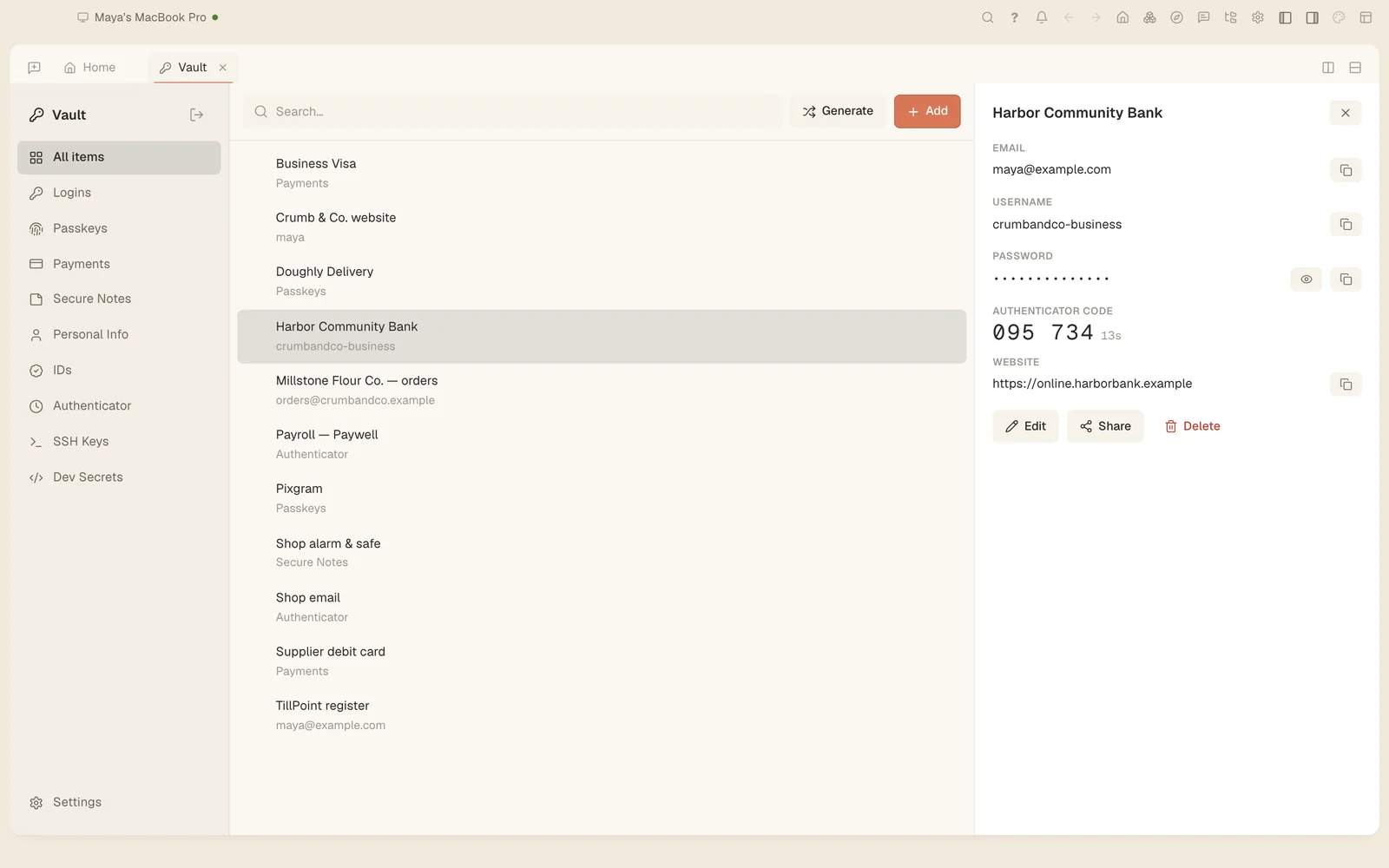
Companion is your authenticator too. Each code sits with the login it belongs to and is filled in after the password.
- Scan a QR code with your computer’s camera
- Bring your codes over from Google Authenticator
- Passkeys too: Companion creates them on sites and signs you in with them
Locked on your device, with a key you choose.
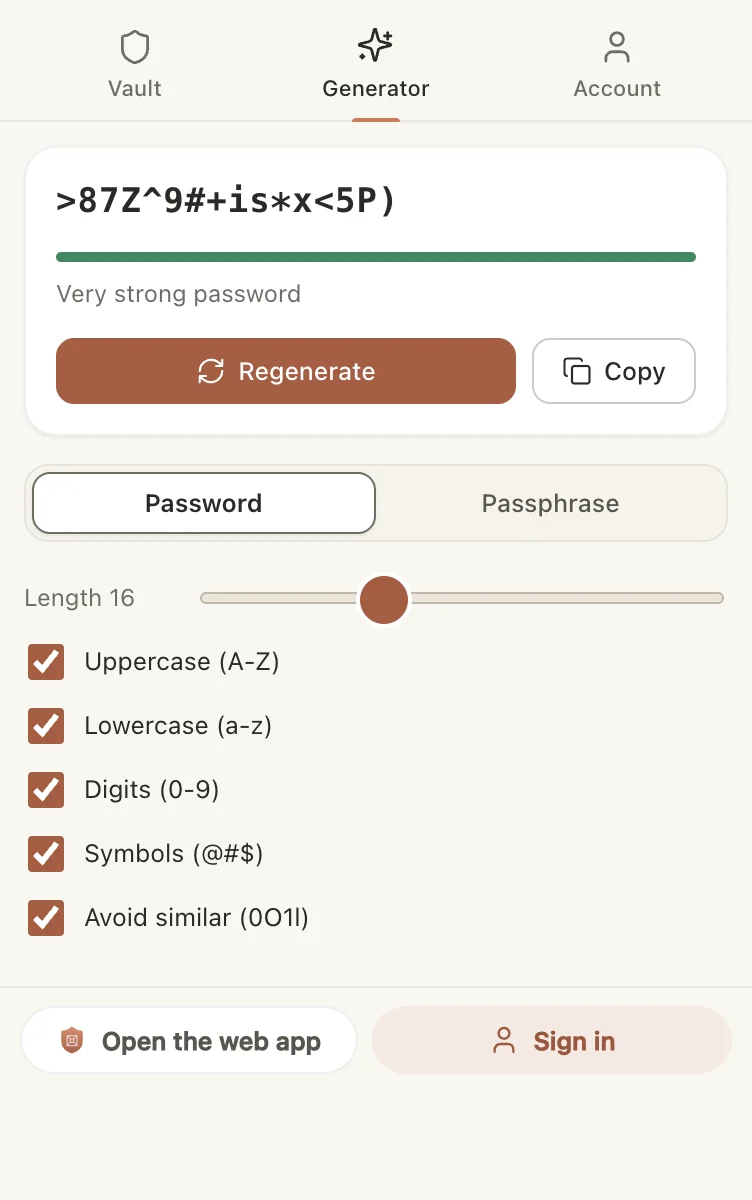
- Encrypted on your deviceYour vault is encrypted before it leaves your computer, and it is stored encrypted.
- Your choice of keySet a master password and nobody at Tesseract can open your vault. Or let us keep the key, so a new device unlocks itself. Companion always shows which one you are on.
- Touch ID and Windows HelloUnlock with your fingerprint or your face instead of typing.
- No account neededUse it on one computer, even offline. Sign in when you want it on your other devices.
One vault, wherever you sign in.
The same vault in your browser, in the Tesseract app on Mac, Windows and Linux, and in Tesseract on your phone. A change on one shows up on the others within seconds.
- Import from Dashlane, 1Password, Bitwarden and Chrome
- Export whenever you like, as an encrypted file or a spreadsheet
- Already signed in to Tesseract? Companion picks that up, with no second sign-in
More than a vault.
With Tesseract on the same computer, Companion is also its way into your browser.
- An assistant beside every pageOpen Tesseract in the side panel and ask about the page you are reading.
- Help in your own tabsThe assistant can open pages, click and type in your browser, on sites you are signed in to. Its tabs sit in their own group, so you always see where it works.
- Show it onceDo a task once while it watches, and it learns to do it for you.
Free. Unlimited. On every device.
Add Companion to your browser in one click. It keeps itself up to date.
Chrome, Edge, Brave, Arc and Vivaldi. Safari and Firefox are not supported.