 Tesseract
Ask Tesseract where your file is, or what a chat cost
Since 0.11.37 you can ask where the logo you made yesterday is, how much a conversation has cost and what Tesseract can do, and get a straight answer.
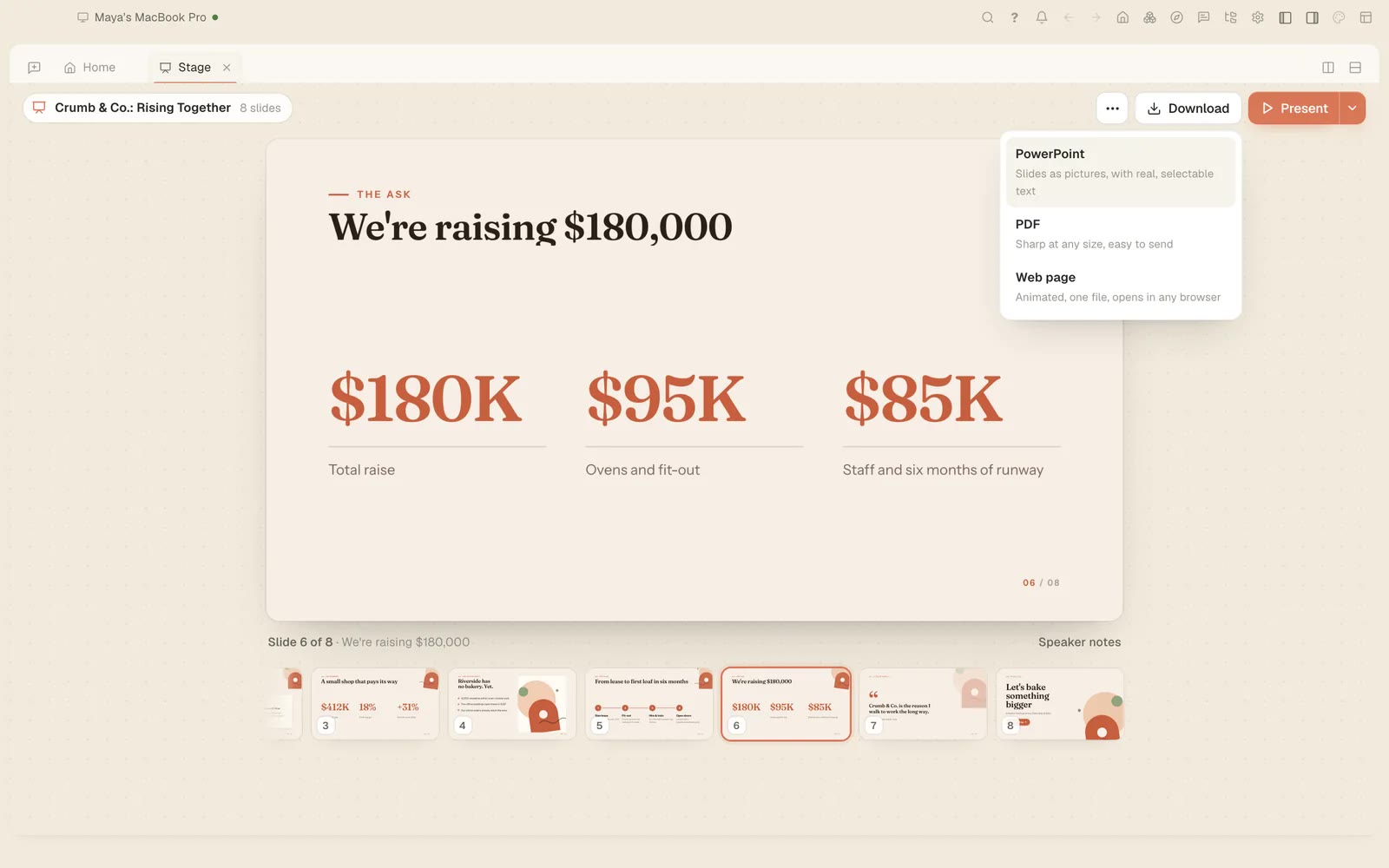
You made a logo yesterday, a deck last week and a spreadsheet somewhere in between, and now you can’t remember which conversation each one came from. Since Tesseract 0.11.37 you don’t need to. Ask “where’s the logo I made yesterday?” and the agent finds it in Your work and opens it where you left it.
The same release lets you ask two more things you couldn’t ask before: how much a conversation has cost, and how full its memory is.
What you need
- Tesseract 0.11.37 or newer (Settings → About → Check for updates).
- Something you made in an earlier conversation: a logo, a deck, a page, a file.
1. Find what you made
Ask in plain words, the way you would ask a colleague who was there:
- “Where’s the logo I made yesterday?”
- “Open the deck about the spring menu.”
- “Find the spreadsheet comparing flour suppliers.”
The agent looks in Your work, the place Tesseract keeps what your conversations made, and opens it where you left it. You don’t have to remember the conversation’s name or scroll back through it.
2. Ask what a conversation cost
Tesseract itself is free. What costs money is the AI behind it, and you can bring your own subscription (how pricing works). So the useful question is how much a piece of work used. Ask:
- “How much has this conversation cost?”
It is a quick check before you start the next long job in the same conversation.
3. Ask how full its memory is
Long conversations fill up the model’s memory (its context window). Ask:
- “How full is your memory?”
If it is nearly full, that is a good moment to start a fresh conversation for the next task.
4. Ask what it can do
From the same release, “What can you do?” gets the whole answer. The agent answers across everything it can do: every skill it has, grouped by the kind of work (travel and shopping, decks and documents, videos, websites, spreadsheets, your mail and calendar, and the rest), your own skills included, alongside what the app itself does.
Related
These questions sit well with the other thing 0.11.37 added: the agent can also arrange your Tesseract window, open screens and start or move conversations, as your own clicks would.