 Tesseract
Ask the agent to arrange your Tesseract window
Since Tesseract 0.11.37 a conversation can open files and Settings, split the view, and start, rename, fork or move your other conversations.
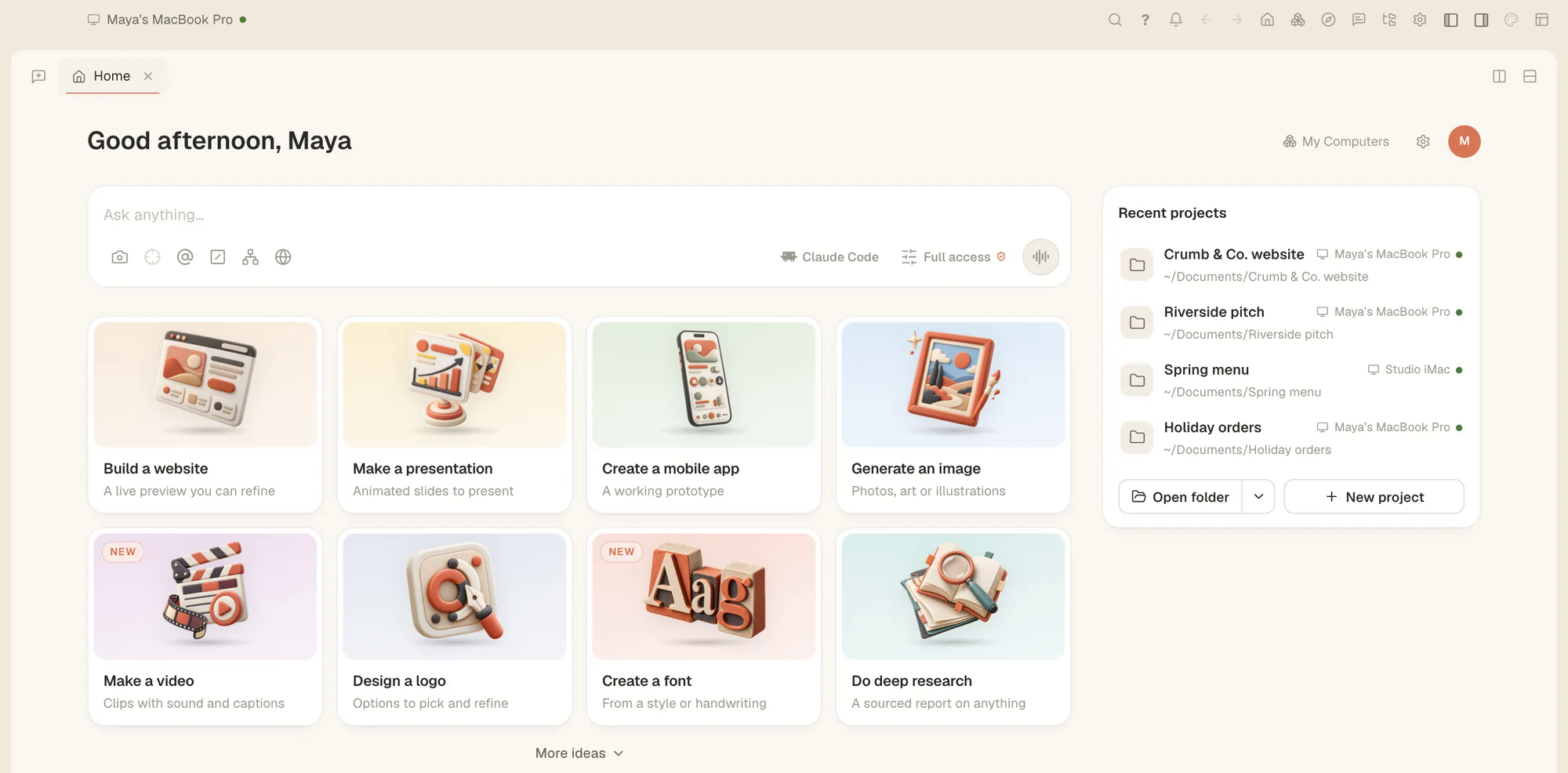
Since Tesseract 0.11.37 you can ask the conversation you are in to do what your clicks would: open a file, a screen or a Settings page, split the view, open a new window, zoom or go full screen, and start, open, rename, fork or close your other conversations. Say it in plain words and it does it. Giving a conversation more access stays your decision.
What you need
- Tesseract 0.11.37 or newer. To update from inside the app: Settings → About → Check for updates.
- Any conversation. Reading what is open works even in Chat.
1. Open what you need without leaving the chat
Ask for the file, the screen or the Settings page by name, the way you would tell a colleague:
- “Open the README of this project.”
- “Show me the frameworks page in Settings.”
The agent opens it in the window, exactly as if you had clicked your way there.
2. Lay out the window
Ask it to split the view, open a new window, zoom in or out, or go full screen. Splitting is handy when you want the chat on one side and the file it is talking about on the other.
3. Run your other conversations from this one
A conversation can start a new conversation, open an existing one, rename it, fork it, or close it. It can also move a conversation to another framework or model. For example:
- “Fork this conversation so I can try a different approach.”
- “Rename the conversation about the menu to Spring menu.”
- “Move the review conversation to another model.”
Tesseract runs 14 agent frameworks, Antigravity CLI the newest, so moving a conversation can mean a different agent as well as a different model.
What stays yours
- More access. Turning on Full access, the internet, or keep going when you are away is never done by the agent. You switch those on yourself.
- The conversation it is in. It never closes the conversation it is working in.
Your other machines too
The same release lets a conversation check your private network, switch it off or rename a computer. Anything that lets more in, like joining a network or sharing a screen, stays yours to do.
Try it
Open Tesseract, start a conversation and ask it to split the view and open the file you are working on.