 Tesseract
0.11.38: every framework runs again on older Linux
Tesseract 0.11.38 fixes frameworks on Debian 11/12 and Ubuntu 22.04, installs updates on a locked screen, and lets you delete a message on every framework.
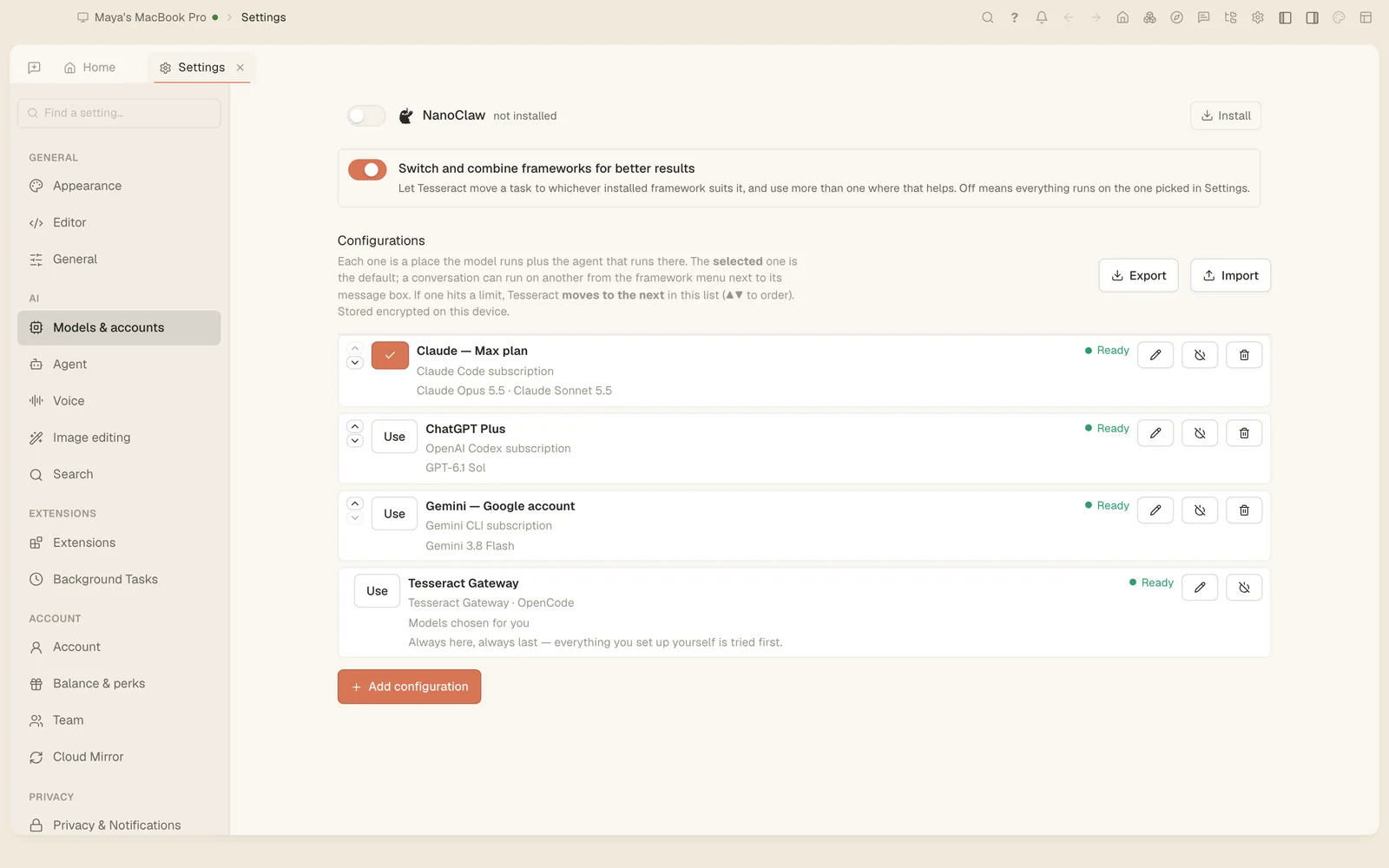
Tesseract 0.11.38 is out. If you are on Debian 11 or 12, or Ubuntu 22.04 or earlier, and no framework would start in 0.11.37, update now: that is fixed. Updates also install while your screen is locked, private-network changes take effect without a restart, and deleting a message works on every framework.
To update from inside the app: Settings → About → Check for updates.
Every framework starts on older Linux
In 0.11.37, two helpers that Tesseract runs each conversation under needed a newer system library than older Linux systems have. On Debian 11 and 12 and Ubuntu 22.04 and earlier, that meant no framework could start. Both helpers are now built to run on any Linux.
Updates install while the screen is locked
A downloaded update now installs when your computer is idle with its screen locked, as it already did when you stepped away. On Linux it used to keep waiting.
Your private network changes at once
Joining a network, switching it on or off, or leaving it now takes effect in the running app, with no restart. In the terminal, tm peers shows each link’s path and how long it has gone unanswered. New to the private network? Start with Reach your own computers by name, from anywhere.
A question to you waits for you
When the agent asks you something, the question now stays in the chat for you. It is never sent off as a background job, and a message you type there answers it.
Delete a message on every framework
Deleting a message, with everything after it, now works on every framework: Kimi, Qwen, MiniMax, CodeBuddy, Grok, Cursor, Hermes, OpenClaw, NanoClaw and Antigravity, and on OpenCode 2.
Assistants online keep themselves up to date
An assistant you put online now updates itself while it is idle, without stopping. It keeps what it installed, its settings and its work across updates, and how each kind of assistant should work now comes with Tesseract and is updated with it.
Two features now start switched off
Keep going when I’m away and Check its work are still being finished, so they now start off, in Settings and in every conversation, including ones where you had turned them on. If you want either, turn it back on in Settings → Agent or in a conversation’s mode menu, and it stays on.
Smaller changes
- A conversation you reopen says, in plain words, that it is coming back.
- Links Tesseract opens in your browser carry utm_source=tesseract.dev, added as they open and never written into your content.
The full list is in the app under What’s New, and in the 0.11.38 release notes. Not on Tesseract yet? It is free, on Mac, Windows and Linux: tesseract.dev.