 Tesseract
Everything the agent can do now works on every framework
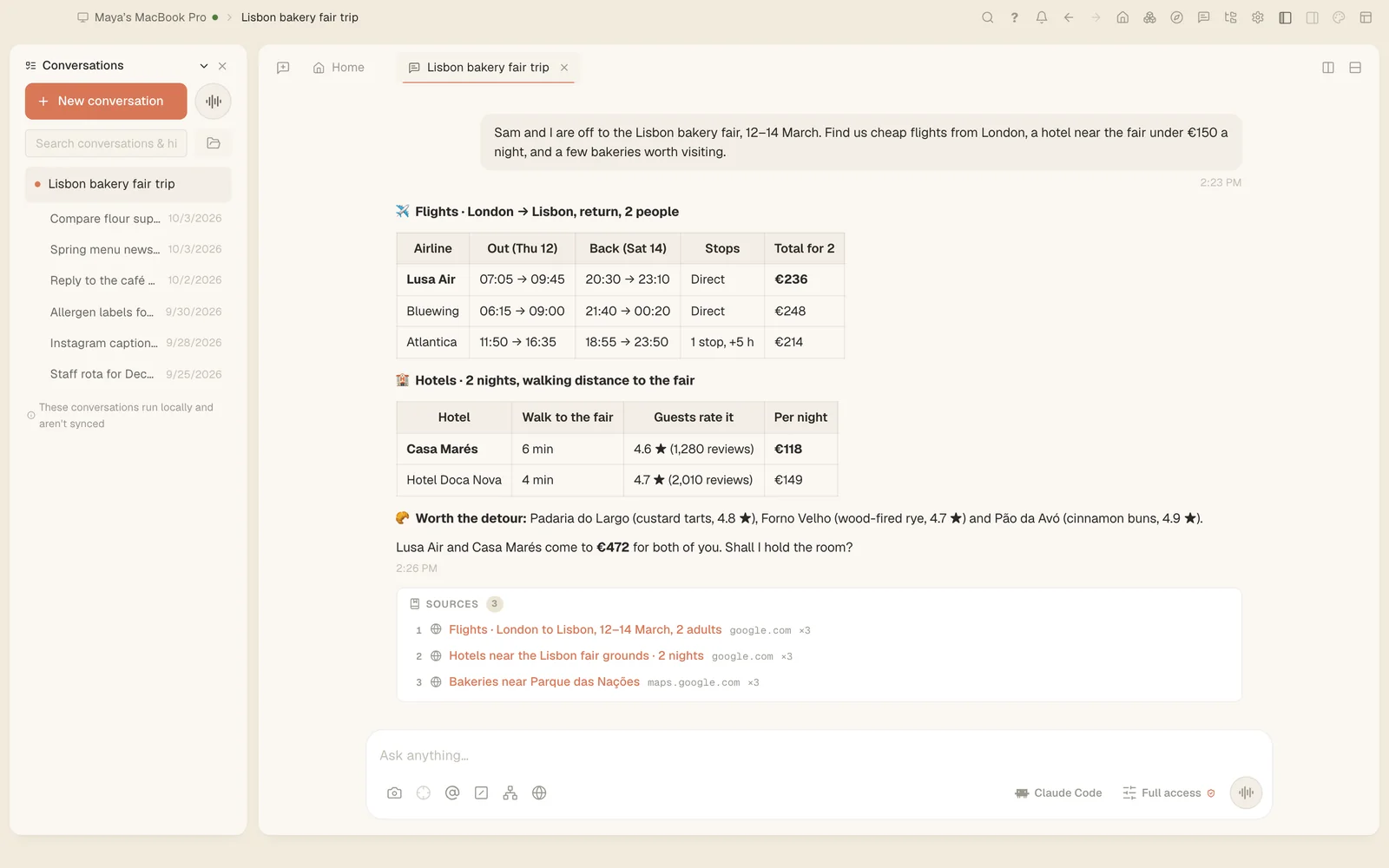
In Tesseract 0.11.27, Codex, OpenCode, Gemini CLI and the other frameworks can make images and videos, draw charts, write reports, find earlier conversations, take an API key on a masked card, publish a page, set a goal and use your skills.
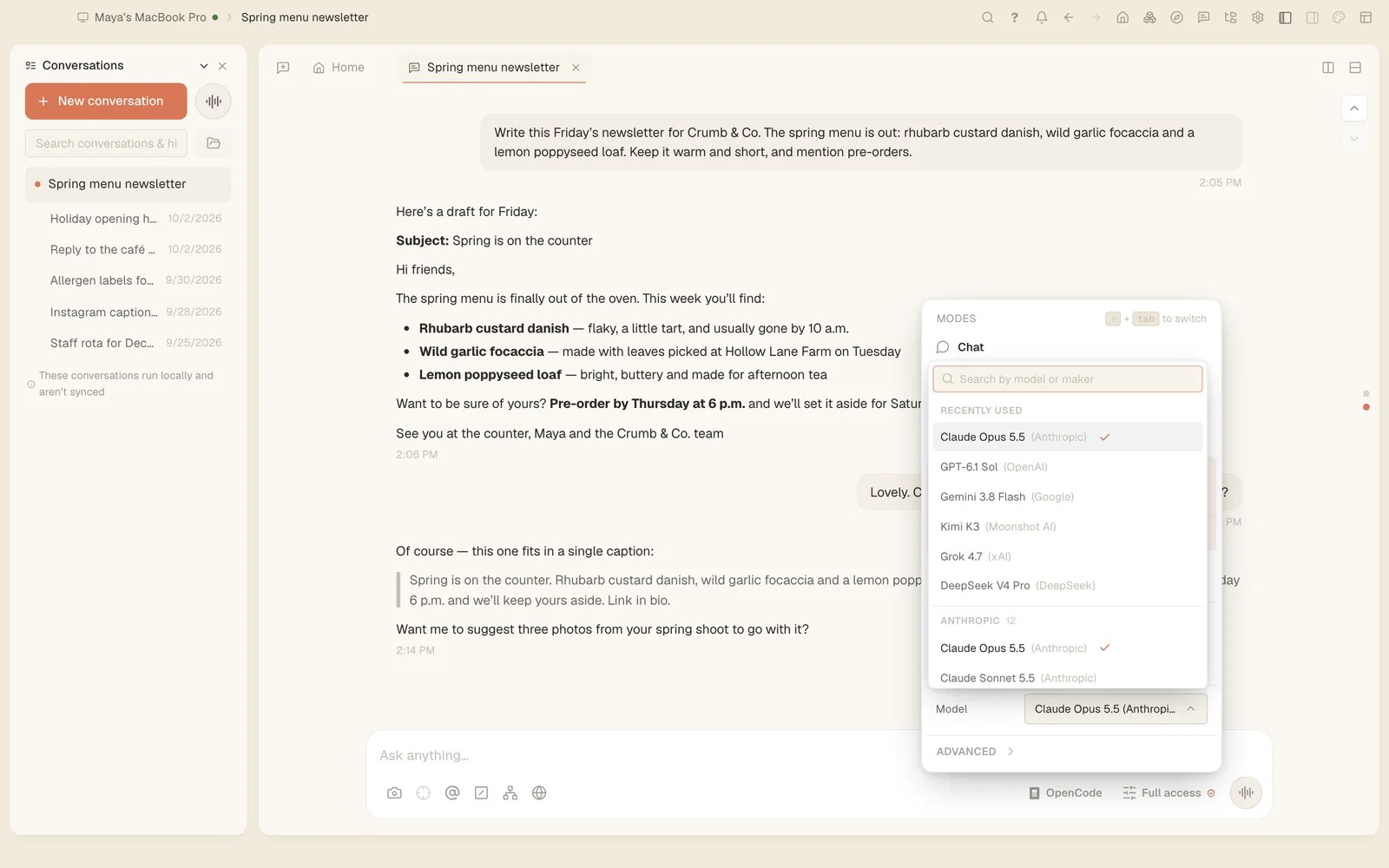
In Tesseract, each conversation can run on its own agent framework: Claude Code in one, Codex or OpenCode in the next. Until now, part of what the agent could do inside Tesseract came only with Claude Code. Since 0.11.27 it comes with every framework, so the one you pick no longer decides what you can ask for.
What changed
On Codex, OpenCode, Gemini CLI and the other frameworks besides Claude Code, the agent can now:
- make images and videos
- draw charts on the canvas
- write reports
- find your earlier conversations
- ask for an API key on a masked card
- publish a page
- set a goal
- show cards side by side
Until this release, only Claude Code could. Your skills reach every framework too.
This finishes a move that started in 0.11.26. That release let one conversation run on Claude Code while another runs on Codex, at the same time, and brought forms, choice pickers and the plan checklist to Codex, OpenCode and Gemini CLI. It also let the agent on those frameworks hand work to a helper on another installed framework or model.
What each new tool does for you
Images and videos. Ask for a picture or a video in any conversation, on any framework. Pictures can also be edited with layers in Tesseract’s image editor.
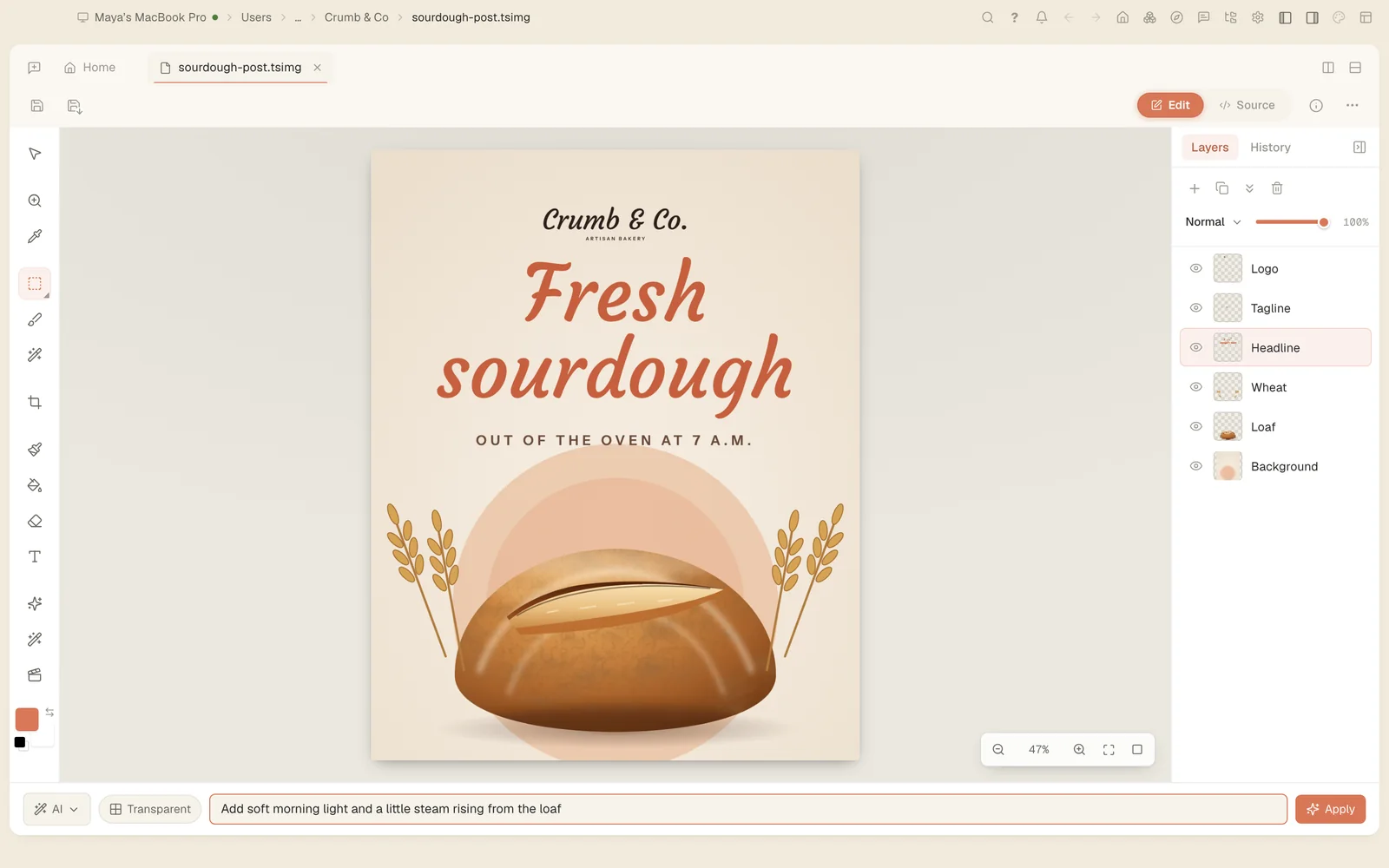
Charts and reports. The agent can draw a chart on the canvas, or write a report, whichever framework the conversation runs on.
Your earlier conversations. The agent can find and read your earlier conversations, so you can point it at work you did before instead of explaining it again.
An API key, kept out of sight. When a job needs a key, the agent asks for it on a card with a masked field and uses it without ever seeing it.
A page or a file at a public link. When you ask, the agent can publish a page it built, or share a file at a public link.
A goal. The agent can set a goal whose criteria are checked before the work is called done.
Cards side by side. It can show cards or images next to each other in the chat, which helps when you are choosing between options.
How to try it on another framework
- Open a conversation, or start a new one.
- Use the framework menu next to the message box to pick Codex, OpenCode, Gemini CLI or another framework you have. The menu changes that conversation only, and it carries everything said so far across.
- Ask for one of the things above: a picture, a chart, a report, or the conversation where you worked on something before.
- If the job needs an API key, type it into the masked card the agent shows you.
- Look at the status bar while it works. It now names the framework that is working, where it used to say “Claude is working” whatever the conversation ran on.
Also better on every framework in 0.11.27
- Presentations. Once a presentation is built, the assistant is told which file each slide is, which slide you are looking at and what each research note is about, so “add this to this slide” is done where you meant it. On OpenCode, Gemini and the others this never reached the assistant before, and on Codex only with a conversation’s first message. The plan, the slides and the read-through now use the model your conversation runs on, on every framework.
- The Companion side panel. The chat in the Companion extension’s side panel now has a Run on menu with every framework and account this computer runs, each framework’s own models, and Chat, Plan and Full access.
- OpenCode 2. On a computer with OpenCode 2 installed, every OpenCode conversation failed to start. OpenCode 2 now starts and runs your conversations, including the extra folders a conversation was given. Forking from a message and deleting a message don’t work on it yet.
- OpenCode’s steps. A step used to say only “bash” or “apply_patch”. Each step now fills in with the command it ran or the change it made, as soon as OpenCode sends the details.
- Two OpenCode conversations in one folder now keep to themselves. Before, opening the second could cut off a call the first was making.
- Two Codex conversations started at the same moment both get Tesseract’s tools. Before, the second could run without questions, plan or helpers.
Try it
Tesseract 0.11.27 is out now and updates itself. Download it at tesseract.dev, switch a conversation to the framework you like best, and ask it for a picture.