 Tesseract
Can the agent delete the wrong folder? Not in Tesseract
In Tesseract the agent deletes a file only by its full path, and only one that exists. A blind rm -f * is refused in every mode, Full access included.
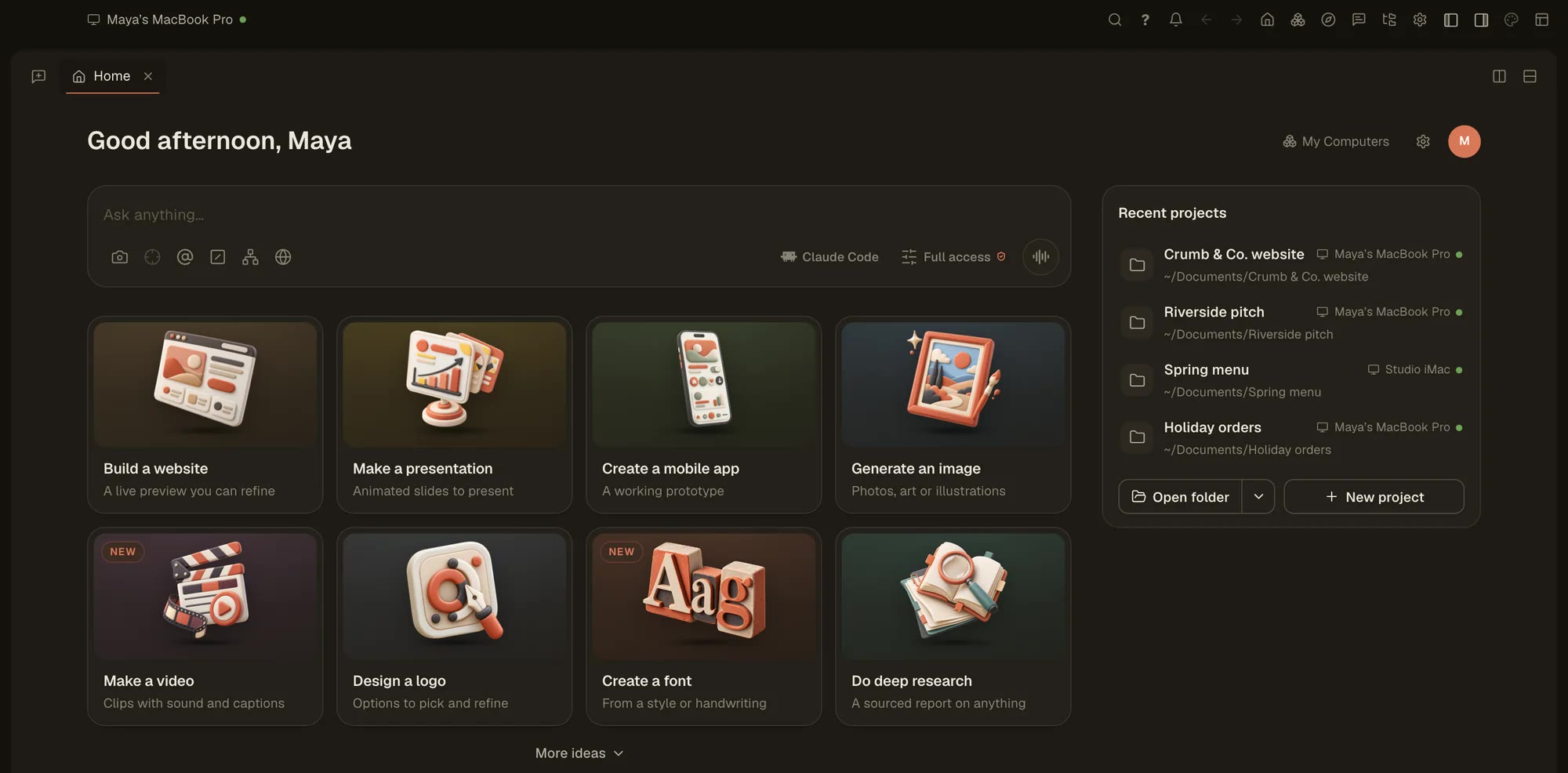
The fear is simple: you give an agent Full access, it changes into the wrong folder, runs rm -f *, and your afternoon is gone. In Tesseract that command doesn’t run. Since 0.11.36, on Mac and Linux and on every framework, the agent may delete a file or folder only by its full path, and only one that exists.
What the rule does
- Only exact paths. A delete has to name the real, full path of something that exists.
- No blind wildcards. A command that would delete whatever happens to be in the folder it runs in, such as
rm -f *after acd, is refused. - In every mode. Chat, Plan and Full access alike. Full access doesn’t switch this off.
- No interruption for you. The agent is told why the command was refused, rewrites it with the real path and carries on, without asking you anything.
What Full access still asks
Each conversation runs in Chat, Plan or Full access, and you choose which. Since 0.11.36, Full access means full access: with Check risky tool calls turned off, it no longer stops on Claude Code’s own safety checks to ask you. Two things still ask:
- A rule you set yourself.
- Anything in Chat or Plan.
With Check risky tool calls on, the agent asks you before a risky tool call.
What the agent never turns on
The agent can do a lot in the window, but it never gives itself more access. Turning on Full access, the internet, or keeping going while you are away is always your switch. For what it can do in the window, see Ask the agent to arrange your Tesseract window.
Related
The exact-path rule is on Mac and Linux. Tesseract is free to download.