 Tesseract
Let the agent sign in for you, without seeing your password
Tesseract's agent can sign in to a site with a password from your vault or the browser. It types it into the page itself and never sees it. Here is how.
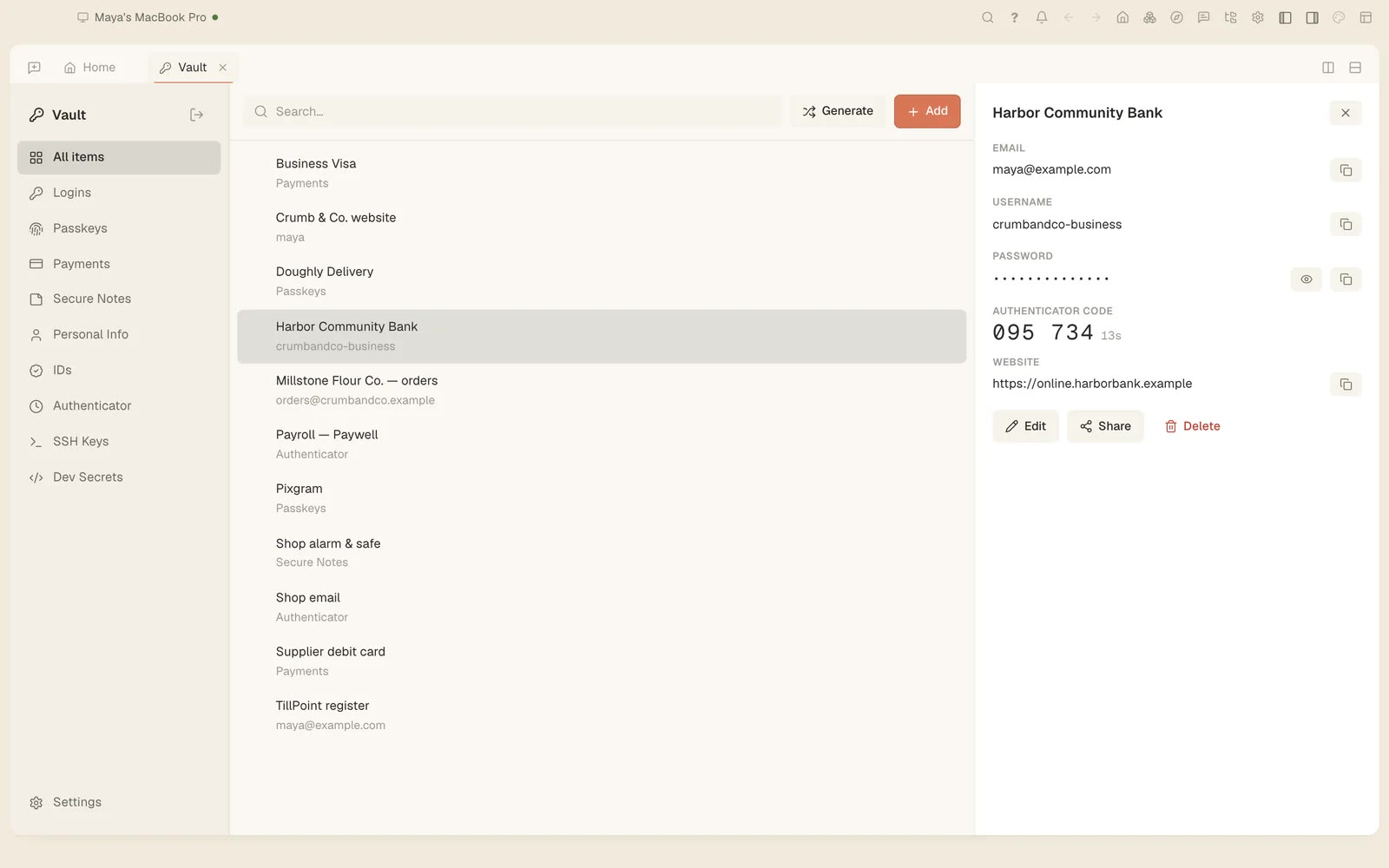
Yes, the agent can sign in for you without seeing your password. When a task needs a login, Tesseract types the saved password into the page itself. The password never reaches the agent: it is hidden in everything the browser tells the agent about the page. Since 0.11.37 this works with passwords from your vault and with passwords Tesseract’s browser saved for you.
What you need
- Tesseract 0.11.37 or newer (Settings → About → Check for updates).
- The password saved in Tesseract, in one of two places:
- the Vault, Tesseract’s password manager, or
- Tesseract’s browser, saved with Save password or brought over from Chrome.
1. Save the login
In the Vault. The Vault keeps passwords, passkeys and 2FA codes, in the app and in your browser. Set a master password and they are encrypted on your device with Argon2id and AES-256-GCM, so Tesseract cannot read them. More in the privacy policy.
Or in Tesseract’s browser. Sign in to the site once and choose Save password, or bring your passwords over from Chrome. Before 0.11.37 the agent could only use the Vault’s; now these work too.
2. Ask for the task, not the login
Ask for what you want done on the site, as you would ask an assistant:
- “Sign in to the supplier portal and download last month’s invoice.”
- “Log in to the bank and tell me this week’s balance.”
When the page asks for a login, Tesseract fills in the saved one. It types the password into the page itself; the agent sees that a login happened, not the password.
3. What stays hidden
- The password itself. When the browser fills a saved login on a page the agent is working in, the password is hidden in everything the browser tells the agent, as it already was for signing in from your vault.
- Your paste history. Tesseract’s clipboard history skips password managers and secure fields, so a password you copy doesn’t end up there either.
Limits worth knowing
- This covers passwords Tesseract has: in the Vault or saved in Tesseract’s browser. A password that is only in another app has to be saved in one of them first.
- Want it in your own signed-in browser instead? That is what the browser companion is for.
Tesseract is free to download for Mac, Windows and Linux.