 Tesseract
Included Tools Media board · included
Boxes you connect. One press to run them.
Put a line of words in one box, connect it to a picture box and a clip box, and press Run. Each box shows its price first, and you can change any box and run the chain again.
- Boxes you connect
- Each box priced
- You and the assistant on one board
What you can do
How it works.
- Text, picture, clipBoxes for words, pictures and clips, connected in the order they feed each other.
- Prices shownEach box shows its price before you run it.
- Run it againChange one box and run the board again.
- Work togetherYou and the assistant work on the same board.
- Saved as a fileA board is a file you can open again later.
One line, a picture, a clip.
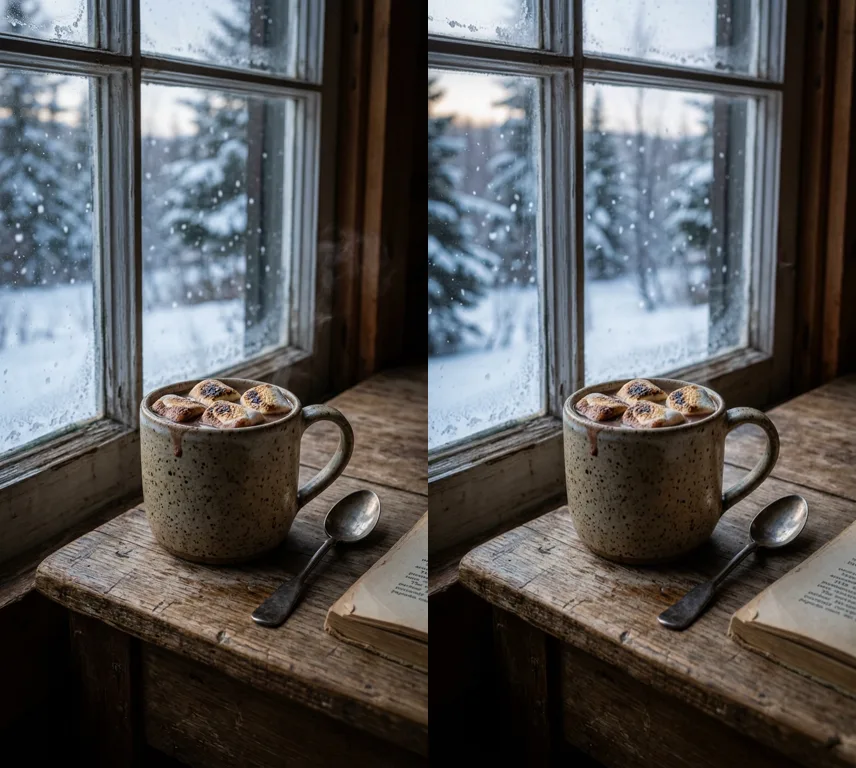
Our board had three boxes: a line about a mug of hot chocolate, a picture made from it, and a clip that opens on the picture. Our example was made with the Tesseract beta, which also picks the camera move to suit the subject.
Good to know
- It is made by AI models, so it is paid: from your Tesseract allowance when you are signed in, or with keys of your own, priced first on a key of your own.
Questions
Questions people ask
Where is it in the app?
On Home, open Media board, or ask the assistant to build one with you.
What does it cost?
Each picture or clip box is made by a model and paid, and each shows its price before you run it.
Build your first board.
Free on Mac, Windows and Linux, with every other tool included.