 Tesseract
A photo that talks. A video in another language.
Give the assistant a front-on picture of one person or a made-up character, and what they should say: the lips, eyes and head move with the words. Or give it a video and a language: it transcribes the words, translates them, voices them and matches the mouth.
- Lips matched to the words
- Dub into another language
- Your recording or your voice key
How it works.
- One pictureA clear, front-on picture of one person or a made-up character, or a character you saved.
- Your words or a recordingGive it a recording of the speech, or type the words for a voice from your own ElevenLabs key.
- How they moveA few words of direction, such as a warm smile and small nods.
- Any shapeKept as the picture is, or cropped to 9:16, 16:9 or 1:1.
- Dub a videoIts words are transcribed, translated, voiced and lip-synced, with the original sound muted under the lines, lowered or removed.
- Whose voiceYour own recording, or a voice from your ElevenLabs key: one of its stock voices, or a copy of your own.
One photo in, a talking clip out.
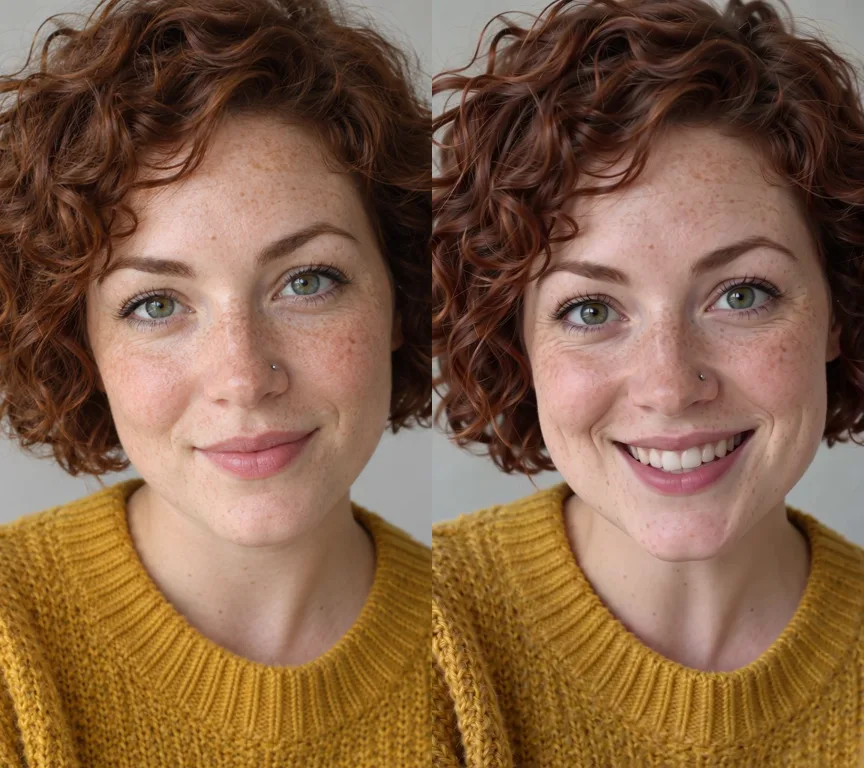
On the left, the one picture our example started from: a made-up woman. On the right, a moment of her speaking an English line.
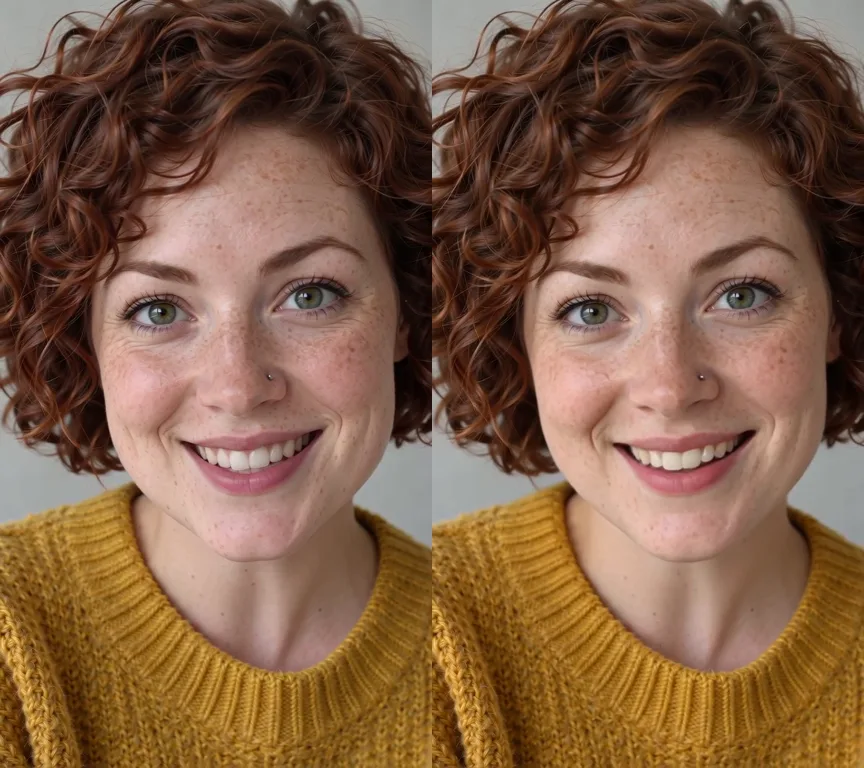
The same clip, in Spanish.
A new voice speaks the translated line and her mouth follows it. Our examples were made with the Tesseract beta, with a stock voice.
- The lip-sync runs on your Tesseract allowance when you are signed in, or your own fal.ai key. Speaking typed words needs an ElevenLabs key of your own, and a dub also needs your own Google (Gemini) key to transcribe it. What your own keys will be charged is shown first.
- Use pictures of yourself, of an adult who agreed, or of a made-up person.
Questions people ask
Where is it in the app?
Ask the assistant: give it a picture and the words, or a video and a language.
How long can it be?
Up to five minutes of speech. Without asking for more, a clip is capped at one minute.
What does it cost?
The lip-sync is paid from your Tesseract allowance or your own fal.ai key. Typed words are spoken on your own ElevenLabs key, and a dub is transcribed on your own Google key. What your own keys will be charged is shown before anything is made.