 Tesseract
 0.12.4: 3D models, presenter shorts, directed video
Tesseract 0.12.4 turns a picture into a 3D model, makes vertical shorts with a presenter, lets you direct a video by clicking, and adds the newest video models.
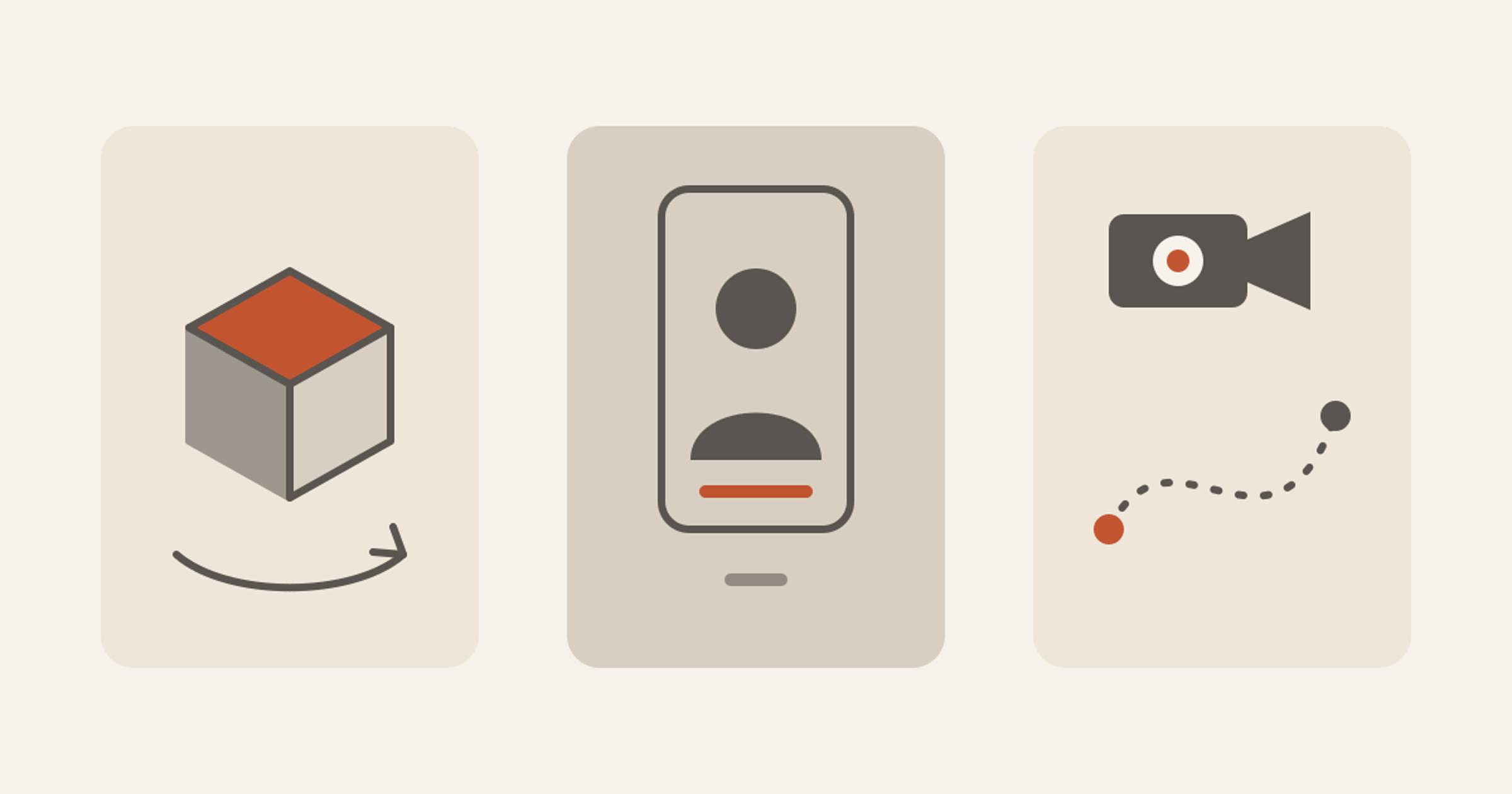
Tesseract 0.12.4 is out today for Windows, Mac and Linux. It turns a photo of one object into a 3D model you can spin, makes a vertical short with someone talking to camera from one request, and lets you direct a video by clicking instead of writing prompts. It also adds the newest video and picture models, a quicker first day in the app, Dictate in Word documents and Check Macros for spreadsheets.
It is free to start: Tesseract’s free allowance runs AI agents with no API key. If you already use Tesseract, it updates by itself, or go to Settings → About → Check for updates. New here? Download Tesseract.
Make a 3D model from a picture or a few words
Home → Make a 3D model asks one question: “What should I make in 3D?” Attach a photo of the object (a product shot on a plain background works best) or describe it. You pick Best, for detail and real materials, or Cheaper, for something lighter, with the price on the button. A minute or two later you get three things:
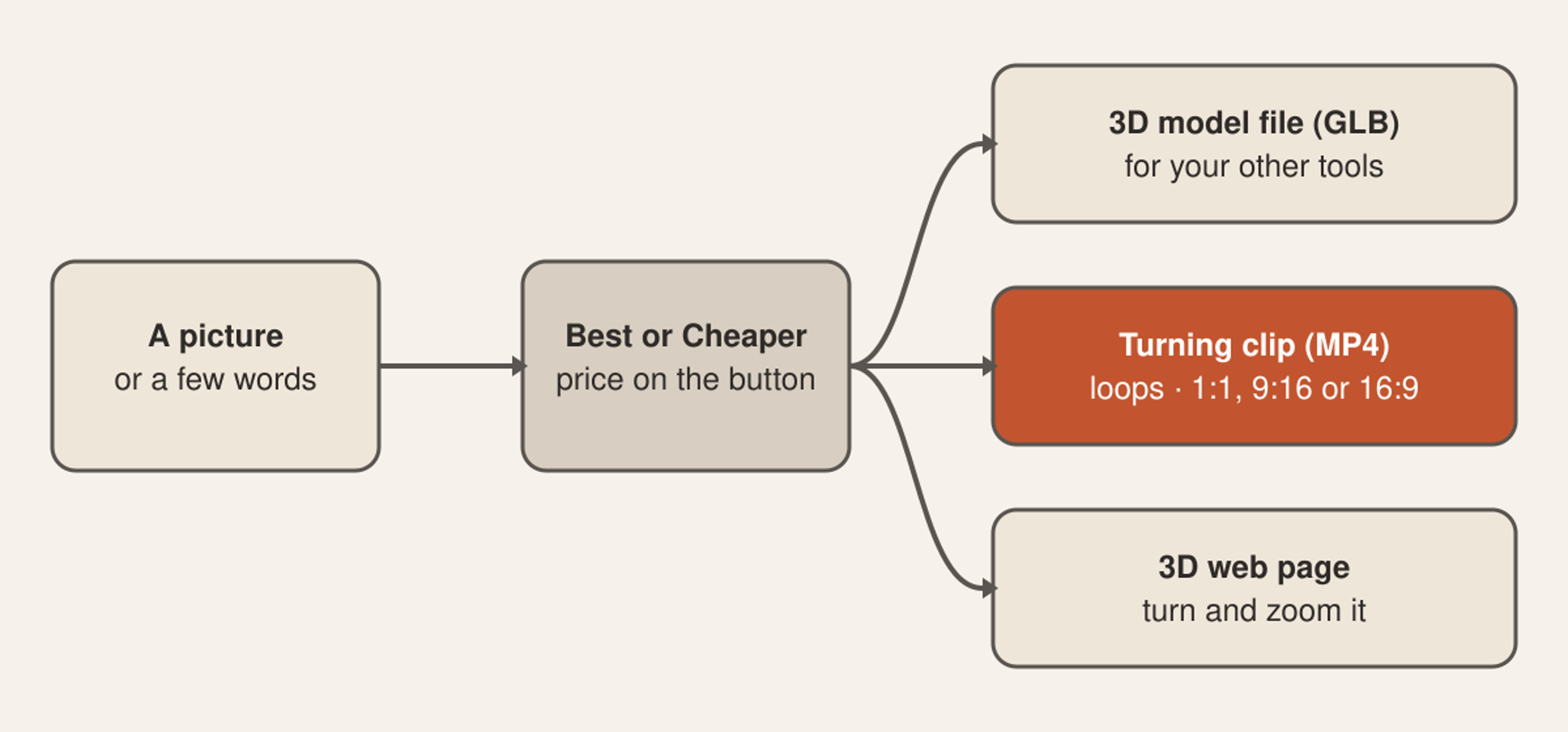
- The 3D model file (GLB), ready for your other 3D tools.
- A turning clip that loops: square at 1080 × 1080 by default, or 9:16 for Reels and Shorts, or 16:9. One turn takes 6 seconds by default, on a studio, dark or light stage.
- A 3D web page you turn and zoom with the mouse. It is one self-contained file that loads nothing from outside, so you can put it anywhere.
The clip and the page are made on your computer, free. Ask for changes in plain words afterwards: “a 9:16 clip for Reels”, “a dark backdrop”, “a page with a Shop now button”. For a shop, this is a product page and a social clip from one photo.
A short with a presenter, from one request
Home → Short with a presenter makes a vertical video of someone talking to camera, with cutaways, captions and music. Tell it the topic, and if you like the length and who presents it: a presenter drawn just for this short, one of your saved characters by “@name”, or no one, with a voice over the cutaways.
The script comes first, beat by beat, with one total price. You change any line you like, and only your OK in the chat starts the work. That OK is also the most it can spend.
The short is 15 to 90 seconds (45 by default), up to 16 beats, at 1080 × 1920, with music levelled for streaming. Captions come bold, clean or off, and the style can be explainer, story, news or tips. Cutting, captions and rendering happen on your computer, at no cost. It plays in a 9:16 frame beside the chat.
Direct a video by clicking
In the video maker, the Direction button opens a panel where you set the whole video’s genre, era, camera style, light, film and colour look. Then, shot by shot, you pick up to three camera moves, the lens, focal length, aperture and the emotion of the moment.
There are 98 camera moves, and each one shows a small 3D preview of what it does as it scrolls into view. Changing the colour look on a finished video re-cuts it for free.
The newest video and picture models
New in Settings → Models & accounts → Images and video:
- Video: Kling 4.0 (clips of 3 to 30 seconds), Wan 3.0 (2 to 30 seconds), Grok Imagine Video 1.5 (1 to 15 seconds), Luma Ray 3.2 and the open Wan 2.2.
- Pictures: Ideogram Vector, which draws real SVG files you can edit, and Hunyuan Image 3.
- Your own OpenAI key now draws with GPT Image 2.6.
They run on your own key, or on your allowance when you are signed in.
AI on a clip, inside the video editor
In a video project, select a clip on the timeline and the inspector offers three AI tools: change the clip from a typed instruction, relight it with one of ten looks and a main light you can move, or split its sound into voice, music and everything else. Each button shows the price first, and one undo puts the clip back as it was.
Face swap
Two new effects: Put Me In The Picture swaps a face in a photo, and Put Me In The Scene puts a person into a video clip of up to 30 seconds, moving as the original did, with the sound kept.
A quicker first day
Home now offers three one-click first jobs: Summarize a file, Tidy my Downloads and Build me a web page. “Try it” in the tour sends one straight away, and if you are not signed in, the message that asks has Continue with Google right in it.
After your first answer, Tesseract offers to do something like it on a schedule: a 9:00 report on your Documents each day, a five-line news brief each day, or a plan for your Downloads every Friday at 17:00.
The app also opens where you left off, with the cursor already in the message box.
Plainer answers
Every answer now comes from Tesseract. The model menu says Recommended or Fast, and the usage gauge appears from 70%. The framework, the model’s code name and the thinking level are one switch away in Expert mode. When an answer fails, it says why in plain words and offers the fix as a single button.
You approve bookings, payments and messages
While you are at your computer, any step that books, pays or sends something is put to you first, on every agent framework Tesseract runs.
Dictate, Check Macros and more office files
- Dictate in Word documents: Home → Voice → Dictate, or Alt+` (⌥` on a Mac). Speech turns into text on your computer, free, and never leaves it. Your words go where you are typing: the page, a header or footer, a note or a comment.
- Check Macros: in the spreadsheet, View → Macros shows a workbook’s macros (.xlsm, .xlsb, .xlam, .xls), and Check Macros explains what they could do before you run them.
- Templates and add-ins open: text templates (.ott) open in the Word editor, and Excel add-ins (.xlam) and older templates (.xlt) in the spreadsheet. You can read an add-in’s macros before you install it.
Share a tab to watch, or to control
When you share a browser tab, the pop-up now asks Can watch or Can control. Watching is the default. Change your mind and the old code stops working.
What works better now
- Photoshop files: CMYK, Lab and 16-bit PSDs open whole and in their true colours in the image editor and viewer, with transparency kept, and large files show at any size.
- Remote Desktop: joining with a one-time code shows the screen straight away and keeps your My Computers list as it was, people are named by their account, and a file you ask for while another is on its way arrives too.
- File icons: files Tesseract was not chosen for keep their own icons, and the File types dialog leaves every choice to you (it arrived in 0.12.3).
- Windows: uninstalling removes everything, the frameworks check works where PowerShell is locked down, and the app runs at normal priority when it starts with Windows.
- Mac: the app is about 55 MB smaller.
- Steadier sessions: a busy computer keeps the app running, a Claude Code conversation that belongs to another app stays with that app, and the song maker never charges twice for a part sung again.
Questions
Is 0.12.4 free? Yes. Tesseract is free to download, and its free allowance runs AI agents with no API key. Paid models, like the 3D model and video makers, show their price before anything runs.
How do I update? Tesseract updates by itself. To update now: Settings → About → Check for updates.
What can I do with the 3D model? Use the GLB file in your 3D tools, post the turning clip as a Reel or Short, and put the 3D web page on your site so visitors can turn and zoom the product.
Can the presenter short use my own character? Yes. Name a saved character with “@name” and it presents the short.
Where is Dictate? In the Word editor: Home → Voice → Dictate, or Alt+` (⌥` on a Mac).