 Tesseract
The Mesh app: a private network without the full app
Tesseract Mesh as its own small app: what it does, how it opens, why it runs no background service, and how it hands over to Tesseract on one computer.
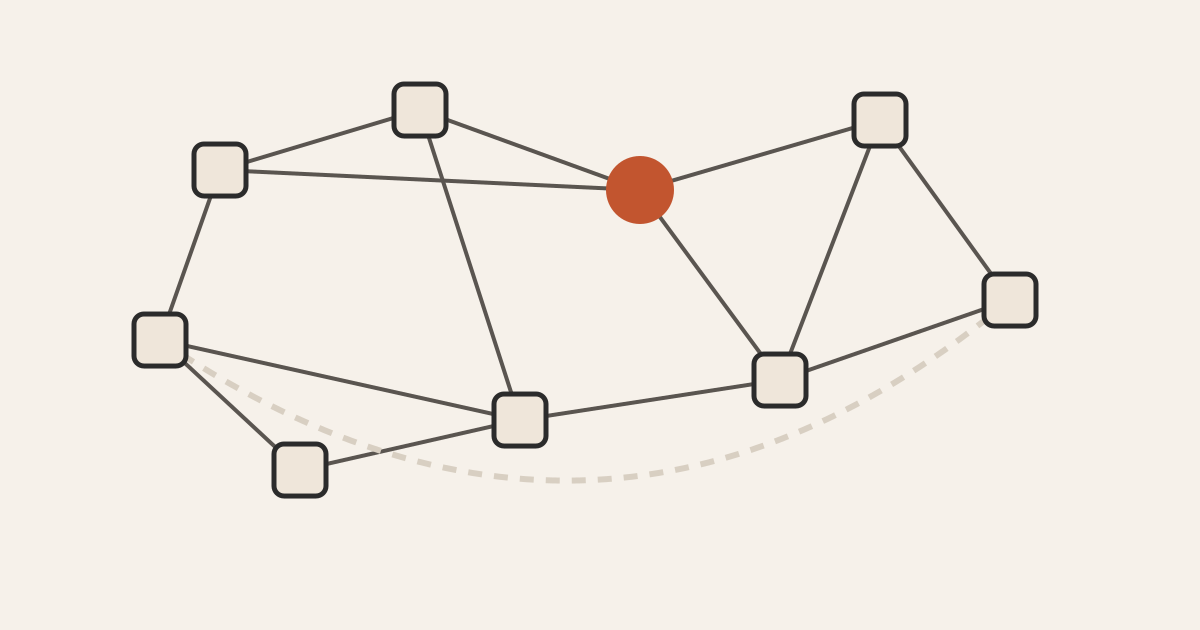
Tesseract Mesh is a free app for Mac, Windows and Linux that puts your computers on one private network, reachable by name. It is Tesseract’s built-in network in a small window without the AI: create, join, switch on or off, leave. When Tesseract runs on the same computer, the app steps back and lets Tesseract run the network.
This post covers the standalone app: what it is for, how it decides what to show when you open it, and why it runs no background service. How the network itself works, and how to set one up inside Tesseract, is in a private network for your computers.
Who is the standalone Mesh app for?
It is for any computer that needs to be on your network but has no use for an AI agent: the office PC, a relative’s laptop, the machine in the cupboard you SSH into. Installing all of Tesseract there would be more app than you need.
From the Mesh page:
- Free, no subscription. Creating a network needs a Tesseract account. The machines that join it don’t: each one pastes a join token and is in.
- Reach machines by name. Every computer answers to its own hostname, so
studio-imac:3000in a browser orssh cupboard-serverjust works. - Direct when it can be. Machines connect straight to each other through home and office routers. For the hardest networks, a relay passes the traffic along, still encrypted.
- Big enough. Up to 65,536 machines in one network.
Mesh comes as six downloads: Mac (Apple silicon or Intel), Windows x64 or ARM as a portable app, and Linux x86-64 or ARM as an AppImage. No installer is needed: you open the disk image or run the file. The Linux AppImage is built with the static type 2 AppImage runtime and opens its window in 3 seconds on a stock Ubuntu 24.04 machine, on x64 and ARM alike. The version on the page as of this writing is 0.11.28.
How does the app compare with Tesseract?
It runs the same network, by design. The app, the network section inside Tesseract and the tesseract-agent command line run the same code. They are three ways into one implementation, and the feature list is the same in all three:
| What you can do | Mesh app | Tesseract | tesseract-agent |
|---|---|---|---|
| Create a network and give out its join token | yes | yes | yes |
| Join this machine to one network or several | yes | yes | yes (mesh join) |
| Turn a network off and on without leaving it | yes | yes | yes |
| Leave a network (deletes this machine’s key for it) | yes | yes | yes |
| Approve or remove machines | yes | yes | yes |
| Route all internet traffic through an exit node | yes | yes | yes |
Because all three run the same code, an improvement in one reaches the others. It also means you can switch tools without losing anything. Create the network in the app on your laptop, join a headless server with the CLI, and manage both later from Tesseract. On machines where you want more, Tesseract does it over the same network: browsing a machine’s files, opening its screen and running agents on it. See what Tesseract does with your computers.
What does the app ship?
The app is a thin launcher on top of the same core Tesseract uses. That core holds the network node, the client for the network helper, the joining flow and the account client. It is the same code, so every network improvement in Tesseract arrives here too.
The app carries the network and nothing else. In the words of the design notes, a private network moves packets, not pixels. That makes the download a fraction of the full app’s size.
On first use, Mesh installs a small network helper and asks for your admin password once. The helper is the part that creates the network interface, which only a privileged process can do. A Windows machine can be an exit node once its Containers or Hyper-V feature is turned on and the machine restarted.
How does the app decide what to show when it opens?
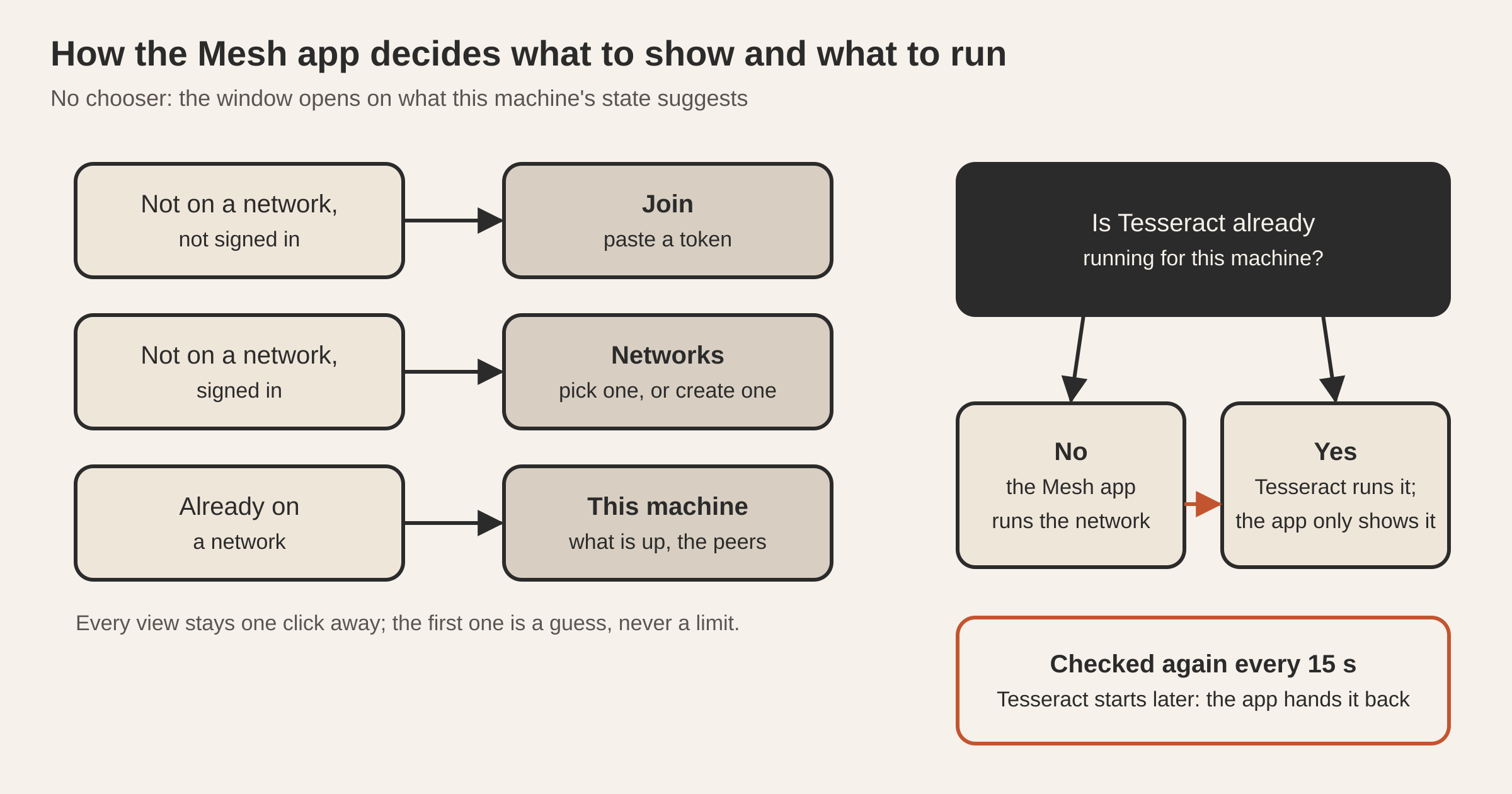
Mesh opens straight on what you need, with no chooser first. Setting up a network and joining one are not two programs. They are two things the same person does in the same week, often in the same sitting, because whoever creates a network usually joins the computer they created it from first.
So the window opens on whatever the machine’s state suggests:
| This machine is… | The window opens on |
|---|---|
| Not on a network, not signed in | Joining: paste a token |
| Not on a network, signed in | Your networks: pick one to join, or create one |
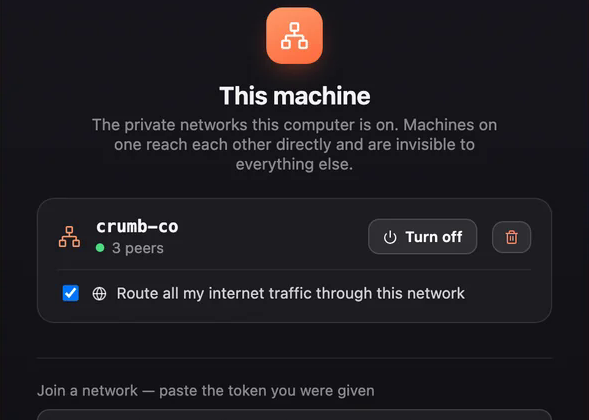
| Already on a network | This machine: what is up, and the peers |
Every view is reachable from every state. The first view is a guess about why you opened the app, and every other view is one click away.
Why does the app run no background service?
Tesseract runs a background service, the part that keeps your computer reachable, and that service claims the machine. It takes a single-owner lock, registers the computer under its device identity and keeps running so it can’t be closed by accident. All of that is right for an always-on service.
The Mesh app has a smaller job, so it is built for it. It starts a window and a network node, and nothing else. It has no lock, no machine registration, no takeover and no quit hardening: that code isn’t on this path at all. So the app opens straight onto your network, and Cmd-Q quits it at once.
What the app keeps is the shared sign-in and joining state on disk. Signing in once signs you in to every Tesseract app on the computer. Joining from the Mesh app joins the machine, not just the app, so Tesseract started later sees the same networks.
What happens when Tesseract runs on the same computer?
If two processes run the network for one machine, you get two members with the same key. You also get two writers of the same status, and whichever one leaves first can take the other off its own member list. The app avoids that with one read-only check: is a live Tesseract process already running for this machine?
- No: the Mesh app runs this machine’s network node itself.
- Yes: it leaves the network to Tesseract and only shows and manages it.
Machines change after the check. You might open Mesh on a quiet machine and start Tesseract an hour later. So the app looks again every 15 seconds, with one small file read and one process check. When Tesseract shows up, the app hands the network over to it. It takes no lock and stops nobody, so neither app ever ends up fighting the other for the machine.
How do servers join without a screen?
A headless server joins with the free command-line agent and keeps the network up as a background service:
npm i -g tesseract-agent "--allow-scripts=tesseract-agent,ffmpeg-static,node-datachannel,@homebridge/node-pty-prebuilt-multiarch"
tesseract-agent mesh join <TOKEN>
tesseract-agent mesh list
tesseract-agent mesh down
The same token works in the app and on the command line. The CLI’s own page is tesseract-agent on npm; setting up a server as an agent host is in run agents on your own server.
Questions
What do the machines that join need? Just the join token. Only the person who creates the network signs in. Every other machine pastes the join token, and that token keeps working until the network owner replaces it.
Can I install the Mesh app on a computer that already has Tesseract? Yes. Tesseract already includes the network, so the two share it. If both are open, Tesseract runs the network and the app shows it. If you open Tesseract after the app, the app hands the network over within about 15 seconds.
Can one computer be on more than one network? Yes. A machine can join several networks and switch each one on or off without leaving it.
What does leaving a network do? It removes this machine from the network and deletes its key for that network. To come back, it joins again with a token.
Why does it ask for my admin password? On first use it installs the small network helper that creates the network interface, which needs administrator rights once.
Try it
Download the app for your system from the Tesseract Mesh page, create a network on one computer and paste its token into the others.