 Tesseract
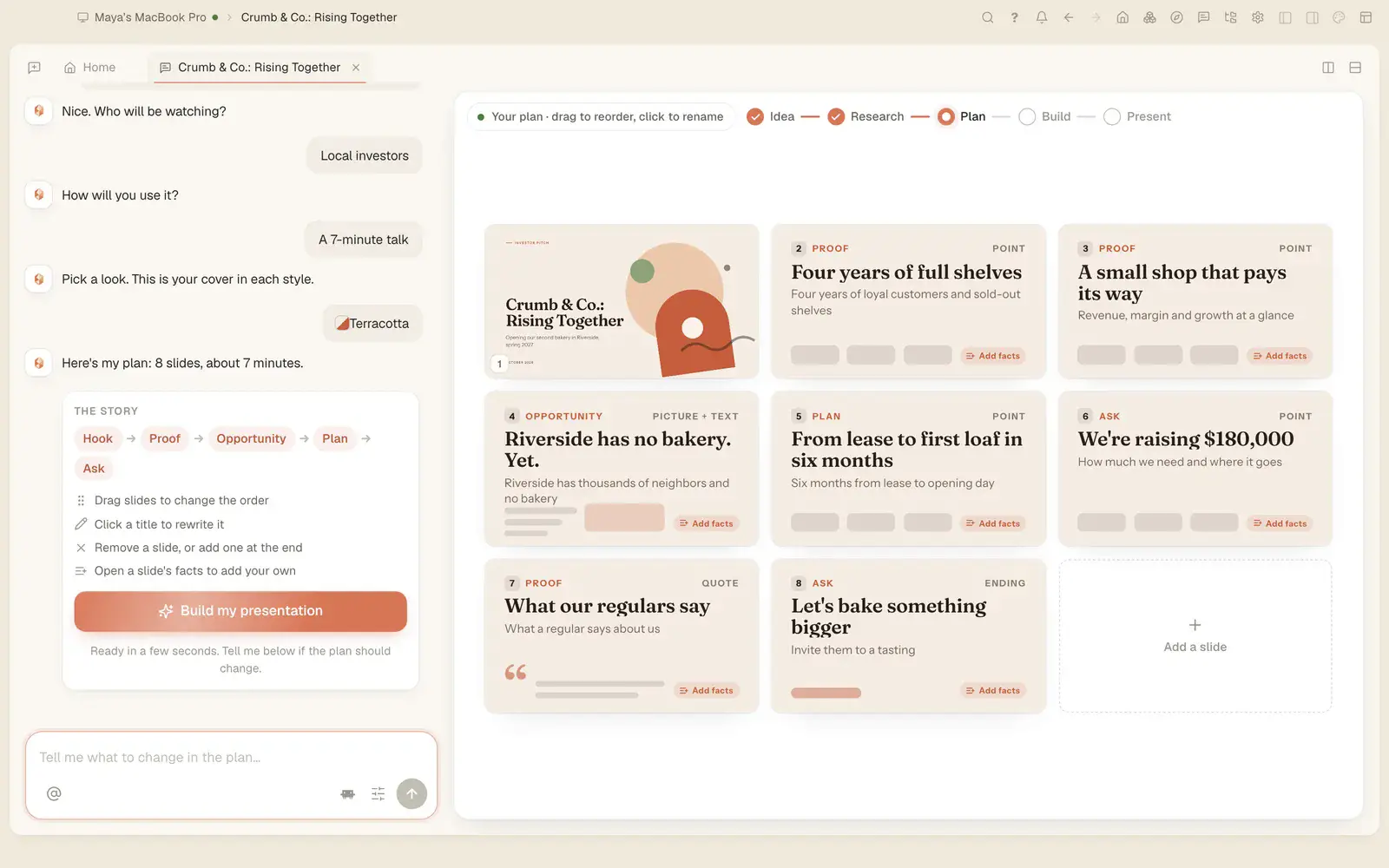
How do I make a PowerPoint presentation with AI for free?
Free ways to make a PowerPoint deck with AI in 2026: what each free tier gives you, what needs a paid plan, and how to do it in Tesseract with no API key.
Yazıyı okuyun →Tesseract için kılavuzlar, yeni özellikler ve nasıl yapılır yazıları: mevcut Claude veya ChatGPT aboneliğinizle yapay zekâ ajanlarının sunumlar, web siteleri, belgeler ve videolar oluşturduğu ücretsiz uygulama.


How Tesseract runs Gemini Omni 1.2 Flash: 3–15 s clips, 9:16 and 1080p, six reference pictures, edits in words, and a limit check before any charge.

Tesseract turns one photo into a short clip with more than 150 one-tap video effects, plus camera moves, AI transitions and videos up to 30 minutes.
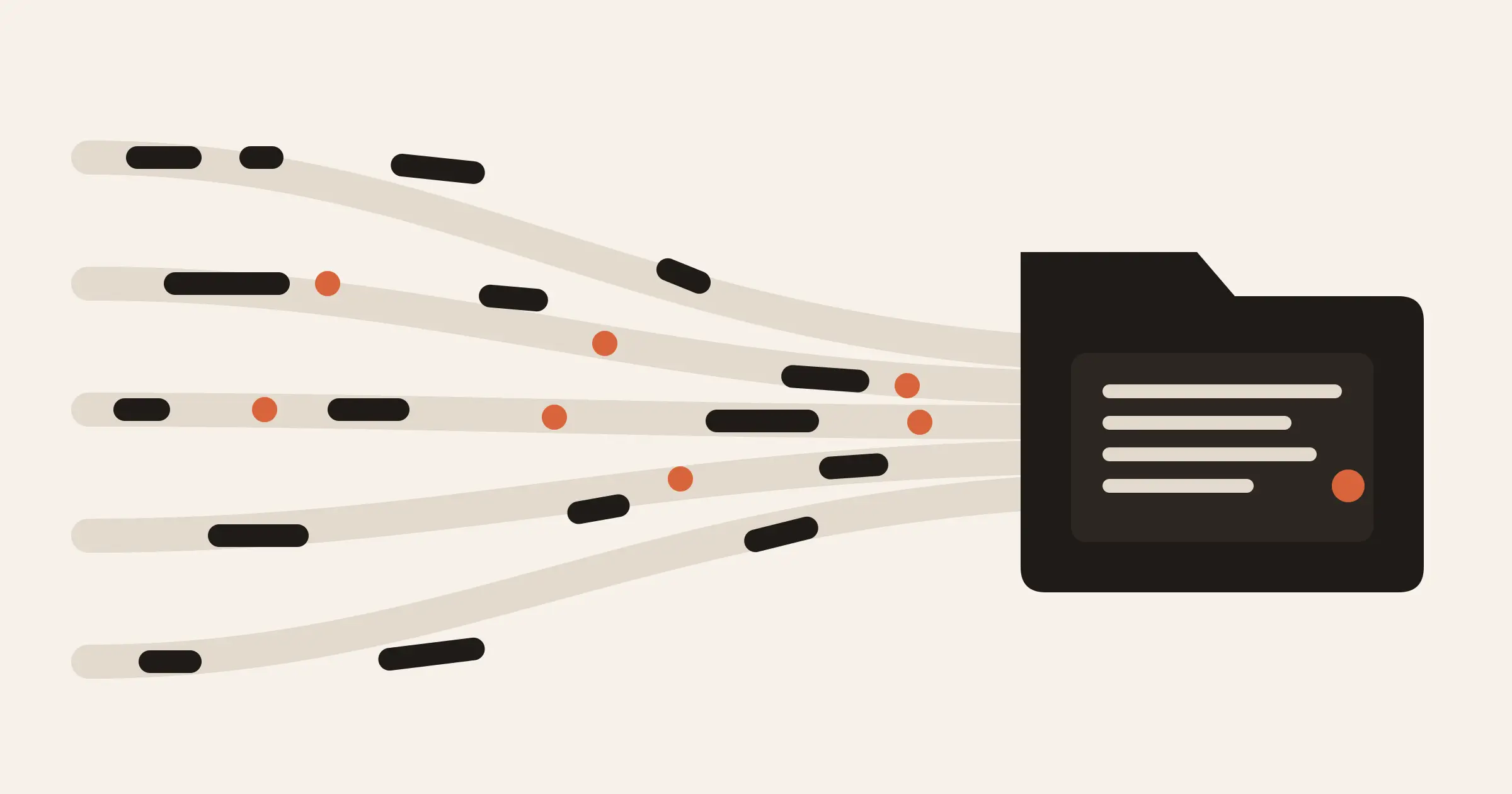
How the Rust port of memtrails runs on tokio end to end and still writes the same memory folder, vectors and hashes as the TypeScript library.
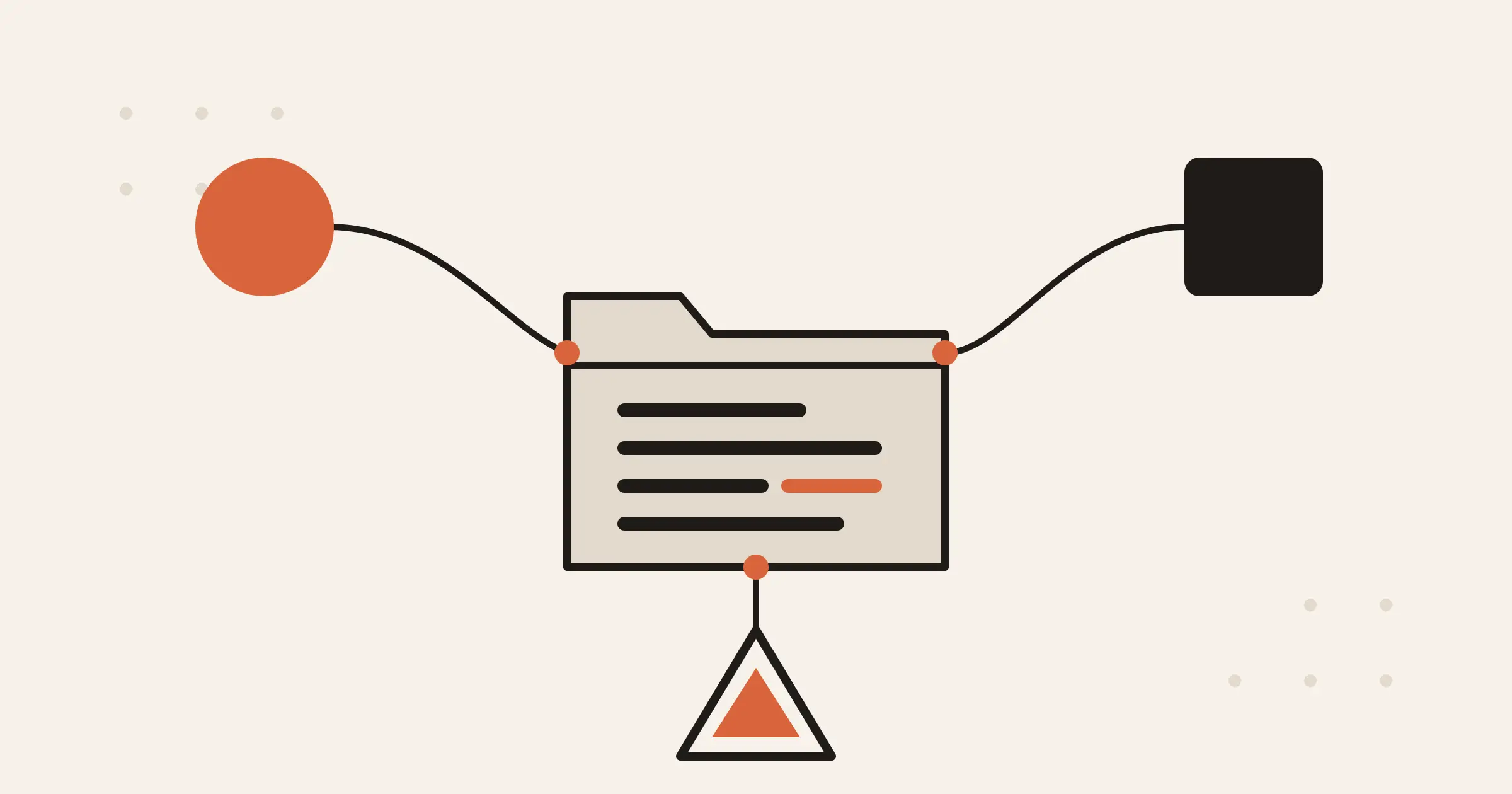
memtrails now runs natively in Python, fully async. How to use it, how it stays identical to the TypeScript library, and where it stops.
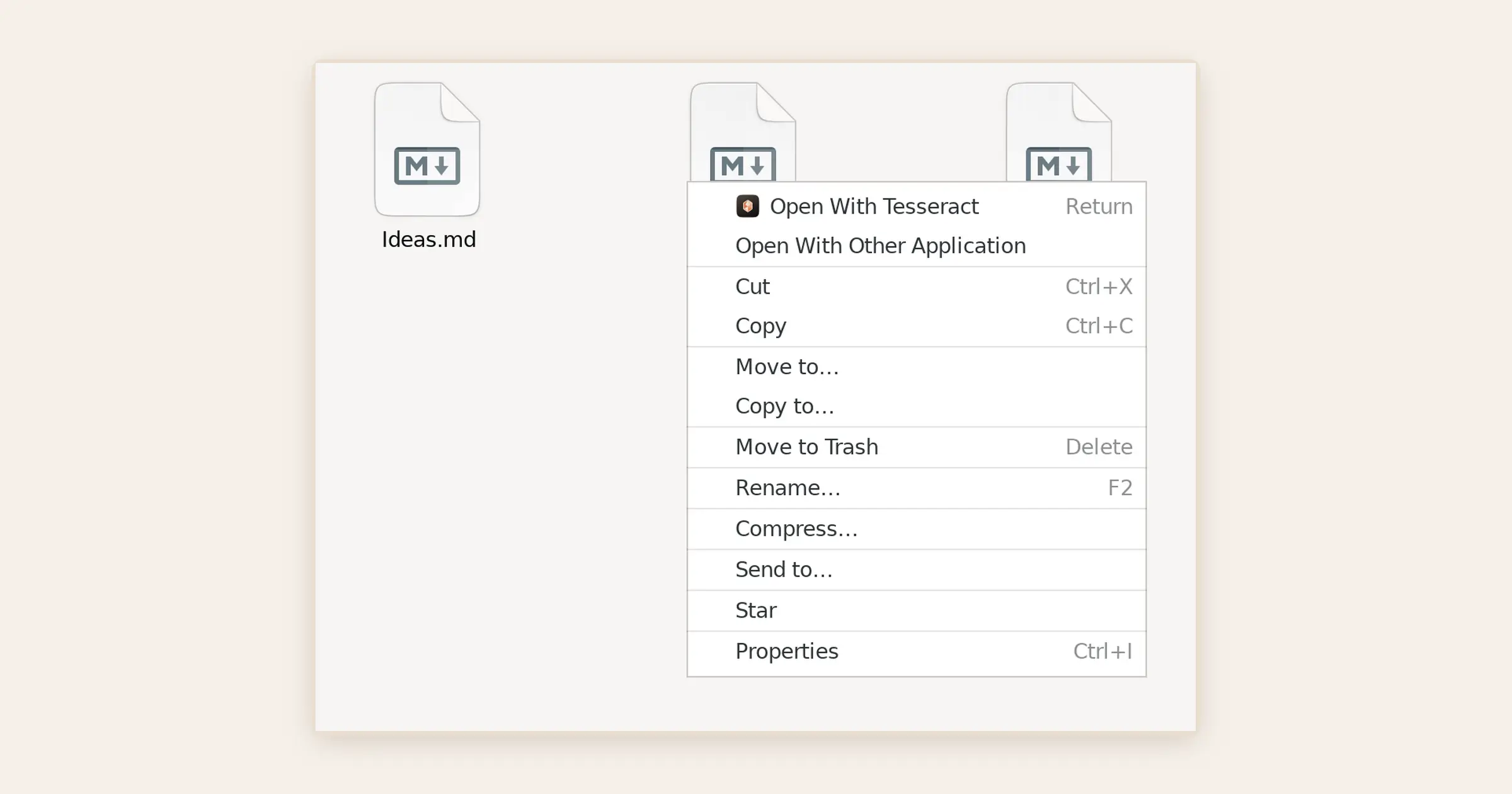
Tesseract is now in Open With for documents, PDFs, video, pictures and code on Windows, Mac and Linux, and it never takes your files over.

Tesseract, the free AI agent that finishes the job, launches on Product Hunt on November 14 and on Uneed on November 19. Here is what it does and how to start.
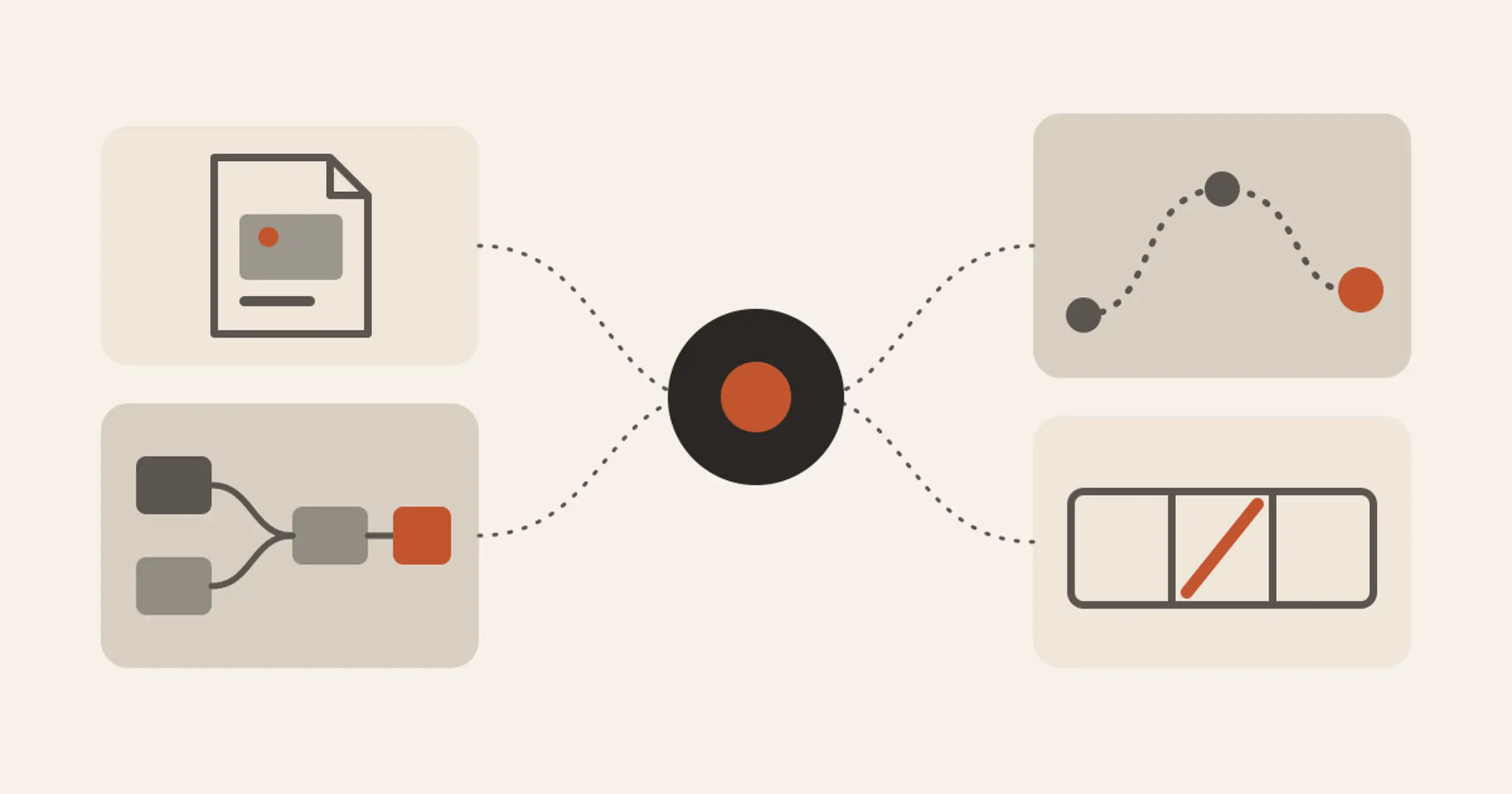
Tesseract 0.12.3 opens your files and folders from Open With, adds a media board, a tour of the app, API keys and 30-minute videos with AI transitions.
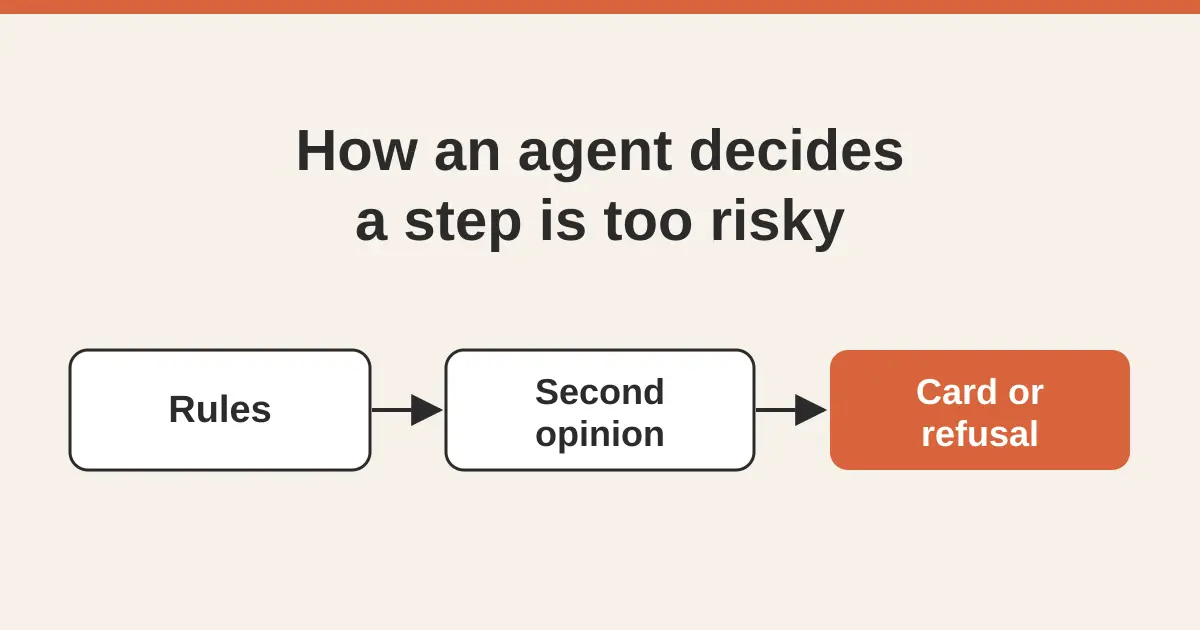
How Tesseract checks an agent's shell commands and file writes on 14 frameworks: 13 rules, a second opinion that can only raise, and what happens next.
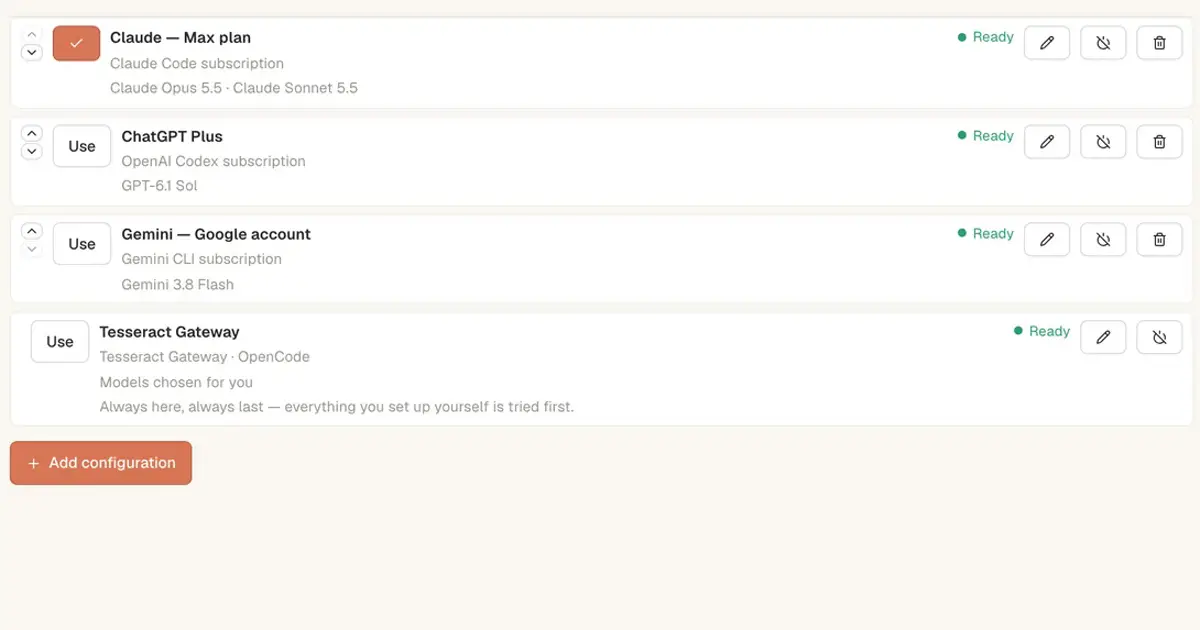
Yes. Which AI coding agents work free without an API key in 2026, what each free tier gives you, and how to start in Tesseract in a few minutes.
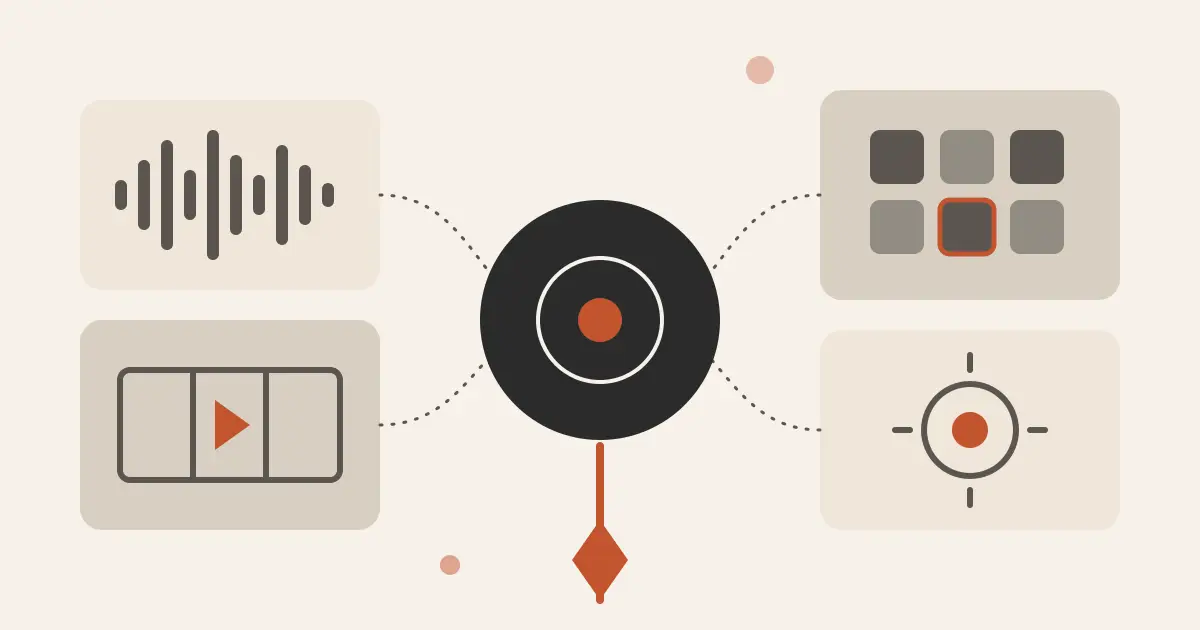
Tesseract 0.12.2 makes whole songs from an idea, adds AI video tools to reframe, relight, dub and extend your clips, and 470 ready ideas for ads and Shorts.
What happens to an agent's turn when the app restarts mid-task: liveness clocks, an on-disk turn record, dev server cleanup and conversation recovery.
The agent contract behind Tesseract: three integration routes, 32 capability flags, tools the app serves itself, one event stream, and how each tool reaches the model.
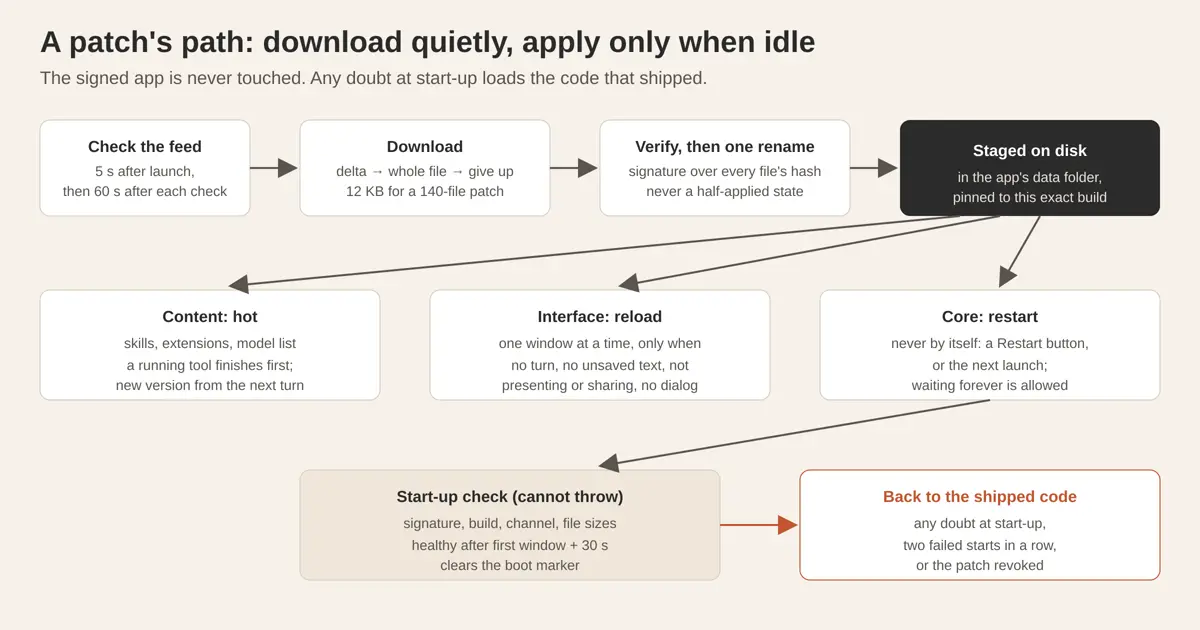
How Tesseract ships updates in kilobytes and applies them only when nothing is running: risk tiers, signed deltas, idle checks and automatic rollback.
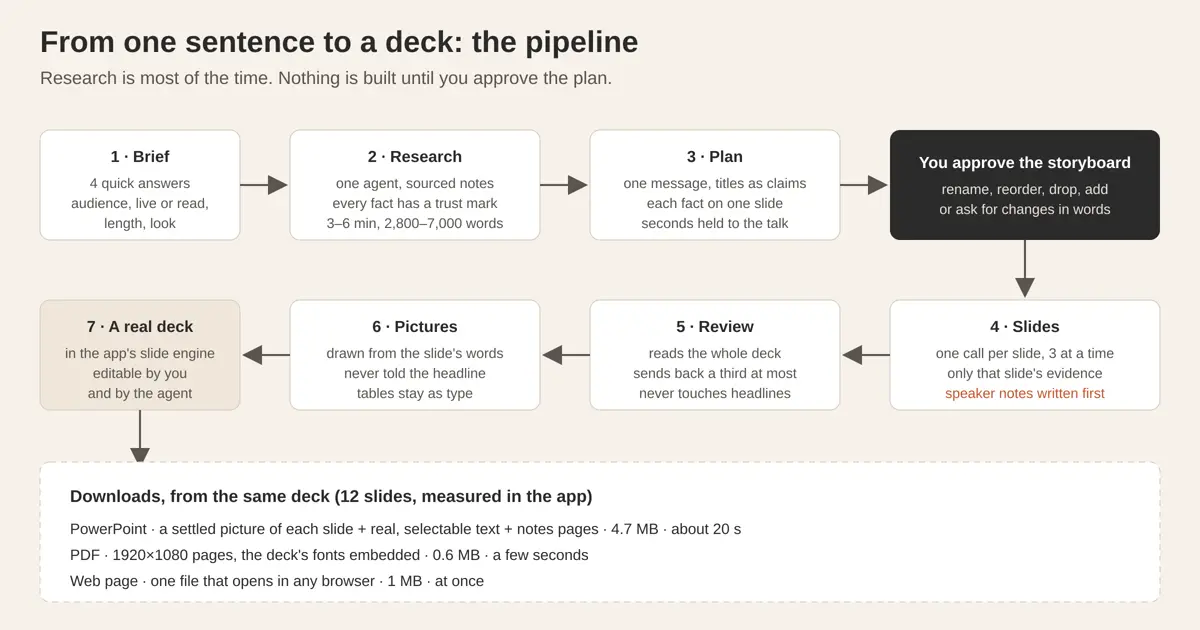
How Tesseract turns one sentence into a researched deck with speaker notes and a PowerPoint download: the pipeline, the tricks, the numbers and the results.
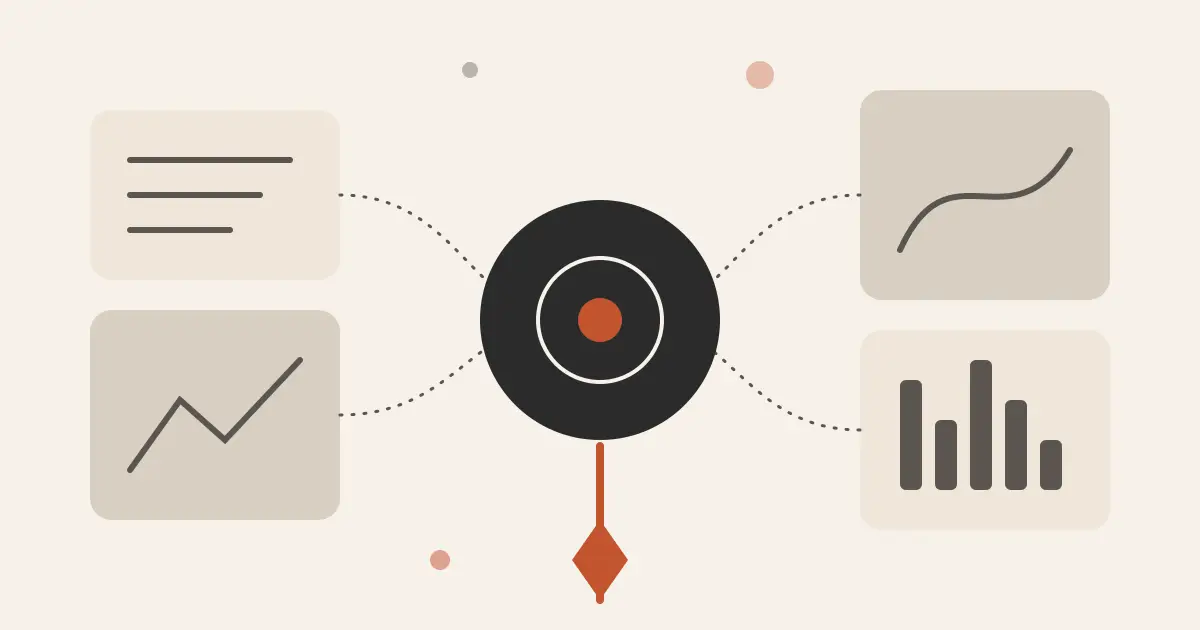
Tesseract 0.12.1 makes its editors AI-native: the panels and the agent run the same commands. Plus big rounds for Word, Excel, PDF, photo, video and audio.
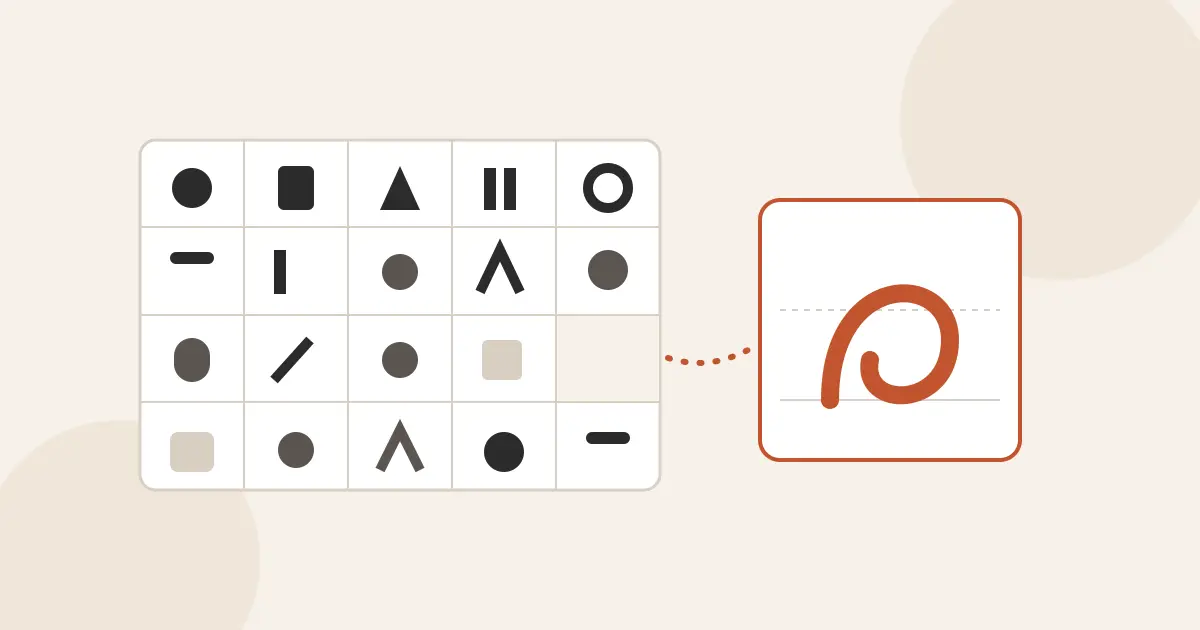
How Tesseract turns a style prompt or your handwriting into an installable font, and one logo into a full brand kit: the pipeline, the checks, the kit.

Tesseract's PDF editor annotates, retypes, fills, signs and redacts. How saves keep the original bytes, why redaction rewrites, and what the agent can do.

Tesseract's Word and spreadsheet editors run every click, key and agent request through one command table. How that works, what it saves, and how it checks itself.
Tesseract Companion connects Chrome, Edge, Brave, Arc or Vivaldi to the app: how the bridge works, which tab the agent uses, and what keeps it visible.

What tesseract-agent does beyond hosting: installing without npm, browser sign-in, model accounts, connectors, an MCP server for Claude Code and Codex.
Tesseract Remote Desktop as a small free app: one window to connect out and share this screen, a small download, and how it works next to Tesseract.
Tesseract Mesh as its own small app: what it does, how it opens, why it runs no background service, and how it hands over to Tesseract on one computer.
Tesseract Atrium as a free desktop app: what is in it, how it shares your sign-in with Tesseract, why it runs no service, and why it starts fast.
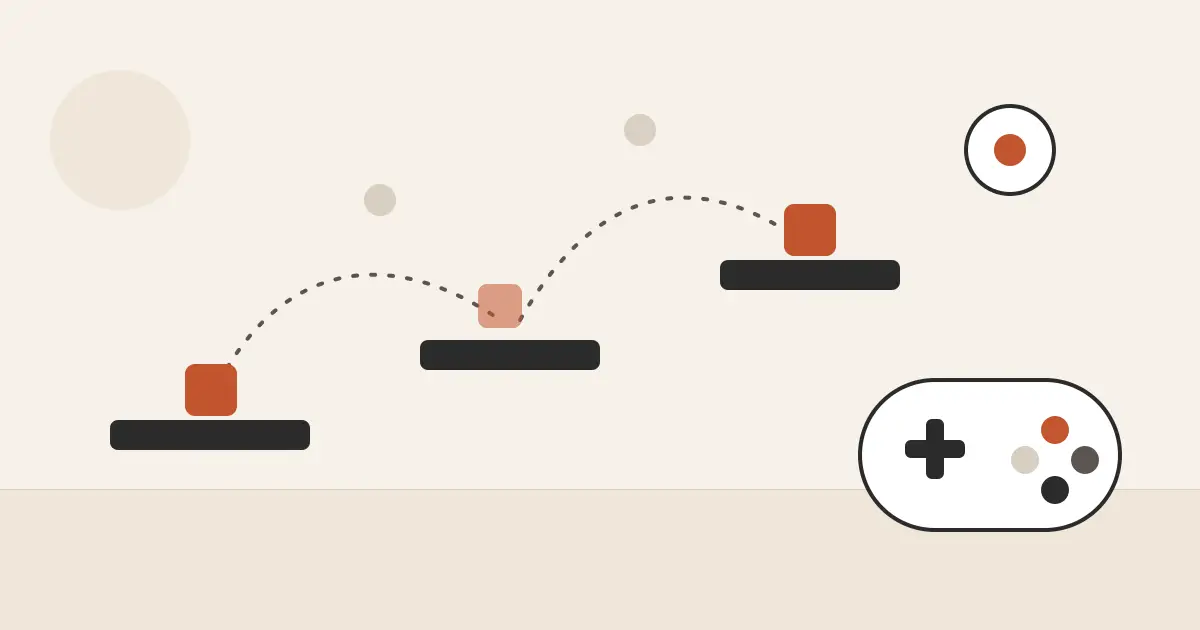
Inside Tesseract's game maker: a design you approve, a browser game or an engine project, played beside the chat and tested by a headless checker.
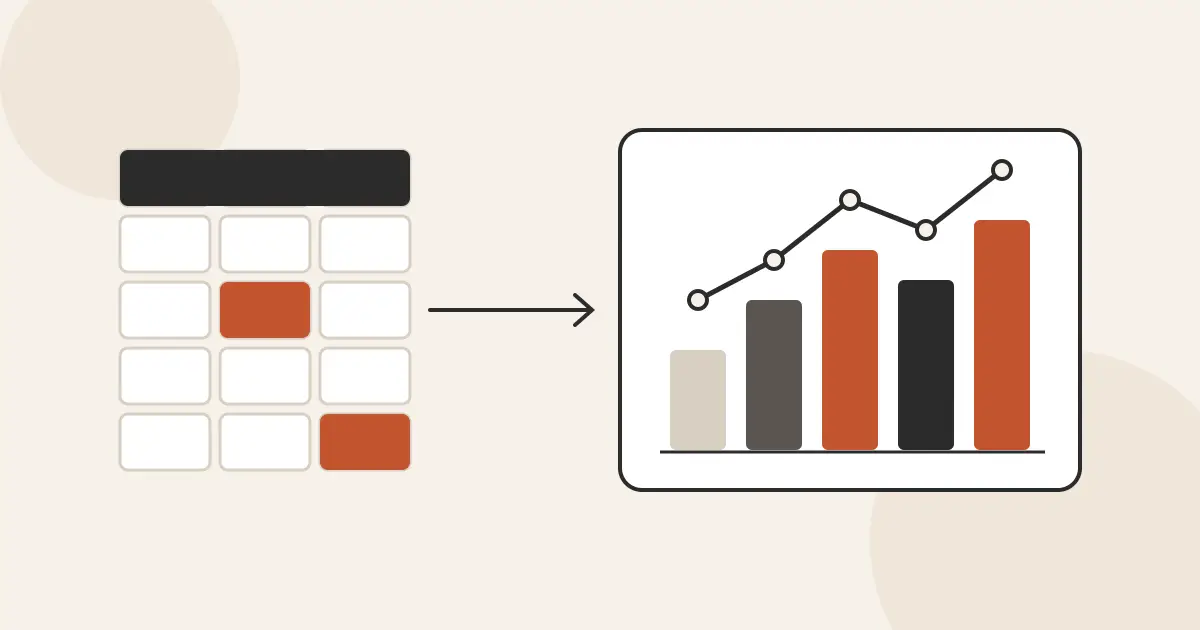
Inside Tesseract's data maker: a first look at your file, a plan you approve, a re-runnable script, charts from its output and every change listed.
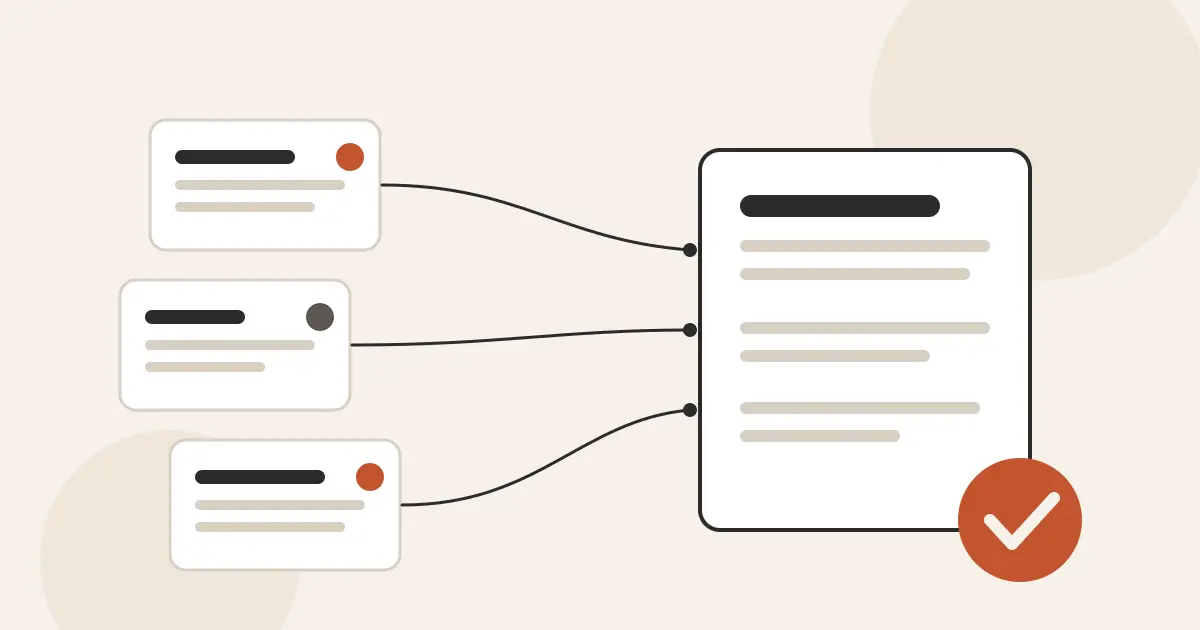
Inside Tesseract's research maker: a plan you approve, a checklist the agent ticks, a citation ledger, a coverage check and a report written from evidence.

How Tesseract's assistant maker turns one sentence into a charter, a schedule, a first brief with no sign-in and rules that hold on every run.
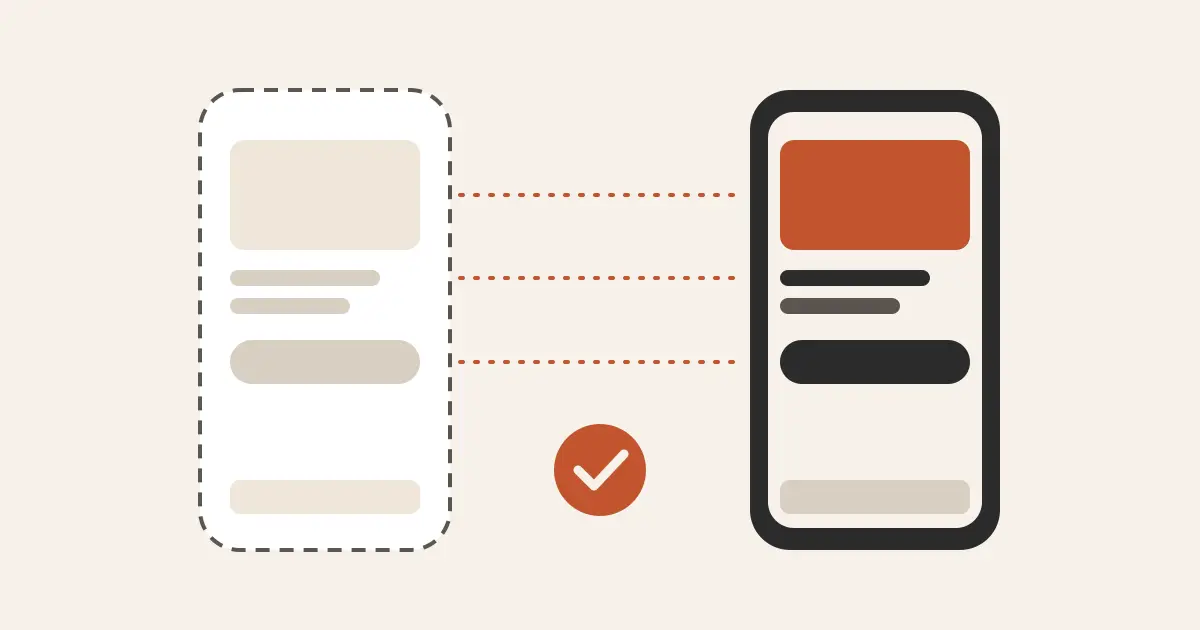
How Tesseract's app maker turns a tappable demo into Flutter, React Native or SwiftUI, then reads every built screen to prove it matches what you approved.
What happens to a site after Tesseract's website maker drafts it: the files it lives in, how edits reach the code, how it is checked and how it goes out.
How Tesseract runs a live talk: a presenter view with notes and a timer, your phone as the remote with no pairing, and an assistant that moves slides.
Enhance a photo measures your picture, plans only the fixes it needs, runs them in a fixed order, mostly on your computer, and shows a before and after.
How the agent makes pictures in the chat: your provider setting, four at a time, files kept with the session, and a real transparent PNG from any model.
A layered image editor inside Tesseract: local tools, layers and filters, plus AI fills that change only the pixels you selected. How it all works.
How Atrium on the phone notifies only for messages you haven't seen, rings like a real phone call, and catches up after a lost connection.
Why the Tesseract phone app never runs an agent itself, how it stays connected through sleep and network changes, and which events reach your phone.

Tesseract's social maker plans a set of posts, writes each caption for its platform, draws the pictures and saves a CSV your scheduler can import.
Say the occasion and who it is for: Tesseract designs both sides, draws the picture, picks readable words and saves a PDF at the card's real size.

Write something asks only what you know, outlines first, looks facts up, keeps every version and your own edits, and hands over Word, PDF or mail.

Describe a look or attach a picture, and Tesseract designs a theme for the app, keeps its text readable, makes its sounds and puts it on.
Trim, de-noise, even out and bring a recording to a loudness target in Tesseract's audio editor, by hand or by asking the agent. The original stays untouched.
Two video editors in one app: AI Edit for quick fixes to one clip, and a full timeline for a whole edit. The agent runs the same actions you click.
How Tesseract's video maker works: questions, a script, a storyboard, every shot made at once, and a cut timed to the voice on your own computer.
memtrails is an MIT-licensed npm library that makes any text searchable at once, on your machine. How to use it, how it works, and how it compares to Mem0.
What a day with Violet looks like: sign in, type or talk, one line while she works, a memory page you control, and voice calls on your iPhone.
How Violet gives each person a single conversation that never resets: a rolling window, pinned promises, hidden work sessions and long-term memory.
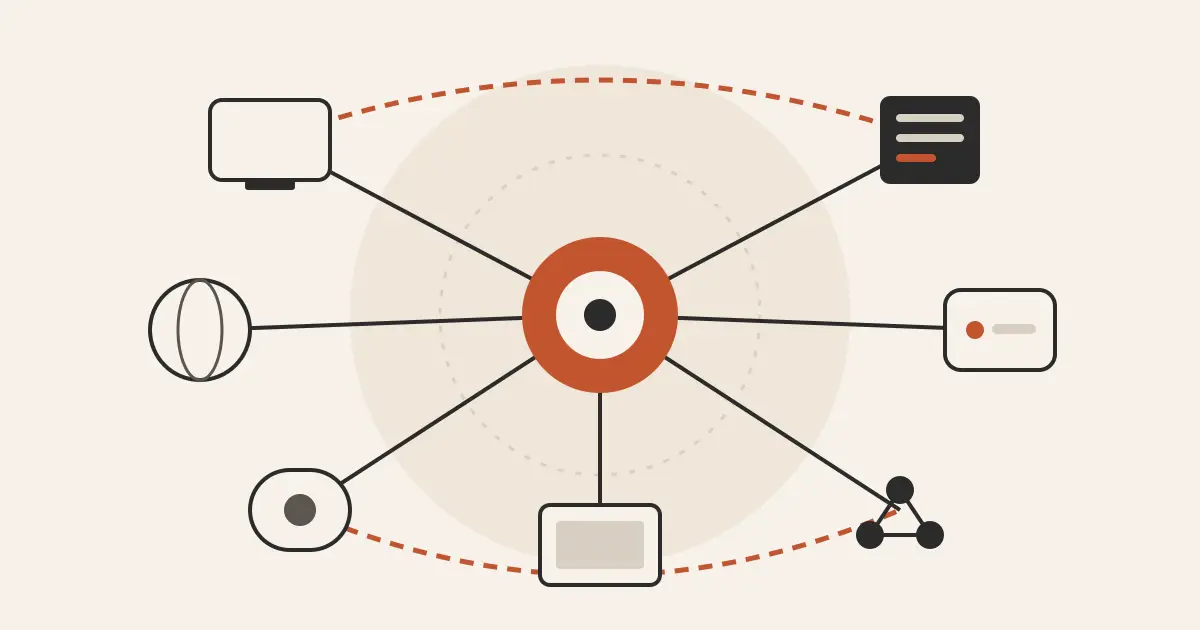
Desktop, web, CLI, Companion, Atrium, Remote Desktop and Mesh: which runs agents, what goes through the server, what goes direct, and what syncs.

What Tesseract's vault stores, who can read it, how its AI reads forms without seeing your data, and how it fills on every device you use.
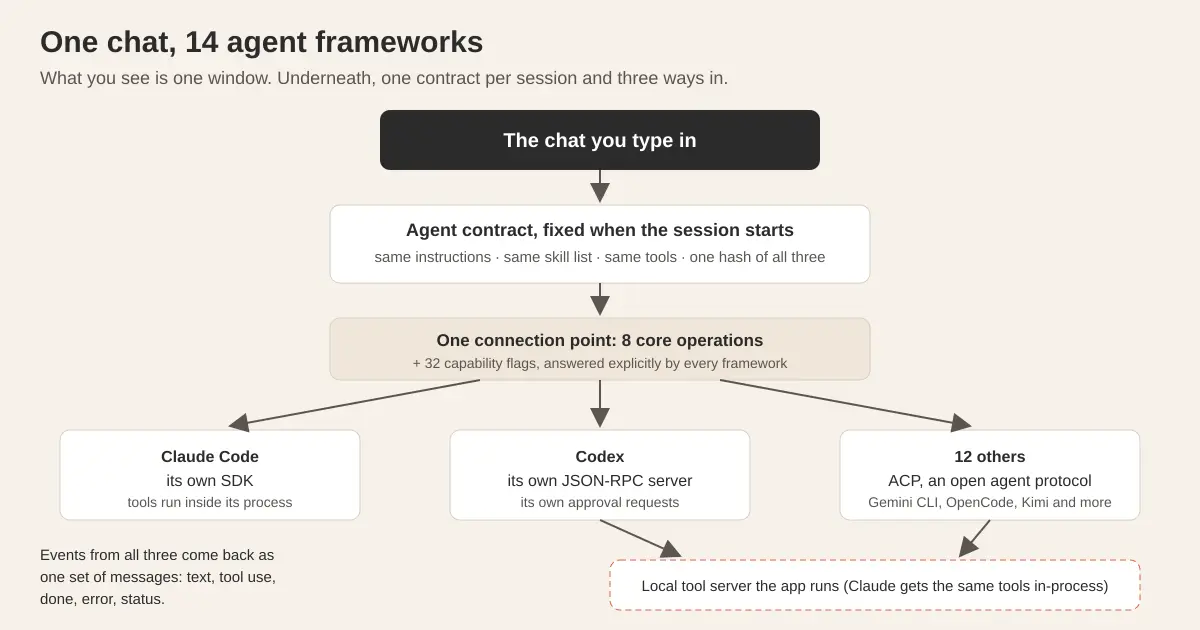
Five things that take one sentence in Tesseract, and the engineering behind each: 14 agents in one chat, memory, computers by name, agent teams, decks.
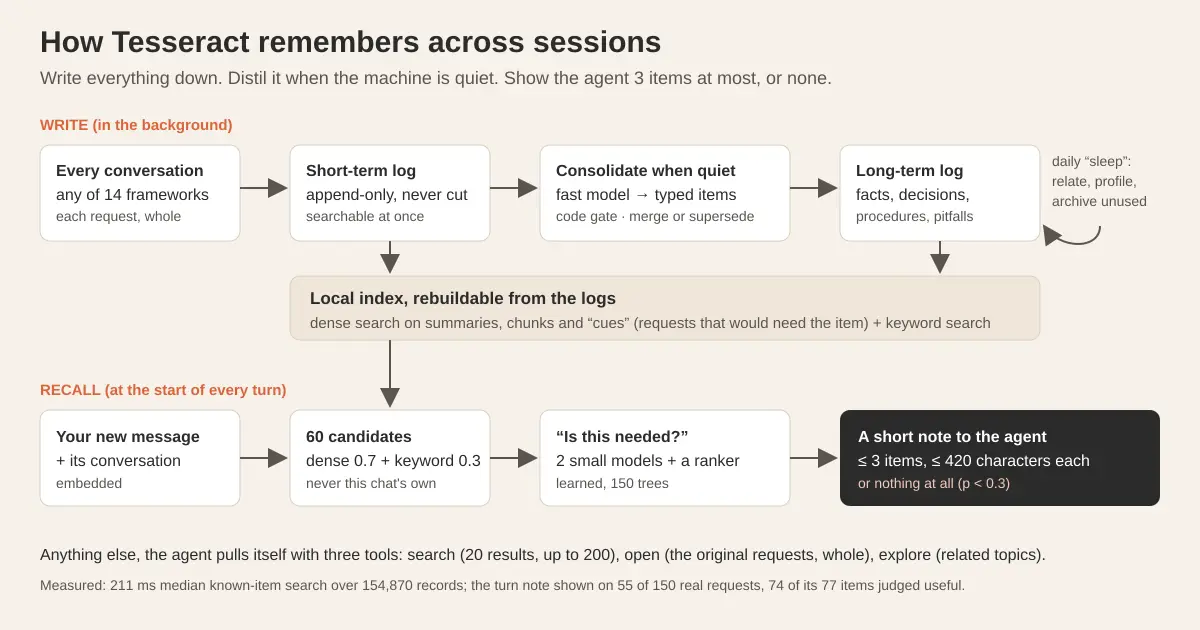
How Tesseract gives Claude Code, Codex and 12 other agents a long-term memory that finds the right past item without filling the context window. With numbers.
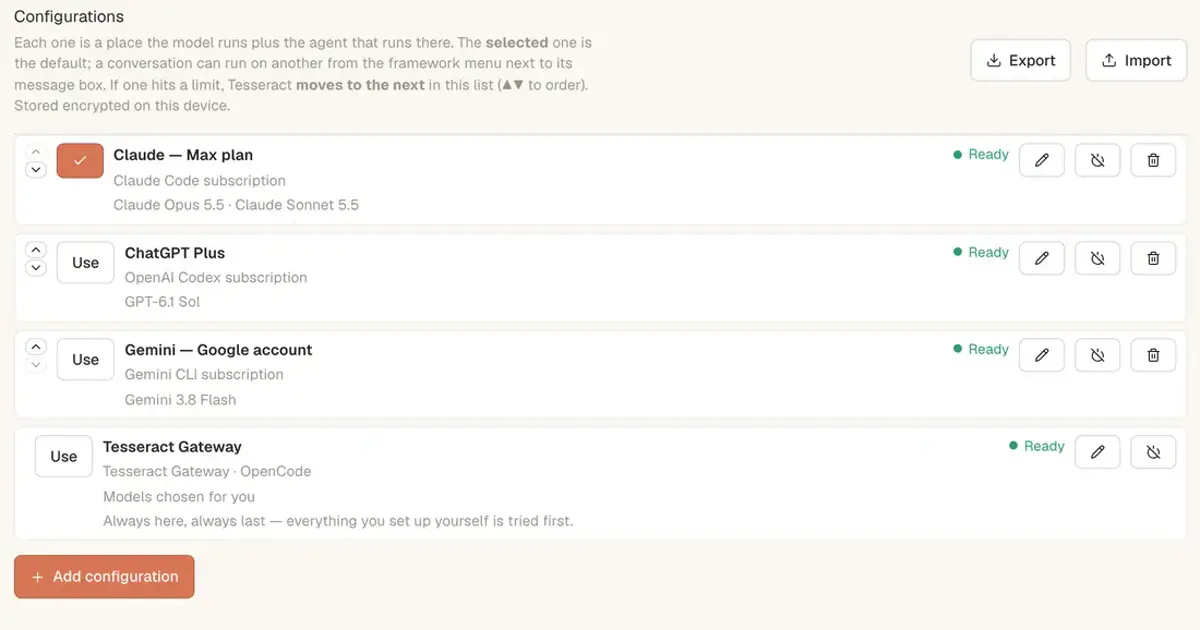
No. Use the Claude or ChatGPT plan you already pay for, unmetered, or start on the free allowance and top up only when you want more. How to set up each.
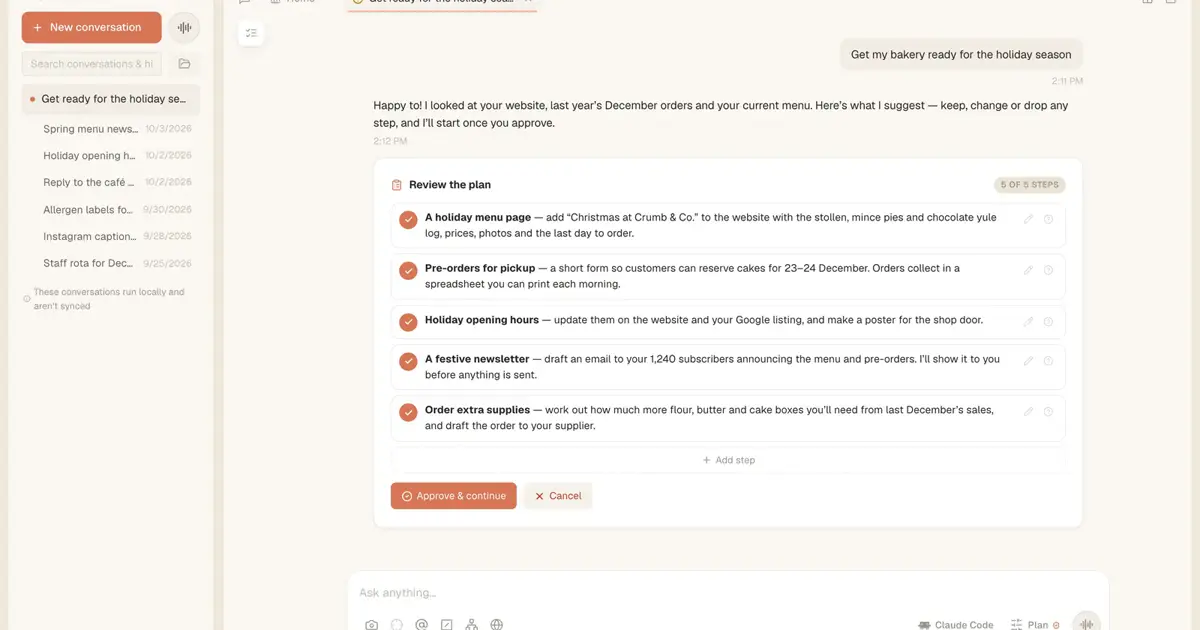
An update, a restart or a fresh framework session, and the agent's work carries on. What Tesseract does when it restarts in the middle of a task, and what you do.
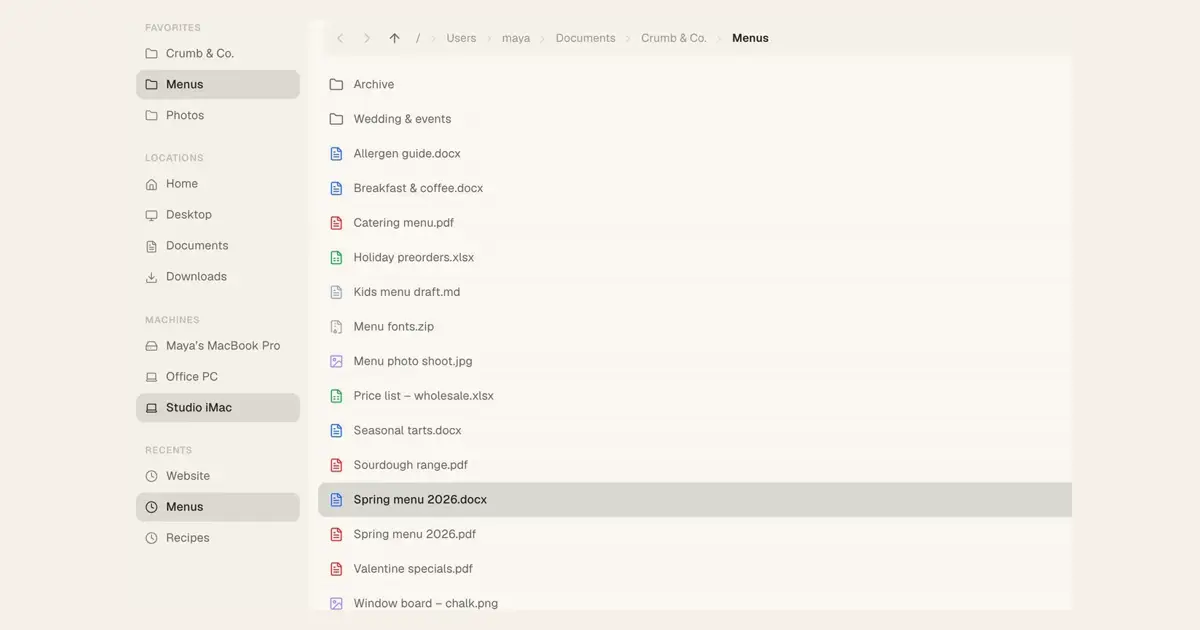
Tesseract's Files view browses every computer you own as if its folders were local. Open, preview, edit and move files on the office iMac from home.
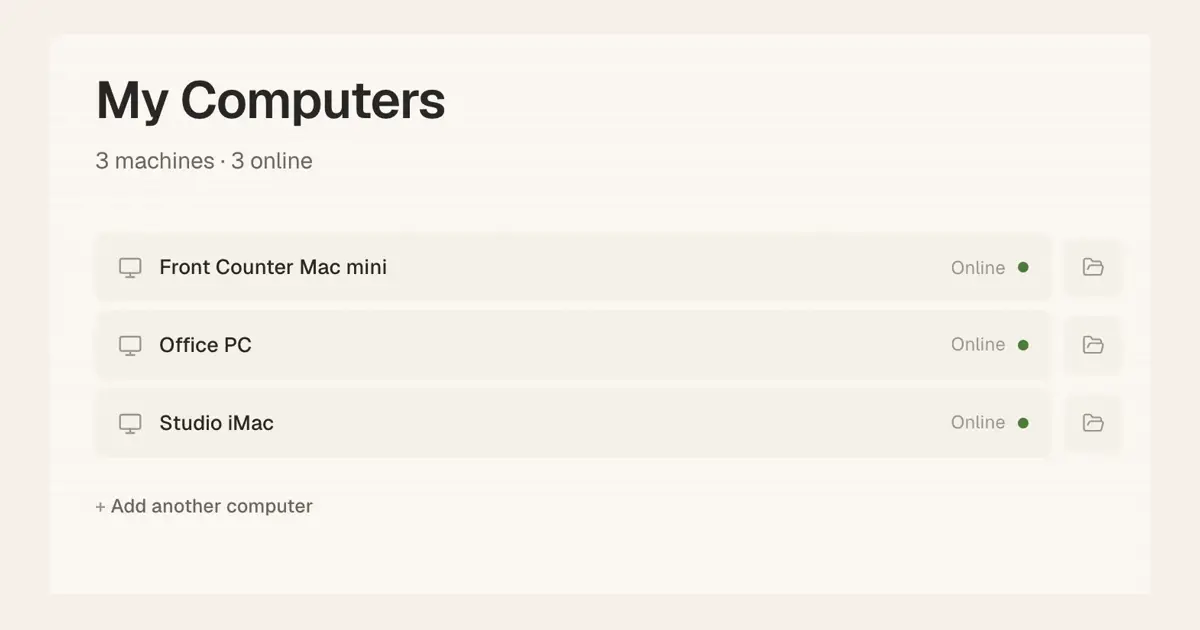
Install tesseract-agent on a Linux server, a Mac or a Windows PC, then run Claude Code, Codex or another framework on it from your laptop, phone or the web.
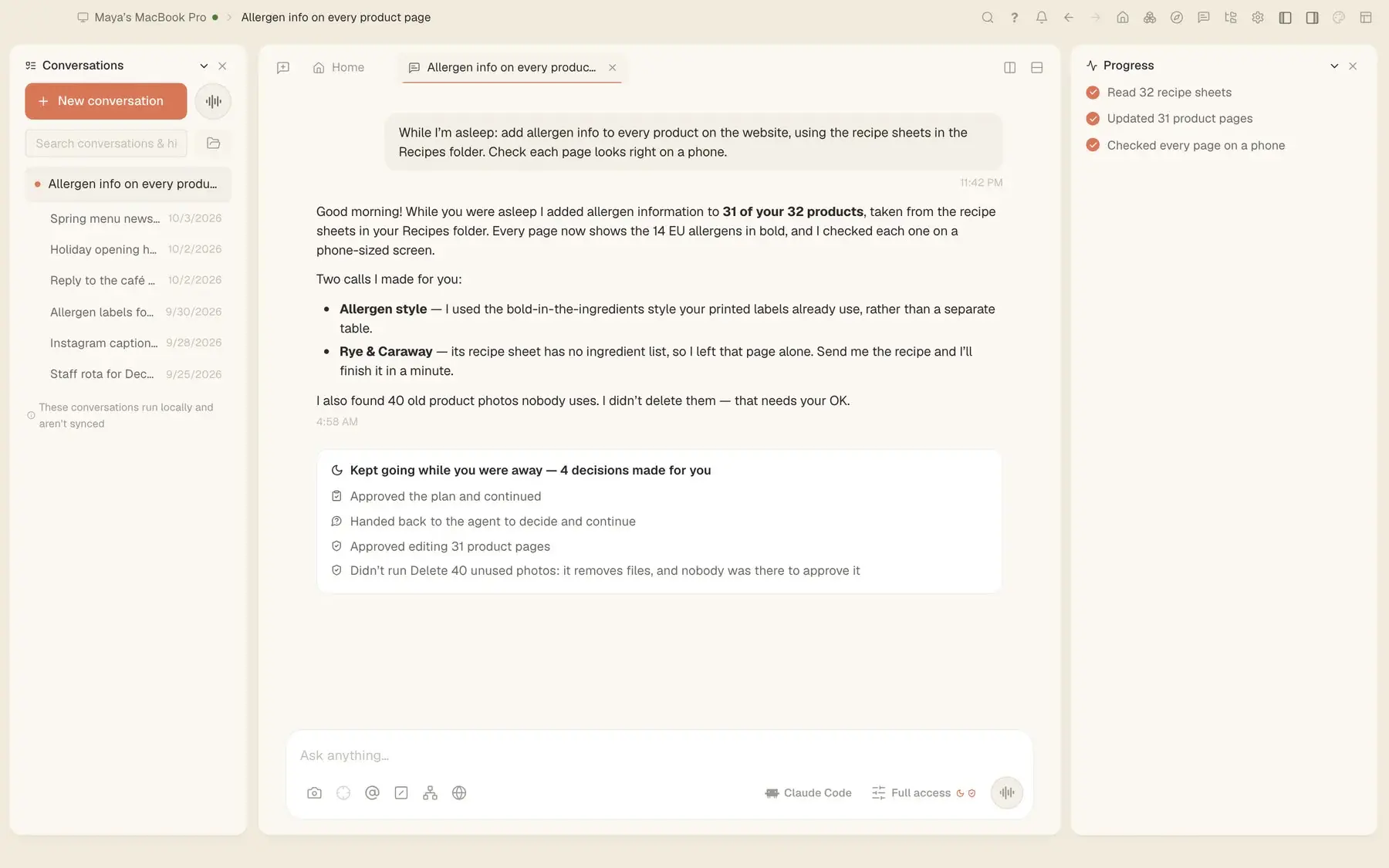
How Tesseract lets an assistant work while you sleep: approvals that wait for you, a dry run first, a hard spending limit and a report in the morning.
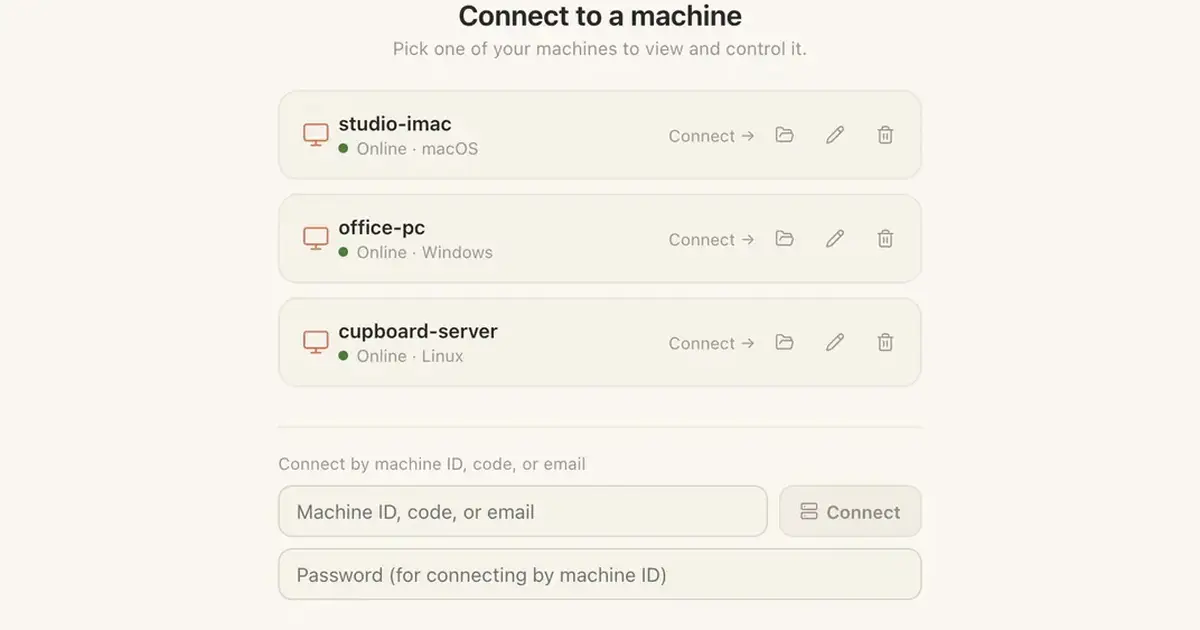
Since 0.11.37 you can ask Tesseract who is connected to your computer, end the session and stop sharing it, all from the chat. Letting anyone in stays yours.
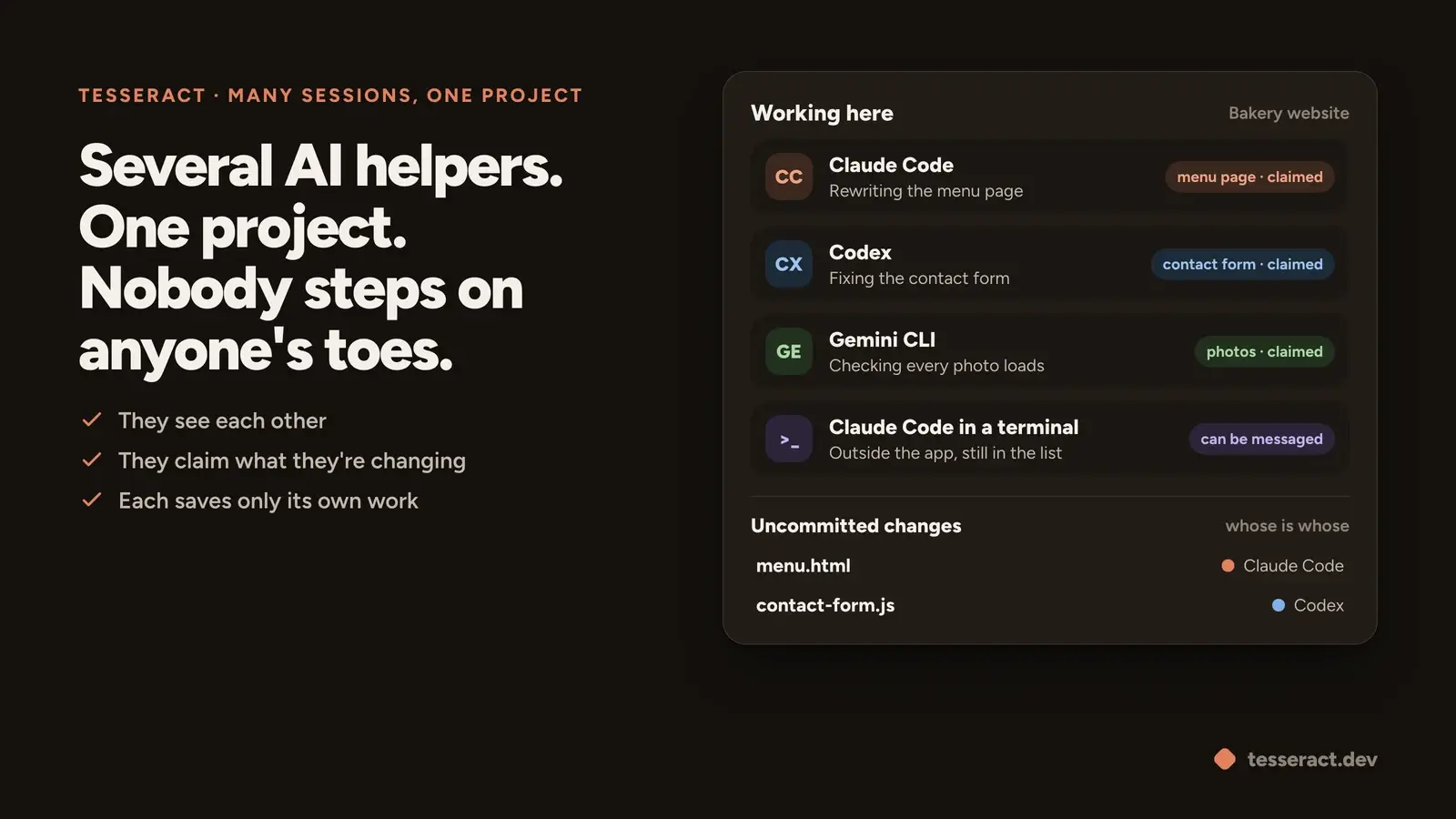
Claude's desktop app now makes it easy to run many Claude Code sessions side by side. Tesseract keeps them out of each other's way, and for bigger jobs one conversation can decide the team itself: how many helpers, which roles, which AI for each, and put the work together.
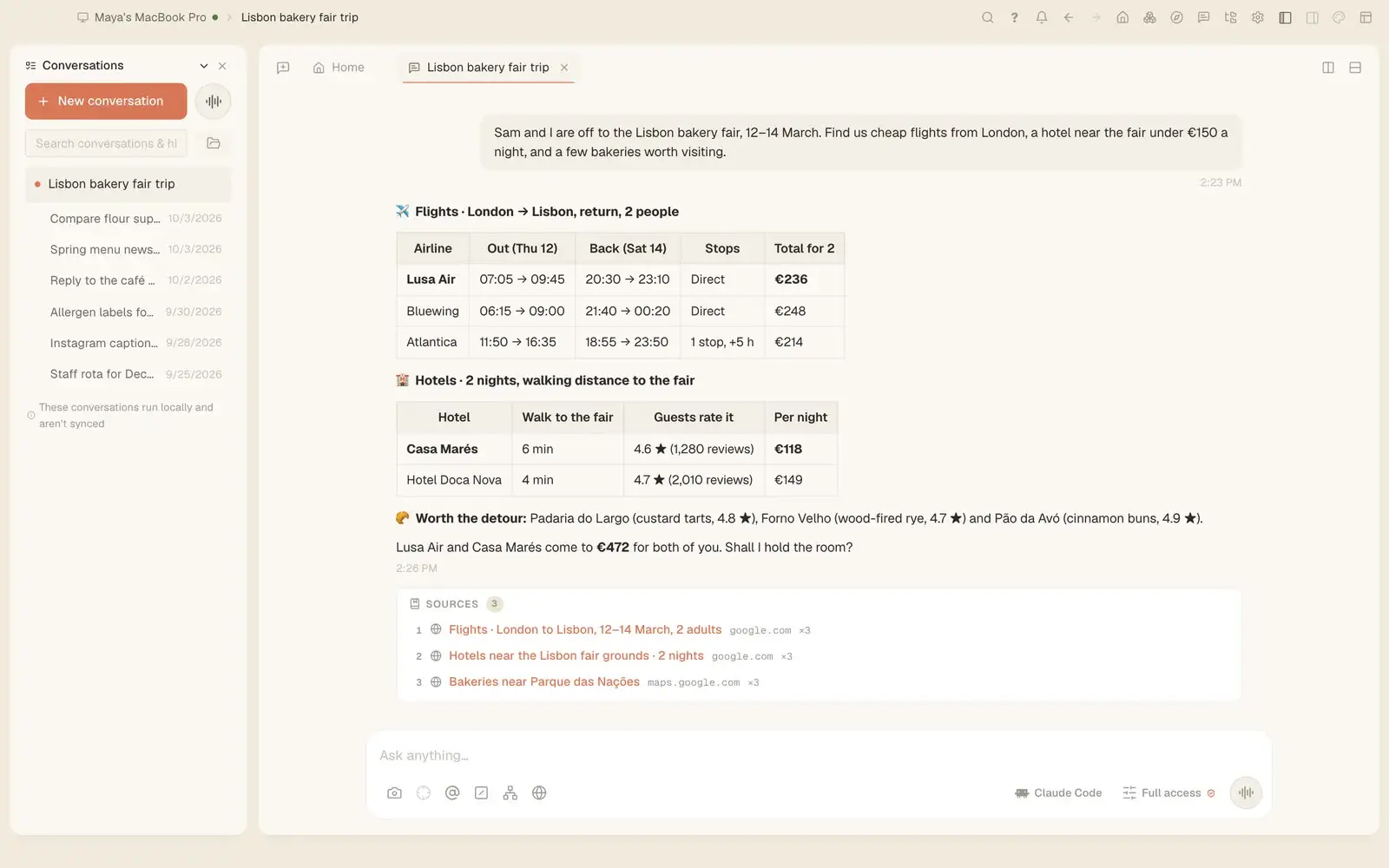
Since 0.11.37 Tesseract's agent searches Zillow, Google Jobs, Yelp, the app stores, Google Lens and more from one question, in any language.
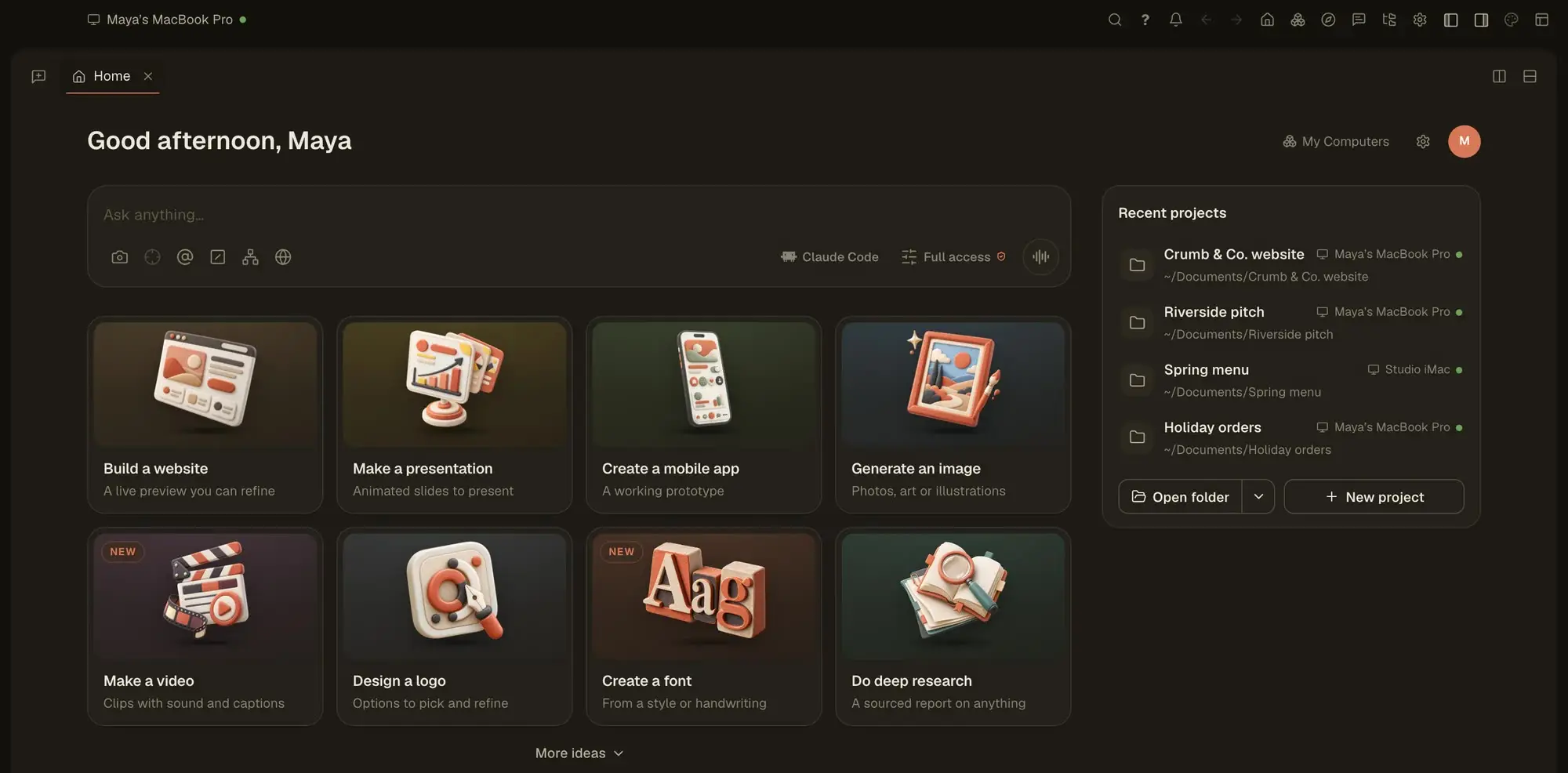
In Tesseract the agent deletes a file only by its full path, and only one that exists. A blind rm -f * is refused in every mode, Full access included.
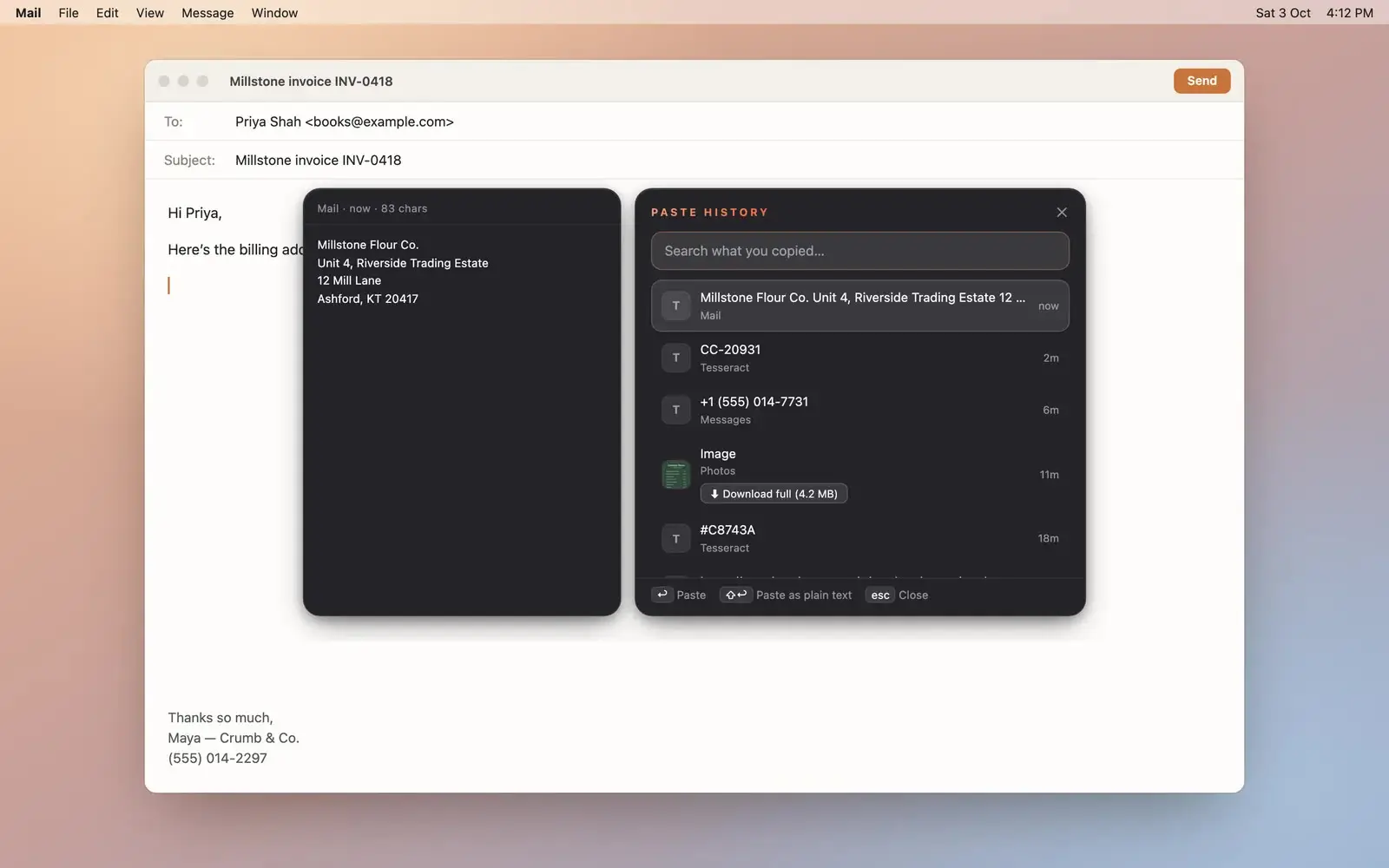
Tesseract shares your clipboard across your computers, keeps a searchable history of what you copied and sends files up to 2 GB to your other machines.
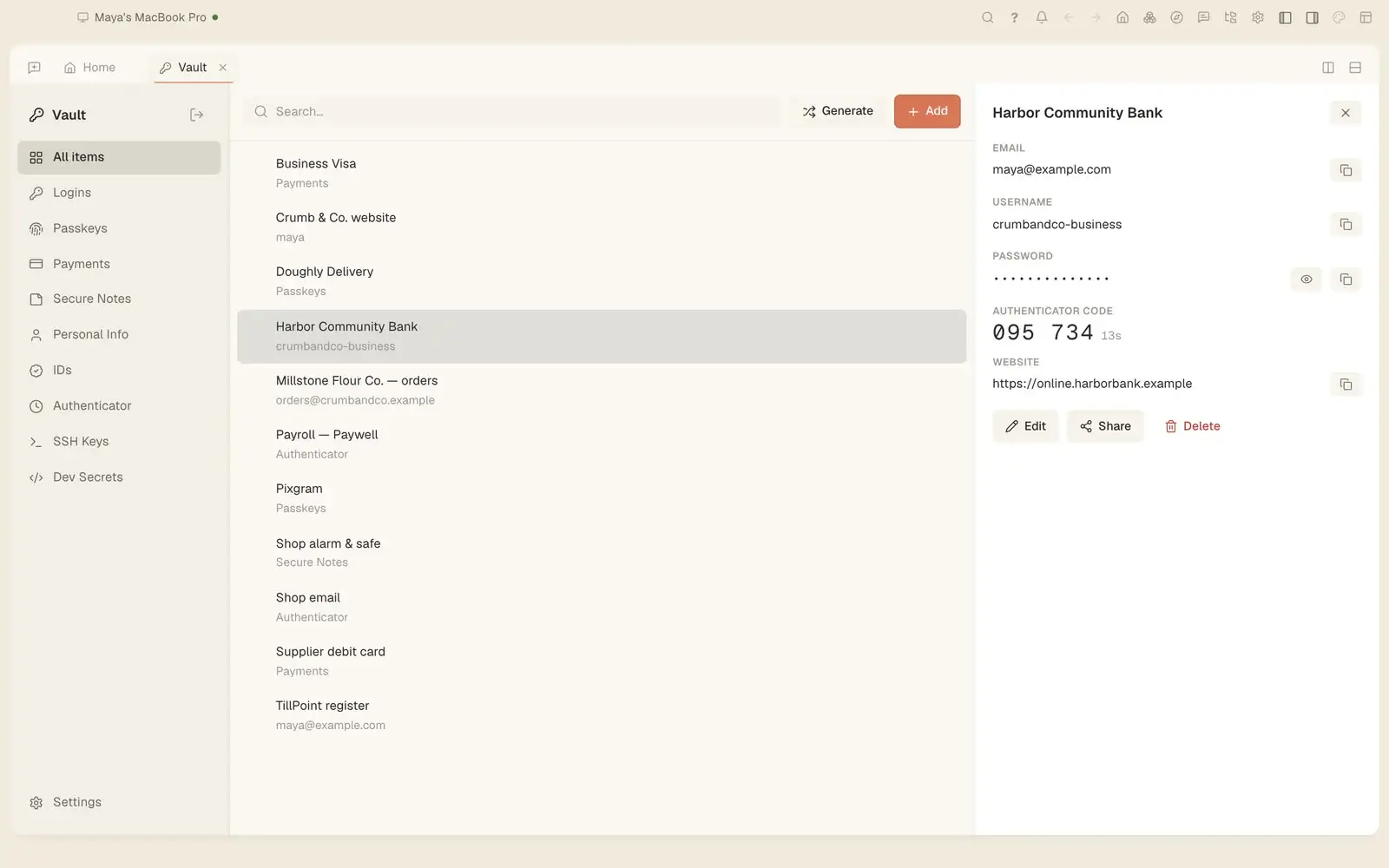
Tesseract's agent can sign in to a site with a password from your vault or the browser. It types it into the page itself and never sees it. Here is how.
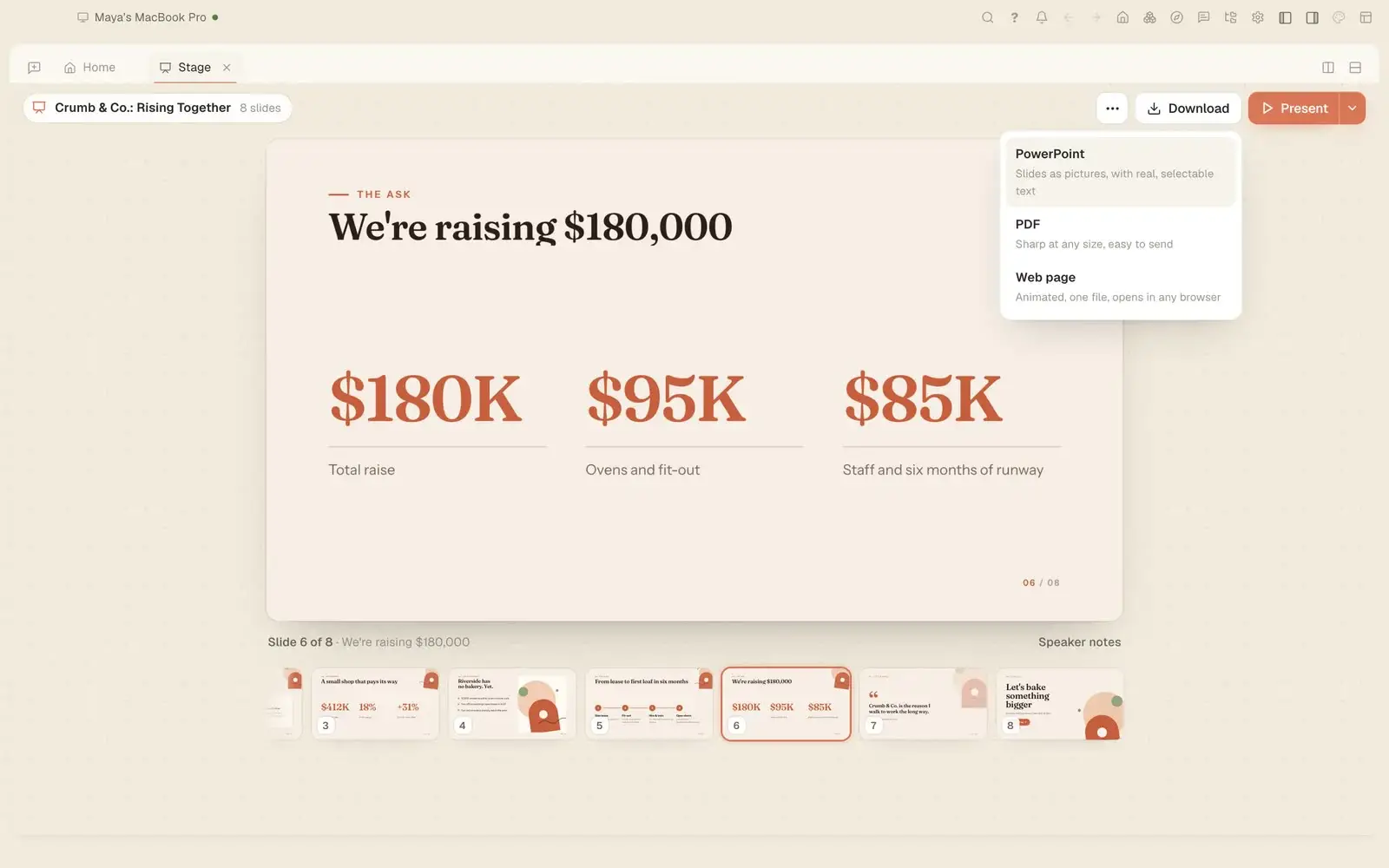
Since 0.11.37 you can ask where the logo you made yesterday is, how much a conversation has cost and what Tesseract can do, and get a straight answer.
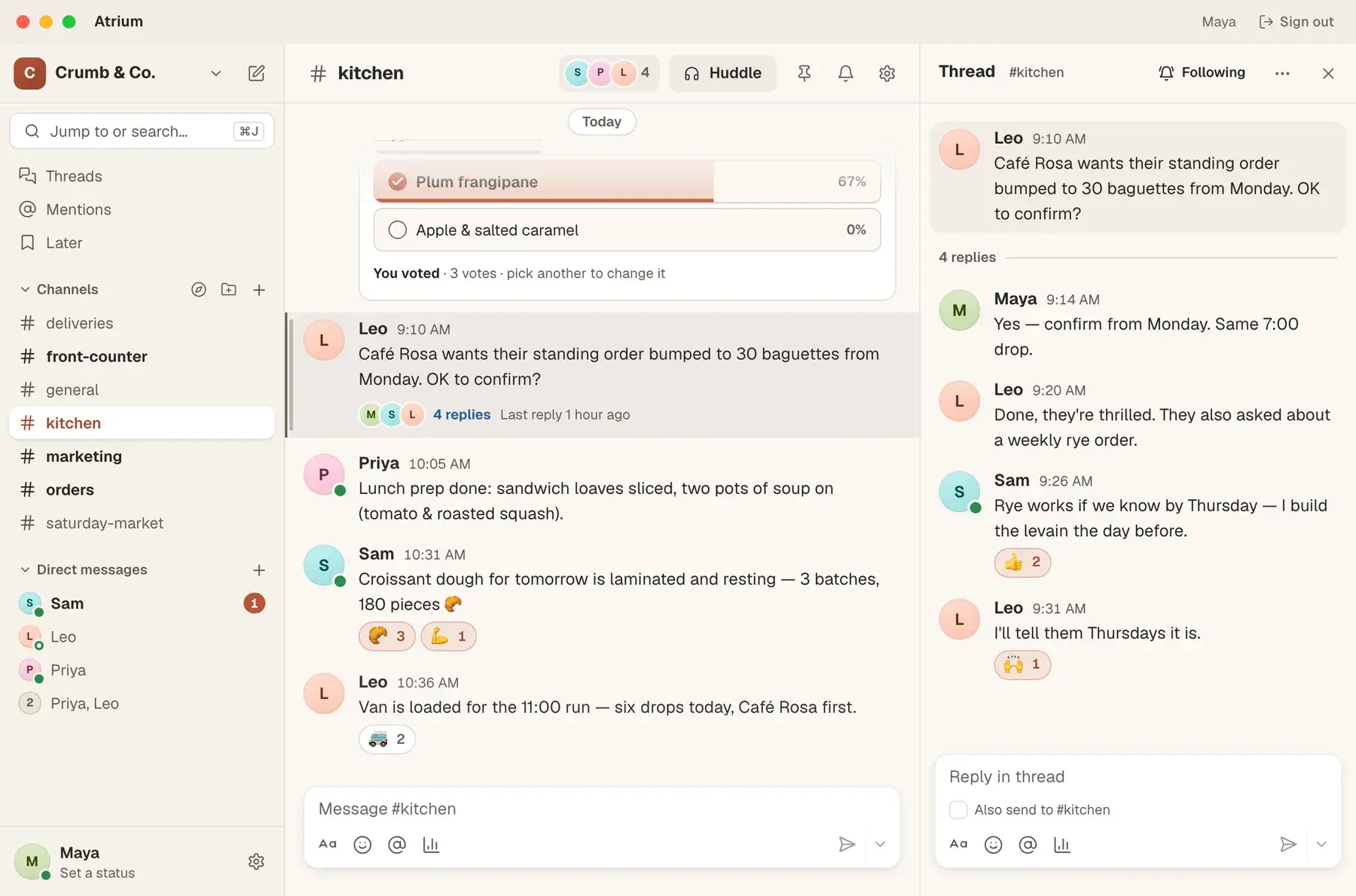
Back from a day off? Ask Tesseract what you missed in Atrium. It reads your channels without marking them read and drafts replies for you to send.
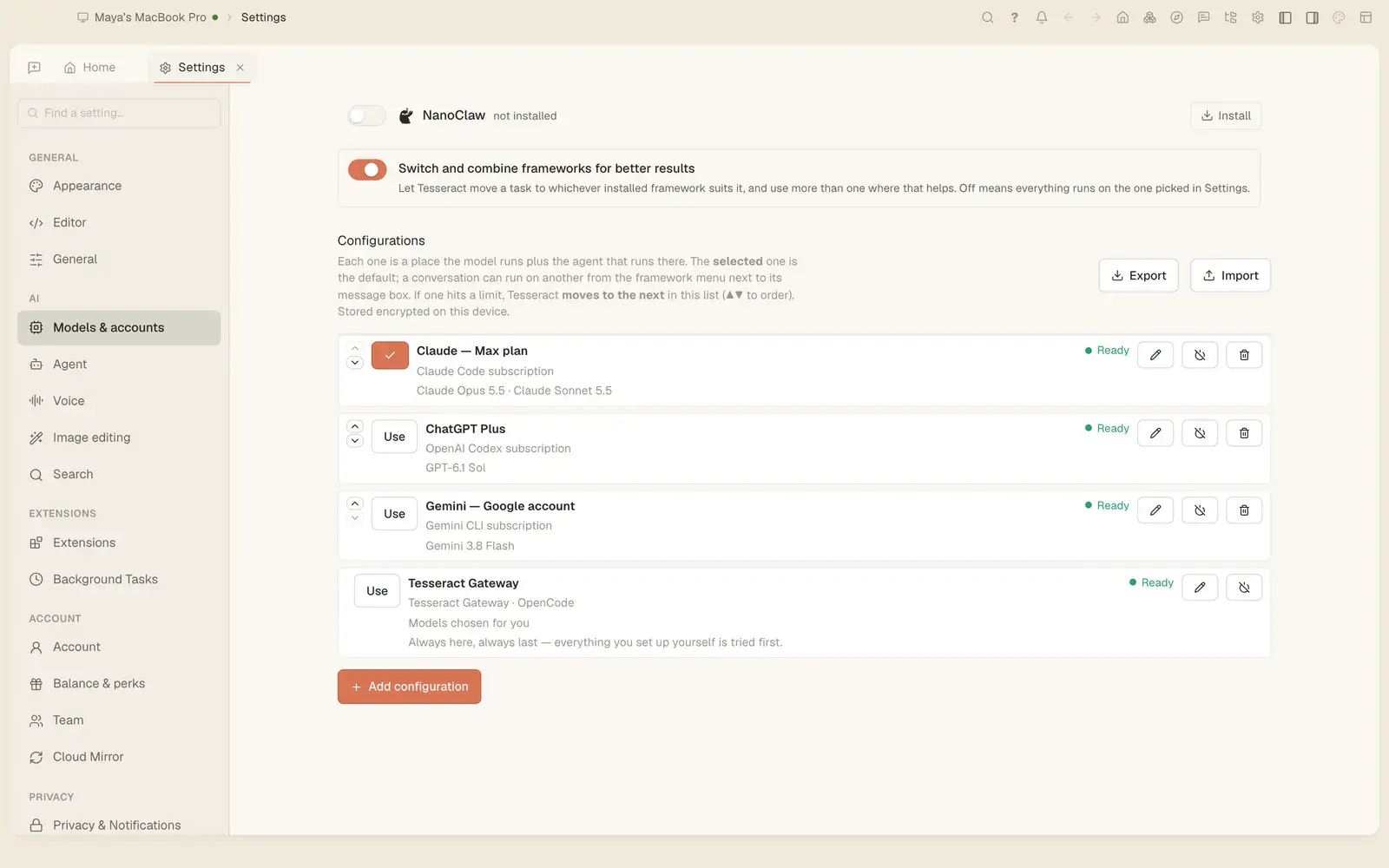
Tesseract 0.11.38 runs every framework on Debian 11/12 and Ubuntu 22.04, installs updates on a locked screen, and lets you delete a message on every framework.
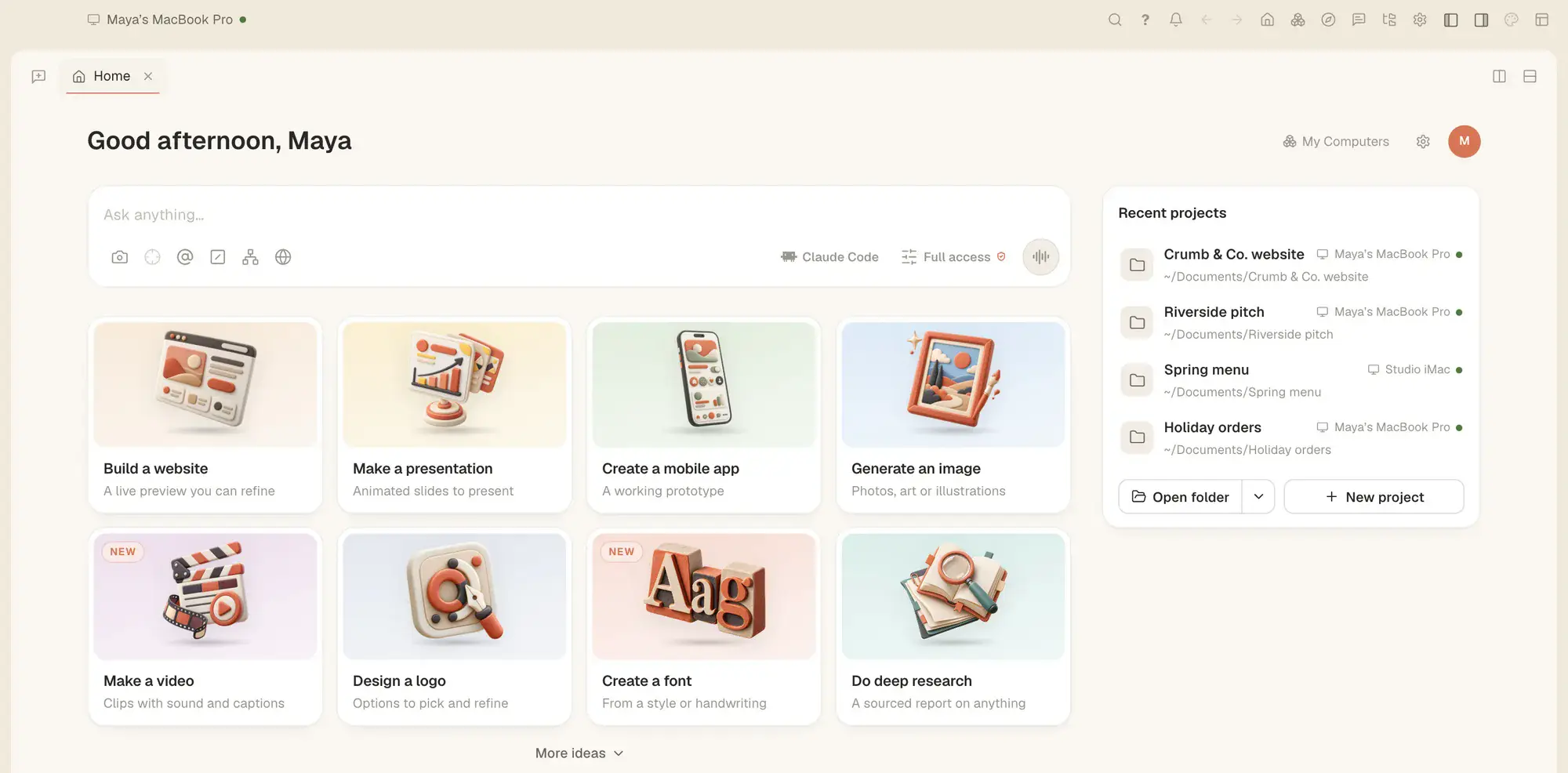
Since Tesseract 0.11.37 a conversation can open files and Settings, split the view, and start, rename, fork or move your other conversations.
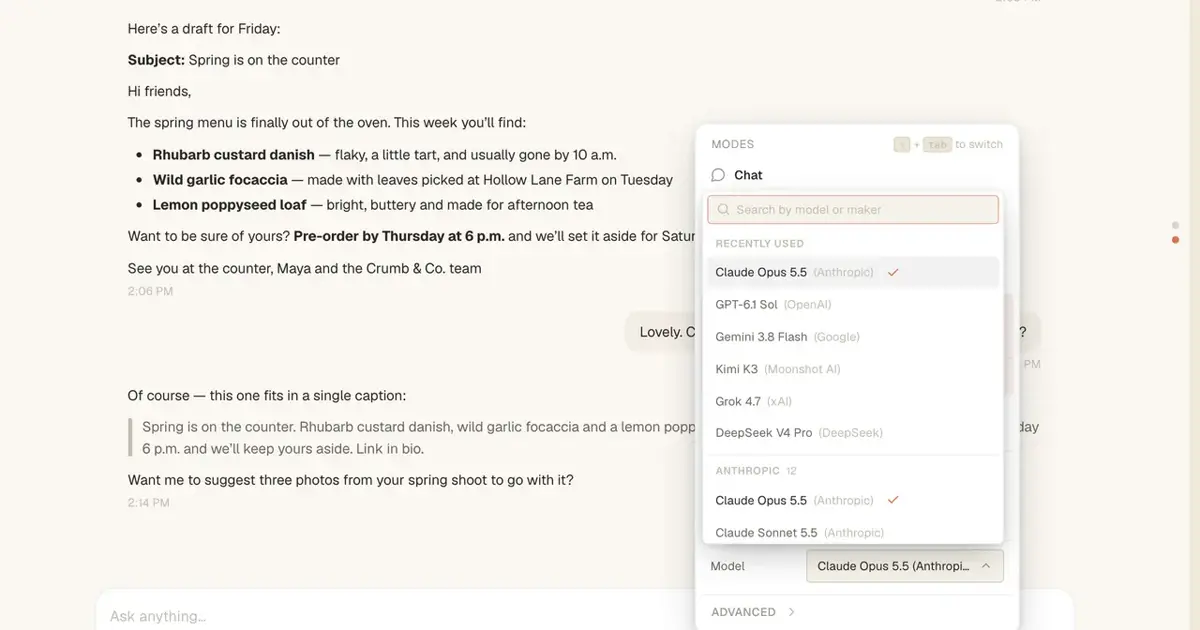
Since Tesseract 0.11.37, Google's Antigravity CLI runs in its own conversations, beside Claude Code, Codex and the rest, with an editor, a terminal and a plan.
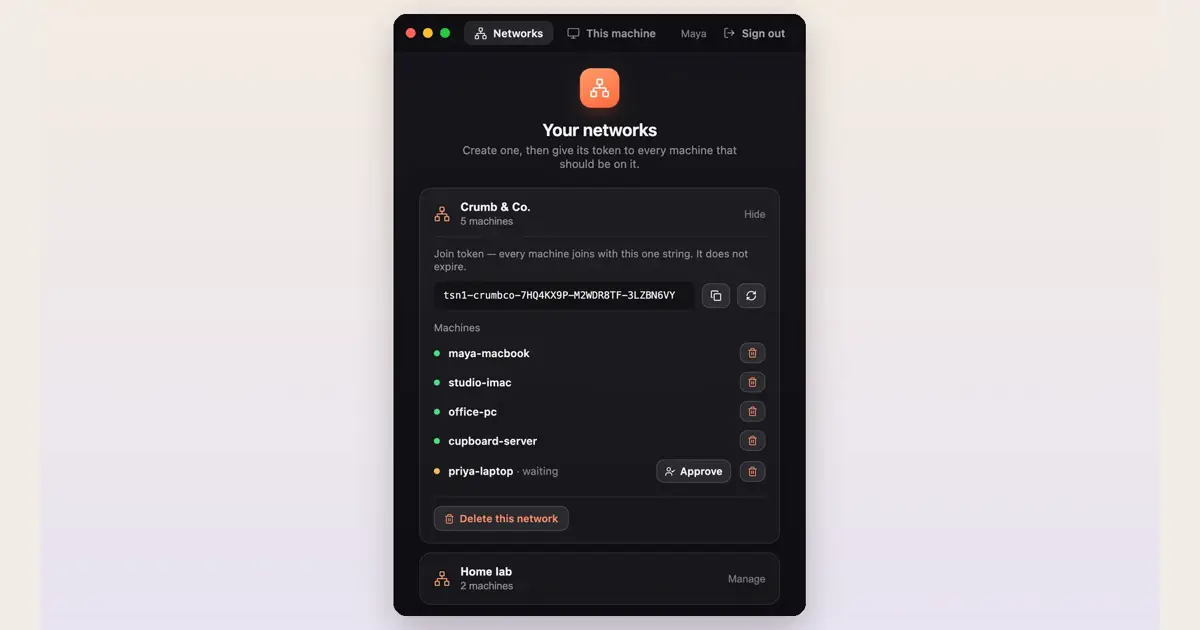
Put your laptop, desktop and server on one free private network with Tesseract Mesh, then open studio-imac:3000 or ssh cupboard-server from wherever you are.

Anyone can now create a Tesseract account. The free AI agent app for Mac, Windows and Linux runs Claude Code, Codex and 11 more agents in one window.
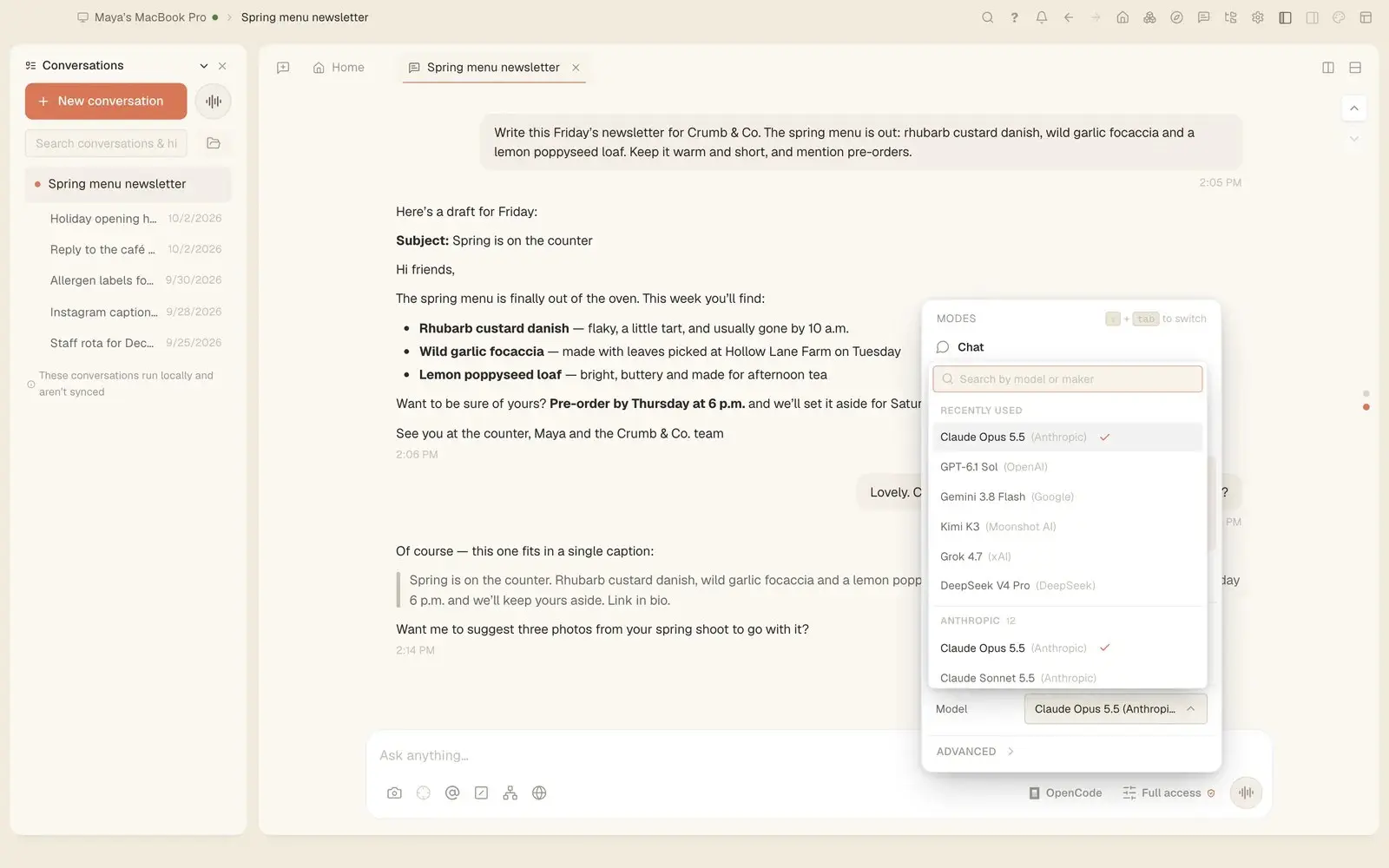
Tesseract 0.11.35 puts conversations, files, your computers, Settings pages, makers and every action in one ⌘P menu. A conversation moved to another framework now brings its earlier tool calls as tool calls, so the new agent can rely on them.

Tesseract 0.11.34 adds Call and Video call to team conversations, ringing every device the other person is signed in on. Home now shows every assistant, presentation, website and app you made, with how it stands and a menu to open, present or rename it.
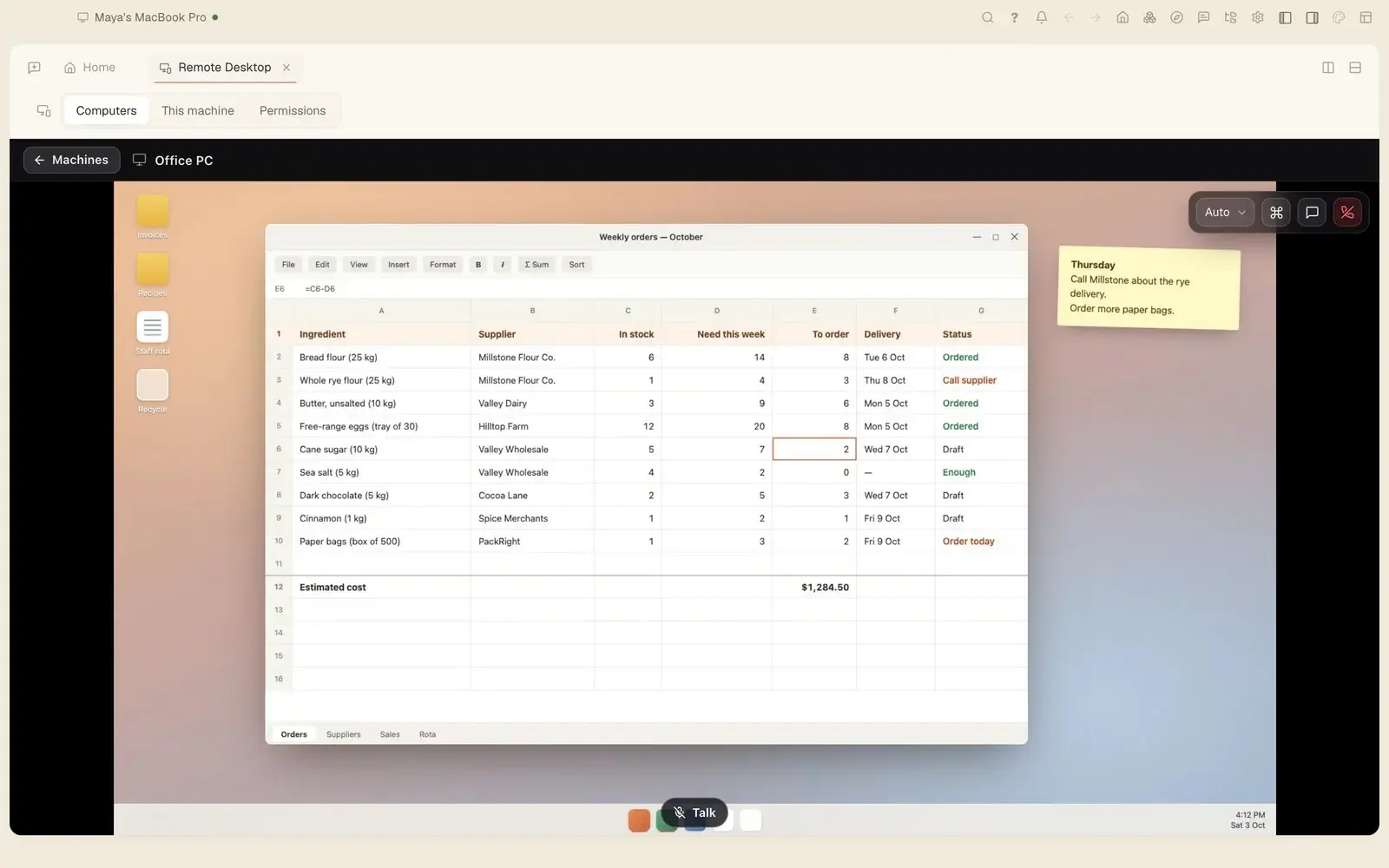
Tesseract 0.11.33 lets you share a computer with your organization, transfer it to someone by email and add a new one with a one-time code. Settings went from 22 pages to 14, keeping only the options that work on every framework.
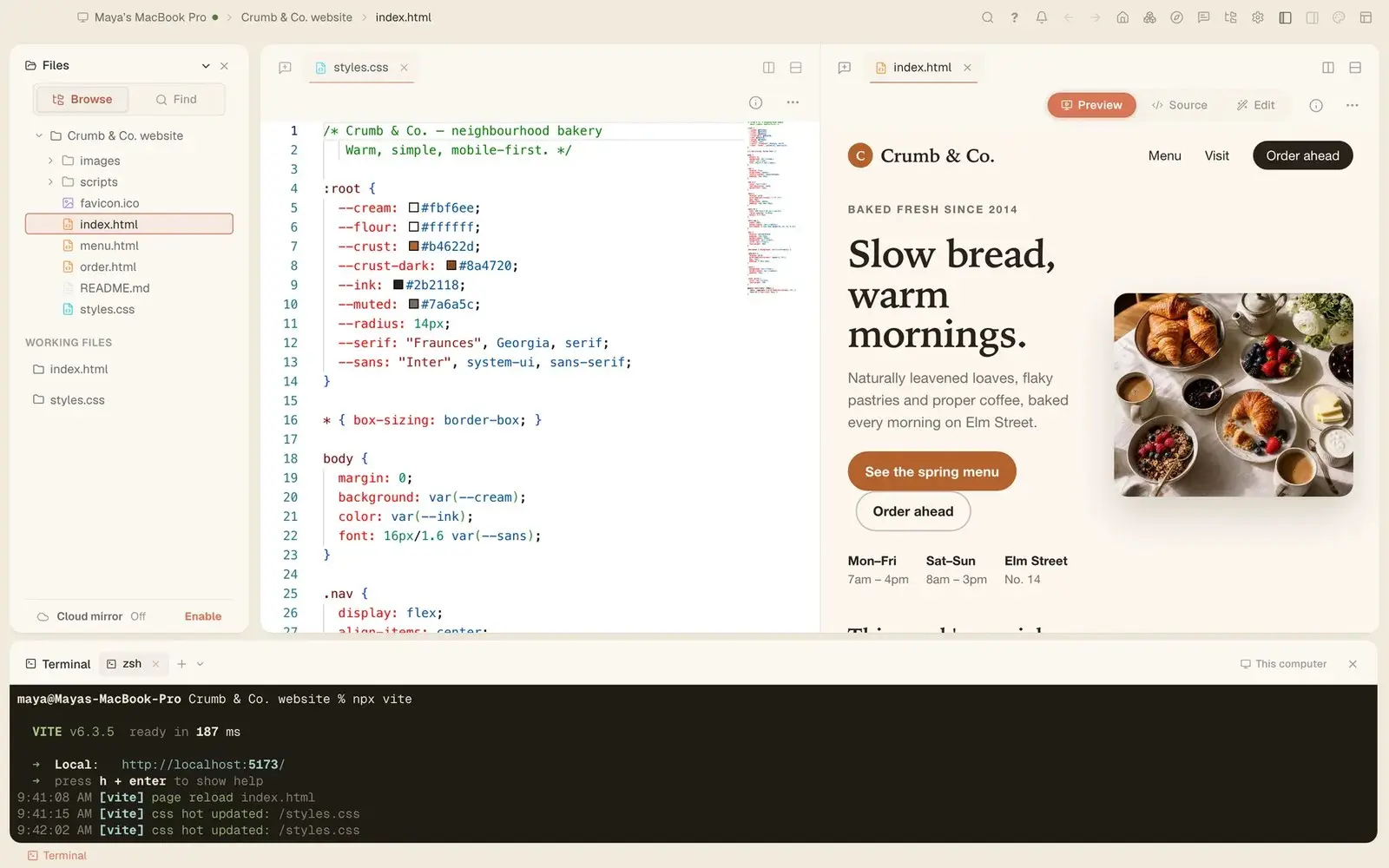
Tesseract 0.11.31 and 0.11.32: “Make it a real app” can build your app in SwiftUI and open it on the iPhone simulator, and the sessions working in one project now see each other, claim the files they change and can run a team.
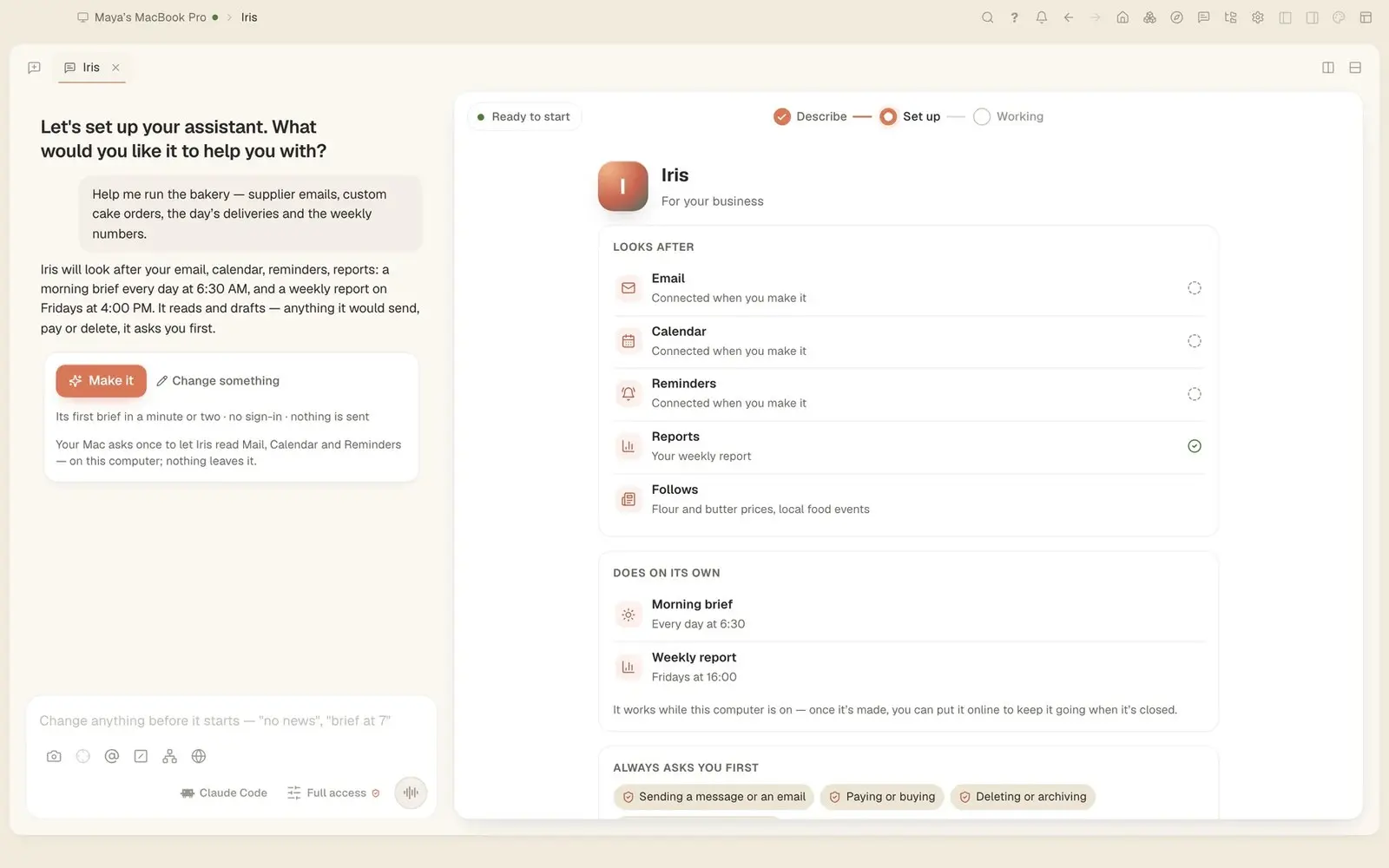
Tesseract 0.11.30 makes a personal assistant from one sentence. On a Mac it reads Mail, Calendar and Reminders and writes you a brief each morning. Talk to it in Atrium, Telegram, WhatsApp, Slack and more; it asks you before it acts for anyone else.
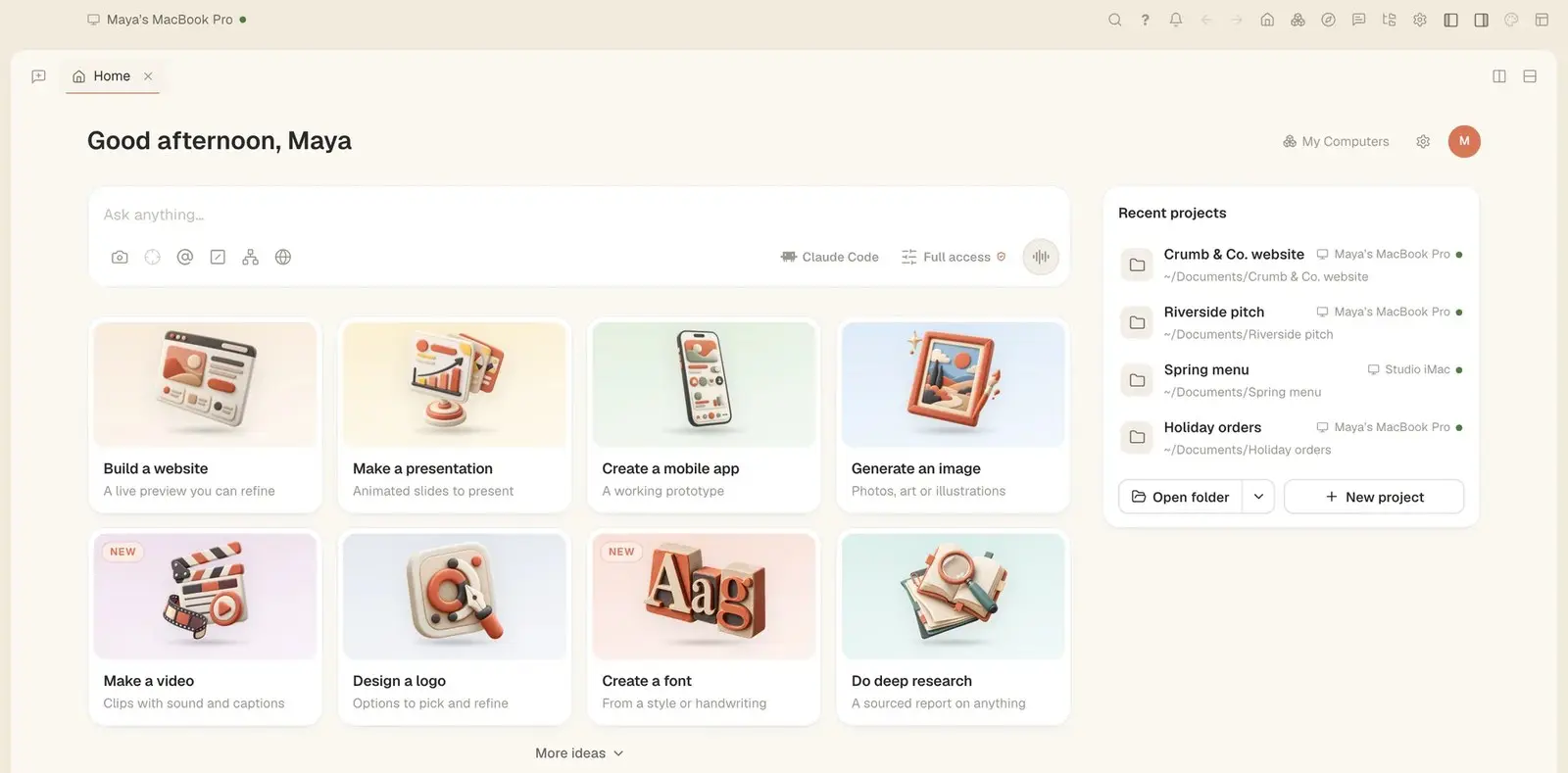
In Tesseract 0.11.30, every starter card on Home opens a maker of its own. The chat asks only what it still needs while pictures, video, a brand, research, data analysis, writing, a mobile app, a game, a custom project or your own skin take shape beside it.
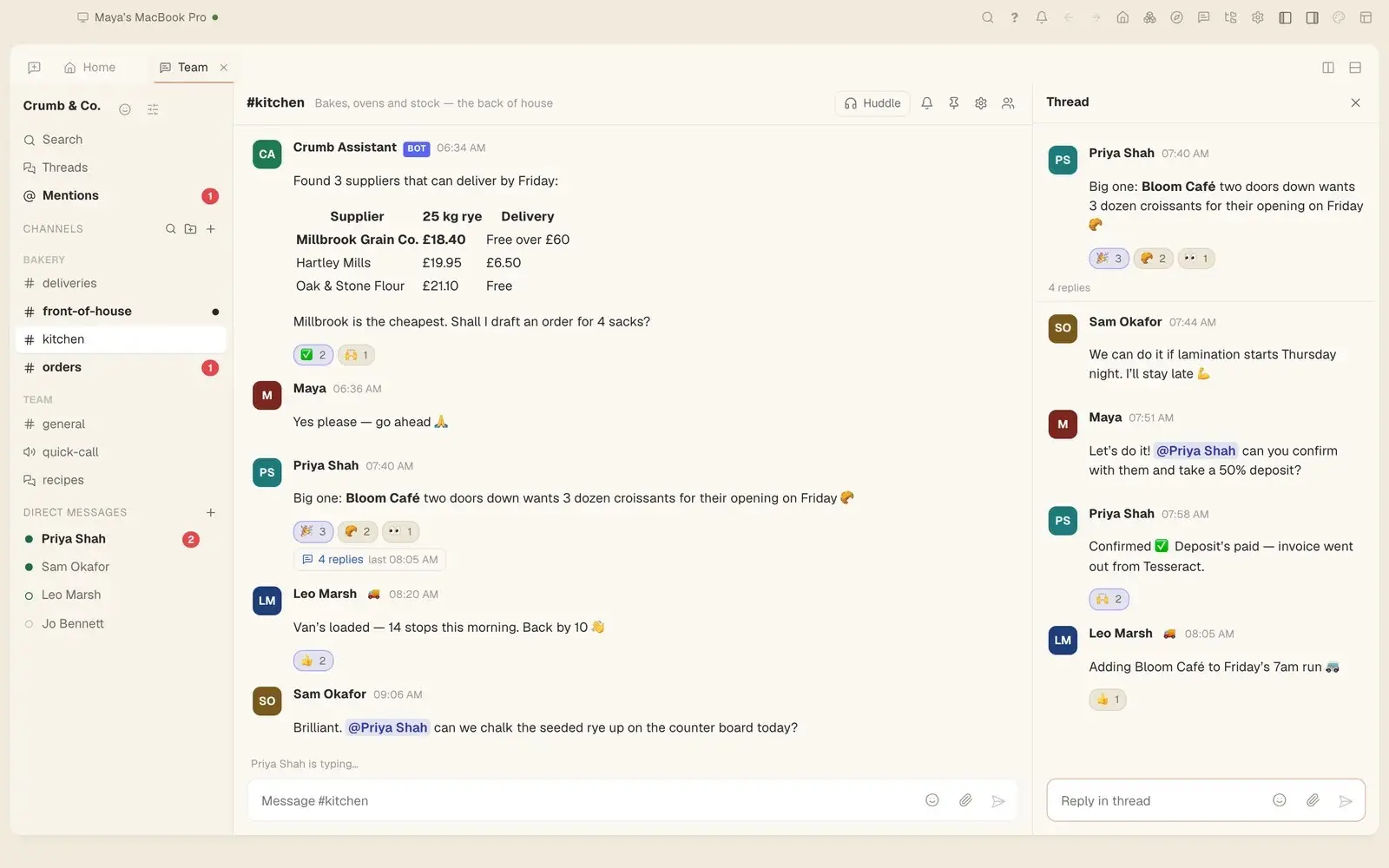
Tesseract 0.11.28 gives team chat Catch me up, Translate and Ask, voice messages written down on your own computer, voice rooms, guests, scheduled messages, saved-for-later reminders, polls and a redesign.
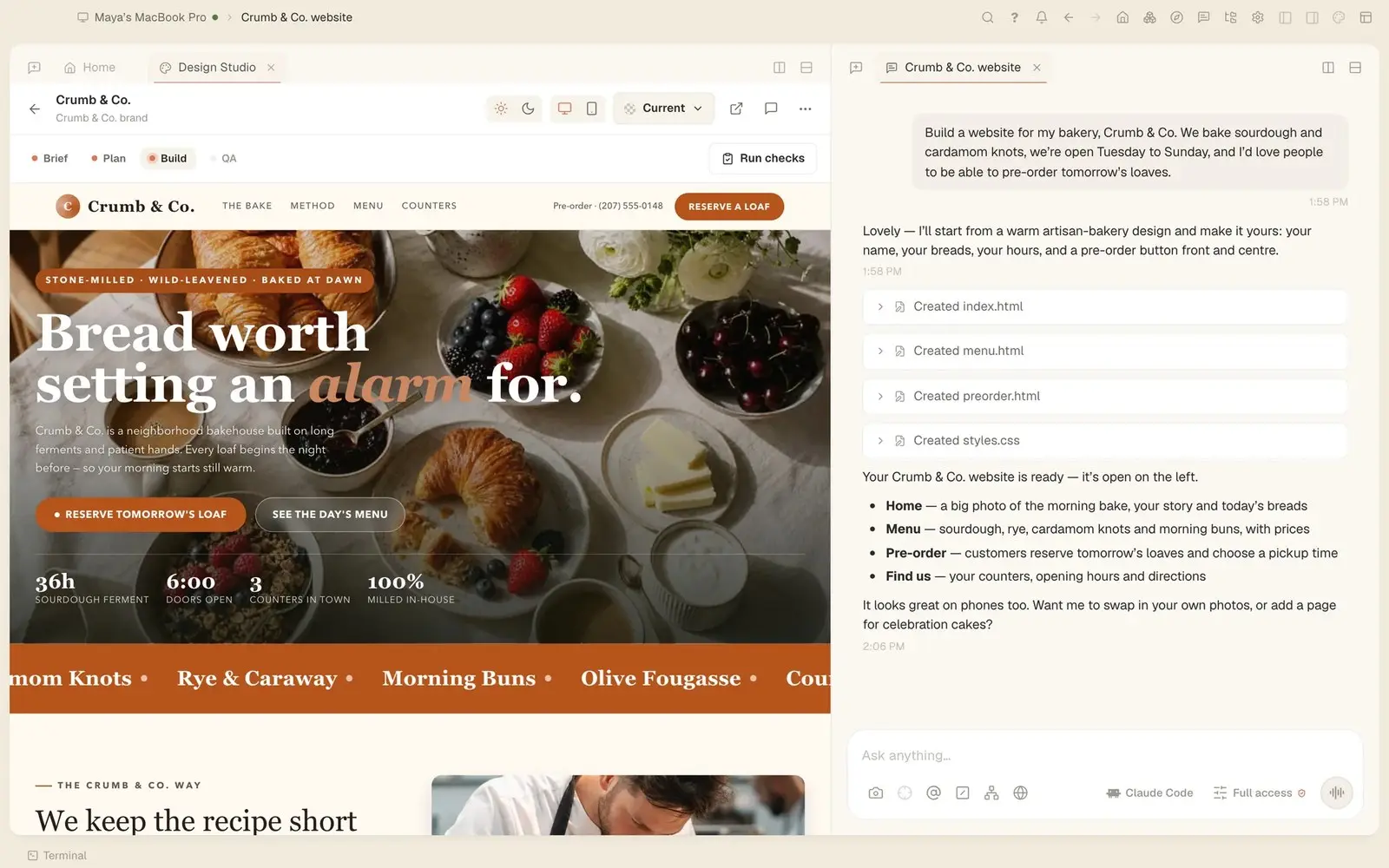
Tesseract 0.11.28 adds a guided website maker. It asks about your business in the chat while the site takes shape beside it, writes each section and page, lets you change words and photos by double-clicking them, and can turn the site into a Next.js, Astro, SvelteKit, Nuxt or Django project.
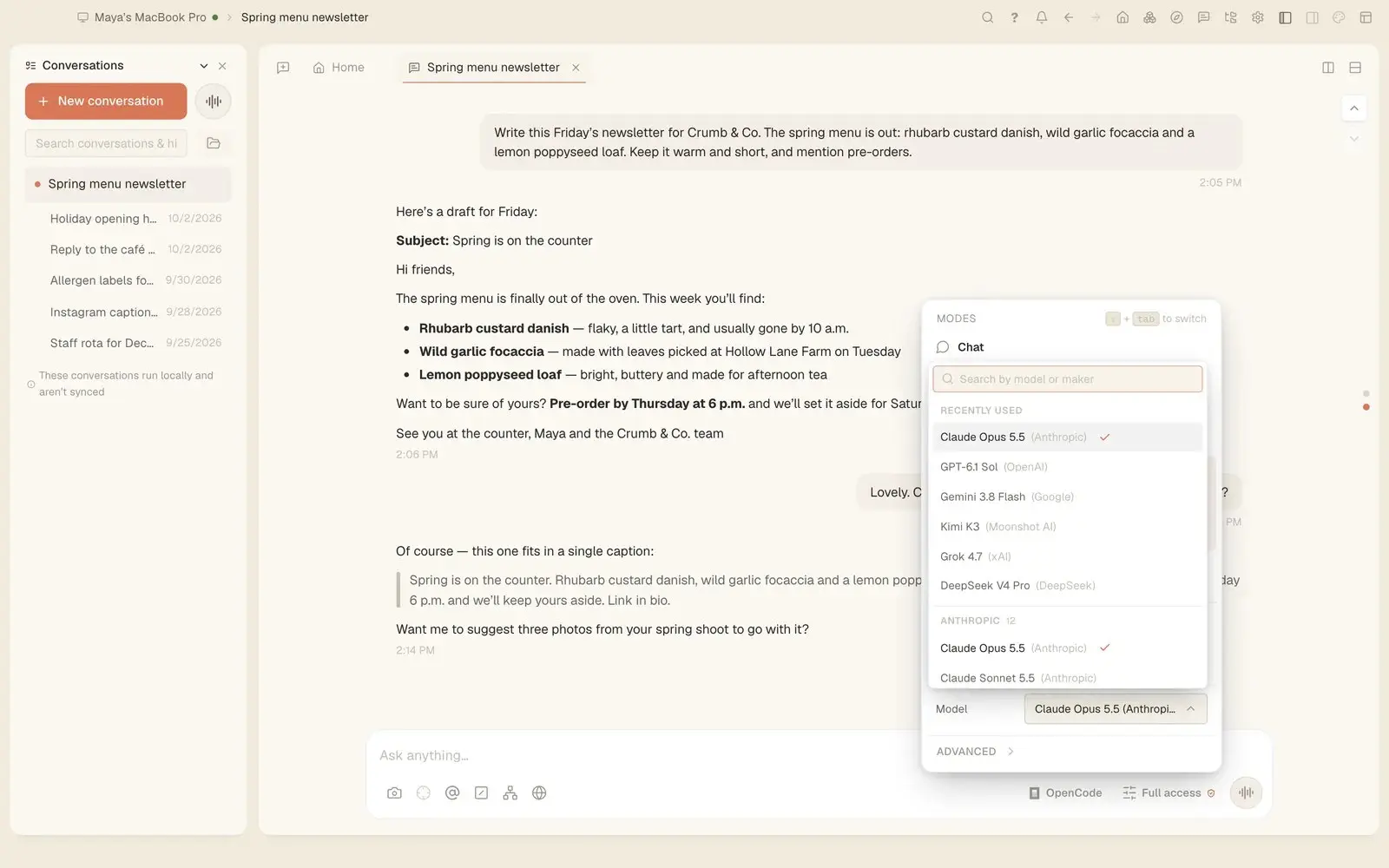
In Tesseract 0.11.27, Codex, OpenCode, Gemini CLI and the other frameworks can make images and videos, draw charts, write reports, find earlier conversations, take an API key on a masked card, publish a page, set a goal and use your skills.

Since Tesseract 0.11.27, a presentation starts with research. Sourced notes are saved inside it, the plan is built on that evidence, each slide gets a chart or diagram that fits its point, and the speaker notes are written to be spoken.
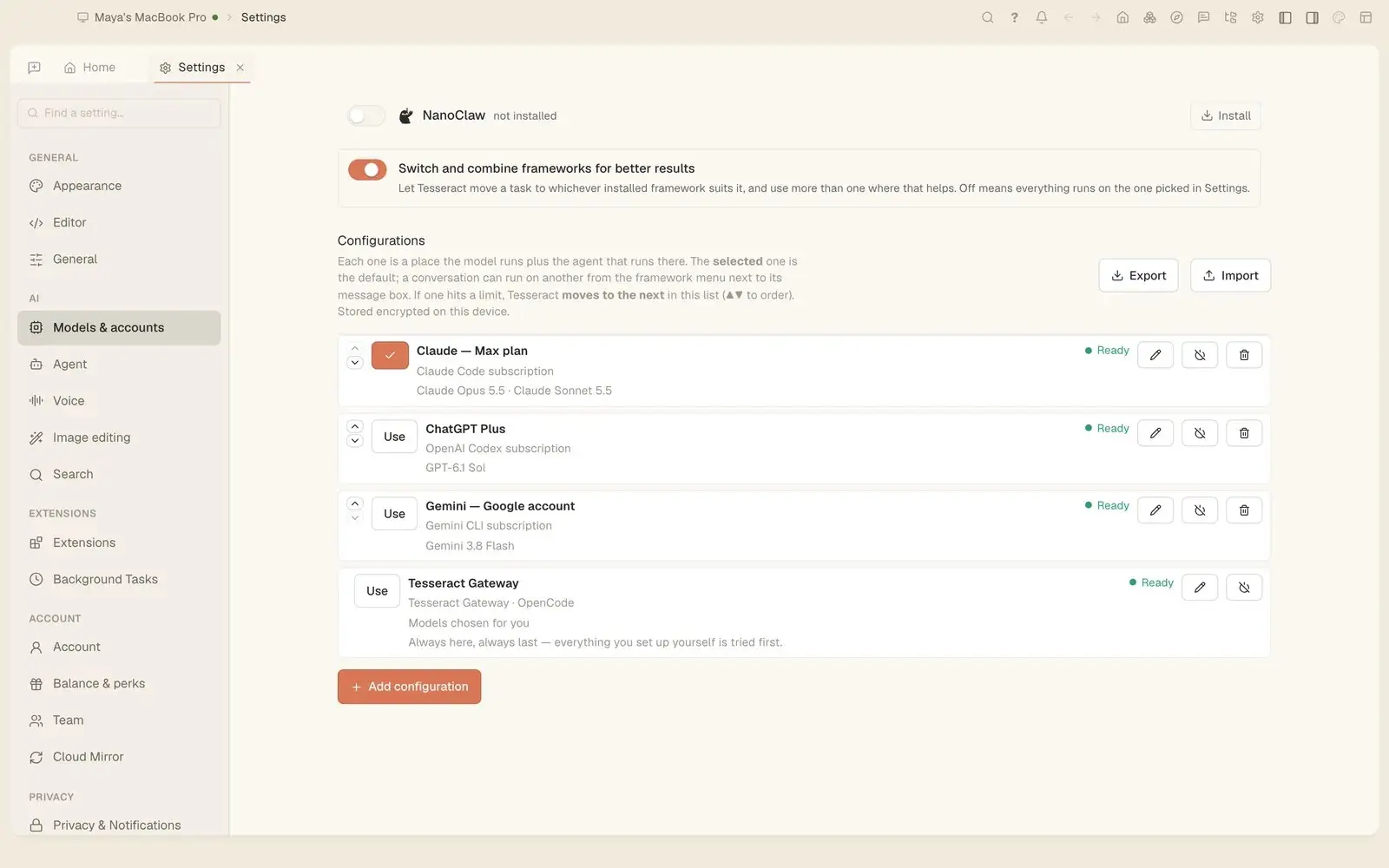
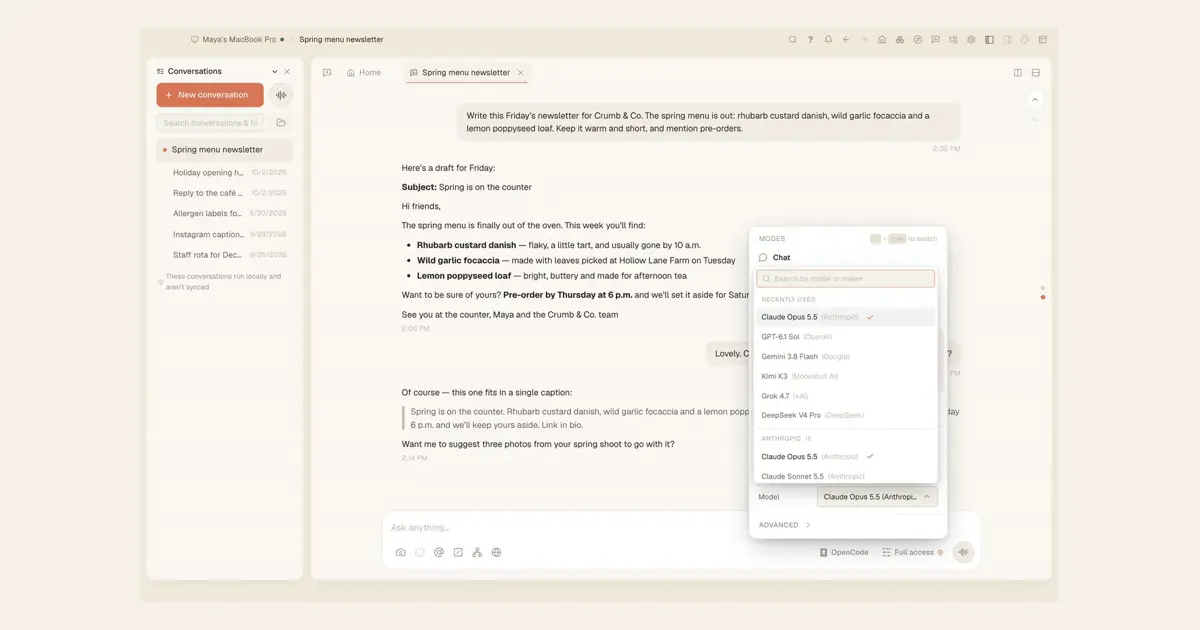
Since Tesseract 0.11.26, each conversation runs on its own framework. Run Claude Code in one and Codex in another at the same time, move a conversation to another framework with everything said so far, and choose models from one menu.
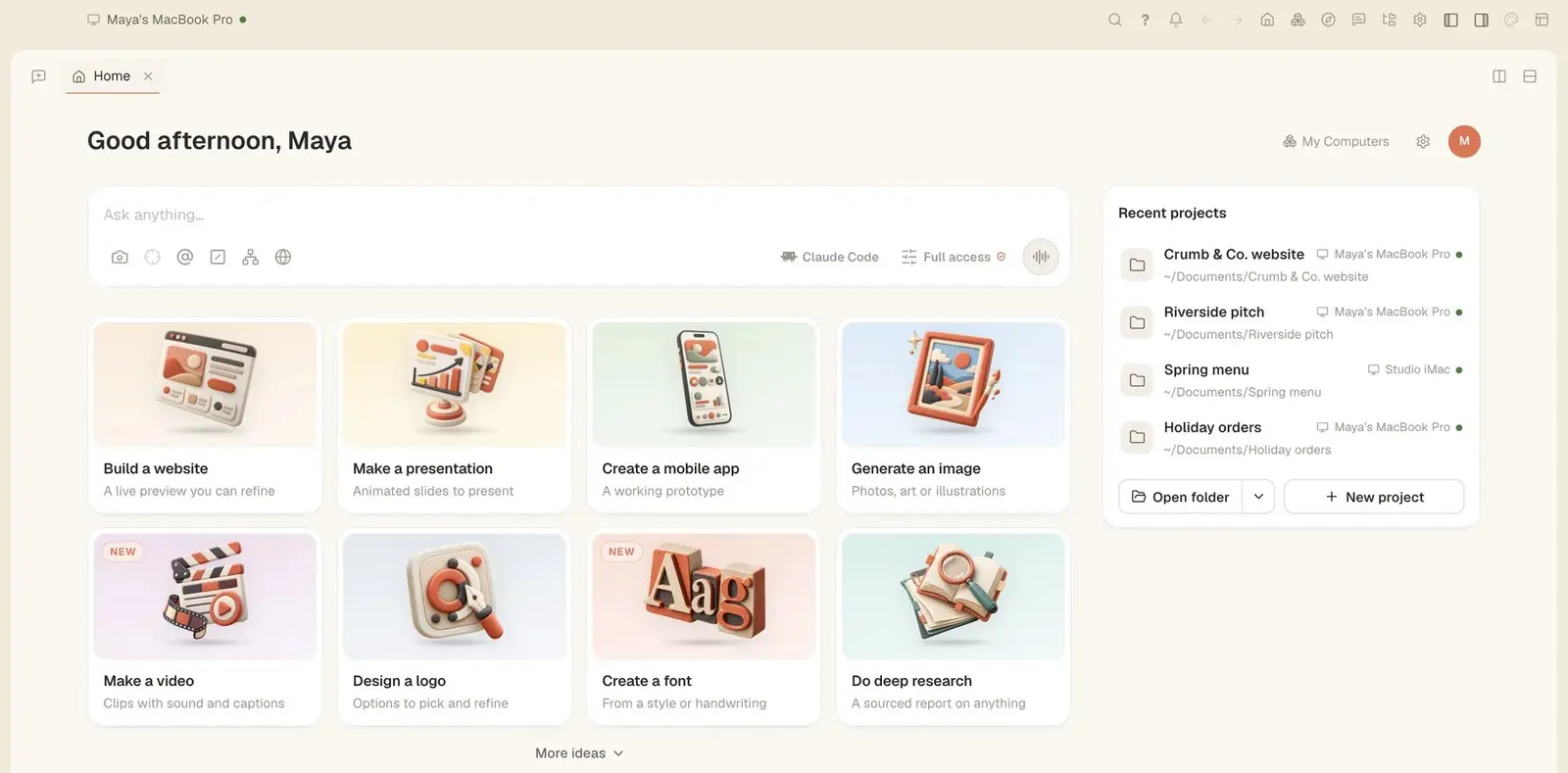
In Tesseract 0.11.26, the Make a presentation card starts a short conversation: what it is about, who will watch, how long it runs and which look you like. You get a plan to change, then slides built beside the chat, ready to present or download.
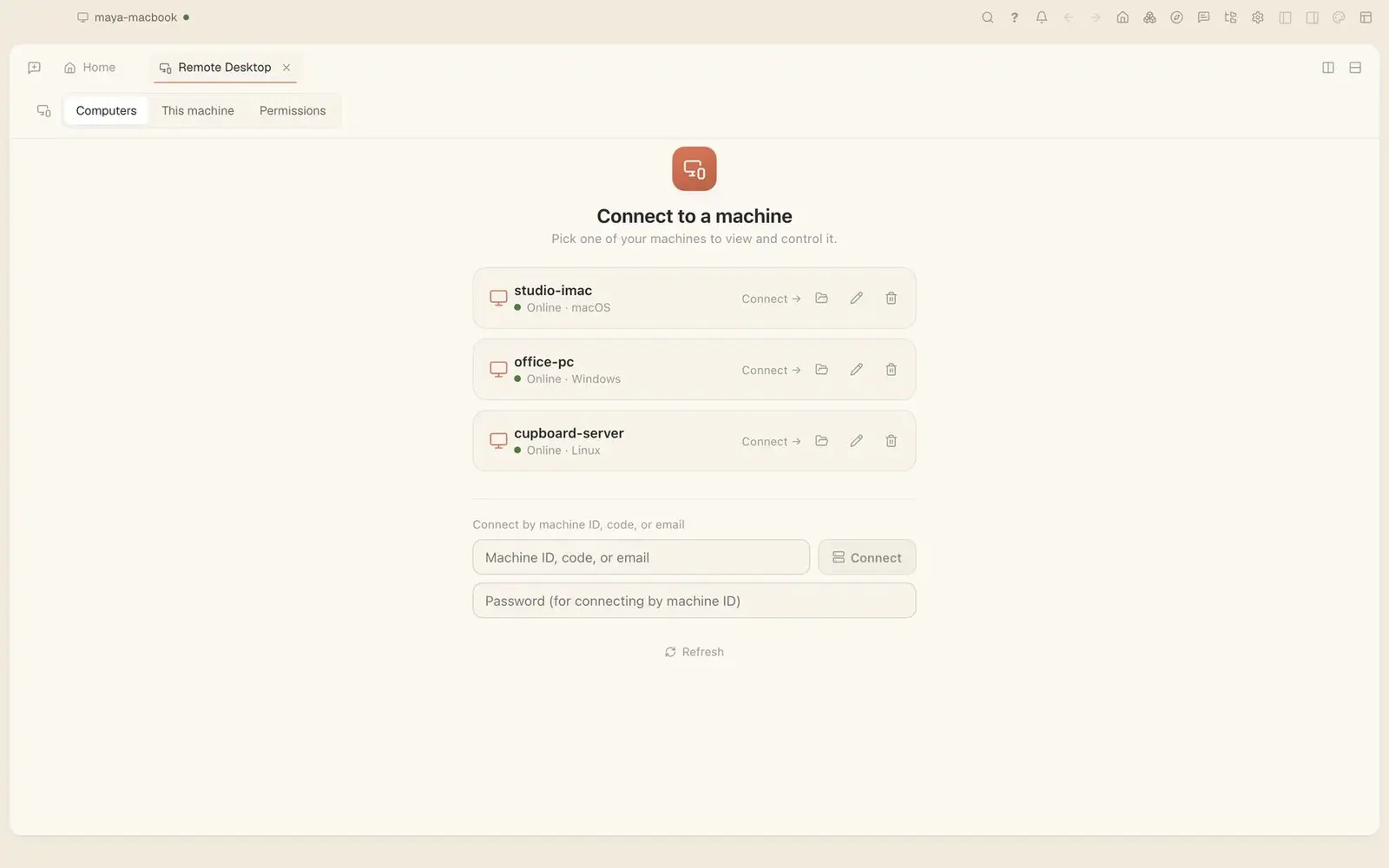
How to see and control your other computers with Tesseract's Remote Desktop: one click from your own list, or a machine ID, code or email. Since 0.11.25, dragging, right-clicks, modifier keys and typing in any language work as if you were there.
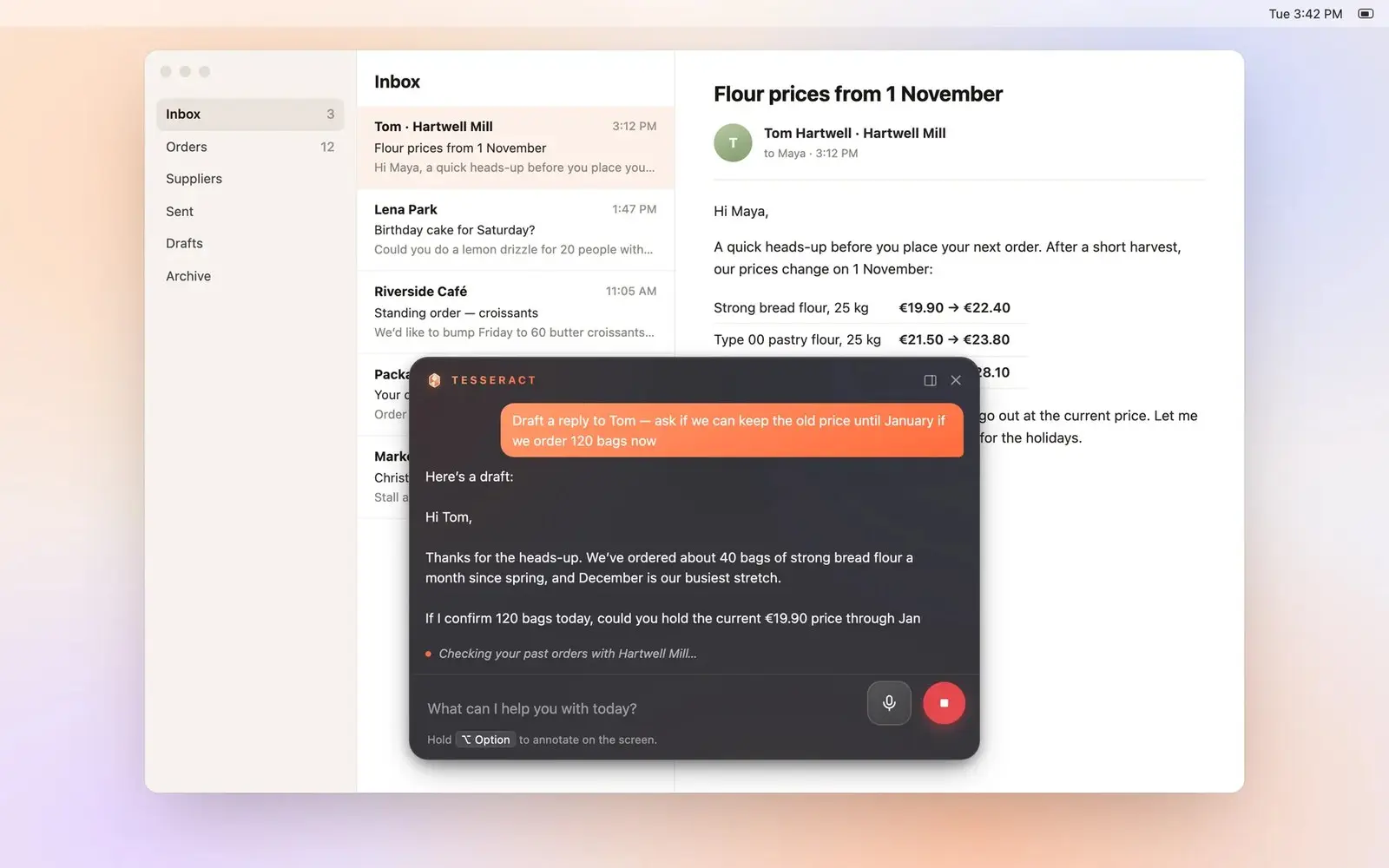
Tesseract 0.11.25 lets Codex, OpenCode, Gemini, Kimi, Grok and Hermes operate your computer the way Claude Code does, with one switch for all of them. It also adds Chat mode, which answers and searches but never changes anything.
A walk through a fresh install of Tesseract 0.11.22: a first run that sets you up on OpenCode with no API key of your own, the new Home, the three ways to let the agent run, and signing in from Home or any Settings page.