 Tesseract
How do I use Tesseract inside ChatGPT or Claude?
Add Tesseract to ChatGPT or Claude by its address, sign in, approve, then ask for pictures, clips and videos in the chat you already use. Step by step.
Checked on November 12, 2026.
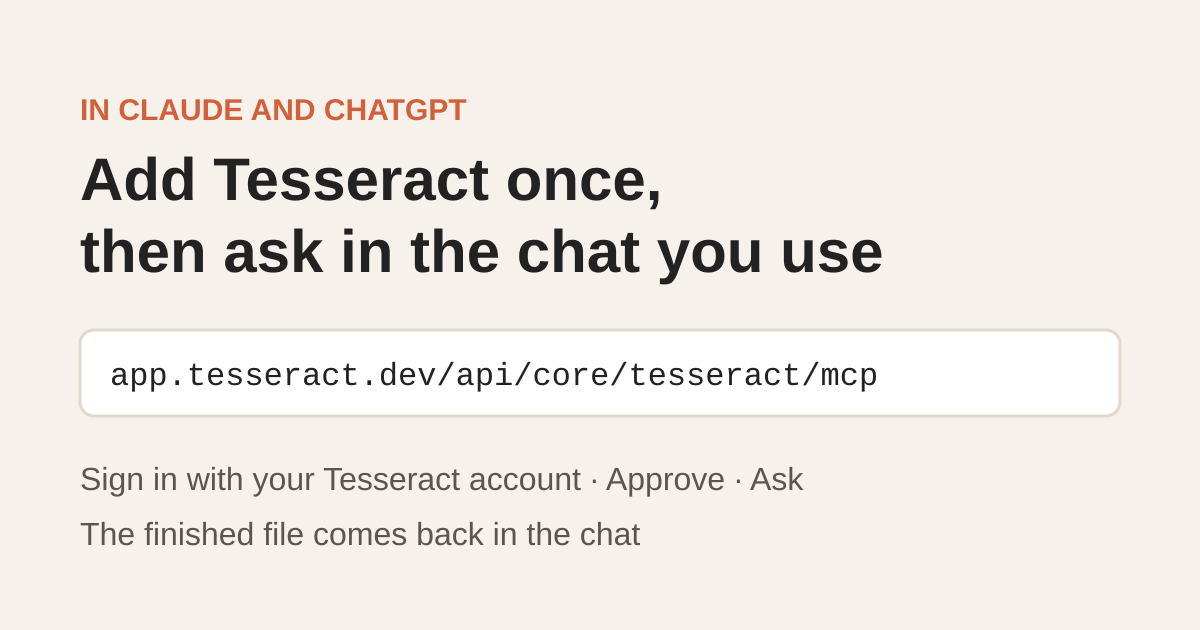
Add Tesseract once by its address, then ask in the chat you already use. In Claude you add it under Settings → Connectors; in ChatGPT you add it with Developer mode. Either way you sign in with your Tesseract account and approve the app. After that you ask for a picture, an effect, a clip or a long video in the chat, and the finished file comes back there. Nothing runs on your computer, and what you make is charged to your Tesseract plan, free media first.
Tesseract is a free AI agent app for Windows, Mac and Linux: Claude Code, Codex and 12 more agents in one window, with a free allowance that needs no API key. The connector brings its media tools into Claude and ChatGPT, so you don’t have to leave the chat to get them.
The address both apps ask for:
https://app.tesseract.dev/api/core/tesseract/mcp
How is it set up in Claude and in ChatGPT?
| Claude | ChatGPT | |
|---|---|---|
| Where you add it | Settings → Connectors → Add custom connector | Settings → Apps & Connectors → Advanced settings: turn on Developer mode, then Create |
| What you fill in | Name it Tesseract, paste the address, leave Advanced settings empty | Name it Tesseract, paste the address, choose OAuth, tick that you trust the app |
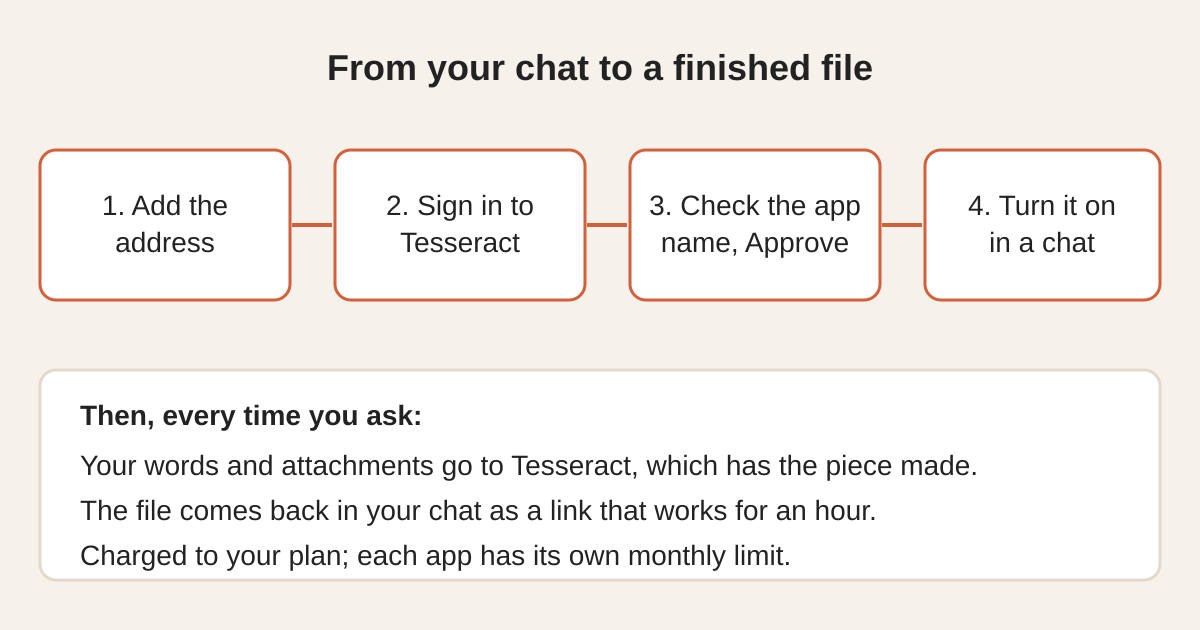
| Sign-in | Press Add, then Connect; sign in to Tesseract, check the page names Claude, press Approve | Press Create; sign in to Tesseract, check the page names ChatGPT, press Approve |
| In a chat | Turn Tesseract on under the tools button | Pick Tesseract from the tools (+ → More) |
| Teams | On Team or Enterprise, an owner adds it once in Organization settings → Connectors; each member presses Connect | Developer mode is on ChatGPT’s paid plans; a workspace admin may have to allow custom connectors first |
| Tesseract account | Needed; a free one works | Needed; a free one works |
How do I add it in Claude?
- In Claude, open Settings → Connectors and choose Add custom connector.
- Name it Tesseract and paste the address. Leave Advanced settings empty.
- Press Add, then Connect. Sign in to Tesseract, check that the page names Claude, and press Approve.
- In a chat, turn Tesseract on under the tools button, then ask.
On a Team or Enterprise plan, an owner adds it once in Organization settings → Connectors, and each member presses Connect.
How do I add it in ChatGPT?
- In ChatGPT, open Settings → Apps & Connectors → Advanced settings and turn on Developer mode.
- Back in Apps & Connectors, press Create. Name it Tesseract, paste the address, choose OAuth and tick that you trust the app.
- Press Create. Sign in to Tesseract, check that the page names ChatGPT, and press Approve.
- In a chat, pick Tesseract from the tools (+ → More), then ask.
Developer mode is on ChatGPT’s paid plans, and a workspace admin may have to allow custom connectors first. ChatGPT moves its menu names between versions, so look for the nearest match if a label differs.
What can I ask for once it’s connected?
Pictures, edits, clips, long videos and 250+ effects: camera moves, transformations and product shots for ads. Attach a photo or a video and say what you want, the way you would tell a film crew. A few things you can ask for:
- A clip from one photo, with a camera move: “Bullet time: freeze me mid-jump and swing the camera all the way round.”
- A long video in scenes: “A 30-second ad for our new sneaker in three scenes: the unboxing, a run through the city, a slow close-up.” Long videos run up to 12 scenes.
- Pictures and edits: “Four shots of this mug on marble in morning light, then edit the best one to show it in green.”
- An effect: “Turn this selfie into a clip where I crumble into dust and blow away on the wind.”
Tesseract has each piece made and hands the finished file back in the chat.
What does it cost, and how do I keep it in check?
What you make in Claude or ChatGPT costs the same as making it in the Tesseract app. Your free media is used first, then your allowance or your balance.
Each connected app also has its own monthly spending limit, $20 to start. You change it or lift it in Tesseract under Settings → Account → API keys → Connected apps, and a job that would go past the limit is not started. You pay only for what is made and handed back.
What does Tesseract see from my chat?
Only what the app sends to make each piece: your words for it and the pictures or videos you attach. Tesseract passes them to the model that makes the result, as the Tesseract app does. Your chat itself stays in Claude or ChatGPT. Nothing runs on your computer, and results come back as unguessable links that stop working after an hour.
Questions
Does my computer need to be on?
No. Nothing runs on your computer: Tesseract has each piece made and hands you the file, so it works from your phone, a borrowed laptop or anywhere you use Claude or ChatGPT.
How long do the results last?
Each picture or clip comes back as a link that works for an hour. Download what you want to keep. Ask for the job again and you get fresh links.
How do I disconnect an app?
In Tesseract, open Settings → Account → API keys → Connected apps and remove it. It stops working on its very next request. Changing your Tesseract password ends every connection too.
Does it work with other AI apps?
Any app that connects to MCP servers over Streamable HTTP with an OAuth sign-in can use Tesseract the same way: give it the address.
Is this the same as the Tesseract desktop app?
It uses the same account and the same media tools, without installing anything. The desktop app adds the 14 coding agents, the editors and everything that runs on your own computer. If you want those too, download Tesseract.
Sources
- Tesseract, In Claude and ChatGPT: setup steps, costs, privacy and questions, read November 12, 2026.